A brand manual lists a Pantone number, the lighting spec copies its RGB value into a controller, and the lit wall comes out a different color. Pantone measures ink on paper, and an RGBW strip emits light from chips whose wavelengths vary. The match is approved lit on site, not calculated from a number.
Nobody in that story is wrong. This article explains why the numbers disagree, which brand colors an RGBW strip matches easily and which it does not, and a four-step approval that puts the match on paper.
A Typical Job
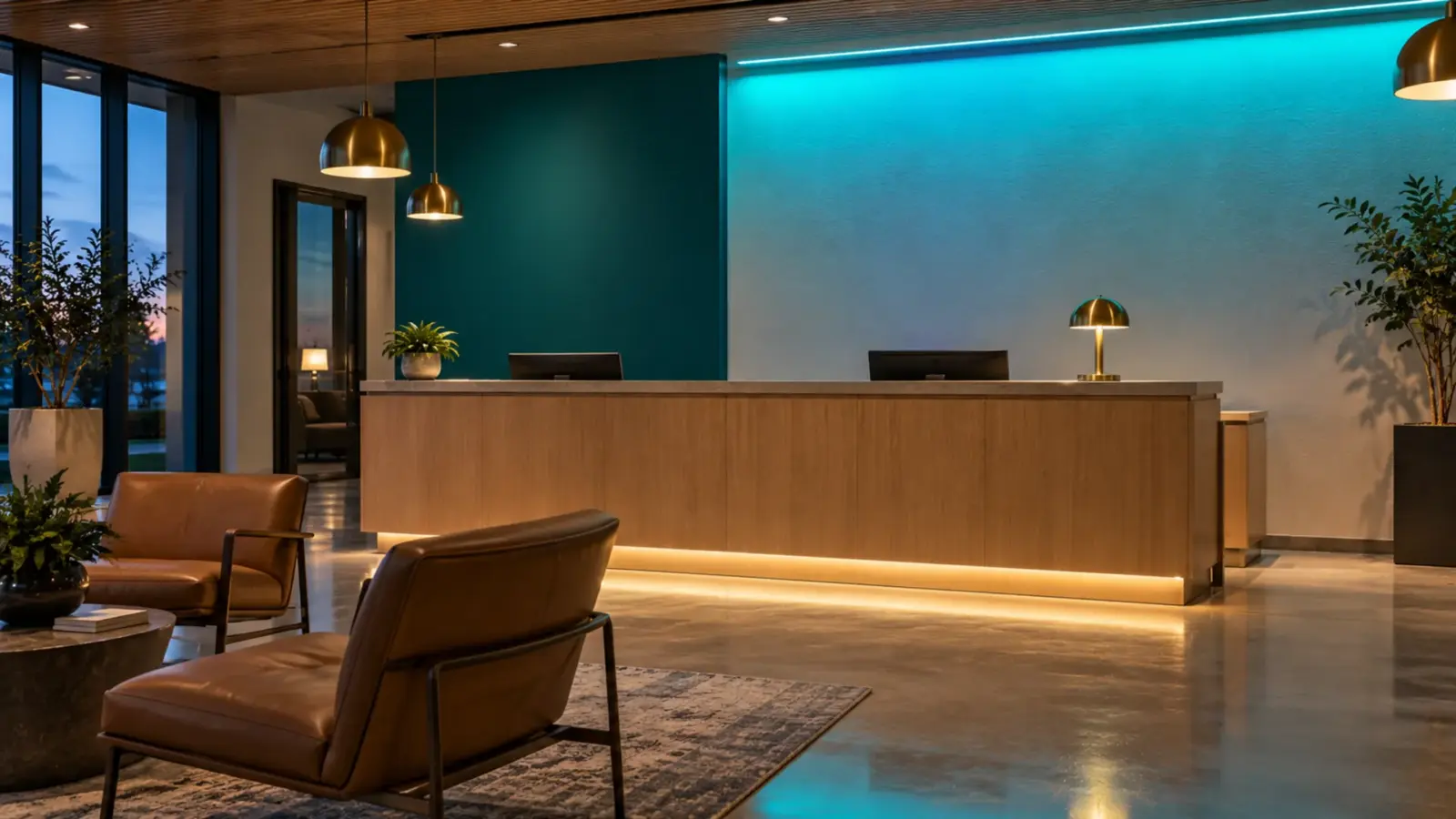
Take a franchise storefront, as a typical job and not a named one. The brand manual specifies a deep teal by its Pantone number. The sign contractor looks up the RGB equivalent, the electrician dials those levels into an RGBW controller, and the fascia lights up a shade too blue. Someone raises the green channel until the owner’s representative nods. Six weeks later the second store in the program gets its strip from a later reel, with the same levels on the controller, and the two fascias do not agree.
Each step in that story has a reason, and none of the reasons is a defect. The sections below take them in order.
A Swatch Is Ink, a Strip Is Light
Pantone’s own pages say as much. Its Color Finder notes that “on-screen digital color simulations may not accurately match the actual physical Pantone Color Standards.” Its support page on physical samples gives the reason as “the fundamental difference between additive and subtractive color spaces,” and adds that “a recent, non-faded Pantone Color Standard reference sample is critical” when a project leaves the digital realm. A strip adds light. A swatch subtracts it from the light that falls on it.
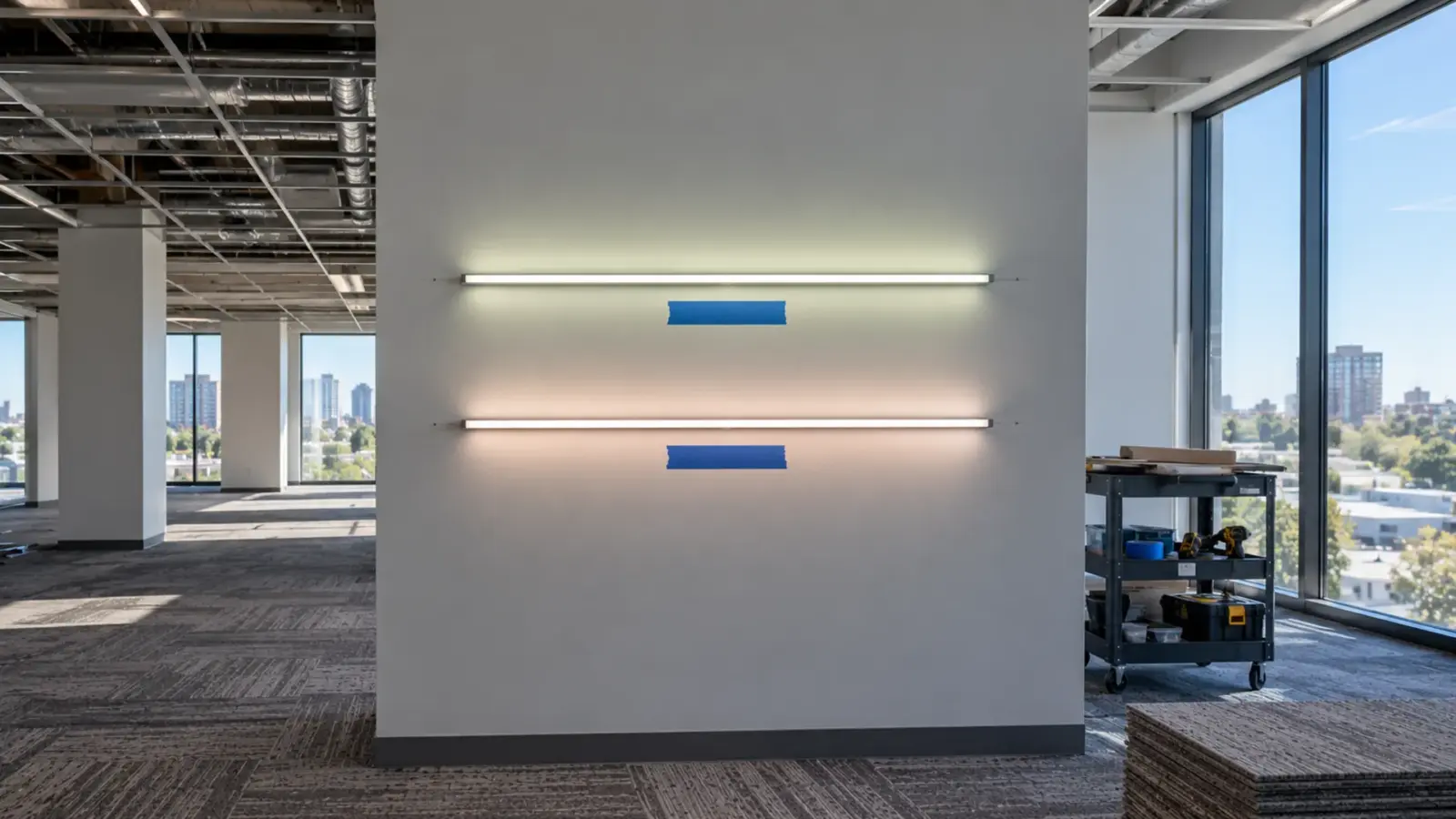
The surface joins that arithmetic. A strip lighting white laminate sends more of its light back to the eye than the same strip on a dark panel, and a colored surface changes the mix again. The color a visitor sees is the strip’s light as filtered by the surface in the room’s ambient light, which is why the sample has to be lit on the real finish.
The RGB value is not one number either. Pantone publishes the M1 values in its printed Color Bridge guides and the M2 values in Pantone Connect. M2 “filters out (or cuts) the effect of OBAs,” the optical brighteners in paper, and design programs such as Adobe use M2. Two people copying the RGB or hex value for the same Pantone color can start from two different numbers before an LED is involved.
The RGB Number Is a Request, Not a Result
On a strip, the RGB value is a drive level: how hard each color chip is driven. The color that comes out depends on the chips. ETC, which builds stage LED fixtures, puts it this way: “small variations in the crystal structures result in slight differences in wavelength and output between individual LED chips,” and even within a bin “the allowable variation is large enough to be visible to the human eye.” Thomas Schielke of ERCO wrote in LEDs Magazine in 2007 that each LED’s color depends on its luminous flux and dominant wavelength, that both vary in production, and that some luminaire makers demand bins selected more tightly for wavelength to get a closer match.
| What the number cannot fix | Why | Source |
|---|---|---|
| Chip-to-chip wavelength | Crystal variation; a bin still leaves visible spread | ETC |
| Chip-to-chip output | Flux varies in production | ERCO article |
| A later reel or lot | A later batch can look different even at the same CCT; “strips should only be mixed if they come from the same bin” | Ultra LEDs (white strip) |
| The white channel’s color | The white diode is warm, neutral or cool, fixed by the chip | PAC Lights |
Fixture makers correct for this. ETC measures each emitter’s output and wavelength at the factory, stores them in the fixture, and mixes the emitters to hit the requested color, with a limit: once a color is outside the fixture’s gamut, “calibration can no longer guarantee a match between fixtures.” ETC adds that its direct mode “cannot correct for wavelength differences between LEDs,” so two units shown the same single-color command, such as blue at 100 percent, are not expected to match. ETC also recommends comparing units at a built-in calibrated white, for example 3200K, before judging a color. A strip system can borrow the idea: put two reels on the white channel first, and if the whites already differ, the reels are probably not from one bin, so check the batch before judging the colors.
Strip without per-emitter calibration relies mostly on bin selection, so ask the supplier which it is, and for the bin or batch of the reels you are buying.
What the White Channel Does and Does Not Do
RGB-only white is a poor white. Our RGB and RGBW page says RGB-mixed white is a cool, tinted blend with poor color rendering, and that the dedicated white channel renders at Ra≥90. The Shine lighting forum says the same thing from the physics side: adding a white LED balances efficacy and color rendering, and RGBW can make more saturated reds and a full range of pastels. That is why our page suggests RGBW for “clean pastels and true white.”
Two cautions. The white channel is a single white chip, which PAC Lights lists as warm, neutral or cool, so check its CCT against the brand’s off-white before counting on it. And this article does not claim the white chip widens the range of saturated colors: the sources we read credit it with clean white and pastels (Shine) and, without numbers, a broader range (PAC Lights), and in our reading the saturated colors still come from the red, green and blue chips.
Which Brand Colors Match Easily
| Brand color | Risk | Why | What to do |
|---|---|---|---|
| Pastels and tints | Lower | The white channel is what makes pastels clean | Approve lit, as for any color |
| Mid-saturation colors such as many corals and purples | Medium | Hue shifts with wavelength and bin | Approve lit; order one bin |
| Deep, saturated colors: deep blue, full red, full green, and in our judgement deep teal | Highest | ETC names “highly saturated extremes like deep blue, full red, or full green” as where matches fail | Expect to desaturate slightly; ETC suggests adding some red and green to a blue-heavy mix to bring it back inside the range |
| Golds and ambers | Check | The Shine thread notes that an amber chip creates a larger range than RGB alone | Our RGB and RGBW page lists RGB, RGBW and RGB+CCT builds and no amber chip, so say early if amber matters |
| Whites and off-whites in the palette | Depends | The white chip has one CCT; a brand white near it is easy, one far from it is not | Compare the brand white to the chip’s CCT, or use a tunable white strip for a set of whites, and approve the white lit |
The risk column is our judgement, not a measurement; ETC’s sentence is about fixtures matching each other.
What to Ask the Supplier
| Ask | Why it matters |
|---|---|
| Is the strip system calibrated emitter by emitter, or does it rely on bins? | Calibration can hide chip spread; bins alone cannot |
| What is the bin or batch of each reel, in writing? | The reorder needs a reference |
| How tightly are the red, green and blue chips binned by dominant wavelength? | A tighter wavelength bin gives a closer match, per ERCO |
| What are the white channel’s CCT and Ra? | The white is fixed by the chip and carries the pastels |
| Can the controller store and recall a recorded recipe per zone? | The approved recipe has to survive a service call |
| Can later reels come from the same bin, and for how long? | Phase two of a program is a reorder |
When to Change the Request
Some colors will not match, however the strip is built. When the brand color is a deep, saturated blue, red or green, the useful conversation is with the brand owner, early: show the lit sample beside the chip, and ask whether the owner will approve a lit variant that stays inside what the strip can mix. ETC’s advice for matching fixtures to each other points the same way, by analogy: reduce the saturation a little or add some red and green to a blue-heavy mix to bring the color back inside the range. A brand owner who has signed a lit sample has no complaint at the walkthrough. One who has only seen a Pantone chip does.
Approve It Lit: A Four-Step Match
- Get the physical standard. Pantone calls a recent, non-faded sample critical. Use the brand owner’s current chip, not a printout or a screen.
- Light a sample on the real surface. Run the strip on the project’s own finish, at project brightness, under the room’s ambient light, and hold the chip beside it. A strip on white paint reads differently from the same strip on a dark panel.
- Tune and record the recipe. Adjust until the brand owner’s representative accepts it, then write down the level of each channel (red, green, blue, white), the controller model and its version.
- Lock it. Order from one bin, keep a labeled reel of the approved lot, and write acceptance as a match to the approved sample at the recorded recipe. A reorder is checked against that reel before it goes on the wall.
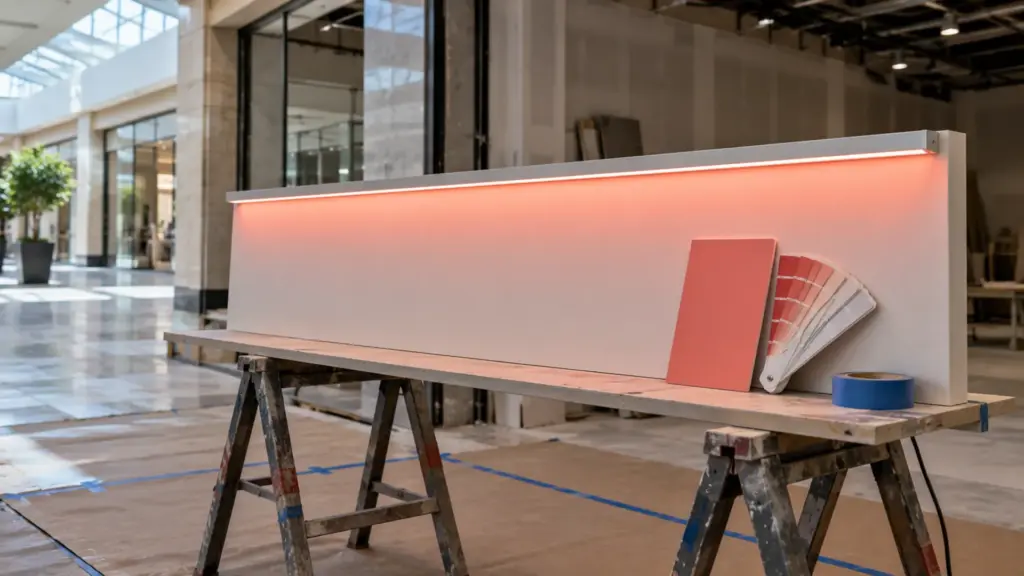
The recipe card can be one line per zone: location, lot, the four channel levels, controller model and version, who approved it and when. Photograph the lit sample beside the chip under the room light and keep the photo with the card, as a record of the day. A photograph is not a color measurement, so the retained reel and the card carry the proof, not the picture.
Spec Language
Three lines carry most of it:
- Color: match to the approved lit sample dated [date], recipe R [ ]%, G [ ]%, B [ ]%, W [ ]%, controller [model].
- Supply: all strip for this color from one bin or lot; supplier states the bin on the delivery.
- Reorders: matched to the retained reel; no installation of a reorder before the brand owner’s representative has seen it lit.
Rules of Thumb
- Never put the Pantone value or its RGB equivalent in the spec as the requirement. Put the approved lit sample.
- Treat deep blues, reds and greens as a conversation with the brand owner, not a number.
- Approve on the real surface, at the real brightness.
- Record the recipe and keep a reel.
- Order one bin, and say so.
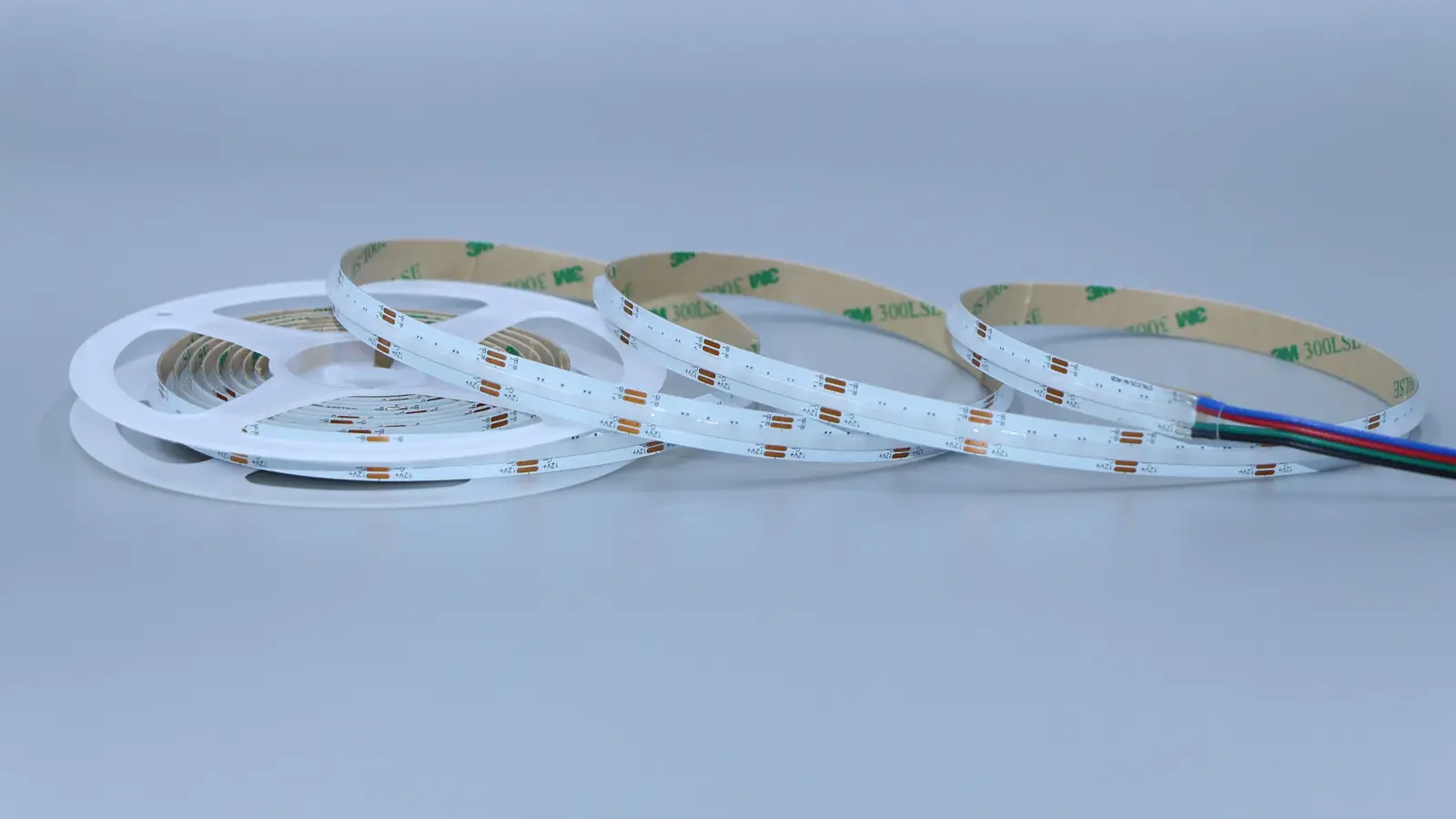
Our RGB and RGBW range includes dot-free COB RGBW such as UT-RW784-12 (24V, 5.8 W/ft, 16 ft per feed), and we pair the controller and driver at quote. For the product choice itself see the RGB versus RGBW guide, for white-strip binning the SDCM guide, and for a deep brand color on a sign face the channel letters guide.