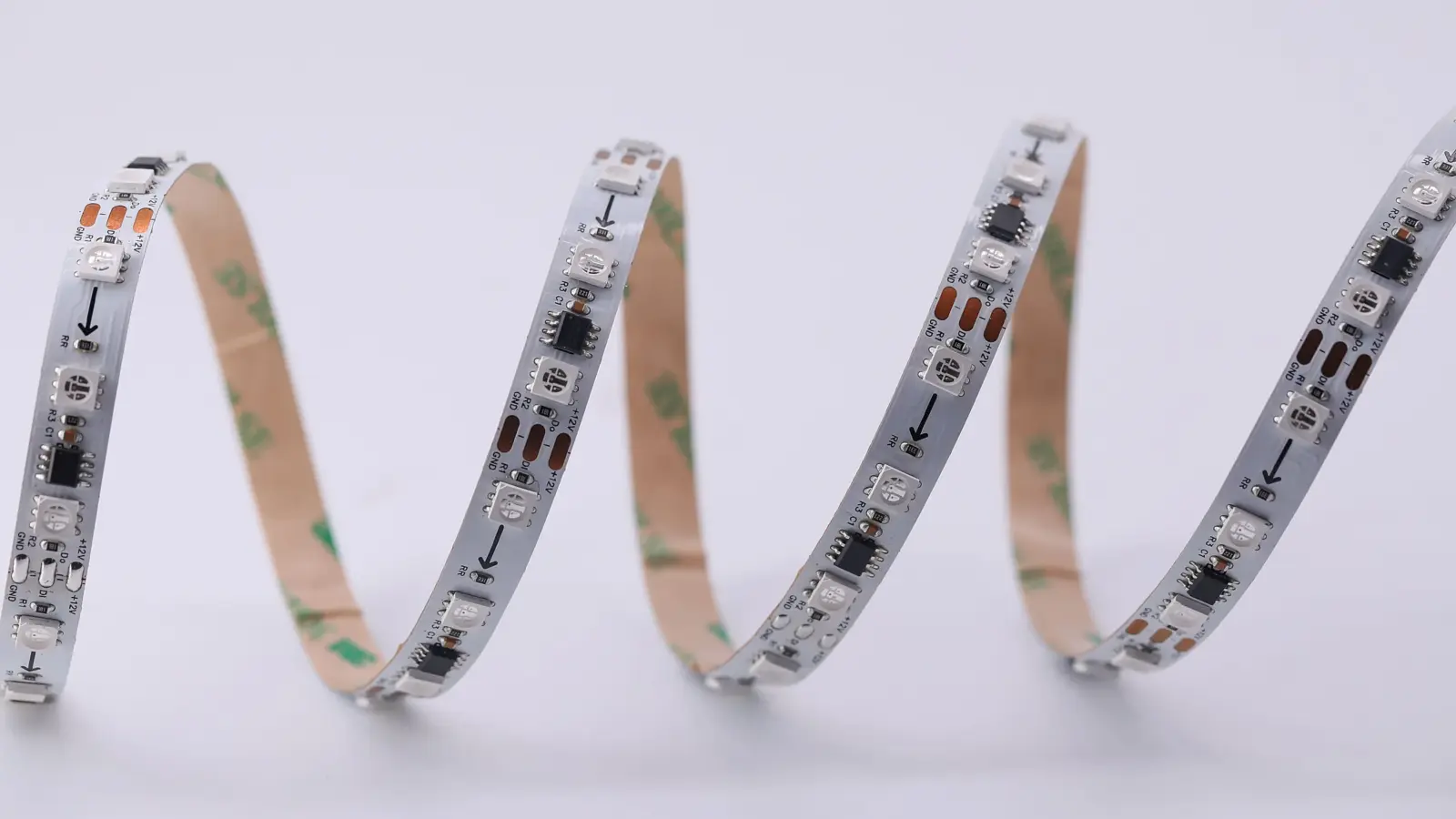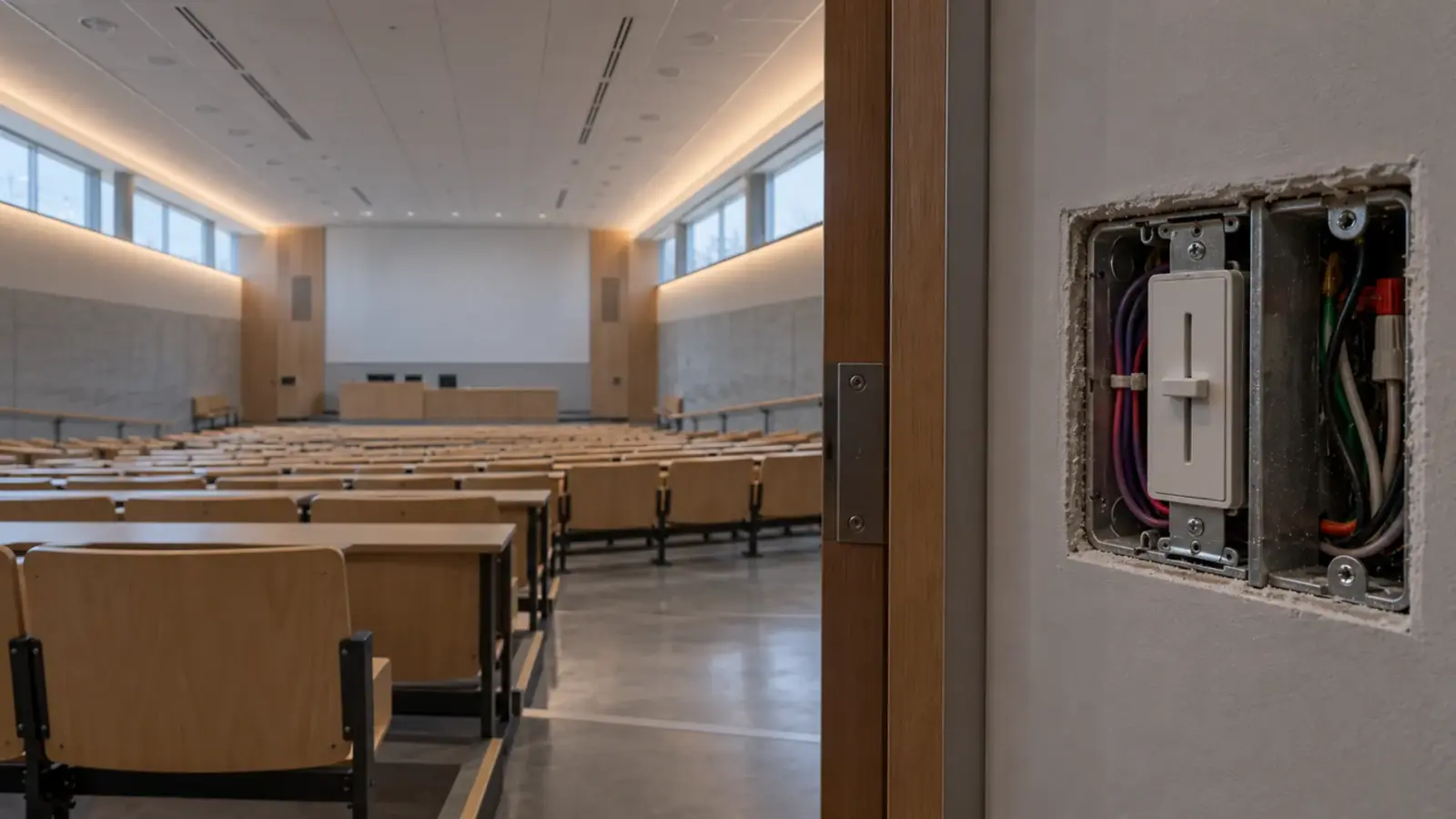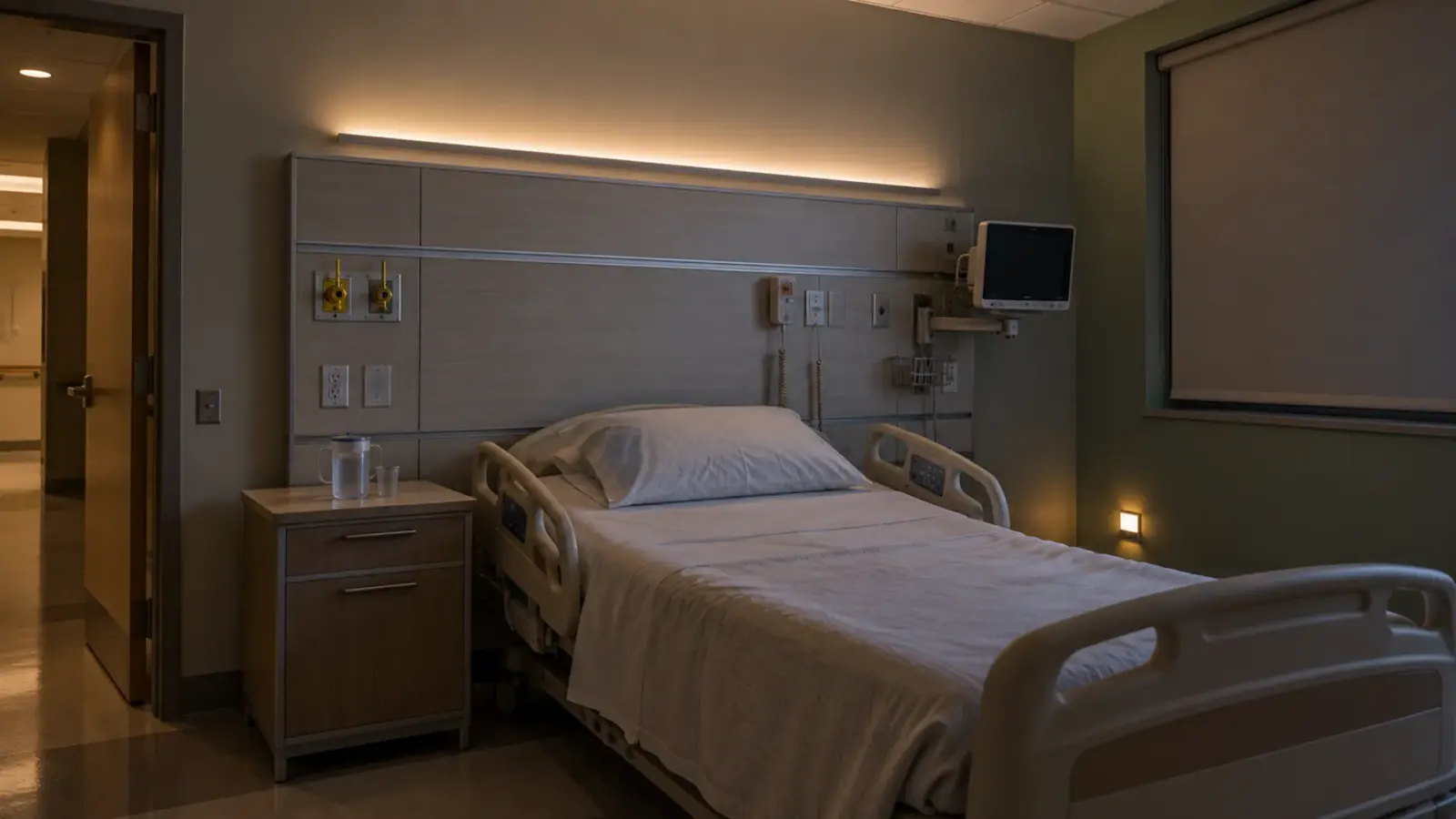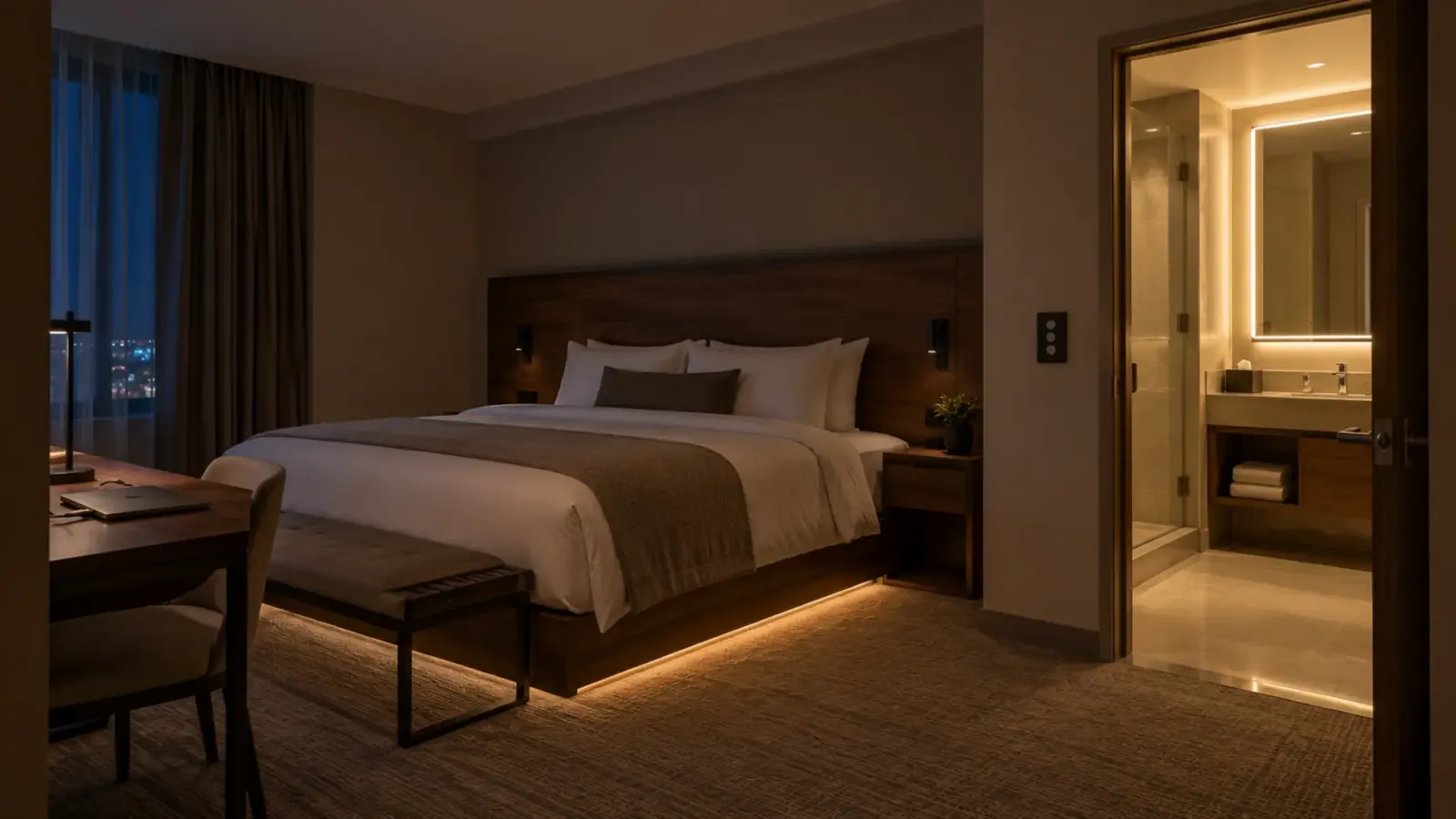
An addressable COB LED strip is a Light with no visible LED points. Reached by COB construction, a dense pitch, or enough distance between the LEDs and the diffuser. COB line with control ICs along it, where each IC drives a group of LEDs as one pixel. That is why a strip sold as 576 LEDs per meter can carry only 16 pixels per meter.
The LED count sets how smooth the line looks; the The smallest independently controlled section of addressable strip, from one LED to a group of three or six. Pixel count sets the data and universe budget. count sets what an effect can show.
Most listings lead with the first number. A designer who reads it as resolution draws an effect the strip cannot play. The sections below count the pixels on every row in our range and show what each pixel size is good for.
LEDs per Meter Is Not Pixels per Meter
On our COB rows the IC drives a small group of LEDs, and the cut marks fall between pixel groups, as our pixel IC guide explains. So the cut interval is the pixel length, assuming one IC per cut segment. That is how cut marks between pixel groups usually fall; confirm the pixel count on the model’s datasheet before the controller layout is final.
Here is every addressable COB row on our addressable LED strip page, counted that way (pixels per foot = 304.8 mm ÷ cut interval, to the nearest 0.1; pixels in 10 ft rounded down to whole pixels):
| Model | LEDs/m | IC | Color | Pixel length (cut) | Pixels per foot | Pixels in 10 ft |
|---|---|---|---|---|---|---|
| UT-A576-10-DCW | 576 | WS2811 | Dual-color chase, 2700–6500K | 1.64 in (41.66 mm) | 7.3 | 73 |
| UT-A720-12 | 720 | WS2811 | RGB | 1.97 in (50 mm) | 6.1 | 60 |
| UT-A720-12-BP | 720 | WS2818 | RGB, breakpoint resume | 1.97 in (50 mm) | 6.1 | 60 |
| UT-A432-10 | 432 | WS2811 | RGB, 12V | 2.46 in (62.5 mm) | 4.9 | 48 |
| UT-A576-10 (and -BK) | 576 | WS2811 | RGB | 2.46 in (62.5 mm) | 4.9 | 48 |
| UT-AW784-10 | 784 | WS2814 | RGBW | 2.81 in (71.42 mm) | 4.3 | 42 |
| UT-ACW840-15 | 840 | WS2805 | RGBCW | 2.81 in (71.42 mm) | 4.3 | 42 |
| UT-A360-10-CW | 360 | WS2811 | Chasing white | 3.28 in (83.33 mm) | 3.7 | 36 |
| UT-A630-8-SV | 630 | WS2811 | RGB, side-view | 3.94 in (100 mm) | 3.0 | 30 |
| UT-A540-12-DMX | 540 | UCS512CLN (DMX) | RGB | 3.94 in (100 mm) | 3.0 | 30 |
| UT-A420-10-CW | 420 | WS2811 | Chasing white | 3.94 in (100 mm) | 3.0 | 30 |
For comparison, the 5050 SMD row UT-A60-10 in its 5V or 12V build carries 60 LEDs per meter with an SK6812 per LED, about 18.3 pixels per foot and 182 in 10 ft, at the cost of a dotted line. On COB, 784 LEDs per meter (UT-AW784-10) gives fewer pixels than 576 (UT-A576-10-DCW), because the LED count and the pixel count are set by different things.
What a 2 in Pixel Can Show
A COB pixel is a short, smooth bar of one color, about 1.6 to 3.9 in long on our rows. That size suits effects that move slowly or blend, and it breaks effects that need a fine grid.
| Effect | At 1.6 to 3.9 in pixels | Why |
|---|---|---|
| Slow color gradient along a cove or a band | Works well | Neighboring bars blend into a smooth fade under an opal cover |
| Chase or comet moving along a run | Works | Each step is one bar; slow chases look continuous, fast ones step |
| Breathing, scene fades, whole-run color changes | Works | Pixel size does not matter when the run moves together |
| Wayfinding chase toward an exit or an elevator | Works | A white or colored pulse reads at walking pace |
| Short text, logos or numbers | Fails | One row of 1.6 to 3.9 in bars cannot draw a letter; text needs several rows of pixels (a matrix) |
| Video or detailed mapped content | Not suited | Needs many pixels close together; SMD at one IC per LED, or a matrix |
| Very short features, such as a 12 in shelf edge | Coarse | Three to seven pixels in total |
Pixel length also changes how fast an effect moves. Most pixel controllers set speed in pixels, so a chase set to 30 pixels per second travels about 4.9 ft per second on UT-A720-12 (6.1 pixels per foot) and about 10 ft per second on UT-A540-12-DMX (3.0 pixels per foot). Two rows side by side in one scene will not move together unless the effect is mapped by distance, not by pixel number. Keep one row per visible feature, or give the programmer the pixel length of each run.
The decision is the line or the grid. If the design calls for a smooth, dot-free line that changes color and moves slowly, addressable COB is the better product. If it calls for detail, take the dotted SMD row and a deeper The cover on a channel that softens the LED points: clear keeps output, frosted blurs, opal hides the dots at the cost of some light., and accept the dots or the depth.
White Is a Separate Choice
An RGB pixel makes white by mixing red, green and blue, and that white looks tinted beside a real white source. Many commercial spaces run white for much of the day, so pick the row by the white it has:
- RGB rows (UT-A576-10 and its -BK build, UT-A720-12, UT-A720-12-BP, UT-A432-10, the side-view UT-A630-8-SV and the DMX UT-A540-12-DMX): color effects only; white is mixed.
- RGBW (UT-AW784-10, WS2814): a dedicated white in every pixel, for spaces that run white by day and color for events.
- RGBCW (UT-ACW840-15, WS2805): color plus warm and cool white, five channels per pixel, for a scene that has to move between warm and cool white as well as color.
- Chasing white (UT-A360-10-CW, UT-A420-10-CW): white only, with motion; a pulse or wave in white light for lobbies, corridors and wayfinding where color would look out of place.
- Dual-color chase (UT-A576-10-DCW): two whites, 2700–6500K, chasing; the finest pixel in our COB range at 1.64 in.
The RGBCW row draws more: UT-ACW840-15 lists 7.9 W/ft against 4.9 W/ft for UT-A576-10 at 24V, so the driver count follows the row you pick.
Black and Side-View Builds
Two rows solve detail problems rather than color ones. UT-A576-10-BK is the RGB row on a black board, for a black channel or a dark millwork reveal where a white board would show. UT-A630-8-SV is a side-view build: it lights sideways, parallel to the surface it is mounted on, for glass-edge lighting or a slot where the light has to leave to the side. It shares the longest pixel in the range, 3.94 in, so it suits a slow wash or a whole-run scene better than a chase.
Cut Length Is Pixel Length
A run can only end at a cut mark, and every cut mark is a pixel boundary. So the run length is a whole number of pixels, and the last fraction of a pixel stays dark.
Take a typical reception desk front, 9 ft (108 in) long, banded with UT-AW784-10:
- 108 in ÷ 2.81 in = 38.4 pixels, so the run is 38 pixels.
- 38 × 71.42 mm = 2,714 mm, about 106.8 in.
- That leaves about 1.2 in dark, which goes at the end hidden by the desk return, not at the visible end.
With a long pixel, the leftover can approach 4 in (UT-A630-8-SV, UT-A540-12-DMX, UT-A420-10-CW), so lay the run out from the pixel grid, not from the millwork, and tell the millwork shop where the dark end goes. On a mitered corner the same rule applies to each leg; our channel cutting guide covers sizing the channel to the strip’s cut grid.
Channel and Cover
COB hides its LEDs without much depth, but an opal cover still helps an addressable run: it softens the edges between pixels, which makes gradients smoother. Match the channel to the board width in the model number, the second number in our code (UT-AW784-10 is a 10 mm board):
| Board width | Our rows | Channels that take it |
|---|---|---|
| 8 mm | UT-A630-8-SV (side-view: it lights sideways, so check the channel’s opening faces the target) | Every profile in our range |
| 10 mm | UT-A576-10 and -BK, UT-AW784-10, UT-A360-10-CW, UT-A420-10-CW, UT-A576-10-DCW, UT-A432-10 | UT-CH1013, UT-CH1616, UT-CH1708 and wider |
| 12 mm | UT-A720-12, UT-A720-12-BP, UT-A540-12-DMX | UT-CH1715, UT-CH2020, UT-CH2415, UT-CH3020 |
| 15 mm | UT-ACW840-15 | UT-CH2415, UT-CH3020 |
Our LED channel range lists each profile’s maximum strip width.
Feeds, Data and the IC, Briefly
Power and data are separate budgets. Most of our COB rows feed 16 ft (5 m) per injection point, and UT-A432-10 at 12V feeds 10 ft (3 m); keep each driver at or below 80% of its rating, as our addressable page says. The IC decides what happens when a pixel fails (WS2818 on UT-A720-12-BP passes the data on), how far apart pieces can be, and whether a camera sees flicker; our pixel IC guide covers all three. Whether the controller sends SPI or DMX is the subject of our SPI vs DMX guide.
Rules of Thumb
- Count pixels, not LEDs: pixels per foot = 304.8 mm ÷ the cut interval in mm, assuming one IC per cut segment; confirm on the datasheet.
- Addressable COB is for smooth lines, gradients and slow motion; text needs a matrix, and fine detail needs SMD with an IC per LED.
- Pick the row by its white: RGB, RGBW, RGBCW, or a white-only chase.
- Lay runs out in whole pixels and put the dark remainder where nobody looks.
- Match the board width to the channel, and use an opal cover for smoother gradients.
We match the row, the controller and the injection plan to the effect at quote; the addressable LED strip page has the full spec table.