“How do you cut LED track for inside and outside corners?” comes up on the first page of results for this job. Cut aluminum LED channel with a miter saw and a non-ferrous carbide blade, at 45° for each half of a 90° corner, and deburr every cut before the strip goes in.
The longer answer starts before the saw, because the channel length has to suit the strip inside it.
The steps below go in the order the work does, each with the check to make before the next cut.
Step 1: Work Out the Cut Length From the Strip, Not the Wall
A channel is cut to the run, but the strip inside it can only be cut at its marked points. If the channel is cut first and the strip second, the strip either comes up short with a dark end or does not fit. Work out both lengths together.
- Measure the run wall to wall, or between the points where the line should start and stop. Measure at the height where the line will sit, at both ends and in the middle; walls are rarely straight, and a shelf run that is 1/4 in shorter at the back than at the front needs the shorter number.
- Dry-fit the end caps and the feed exit on an offcut and measure what they take from the inside length. The strip has to fit between them.
- Snap the strip to its cut grid. Divide the space left by the strip’s cut interval and round down.
- Center the strip if both ends are visible, so the two dark ends match.
Do the division in millimetres: the cut marks sit every 25 or 50 mm, and rounding them to 0.98 or 1.97 in adds up over a long run.
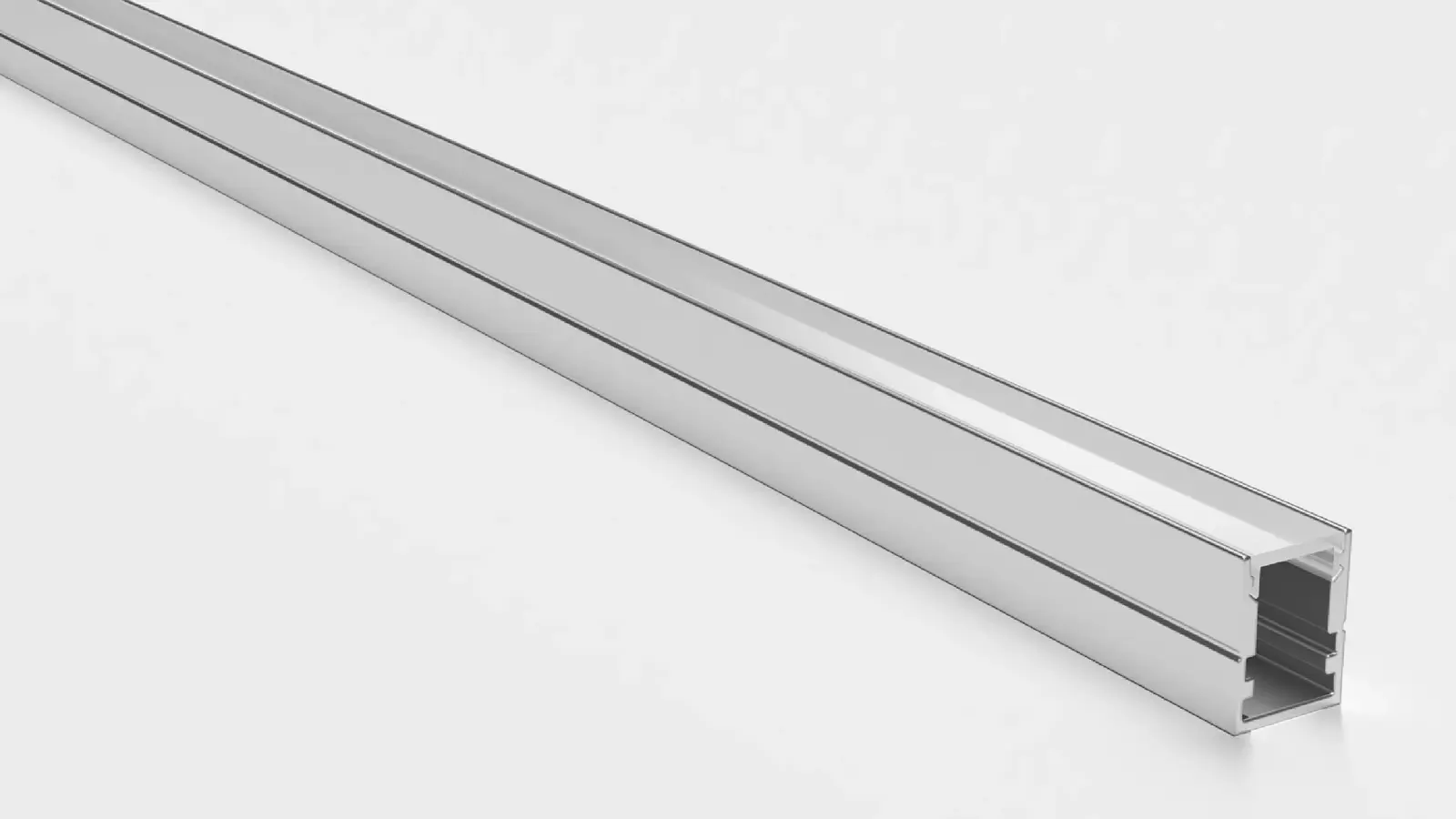
A typical 12 ft shelf run with our UT-CH1715 recessed channel (17 × 15 mm, takes up to a 12 mm strip) and our UT-C480-8 COB strip, assuming the caps take 1/4 in at each end on the dry fit:
| Item | 24V strip, cut every 1.97 in (50 mm) | 12V strip, cut every 0.98 in (25 mm) |
|---|---|---|
| Run and channel | 144 in (12 ft) | 144 in (12 ft) |
| Space between caps | 143.5 in (3,645 mm) | 143.5 in (3,645 mm) |
| Segments that fit | 72 | 145 |
| Strip length | 3,600 mm = 141.7 in (11 ft 9.7 in) | 3,625 mm = 142.7 in (11 ft 10.7 in) |
| Dark length left | 1.8 in, about 0.9 in at each end | 0.8 in, about 0.4 in at each end |
| Load at 3.2 W/ft | about 37.8 W | about 38.1 W |
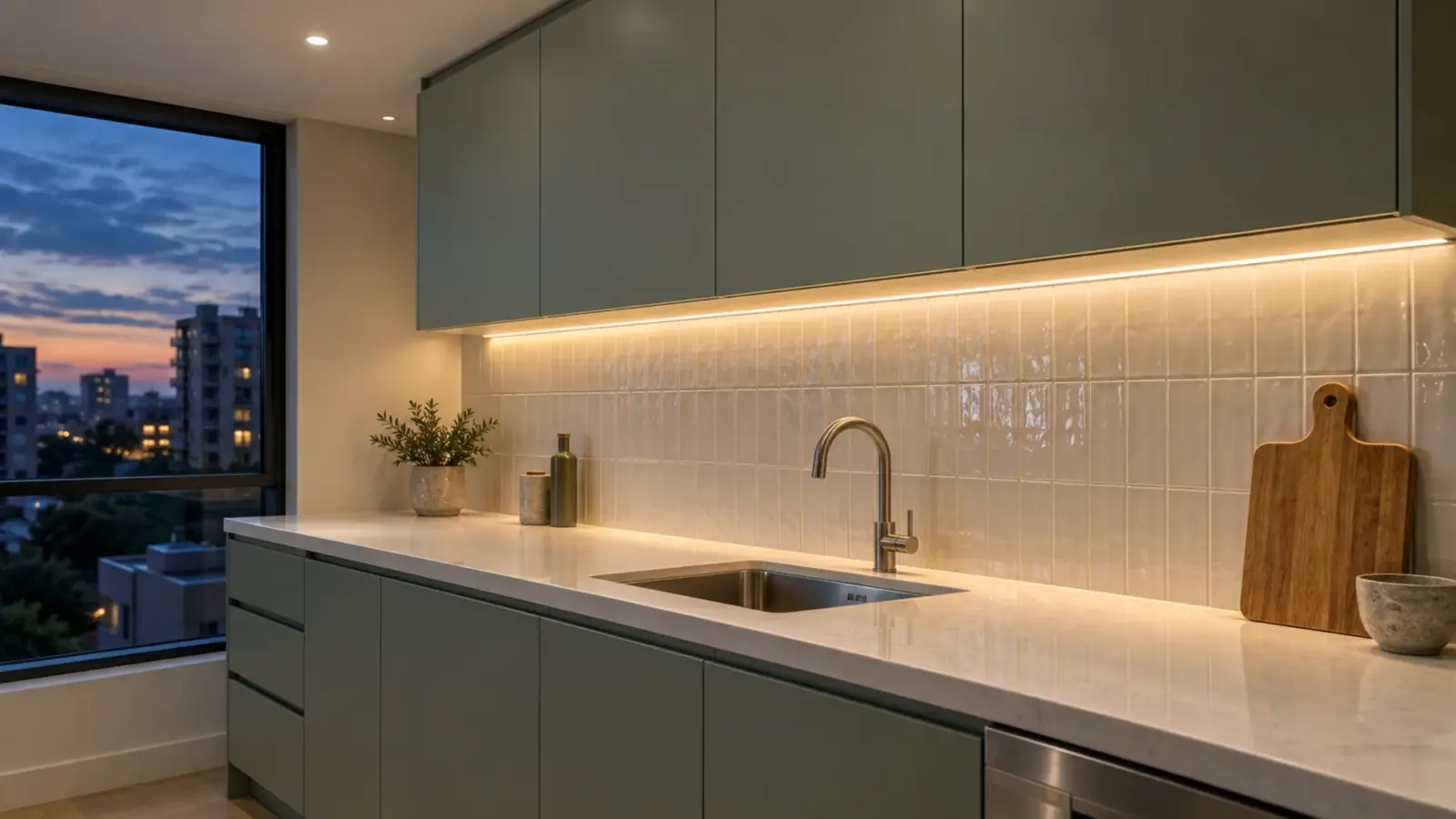
Both versions stay inside the strip’s 16 ft (5 m) run from one feed. The finer cut grid leaves less dark at the ends, which matters on a shelf seen end-on; on a cove where the ends are hidden, the 24V version is fine. Our guide to cutting and joining LED strip covers the strip side of this step.
Checkpoint: write the channel length, the strip length and the number of segments on the cut list before anything is cut.
Step 2: Pick the Blade and Set Up the Saw
Our channel page puts it simply: aluminum channel and its polycarbonate cover cut cleanly with a miter saw and a non-ferrous metal blade, and the The closure at the end of a channel or neon section. On IP-rated product it is part of the seal; on channels it finishes the extrusion. re-seat on the cut end. The blade is what decides whether the cut is clean.
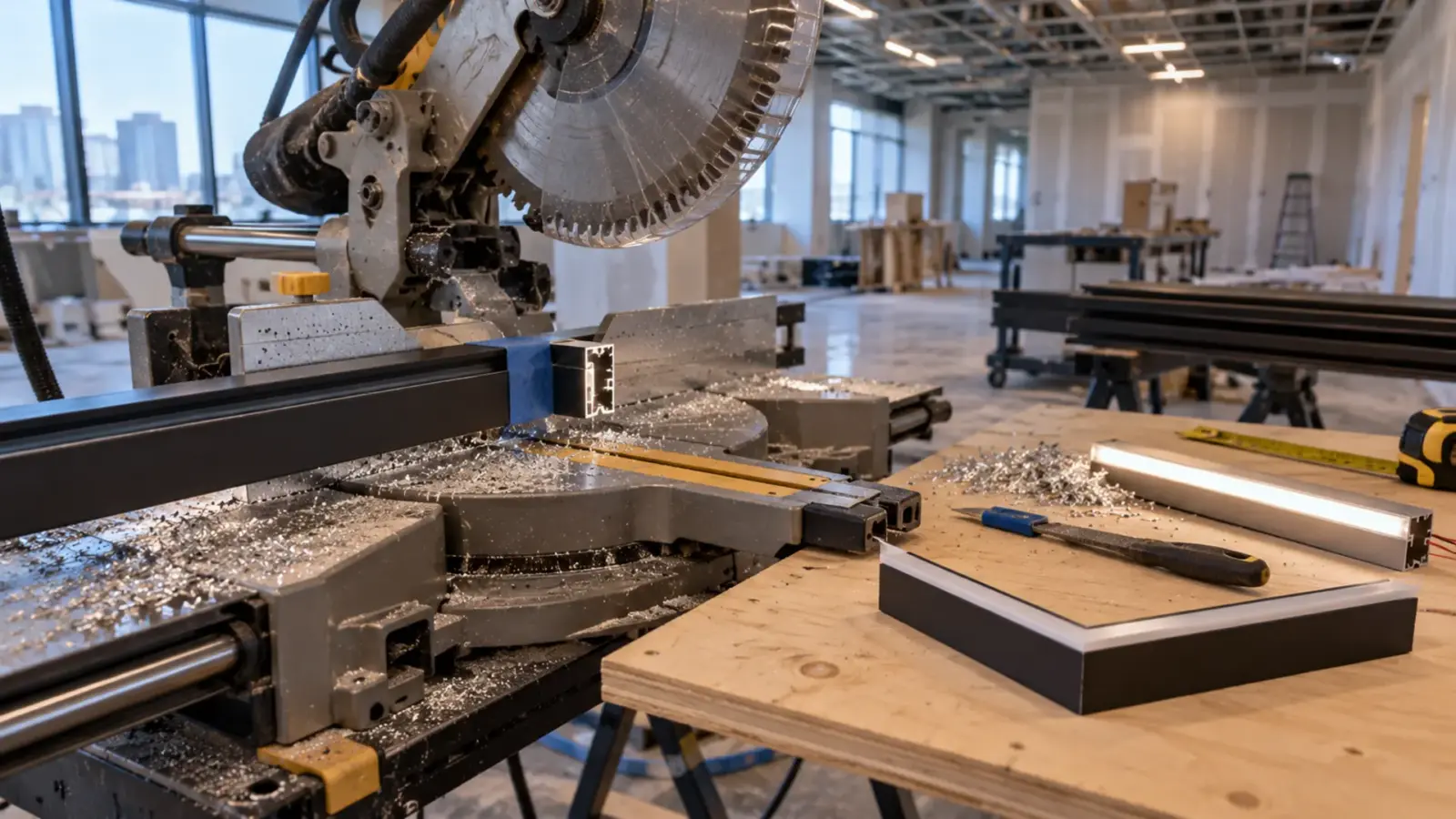
- Non-ferrous carbide, triple chip grind. Blade makers sell triple chip grind (TCG) carbide blades for aluminum, and the forum advice we read from people who cut extrusion says the same.
- Negative hook angle. A negative hook holds the work down instead of pulling it into the blade. Listed values on aluminum blades run around −5° to −6°.
- More teeth for thin walls. One blade seller says thin-walled profiles cut best with more cutting edges. A channel wall is thin, so pick the higher tooth count offered for your saw size.
- Lubricant if the maker asks for it. One blade maker calls for a mechanical hold-down and lubricant on aluminum; a stick of cutting wax on the blade is the common field choice.
- Clamp the channel. Hold it against the fence with a clamp, not your hand, and support the long end so it does not drop as the cut finishes.
A fine-tooth hacksaw and a miter box work for one or two cuts. In our experience they leave a rougher edge, so plan more time for Step 5.
Wear eye and hearing protection. Aluminum chips come off hot and sharp.
Checkpoint: make a test cut on an offcut and look at the edge. A clean, bright face with a small burr means the setup is right; a torn or smeared edge means the wrong blade or too fast a feed.
Step 3: Cut the Channel and the Cover
Cut the channel slowly and let the blade do the work. Lower the saw at a steady pace through the full profile, then let the blade stop before lifting it out of the cut.
For the cover, there are two ways that both work:
- Cut it in the channel. Click the cover in and cut both together. The ends match exactly, which is what you want on a run where the cover meets an end cap. Our channel page says the channel and the cover both cut cleanly with a miter saw.
- Cut it separately. Some installers cut the cover on its own with the same saw, or with a fine blade, and test-fit it after. This suits a cover that has to run past a joint in the channel to hide it.
Either way, wrap the cut area in painter’s tape if the finish matters. The tape keeps the blade from marring the anodized face and makes the cut line easy to mark.
Checkpoint: dry-fit the cut piece with both end caps and the cover before the next cut. The caps should seat fully on the cut end.
Step 4: Miter the Corners, Butt the Straights
Two joints cover almost every line: a miter where the line turns, and a butt joint where two straight pieces meet.
Miters. A 90° corner takes a 45° cut on each piece, so the two faces meet in a clean line. For an inside corner and an outside corner, the cuts mirror each other; set the saw, cut the first piece, then swing the saw to the opposite 45° for the second. For a corner that is not square, measure the real angle and split it in half. Cut the cover at the same angle so it follows the channel.
The strip does not turn a mitered corner the way the channel does. Cut the strip at a cut point before the corner and join the two pieces with a jumper or a corner connector. On a rounded corner, a strip made to bend sideways can follow the curve instead; a sharp 90° corner still needs the connector or the jumper. Each method leaves a different gap in the light at the corner; our cove corner guide shows how to keep that gap small.
Butt joints. Square both ends, deburr them, and align the pieces with the joiner or the mounting clips so the face of the channel is flush across the joint. A step you can feel with a fingernail shows as a shadow line under an opal cover. Indoors the pieces can meet tight. Outdoors and on long runs, leave room for the aluminum to grow; our expansion gap guide gives the numbers and the fixed-point detail.
Checkpoint: before fixing, lay the pieces out on the floor or the bench in order and check every joint for a flush face and a tight line.

Step 5: Deburr and Clean Before the Strip Goes In
The cut edge is the part most likely to damage the strip. A burr left on the inside of the channel can cut into the strip as it is pressed into place; our install crew checklist lists a deburring tool for exactly that reason.
- Deburr inside and outside with a deburring tool or a fine file, until a fingertip slides along the edge without catching.
- Blow or vacuum out the chips. Chips left in the channel end up under the strip or in the cover track.
- Wipe the strip seat with alcohol before the strip’s tape goes down, because tape on a dusty surface lets go.
- Mark each piece on its back with its location from the cut list, so the right length goes to the right wall when several runs are cut in one session.
Checkpoint: run a fingertip along every cut edge, inside and out, before the strip goes in.
When to Order It Pre-Cut
Cutting on site makes sense for a handful of pieces. On a hotel floor or an apartment building where the same shelf or cove repeats in dozens of rooms, cutting every piece on site repeats the same errors dozens of times. We pre-cut channels to a run schedule on request, and each piece arrives labeled for its location. Our channels come in 2 m (6.6 ft) and 3 m (9.8 ft) lengths, so a schedule also saves offcuts.
The schedule works best when the strip is ordered the same way, room by room with every length snapped to the cut grid; our cut schedule guide shows how to build one that a factory can fill.
Cut Faults and Fixes
| Fault | Cause | Fix |
|---|---|---|
| Torn or smeared cut face | Wrong blade (wood blade, positive hook) or forcing the cut | Non-ferrous TCG blade with a negative hook, slower feed |
| Strip has a dark end | Channel cut before the strip length was worked out | Recut the channel to the strip, or move the strip to center it |
| Mitered corner has a gap | Wall corner not square | Measure the real angle and cut half of it on each piece |
| Shadow line at a butt joint | Pieces not flush | Align with the joiner or clips; deburr both ends |
| Cover will not seat | Burr in the cover track or cover cut long | Deburr the track; trim the cover |
| Strip shorts or dies after install | Burr cut the strip as it was pressed in | Replace the strip; deburr the channel inside and out first |
| Joint opens or bows outdoors | No room for expansion | Rework with a gap and one fixed point per piece |