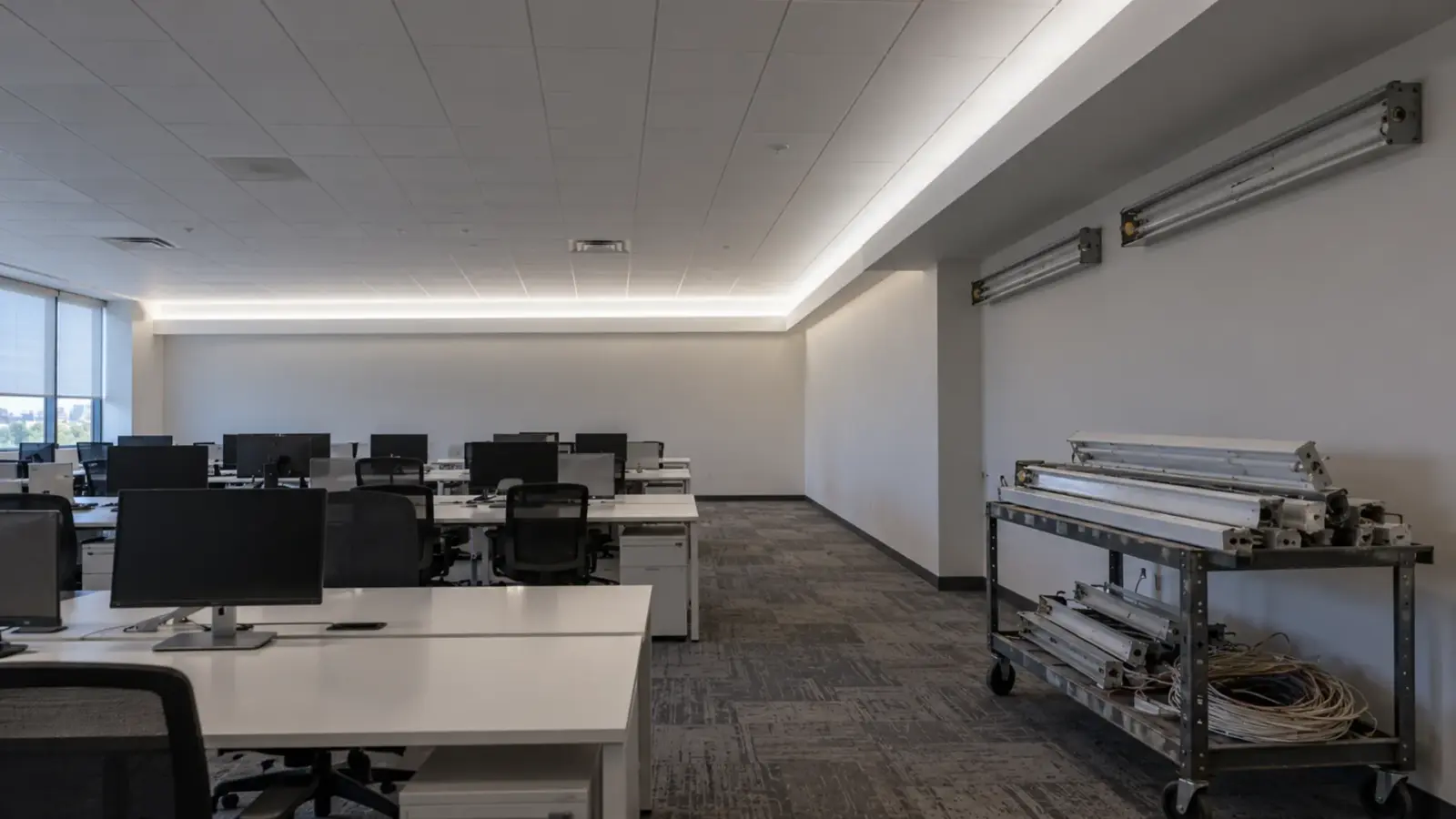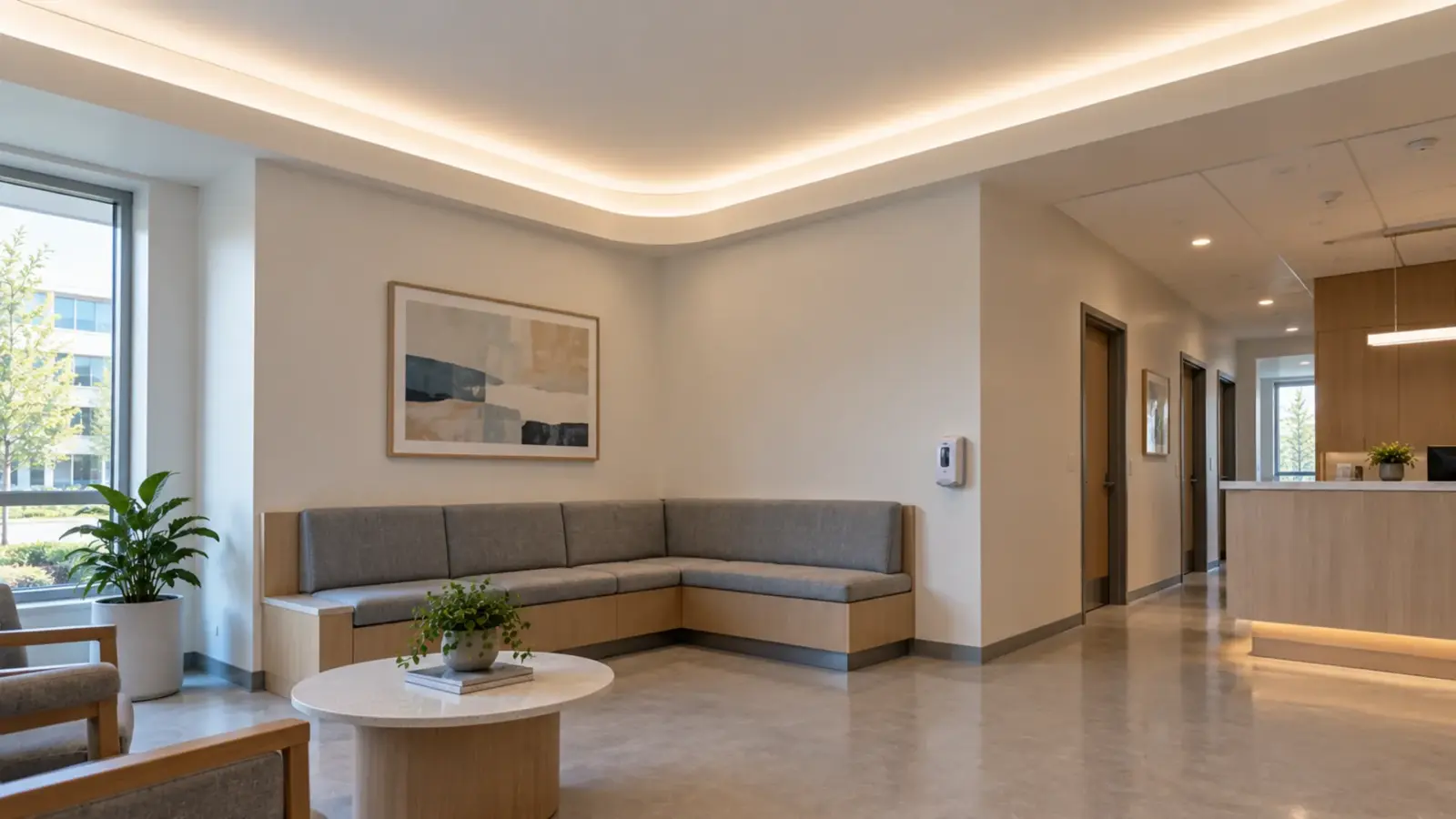
The corner is the one place in a cove where two pieces of strip meet, and the eye goes straight to it. A gap or bright patch there is usually a planning error. Classify the corner, pick the method, cut the lengths so the gap is small, and prove it in a mockup at night level.
Why the Corner Shows First
Our cove page says it plainly: “Corners and joints are where a cove most often shows a dark gap or a bright spot.” A straight run hides small differences because the eye has nothing to compare. A corner is the only place where two pieces meet, so every cut, connector and miter shows up there at once.
Three things make the gap. Each piece ends on a cut mark, so it is up to one cut increment short of the corner. The connector or jumper has a body with no LEDs. And in our reading a dotless COB strip shows the gap more than a dotted one, because the line of light is otherwise unbroken. The sections below deal with each.
Step 1: Classify the Corner
Start with the geometry. Look at the corner in plan, from above.
- Inside corner: two walls meet in a concave corner and the ledge turns 90 degrees.
- Outside corner: the cove wraps a column, a bulkhead or a core, and the ledge turns around a projection.
- Rounded corner: the ledge or the bulkhead is built with a radius.
The rule that decides the method is the plane of the turn. A standard strip bends easily in its thickness, up and down, and not sideways; that is our reasoning, as in our S-bend guide, which cites Luxalight for the zigzag board bending sideways “where a standard board cannot.” A cove ledge is flat, so the turn at a corner is a sideways turn in the plane of the board. So a sharp plan-view corner needs a joint, and only a rounded corner can be turned by a bend at all.
Folding or looping the strip is the shortcut. Inspired LED says folding works on normal or super bright flex but is “extremely difficult” on ultra or mega bright flex and “may even cause damage to the strip,” and The Hook Up warns that a loop at the corner of a TV backlight “will create a hotspot.” We do not recommend either in a cove.
In our reading, an inside corner can show a brighter patch where two runs end close together, and an outside corner can fall dark because the light fans out around a projection. Both are geometry, not measurements, which is why Step 5 is a mockup.
| Corner | What the eye sees | Likely cause in our reading | First thing to check |
|---|---|---|---|
| Inside | A bright patch or a dark notch at the fold | Two runs ending close together, or a joint short of the corner | Where each piece ends against the corner |
| Outside | A dark corner on the projection | Light fanning out around the corner with a joint on the face | Joint position and lip height |
| Rounded | A change in brightness through the curve | A bend tighter than the strip allows, or a missing clip | Radius against the datasheet |
Checkpoint: every corner on the plan is marked inside, outside or rounded, with its radius if rounded.
Step 2: Choose the Method
Three methods turn a corner; the corner channel sets the aim.
| Method | Corner it suits | Our part | What it gives up |
|---|---|---|---|
| S-shape strip, one piece | Rounded corner; 30 mm radius on the COB S-shape per our COB page | UT-C400-8-SS (COB, 24V, 8 mm S-shape), UT-S2835-120-SS (SMD, 12V or 24V) | Often needs a channel or clips; SMD S-shape radius from a sample; cut interval and run per feed for the COB model on request |
| PCB corner connector | Sharp 90 degree corner, 8 or 10 mm strip | PCB corner connector, single color and CCT, IP20, 5 A | Connector body and a cut mark on each side; not for RGB or RGBW |
| Strip-wire-strip jumper (BXB) | A tighter corner, other widths or circuits | BXB, 8, 10 and 12 mm, IP20, IP62 or IP65, 5 A | A wired gap as long as the jumper |
The S-shape piece is the only one with no joint. Our COB page says the S-shape board “bends flat around curves down to a 30 mm radius,” and the S-bend guide adds that the minimum radius depends on the model, so check the datasheet and bend a sample. Choose it when the architect will round the ledge. For a sharp corner the corner connector keeps the turn tight, and the jumper is for what the connector does not cover.
Gaps matter by application. Inspired LED, a connector seller, says the common 4 in jumper cable works under cabinets, where “the loss of light is hardly noticeable,” but that in “ceiling coves and mirror backlights” a lighting gap “can take away from the overall effect.” A cove is the second case.
The UT-CH1616 corner channel is the housing, not the turn. It measures 16×16 mm, takes strip up to 10 mm wide and aims the strip out at 45 degrees. Our cove page says tilting the strip toward the wall-ceiling joint “spreads the wash further.”
Checkpoint: each corner has a method, and each strip width and circuit is on the method’s parts list.
Step 3: Plan the Lengths So the Gap Is Small
Our cove page says to “plan where each length ends so joints fall at corners or hidden positions.” The arithmetic is the cut grid. Strip cuts only on its printed marks, so a piece is up to one cut increment short of where you drew it, as our cut and connect guide shows with its cut list.
The rule that follows is ours: start each piece at the corner and let its shortfall fall at the far end. Then the dark length at the corner is the connector body and nothing else. If both pieces are set back from the corner, the dark length is their two shortfalls plus the connector. The UT-C480-8 page lists cut increments of 0.98 in (25 mm) and 1.97 in (50 mm) for its 12V and 24V options, and this guide uses the 1.97 in option. Two pieces pushed back from the corner can then add up to 3.9 in before the connector.
The connector’s own length is not on our pages, so measure it on a sample. Check the current at the joint too. Our connector guide rates the corner connector and the others at 5 A, and says a joint carries the current of the piece after it. UT-C480-8 draws 3.2 W/ft, so a 6 ft piece is 19.2 W, or 0.8 A at 24V.
Checkpoint: every piece starts at a corner, its shortfall sits at the far end, and each joint is drawn with the downstream current.
Step 4: Aim, Mask and Mount
A joint that is small can still show if it is aimed at the eye. Keep the joint inside the cove and the lip between it and the viewer. Our cove lighting page covers the lip and the sightline.
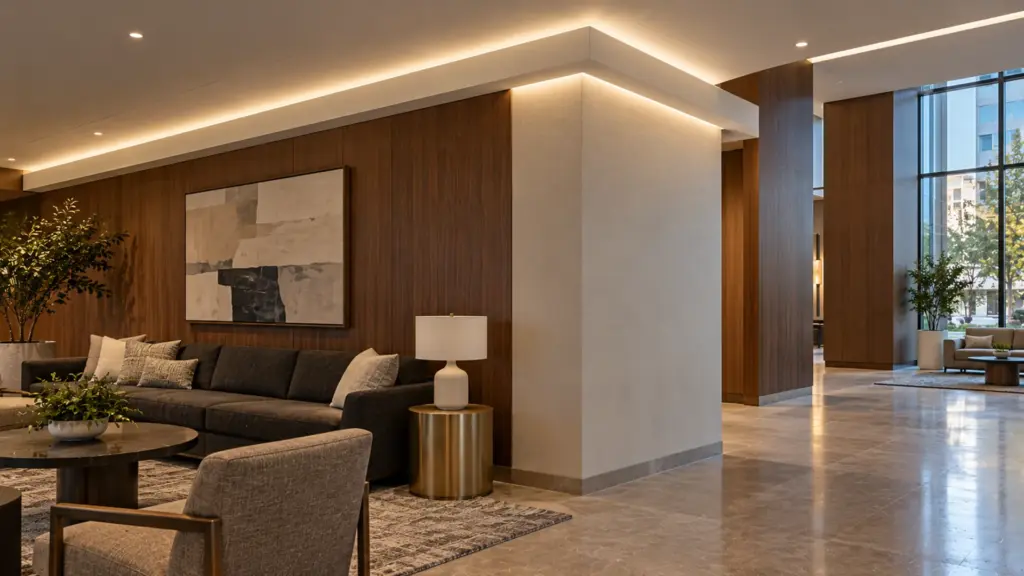
If the strip is in channel, the channel corners are mitered. Our channels page says aluminum channel and diffuser cut cleanly with a miter saw and a non-ferrous metal blade, and the end caps re-seat on the cut end. A Candlepower Forums thread reports thin light gaps at cut joints and miter corners in aluminum channel, and replies suggested gaffer tape or black electrical tape over the gap. Mark that as a user report, and cut the miter clean first.
Our practice is to fix the strip at the corner with clips or the channel, not adhesive alone, so the joint cannot drift or droop. Our mounting clips fit 8 to 20 mm strip.
Checkpoint: from the sightline, the joint cannot be seen, and the channel miters close with no daylight.
Step 5: Mock Up the Corner at Night Level
Light the corner before the ceiling closes. Use the exact strip, the exact connector, the exact channel and the exact driver and dimmer. Look at it at the night level, not at full; in our experience a dark gap shows most when the cove is dim and a bright patch when it is high. Check three things: whether a gap shows from the sightline, whether the corner reads brighter or darker than the straight run beside it, and whether the connector or jumper can be seen through the diffuser or over the lip. Photograph it from the sightline. Our mockup guide covers the sign-off.
Worked Example: An L-Shaped Cove With One Corner
The example is ours, for the arithmetic. A cove runs along two walls, 108 in (9 ft) and 72 in (6 ft), with one inside corner, in UT-C480-8 at the 1.97 in option and a 16 ft (5 m) limit per feed. One driver feeds it at the far end of the long wall.
| Wall | Ledge run | Marks of 50 mm | Lit length | Short | Load and current |
|---|---|---|---|---|---|
| Long | 108 in (2,743 mm) | 54 | 106.3 in (2,700 mm) | 1.7 in | 28 W, 1.2 A |
| Short | 72 in (1,829 mm) | 36 | 70.9 in (1,800 mm) | 1.1 in | 19 W, 0.8 A |
The two pieces total 177.2 in, or 14.8 ft, which is inside the 16 ft limit, the feed end carries about 47 W, or 2.0 A at 24V, and the corner connector carries only the short piece’s 0.8 A. Place both pieces from the corner: the long piece’s 1.7 in falls at the feed end, behind the end of the cove, and the short piece’s 1.1 in at the dead end. The dark length at the corner is then the connector body. If the same pieces were centered on their walls, the corner would carry 0.85 plus 0.55 in plus the connector, about 1.4 in. If both were pushed away from the corner, it would carry 2.8 in plus the connector.
A full room is the same rule repeated. A 14 by 12 ft room has a 52 ft perimeter, so it needs a feed point at least every 16 ft and a joint at each of its four corners, and each piece starts at a corner. If the architect rounds the ledge corners to the S-shape radius or more, an S-shape piece can run through a corner and the connector disappears; confirm the cut interval and the run per feed for the COB S-shape at quote, because a piece that turns a corner spans two walls.
Final Checks
- Every corner is classified inside, outside or rounded, and the plane of the turn is known.
- The method fits the corner, the strip width and the circuit.
- Piece lengths are whole cut increments, each piece starts at a corner, and its shortfall is written down at the far end.
- Each joint is under 5 A and outside the sightline.
- Channel miters are cut clean, and any gap is closed.
- The corner was lit at night level in a mockup before the ceiling closed.
The strips and channels named above are on our COB LED strip, SMD LED strip and LED channels and diffusers pages.