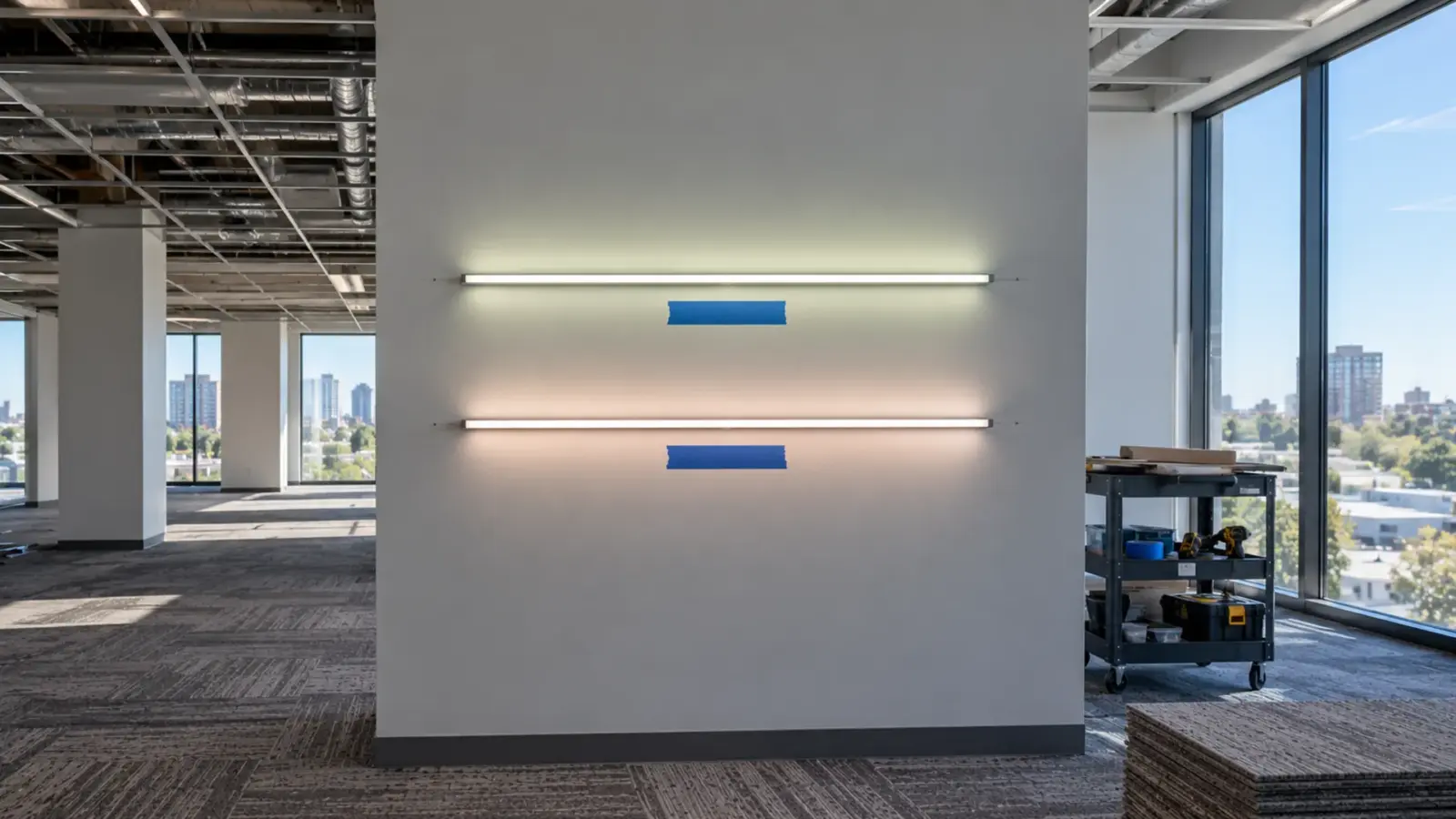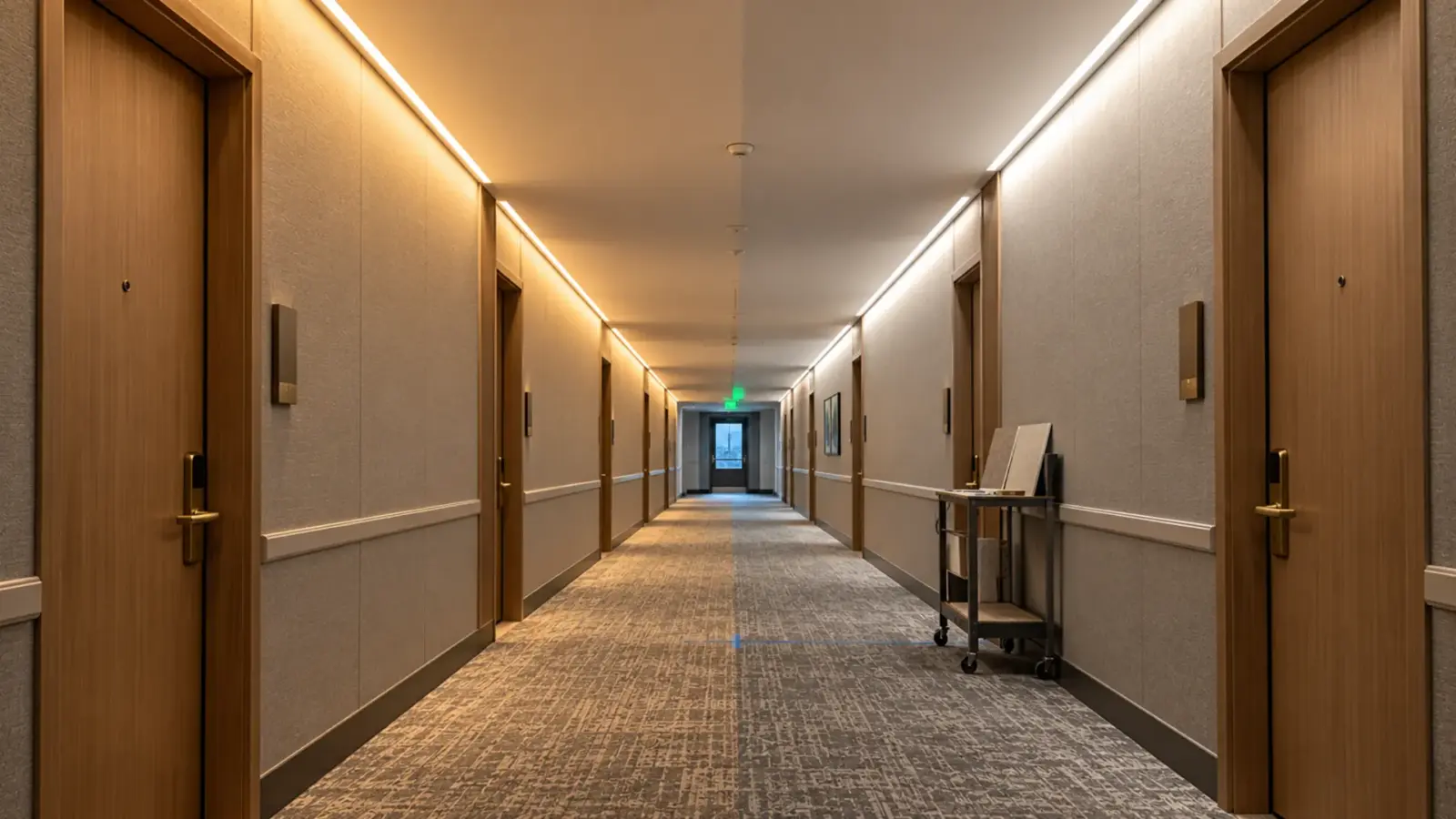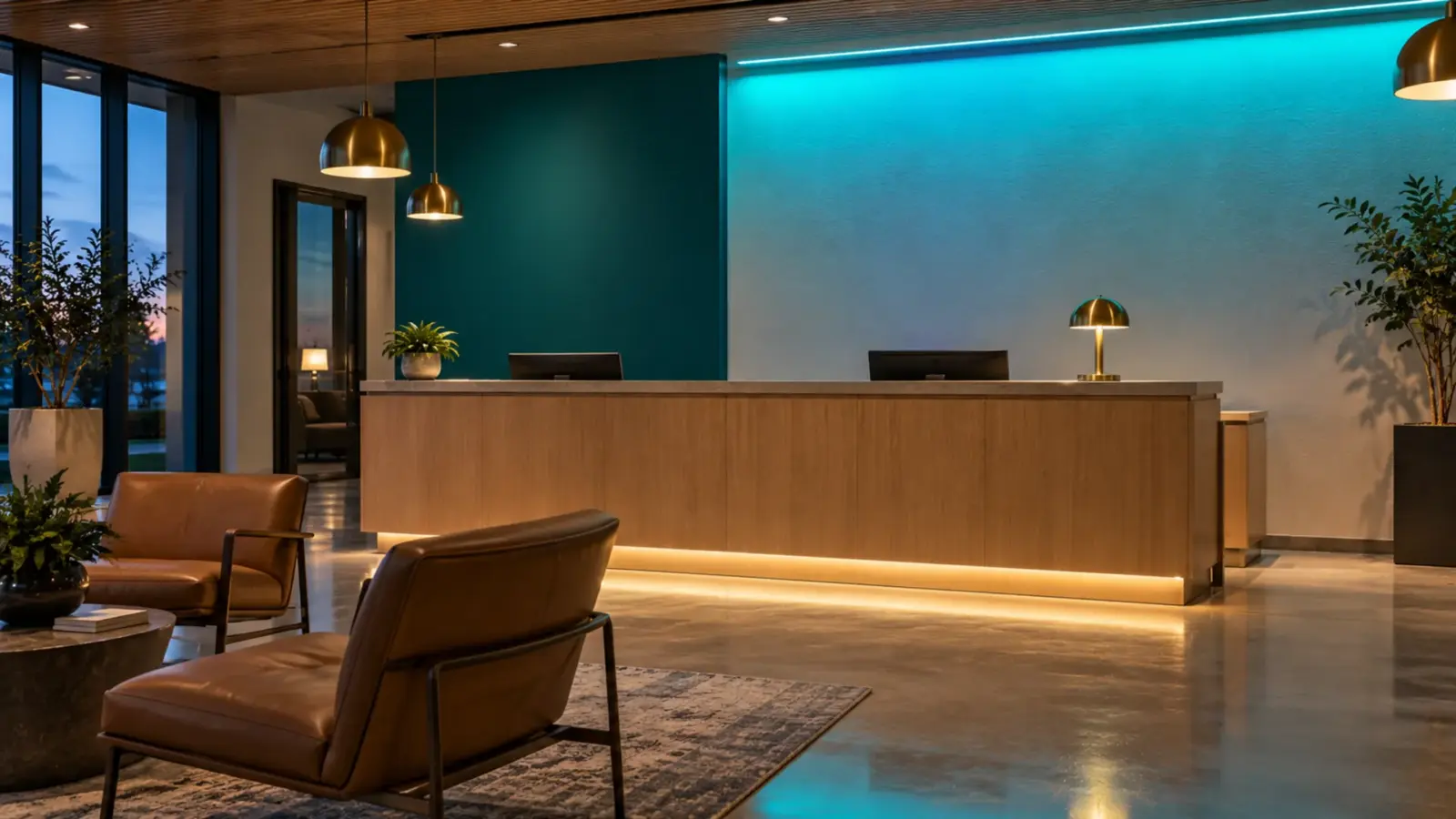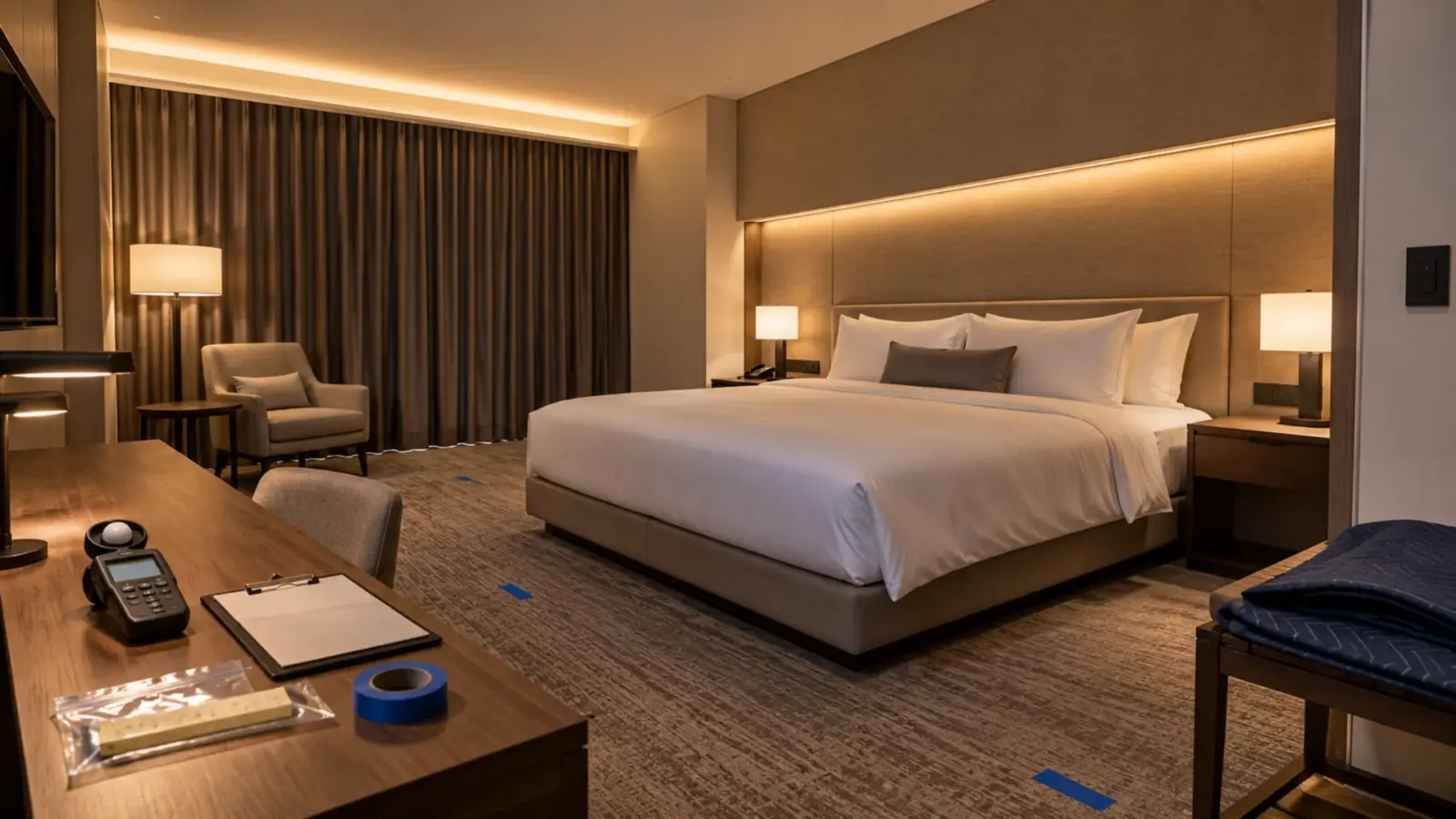
Once a mockup is signed, it becomes the standard the job is judged against, mistakes included. An LED lighting mockup is ready to sign when it is built with the real strip, channel, cover, driver and control on the real finishes, and passes six checks: brightness, color, glare, dots and shadows, dimming, and install access.
A mockup costs a few days and a few feet of material. A detail approved without one, or approved on a mockup that was not built like the job, gets repeated in every room, corridor and floor before anyone sees it at scale. The checks below are what we would want answered before a signature goes on the sheet.
What a Signed Mockup Commits You To
Specifications treat an approved mockup as a contract document in physical form. The New York State OGS master specification for mockups states that unless otherwise indicated, “approved mockups establish the standard by which the Work will be judged.” Another New York addendum requires the contractor to maintain mockups “in an undisturbed condition as a standard for judging the completed Work.” Some specifications, such as one for the City of Winnipeg, let an approved mock-up remain as part of the finished work.
For lighting, that cuts both ways. A signed mockup protects the contractor: if the 200th room matches the mockup, the 200th room is right. It also locks in whatever the mockup got wrong. Read the project’s Division 01 mockup section before the mockup is built, so everyone knows whether it stays, how long it must be kept, and who signs.
Who Should Be at the Mockup
A mockup review needs the people who can say yes and the people who will build it: the lighting designer or architect, the owner’s representative, the electrical contractor’s foreman, the controls contractor if the detail dims, and the trade that builds the cove or millwork. Each sees a different problem. The designer sees the wash, the owner sees the room, the foreman sees the install time, the controls contractor sees the low end of the dimming, and the millwork or drywall trade sees the lip height.
Agree on one person who signs for the owner side, and on what happens to comments: who records them, who answers, and when the revised mockup is reviewed. A mockup with six reviewers and no signer turns into a month of email.
Build It Like the Job
A mockup only answers questions about the things it contains. Build it with:
- The real strip, from the production lot that will ship, or at least the same model, CCT and color bin.
- The real channel and cover: depth, width, clear or opal, and the real distance from strip to cover.
- The real driver and control: the same driver model, dimming protocol and control device the job uses.
- The real finishes: ceiling paint and sheen, wall material, millwork, stone. A cove washes a matte white ceiling very differently from a satin or dark one.
- The real geometry: cove depth and lip height, setback from the wall, ceiling height, end conditions at corners and walls.
- The real viewing conditions: daylight if the space has it, the other lighting in the room switched on as designed.
Samples ship for approval so color and output can be checked in the real space, and on our project supply jobs the approved sample is kept as the reference for later releases. Order the mockup material with that in mind: what is approved is what ships.
Daylight and Night Visits
Light looks different at noon and at 9 p.m. A cove that reads well at night can disappear against daylight from a window wall, and a line that looks soft in the afternoon can look harsh in a dark room. Review the mockup at the time of day the space will mostly be used, and for spaces used day and night, such as hotels, hospitals and senior living, review it twice. Hotel rooms and resident rooms are judged at night; lobbies and offices by day, with the evening scene checked as well.
Check 1: Brightness and Uniformity
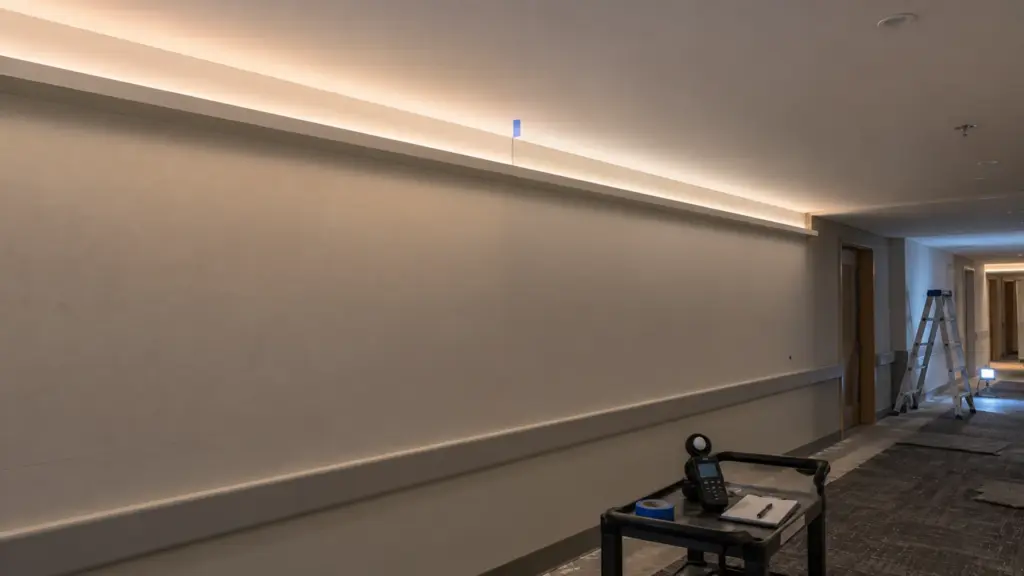
Look first at the whole surface the strip lights: the ceiling above a cove, the wall below a slot, the shelf under a canopy. It should read as one even wash that fades smoothly from the source, with no bright band near the strip and no dark area at the far edge.
Then take readings. Use a meter at the points the designer cares about, the task surface, the floor of a corridor, the stair tread, and write them down with the meter model and height. Check the ends of each run: a cove that stops short of an end wall avoids a hard cutoff line, and keeping the line back from inside corners, around 12 in according to Architect magazine’s cove guidance, avoids hot spots where two surfaces meet. Check the far end of the longest run at full output for voltage drop before approving the run length.
Check 2: Color Against Its Neighbors
The color question is never the strip alone. It is the strip next to the downlights, the strip next to another reel, the strip on a painted wall next to stone. The Lighting Practice notes that LEDs lack strict standards for output and color temperature, so 3000K from one maker can look whiter or yellower than 3000K from another. Judge the strip in the room, with the other fixtures on, at the same dimming level.
Three things to check. Two reels side by side, butted at a joint, to see a step between them; a tight color bin, such as SDCM ≤3 on our CSP LED strip, keeps that step small. A green or pink cast on a white wall, which is the Duv problem our green tint guide explains. And color at low dimming, where some strip shifts. Our SDCM guide covers how to write the limit into the spec.
Check 3: Glare From Every Seat
A detail that looks good from the doorway can glare from the bed, the desk or the stair. List the positions people will actually occupy and look from each one: seated at the desk, lying in the bed, standing at the vanity, walking down the stair, sitting in the back row of a lecture hall.
From each position, check for a visible source, a line reflected in glass, a mirror, a screen or a glossy floor, and a bright edge at the lip of a cove. A cove whose source sits higher than the fascia shows a hard line from the far side of the room; a cove whose source sits lower casts a shadow line on the ceiling. Fix the geometry at the mockup, not in the field.
Check 4: Dots, Shadows and Ends
Look straight at any visible line, and at its reflection in any shiny surface. Dots through a cover mean the cover is too close or too clear for that strip; an opal cover at the right depth hides them, as our dots through diffuser guide explains, and our LED channel range lists clear and opal covers. Look at every joint and end: a dark gap at a connector, a bright spot at an end cap, a shadow where the channel meets a corner. Confirm where the end gap goes when a run is cut to the nearest cut point, usually the end people see least.
Check 5: Dimming on the Real Control
Run the whole dimming range on the control the job will use, slowly, from full to off and back. Watch for flicker at the low end, a jump when the light comes on, steps in the middle of the range, and a level below which the strip shuts off. Check it with a phone camera too: many phones show flicker the eye misses.
Our white COB strip dims to below 1% with a compatible driver, and the pairings we supply are verified flicker-free before shipment, but the mockup is where the job’s own control, wiring length and load are tested together. Our dimmer compatibility test guide gives the steps, and the flicker guide explains what to look for.
Check 6: Install and Access
The mockup is also the first install. Time it. Note where the cut lengths landed, how the leads were routed, how the channel was fixed and how long each step took. Then check access: can the driver be reached without opening a finished surface, and can a strip section be replaced without removing the cover of the next one? A detail that took three hours in the mockup room takes three hours in every room.
Record It So It Can Be Repeated
An approval nobody can reproduce is not much of an approval. Record:
- Photos from fixed positions at fixed camera settings, so later rooms can be compared.
- Meter readings with point locations and meter model.
- Strip model, CCT, color bin and production lot; channel and cover; driver and control model; dimming settings.
- Cut lengths, end-gap positions and driver location.
- Who signed, the date, and the drawing revision the mockup matches.
Keep the approved sample labeled with the same information. On our jobs, every later release is tied to the approved drawing and spec revision, and the sample stays as the reference. Our run register guide shows how to carry the same data into maintenance.
When the Mockup Fails
A failed mockup is the cheapest failure the job will have. Change one thing at a time and re-test: the cover before the strip, the setback before the cover, the driver before the control. Changing three things at once tells you nothing about which one fixed it. Keep the rejected samples, labeled as rejected, next to the approved one; the comparison settles arguments later in the job. Write each change into a revision, so the approved version is clear and the submittal can be updated; our submittal package guide shows what to resubmit.
Final Checks
| Check | Pass when | Record |
|---|---|---|
| Built like the job | Real strip, cover, driver, control, finishes, geometry | Material list with lot |
| Brightness | Even wash, no hard ends, far end not dim, readings logged | Meter points |
| Color | No step between reels, no tint, stable when dimmed | Side-by-side photos |
| Glare | No visible source or reflection from listed positions | Position list, photos |
| Dots and ends | No dots, no bright end caps, end gaps placed | Close-up photos |
| Dimming | Smooth full range on the real control, no flicker | Settings, video |
| Install | Time, cut lengths, access confirmed | Install notes |
| Sign-off | Signed against a drawing revision, sample kept | Signed sheet |
The channels and CSP strip mentioned here are in our LED channel range; send the mockup drawing with your quote request and we will match the sample to the job’s strip, cover and driver.