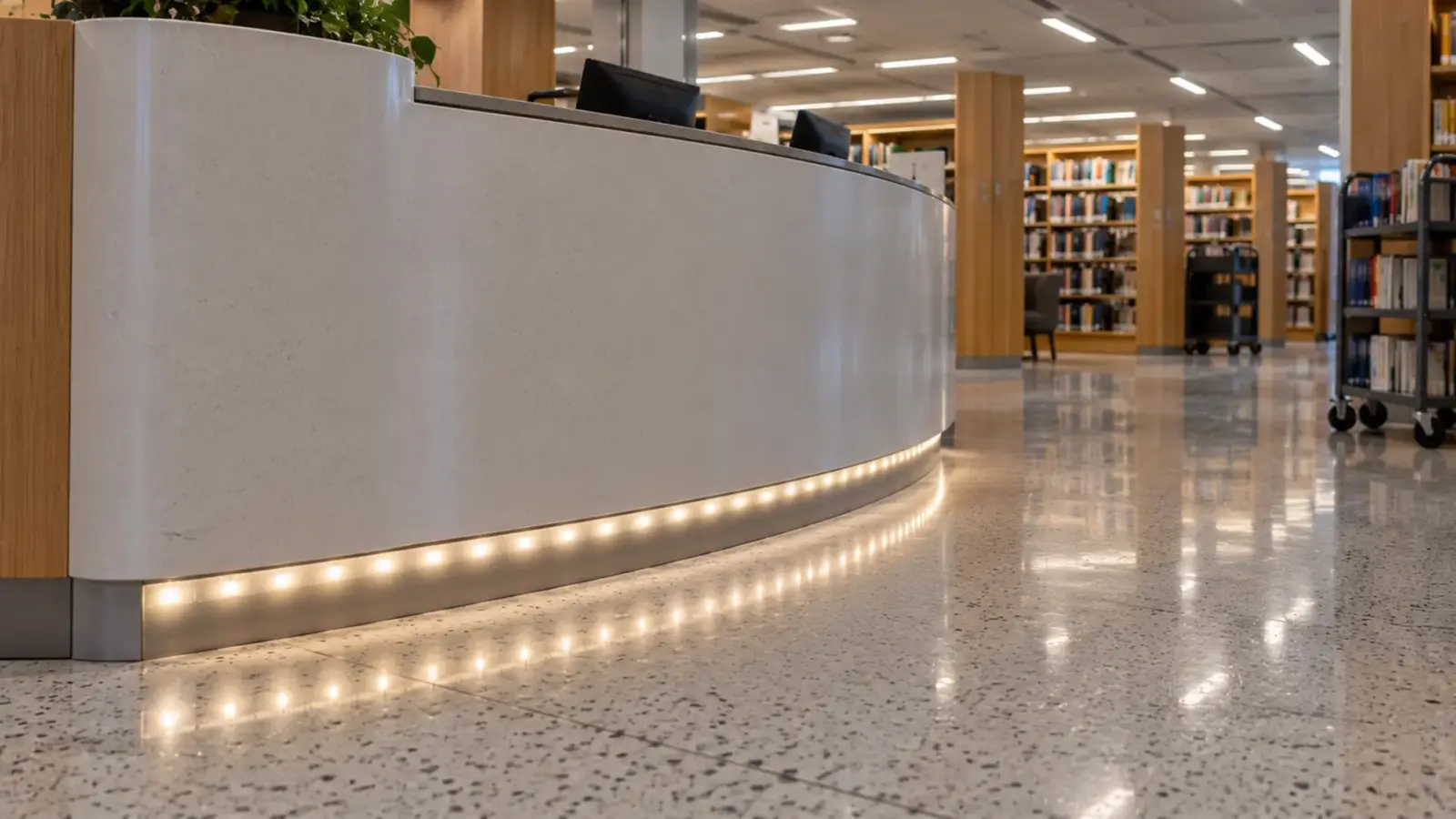
LED dots show through a diffuser when the LEDs sit closer to the cover than they sit to each other, or when someone sees the cover from an angle the mockup never tested. On an installed run the fix is, in cost order: check the cover, add distance, then change the strip. A new cover alone rarely solves it.
The cove is finished, the cover is opal, and from the reception desk you can count the LEDs. That is the situation this article starts from: the channel is in the wall or the ceiling, the drawings are closed, and the owner wants a smooth line. For other faults on a finished run, start with our LED strip troubleshooting order.
Why Dots Show: Distance, Pitch and Sightline
Three numbers decide whether a cover can blend a row of LEDs into one line:
- Pitch. The distance from one LED to the next. Divide 1,000 mm by the LEDs per meter on the spec sheet: 60 LEDs per meter is a 16.7 mm pitch, 120 per meter is 8.3 mm.
- Distance to the cover. From the face of the LEDs to the inside of the diffuser, not the outside height of the channel.
- The cover itself. Clear covers barely diffuse. Frosted covers soften the edges of each spot. Opal covers scatter the most and lose the most light.
According to Hackaday’s write-up of one builder’s tests, the distance between the LEDs and the diffuser has to be larger than the distance between the LEDs for the dots to disappear. The Smart Home Hookup’s bench test points the same way: a deep channel diffused better than a shallow one at every brightness level, dots were still visible at 30 LEDs per meter, and at 144 LEDs per meter they were gone.
Sightline is the fourth factor, and it is the one that changes after installation. A cove seen from below at a steep angle hides the strip; the same cove seen from a mezzanine, or reflected in a polished floor or a glass partition, shows it.
Depth vs Pitch: Will This Channel Hide This Strip?
The table compares the pitch of our strips with the outside height of our channels. The real distance from LED to cover is a few millimeters less than the outside height, because the channel floor, the strip and the cover all take room.
| Strip | LEDs per meter | Pitch | Channels tall enough by the pitch rule |
|---|---|---|---|
| UT-S5050-30 | 30 | 1.31 in (33.3 mm) | None in the standard range |
| UT-S2835-60 | 60 | 0.66 in (16.7 mm) | Marginal in UT-CH2020 (19.5 mm) and UT-CH3020 (20 mm) |
| UT-S2835-120 | 120 | 0.33 in (8.3 mm) | UT-CH1715, UT-CH2415 (15 mm), UT-CH2020, UT-CH3020 |
| UT-S2835-240 | 240 | 0.16 in (4.2 mm) | Every channel from UT-CH1207 (7 mm) up |
| COB, e.g. UT-C480-8 | 480 chips | About 2 mm, continuous phosphor | Every channel; cover choice only |
| CSP, e.g. UT-CSP-480-N | 480 | About 2 mm | Every channel; cover choice only |
Vendor tables are more forgiving than the pitch rule. According to Signlite’s channel guide, a milky cover needs more than 12–15 mm of depth on 60 LEDs per meter and 7–10 mm on 120 per meter, and COB needs 3–5 mm. Treat the pitch rule as the safe side and the vendor table as the edge: a run that passes only the vendor table will look smooth head-on and may show dots at an angle.
Measure the Real Distance
The outside height of a channel overstates the distance the light gets to spread. Pop the cover off one length and measure three things with a steel rule or calipers:
- Floor to cover seat. The inside depth where the cover clips in.
- Strip height. Board plus LED, and the jacket if the strip is IP-rated. A 5 mm tall IP68 jacket takes most of a shallow channel.
- Spacers or tape. Double-sided tape and mounting plates lift the strip by a millimeter or more.
Subtract the strip height and anything under it from the inside depth. That is the distance to compare with the pitch. On a 10 mm tall surface channel, an 8 mm strip on tape can end up 6 to 7 mm from the cover, which is less than the 8.3 mm pitch of a 120 LEDs per meter strip. That run will show dots head-on, whatever cover is fitted.
Checkpoint: write the measured distance and the pitch next to each other on the punch list. If the distance is smaller, skip the cover swap and go straight to adding distance or changing the strip.
Diagnose Where the Dots Are Seen
Before ordering anything, stand where the complaint comes from and look at the run for a minute. Four patterns account for most complaints:
- Dots everywhere, head-on. The distance is too short for the pitch. Only more distance or a denser strip fixes it.
- Dots only from one angle. The cover is fine for the design sightline but not for this one, such as a cove seen from a balcony, or a shelf seen from a seated guest. A deeper cover or a baffle may be enough.
- Dots only in a reflection. Polished stone, glass and glossy paint mirror the strip. The run itself may be fine; the fix is a cover that hides the strip from the reflective surface, or a change of aim.
- Hot spots at the ends or joints. Bright points at a connector or at the last cut point, often where the strip lifts toward the cover. Re-seat the strip flat on the channel floor.
Checkpoint: photograph the run from the complaint position and from directly in front. If the head-on photo is smooth, the problem is sightline or reflection, not depth.
Why the Mockup Passed and the Room Did Not
Many dotty runs had an approved mockup. The mockup was usually judged under conditions the finished room does not have:
- Head-on, at arm’s length. The cover looked smooth from the front of the bench. The finished cove is seen from 20 ft away at a low angle, or from above.
- Bright surroundings. A mockup in a lit warehouse hides the dots that show in a dim lounge at night, where the strip is the brightest thing in view.
- Matte backgrounds. The mockup board was painted plywood. The room has polished stone, lacquer or glass that mirrors the strip.
- A different strip. The sample reel was a dense strip; the order came in at a lower density to meet a budget line.
None of this means mockups do not work. It means the mockup has to be judged from the room’s real viewpoints, at the room’s real light level, with the product that will actually be ordered.
Fix It in Cost Order
On a finished install, try the cheap fixes first and stop when the run is smooth from the complaint position.
- Seat the strip flat. Strip that has lifted at the ends or joints sits closer to the cover there. Press it down or add clips.
- Change the cover. Clear to frosted, frosted to opal. Opal costs light, so check the output after the swap. Our diffuser guide compares the three by channel depth.
- Lower the brightness in the field of view. A run dimmed slightly, or a baffle that blocks the steep view, can stop a reflection from reading as dots. This is a design call, not a fix for dots seen head-on.
- Add distance. A deeper cover that clips onto the same channel, or a raised mounting plate inside a deeper channel, gains millimeters. Every millimeter counts on 120 LEDs per meter strip.
- Swap the channel. A deeper channel of the same width fits where the slot allows it. Our channel selection guide covers depth and mounting together, and the width fit guide checks that the strip still fits.
- Swap the strip. When the slot cannot get deeper, the pitch has to get shorter.
Checkpoint after each step: look again from the complaint position before moving on.
When Only a Dot-Free Strip Works
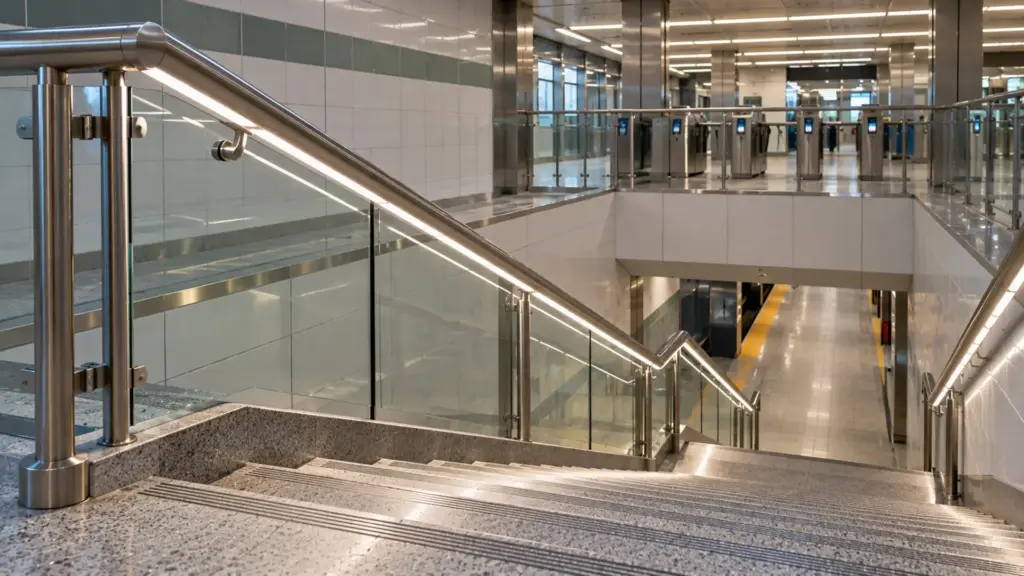
Some details leave no room for distance: a 7 mm channel in a millwork reveal, a shelf edge, a handrail. On those, the strip is the only variable left.
- COB strip puts chips under a continuous phosphor layer, so even a shallow channel with an opal cover reads as one line. Our UT-C480-8 runs at 3.2 W/ft (10.5 W/m) on an 8 mm board, close to many 8 mm SMD strips.
- High-density SMD such as UT-S2835-240 brings the pitch down to about 4 mm.
- CSP strip such as UT-CSP-480-N packs 480 chips per meter on an 8 mm board with no separate dome.
- Color and tunable strip come in COB versions too: UT-R576-10 is a dot-free RGB COB strip, and UT-T624-8 is a tunable white COB strip on an 8 mm board, so a color or CCT detail does not force a return to sparse 5050 packages.
Check three things before swapping: the replacement fits the channel width, its watts per foot fit the existing drivers at the 80% rule, and its run length per feed matches the feeds that are already in the wall. A swap that needs a new feed in a finished ceiling is no longer the cheap option.
Mockup Before the Next Floor
If this run is one of several, fix the next ones before they are built. Make a mockup of one channel length with the chosen strip and cover, and look at it from every real viewpoint: standing, seated, from above if there is a mezzanine, and in any reflective surface nearby. Photograph it at the brightness the space will run at, not at full output on a bench.
Write the result on the schedule: strip model, channel model, cover type and the distance from LED to cover. That one line stops the next floor from repeating the problem. Pitch, depth and cover options for each profile are on our LED channels and diffusers page.