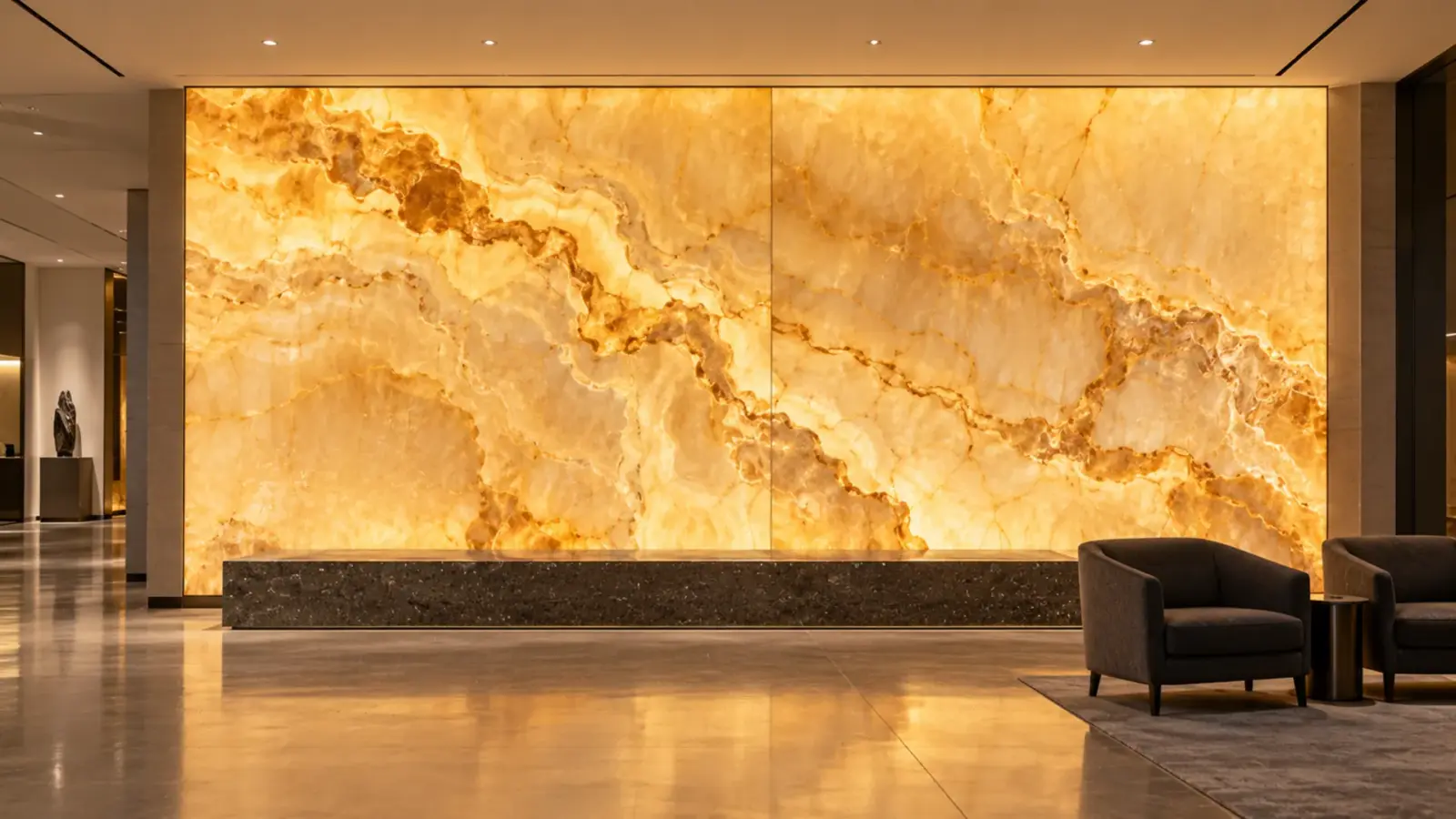
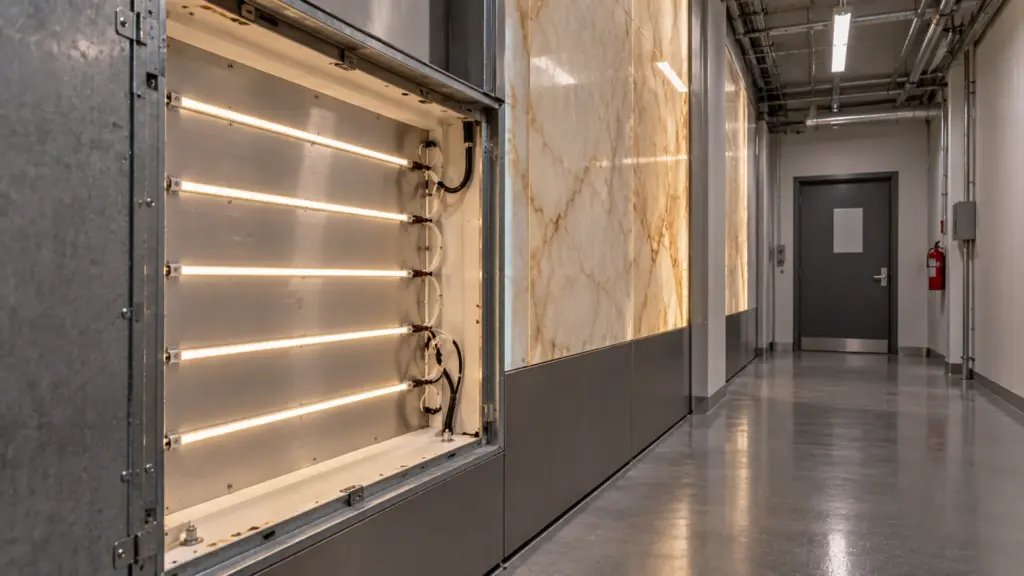
A backlit panel needs depth before it needs brightness. Vendor guidance runs from about 4 to 6 inches between strip and face, the exact figure comes from a mock-up of the real material, and a dot-free strip on a white back with a service hatch behind it is what keeps the glow even and the panel maintainable.
Backlighting is decided by depth, not by brightness. The usual fix for a streaky panel is more LEDs, and more LEDs behind a thin cavity make more streaks. This article sets out what vendors say about depth and spacing, how to turn that into watts per square foot, which of our strips suit the job, and where heat and access decide the detail.
Five Usual Fixes, and What Actually Works
Most streaky panels get the same five fixes in the same order. Four of them make the problem smaller and none of them remove it.
| Usual fix | Why it fails | What works |
|---|---|---|
| Add more strip rows | Each added row adds brightness, not blending, so the rows still show at the thin parts | Add depth, or use a denser strip and a wider diffusing layer |
| Raise the brightness | A brighter row is a brighter bar | Lower the output and fix the geometry |
| Add a thin diffuser sheet next to the face | It blurs the rows a little and costs light | Put a diffusing layer a few inches in front of the strip, not on the stone |
| Switch to clear strip with a lens | A lens narrows the light and sharpens the row | Use a dot-free strip with a wide pattern |
| Paint the face | It changes the stone and does not change the light | Test the face as it will be finished |
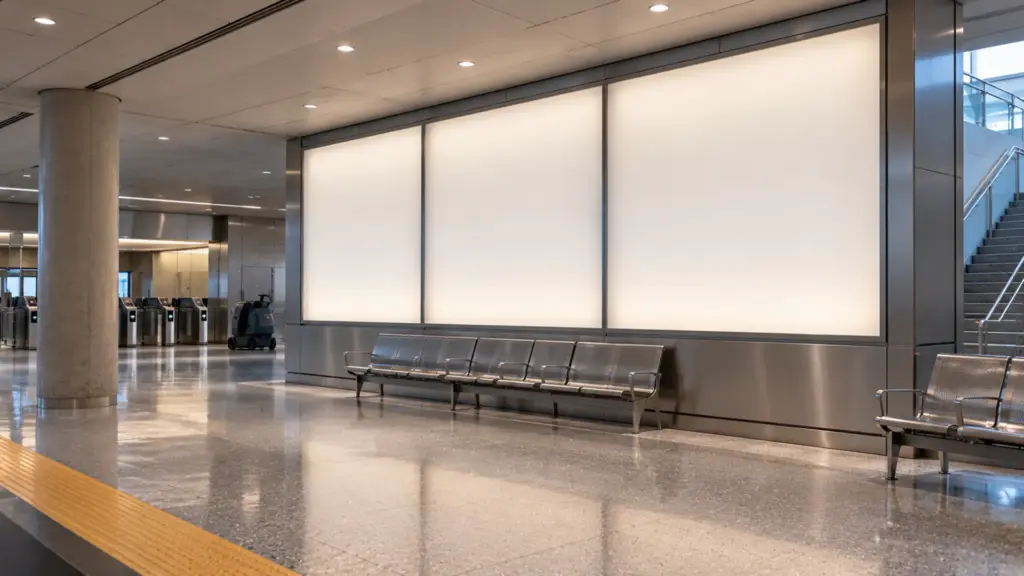
The right order is depth, then diffusion, then pitch, then watts. A shallow cavity cannot be rescued by brightness, and a deep cavity wastes the budget if the strip shows dots in the first place.
Depth First: What Vendors Say and What It Means
No source gives one spacing that works for every material. The figures vary with the product, the beam angle and the face, so read them as a range and not as a rule.
| Source | Figure | What it applies to |
|---|---|---|
| Flexfire Leds | About 6 in of depth for strip with a 120° beam | Strip behind stone |
| Flexfire Leds | About 4 in for a curtain system with a 170° beam | Wide-angle LED bars |
| Sign-supplier guides | 5 in or deeper at 5 to 8 in row spacing, 120° modules | Sign cabinets |
| Sign-supplier guides | 2:1 space-to-depth for 160° to 175° modules | Modules in a channel |
| Lite-House | 0 to 40 mm gap, depending on the face | Light sheets |
| Linearlux | No universal spacing; prove it on a sample | Any face |
These come from vendor pages, and several are sign-module guides. They agree on the physics. The farther the LEDs are from the face, the more the light blends before it reaches the surface, and the price of that is a thicker wall or a deeper cabinet. According to Linearlux, the final depth should be proven with a physical sample.
Think of depth as the main variable and pitch as the adjustment. Choose the depth the architecture allows, then set the row pitch so that light from neighboring rows overlaps on the face. Where the cavity is shallow, the answer is a more diffusing face or a denser strip, not more watts.
Row Pitch and Face Material
The face decides how much blending the cavity has to do. Thin stone and pale onyx pass a lot of light and show every bright row. Thick stone and dark veined slabs hide more and also pass less light. Frosted acrylic spreads light well and shows hot spots when the strip is within an inch or two of it. According to a sign-supplier guide, a less transparent face needs more LEDs or tighter spacing to reach the brightness.
EOS makes the same point about stone from the other side: point sources such as strips and modules show as bright spots through thin areas of a slab. So the mock-up matters most at the thin parts of the face, which are usually the edges and the lightest veins.
Face notes by material help set the first guess for the mock-up:
| Face | Behavior | Watch for |
|---|---|---|
| Pale onyx, thin slab | Passes a lot of light; shows rows at the edges | The thinnest edge strip and the lightest veins |
| Dark or veined stone | Hides rows; passes less light | Needs a stronger strip and tighter pitch |
| Frosted acrylic | Spreads light well | Hot spots within one or two inches of the face |
| Opal acrylic | Strong diffusion; absorbs more light | Lower output, more watts per square foot |
| Resin or glass panel | Varies by thickness and tint | Prove on the actual panel; no general rule |
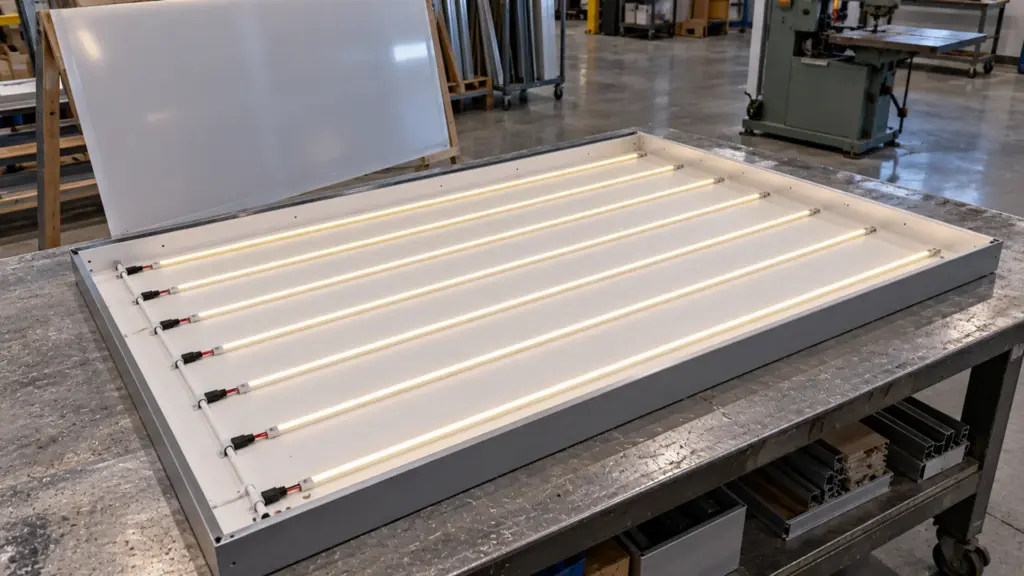
A simple number helps compare layouts: watts per square foot of backlit face.
Watts per square foot = (12 ÷ row pitch in inches) × strip W/ft
For a 4 × 8 ft panel (32 square feet) with rows running across the 4 ft width, using our spec sheet watts:
| Strip | Row pitch | Rows | Strip length | W/ft² | Panel load |
|---|---|---|---|---|---|
| UT-C480-8, 8 mm, 3.2 W/ft | 6 in | 16 | 64 ft | 6.4 | 205 W |
| UT-C960-15, 15 mm, 7.6 W/ft | 12 in | 8 | 32 ft | 7.6 | 243 W |
| UT-C1600-30, 30 mm, 12.2 W/ft | 12 in | 8 | 32 ft | 12.2 | 390 W |
These are arithmetic examples. The pitch is chosen for the sum and is not a recommendation; the mock-up sets the pitch. What the table shows is that a denser, wider strip at a wider pitch can load the panel more than a narrow strip at a tight pitch, so watts per square foot, not LEDs per meter, tells you how much heat the cavity has to lose.
Strip Choice for Backlighting
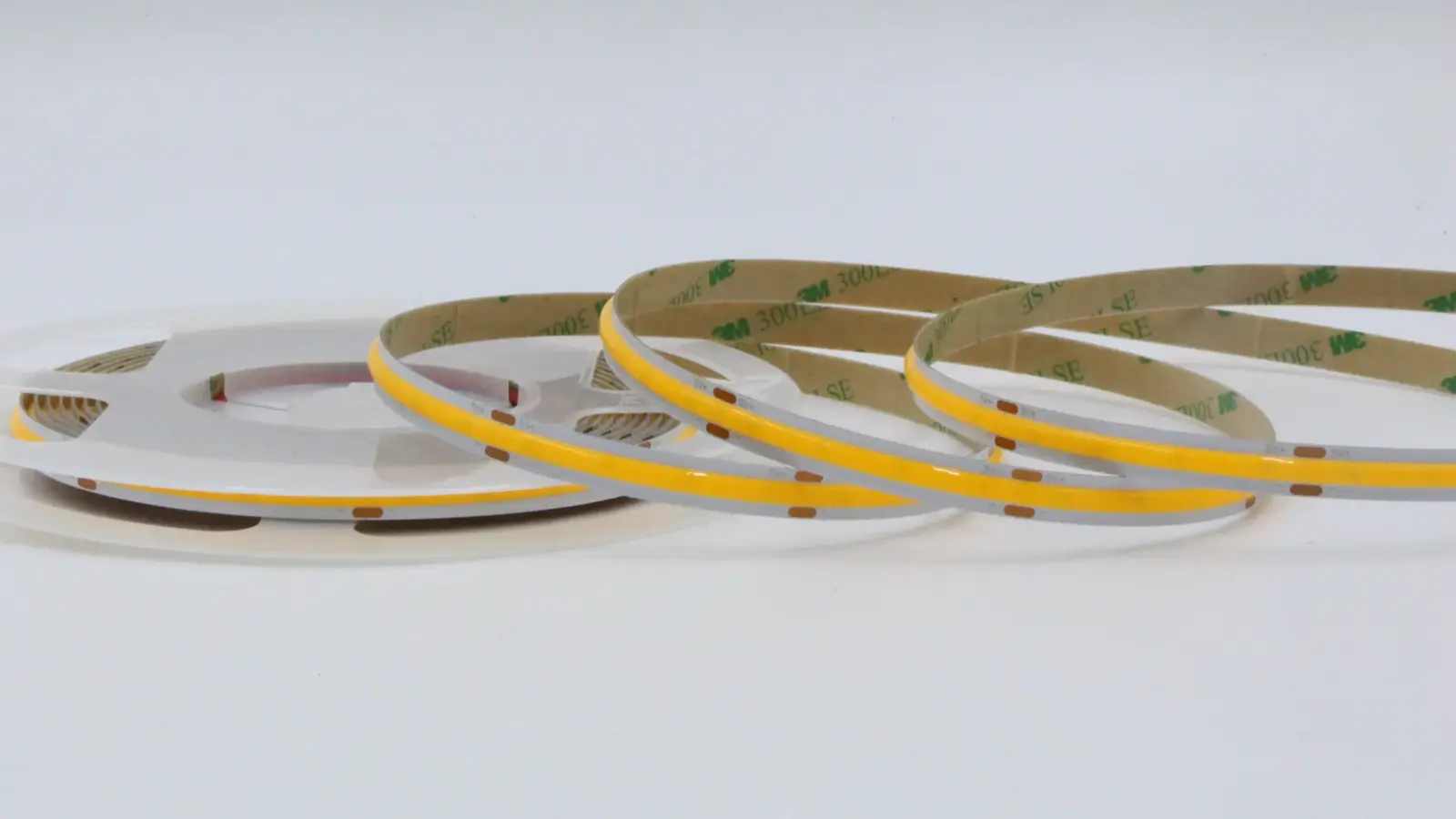
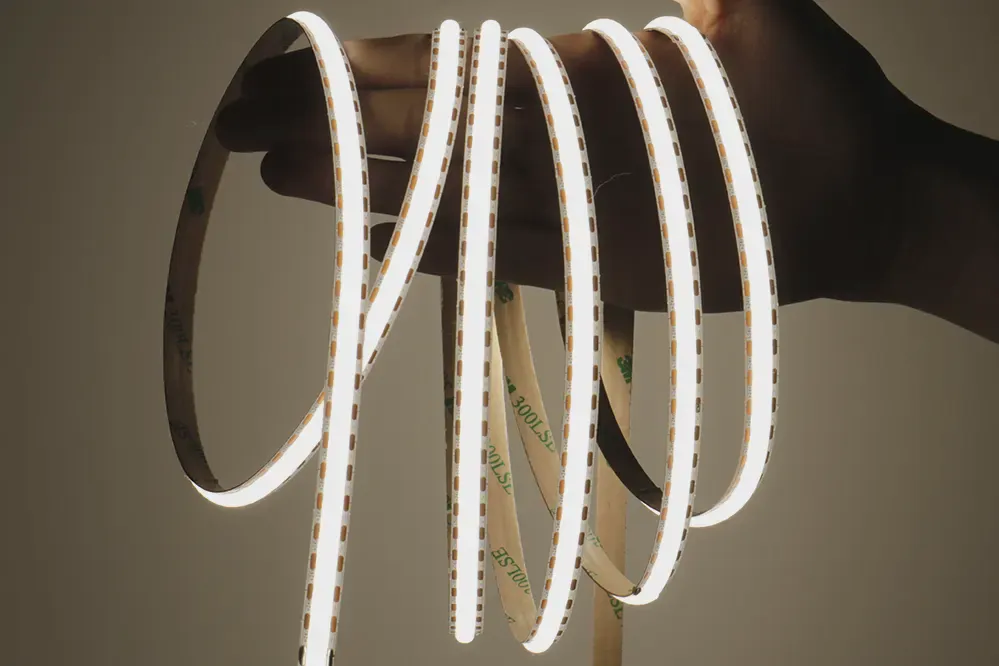
Strip suits backlighting when the cavity is deep enough to blend it and the strip itself reads as a continuous line. Dot-free COB strip is the right family because it removes the first layer of dots before the cavity has to. Three models cover most panels:
- UT-C480-8 (8 mm PCB, 3.2 W/ft): the standard strip for deeper cavities and tight pitch. Cut interval 0.98 or 1.97 in (25 or 50 mm); 16 ft per feed.
- UT-C960-15 (15 mm PCB, 7.6 W/ft): high-density, for shallower cavities where light has to overlap more. Cut interval 1.97 in (50 mm); 10 ft per feed.
- UT-C1600-30 (30 mm PCB, 12.2 W/ft): the densest strip, 1,600 LEDs per meter, for a shallow cavity behind a translucent face. Cut interval 0.98 in (25 mm); 10 ft per feed.
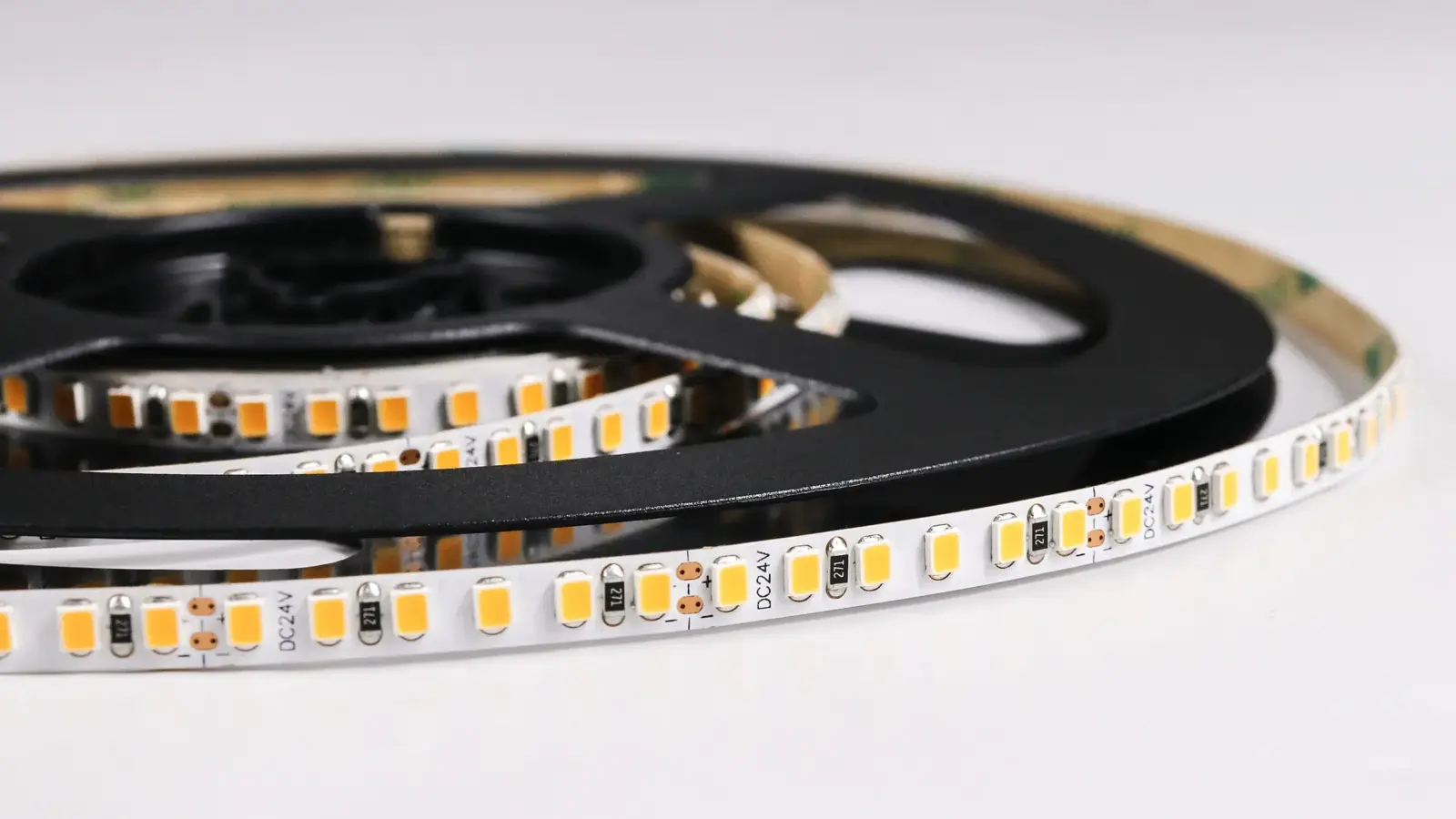
Where the face is a thick diffusing acrylic and the cavity is deep, the face does most of the blending and high-efficacy SMD strip can serve at a lower cost per foot; keep COB for thin stone and shallow cavities, where the strip’s own line has to disappear.
Run each row as its own branch off a bus wire, so rows stay under their per-feed limit and a failed row can be replaced. For the wiring, use connectors on each row rather than soldering a loop. The wide surface channel UT-CH3020 holds strip up to 20 mm and gives rows a straight mount and a heat path, which matters on the higher-density models. Our guide to dots showing through a diffuser covers what to do when a diffuser still shows rows.
The Back and the Cavity
The white behind the strip works as part of the light source. According to the vendor guides, a reflective white back redirects stray light and reduces local shadows, and the sign trade paints cabinet interiors white for the same reason. Keep the back flat and matte white, keep rows parallel and the same distance from the face, and seal the edges so a bright line does not leak along the frame.
Edge rows matter more than the middle. The last row sits close to the frame, and the light has less neighbor overlap there, so edge zones read darker or hot depending on how the frame reflects. Set the first and last rows by the mock-up, and expect different pitches at the edge.
Joints in the face show as dark lines when they fall between rows. Align panel joints with rows or with the cavity partitions, and keep a row on each side of every joint.
Heat and Power
Almost every watt that does not leave as light becomes heat behind the face. A 205 W panel is a heat load in a closed cavity, and stone and acrylic do not move heat well. Our thermal management guide works through why a high-watt strip needs aluminum behind it. Mount strip on an aluminum back plate or in channels, leave a vented path where the design allows, and prefer a lower-watt strip at a tighter pitch over a hot strip at a wide pitch.
The panel load also sets the drivers. The 205 W panel above exceeds what one small Class 2 supply carries, so split the load by branch and by driver, as covered in what the inspector checks on a Class 2 driver and the power supply sizing guide. Put drivers where they can be reached, not behind the stone: our driver placement guide shows the logic.
To convert a target brightness to strip and watts, use the method in our lumens per foot guide. Dim the panel at the driver; a backlit wall is rarely run at full output, and headroom keeps the heat down.
Color and Dimming
Color temperature changes how stone reads. According to EOS, warm light at 2700K to 3000K deepens amber and gold veining, while cooler light flattens it. A slab with strong veining is a candidate for a warm strip; a pale white stone can take 4000K. Choose on a sample, because the same CCT looks different on every stone.
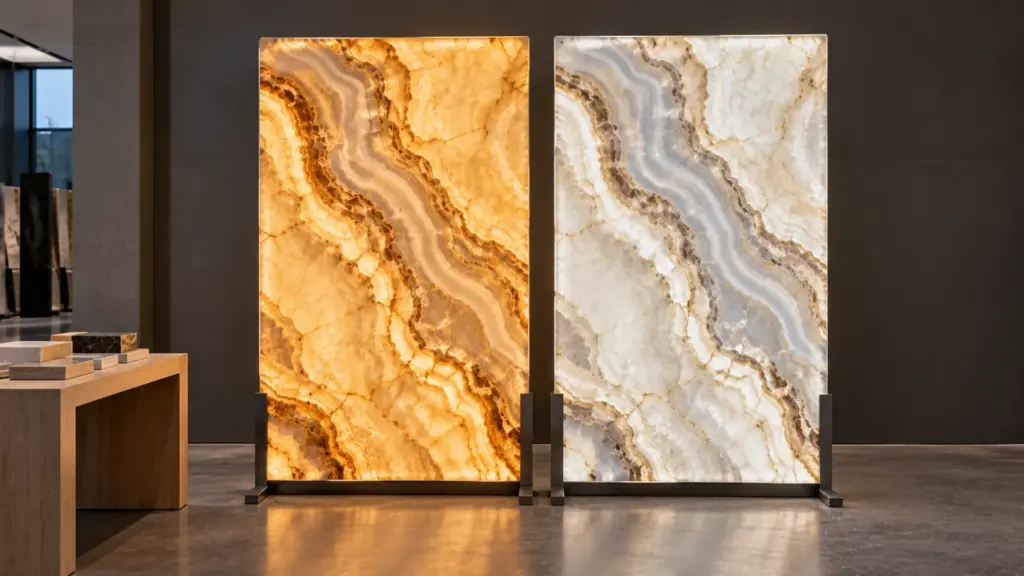
Where two panels share a wall, bin consistency matters: a second reel that does not match shows at the join, as in our guide on why the second reel does not match. Order all strip for one wall in one run. On a wall that changes with time of day, tunable white strip lets one panel move between warm and neutral without re-lamping.
Access and Service
A backlit panel is serviceable only if there is a way in. Plan a service hatch or a removable panel behind the cavity, a cable route to a driver outside the cavity, and a row layout where one row can be unplugged and replaced. Decide who removes a stone face and how, because a face that can only come off in one piece is not serviceable at all. Mark each row and each driver on the drawing, and leave the loop at the connector so a row can slide out.
A backlit mirror has the same cavity logic with moisture added; see what goes behind a backlit mirror. For a groove-lit panel wall, the slat wall guide at light a slat wall from the groove shows the other route.
Mock-Up on the Real Face
Build the mock-up in the final material, at the final depth, with the real strip and the real diffuser. Look at it at the angles people will see it from, at the dimmed level the room will use, and with the room lights on. Check edges, joints and the thinnest part of the face. Then put the approved depth, pitch, strip model and driver plan into the submittal. If the mock-up shows rows, add depth first, then diffusion, then pitch, and add watts last. The same order applies to a translucent ceiling, covered in our stretch ceiling guide.
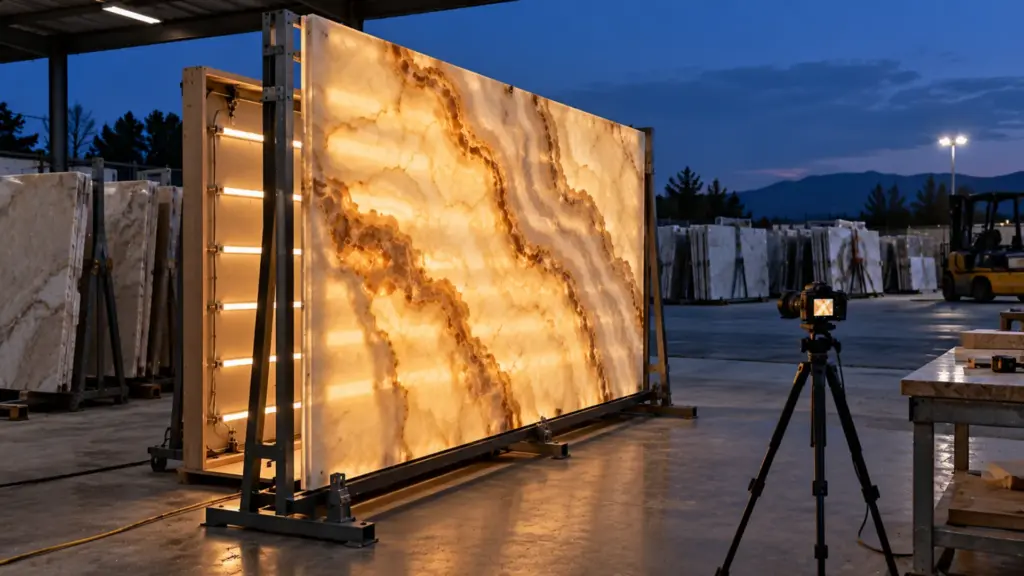
Write the mock-up checklist into the submittal so the result can be repeated on site:
- the face material, its thickness and the finish, with the supplier’s lot or slab number;
- the cavity depth measured from the strip to the back of the face;
- the strip model, row pitch, first and last row positions, and the output level photographed;
- the diffuser or cavity finish used, and the color temperature;
- the driver, the dimming level and the date of the photo.
FAQ
How far should LED strip be from onyx?
Vendor guidance runs from about 4 to 6 inches for strip behind stone, with a lower figure for wide-angle bars and light sheets. No figure fits every slab, so prove the depth on a sample of the real stone.
How do you backlight stone without hot spots?
Add depth first, then use a dot-free strip, a flat white back and a pitch that makes neighboring rows overlap on the face. Check thin edges and light veins in the mock-up, because those show rows first.
Does backlit onyx get hot?
The strip behind it does. Most of the strip’s watts end up as heat in the cavity, and stone and acrylic do not carry it away. Mount strip on aluminum, vent where possible, and choose the lower-watt strip that gets the job done.
Can you backlight acrylic with LED strip?
Yes. Frosted or opal acrylic blends well, but hot spots show when the strip is close to the face. Keep the strip back, use a white cavity, and check the mock-up with the dimmed level the room will use.
Spec Notes for This Job
Before the order, settle the cavity depth, the face material and thickness, the row pitch from a mock-up, the watts per square foot, and how a row and a driver are reached. Send the elevation, the material samples and the lighting target, and we match COB strip, channels and drivers to the panel and check the loads and run limits before quoting: request a quote.