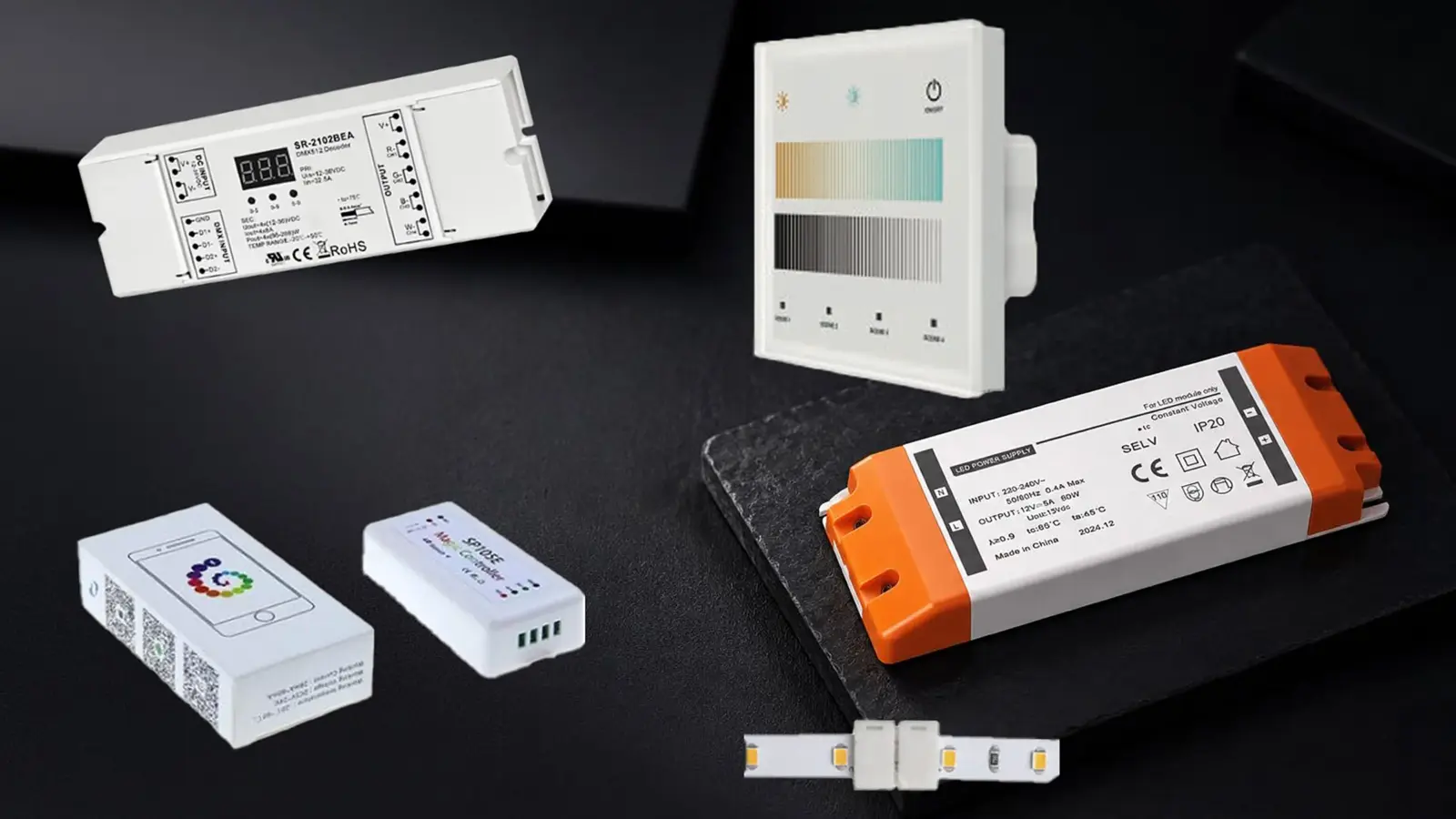
Size an LED strip power supply in four checks. Multiply watts per foot by run length. Divide the load by 0.8 to stay at or below 80% of the driver rating, our sizing rule. Check the strip’s feed limit. On a Class 2 job, check the supply’s own rating, then round up to a real model.
- Load first. Watts per foot times feet gives the connected load, from the model’s table.
- Headroom second. We keep the load at or below 80% of the rating. The datasheet governs.
- Feed limits third. A strip’s run limit can force more drivers than the watts alone.
- Class 2 last. A Class 2 supply has its own rating, so long runs split into circuits.
Step 1: Load, in Watts per Foot
Every strip in our tables lists its power in watts per foot (and per meter). The connected load is that number times the length of strip on the circuit.
| Strip | Power | Feed limit | Load at the feed limit |
|---|---|---|---|
| UT-C480-8 (24V) | 3.2 W/ft | 16 ft (5 m) per feed | 51 W |
| UT-C384-8 (24V) | 3.0 W/ft | 32 ft (10 m) no voltage drop | 96 W |
| UT-C960-15 (24V) | 7.6 W/ft | 10 ft (3 m) per feed | 76 W |
| UT-C1600-30 (24V) | 12.2 W/ft | 10 ft (3 m) per feed | 122 W |
| UT-C480-8-48V (48V) | 2.4 W/ft | 65 ft (20 m) single feed | 156 W |
The last column is W/ft times the feed limit, rounded to whole watts. It shows how much power a single feed point can ask for, which is the number a driver has to carry.
Use the figure for the exact model and its listed voltage. A high-density strip can draw more than twice the power per foot of a standard one, on a shorter run. Measure the strip actually on the circuit, not the reel or a nameplate for a different length.
Step 2: Headroom, and Where the Number Comes From
Our rule is simple: keep the connected load at or below 80% of the driver’s rating. That is why we divide the load by 0.8 to find the minimum driver rating. A 96 W load needs a driver rated at least 120 W. Our power supply sizing calculator runs this arithmetic for any strip model, run length and loading rule, and lists the drivers that fit.
Be clear about what that number is. It is our sizing rule, used across our guides and in the FAQ on our SMD page, not a code requirement and not a figure every manufacturer uses. Other sources run from a 20% margin (about 83% loaded) in vendor calculators to about 75% in contractor forums. The same forum threads include an installer who was told by driver manufacturers not to load their drivers above 50% when using high-output tape, after repeated failures. That is one account, not a rule, but it makes the point: the number depends on the strip and the driver.
The driver’s datasheet is what you are bound to. It can ask for more headroom through a temperature derating curve or a minimum load, and high-output tape is where to check first.
Heat explains most of what the forums report. A driver that works for an hour and then drops out is usually a heat problem, not a plain overload: a covered junction box, a closed ceiling void, no air around the case. A supply loaded to its rating runs warmer, and a driver in a closet or above a ceiling is where the air does not move. Take derating and minimum-load figures from the datasheet of the specific model and write them into the submittal. We do not publish one number for all drivers.
Step 3: Split by Feed Limits
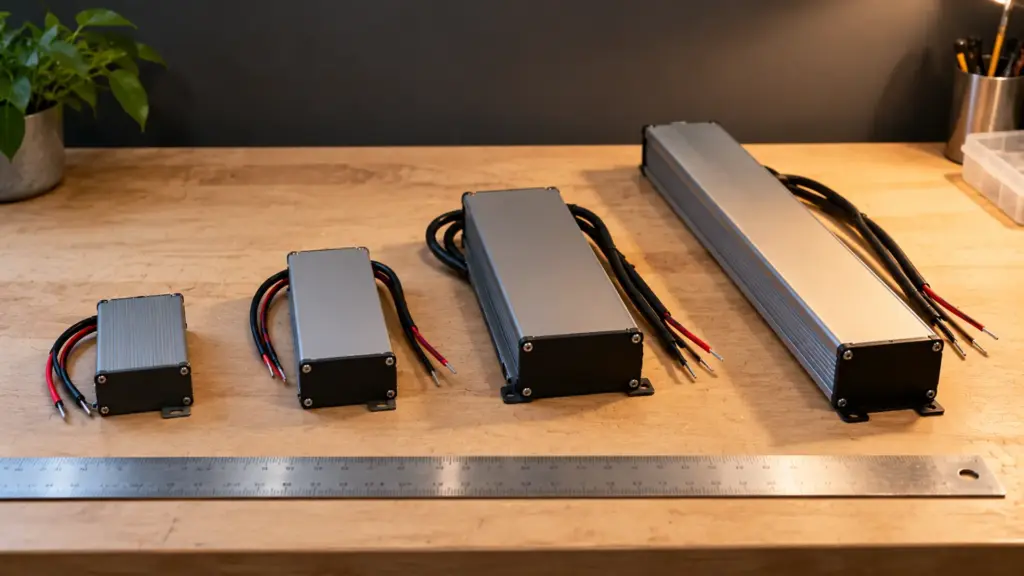
Watts decide the driver size, but the feed limit decides how many feed points you need, and each feed point needs a driver output that can carry it. In practice, a run is the smaller of two limits: the power the driver can carry, and the length the strip can carry from one feed.
For UT-C480-8 at 3.2 W/ft with a 16 ft feed limit, the load at the limit is 51 W. At 80% of a 60 W driver, the usable power is 48 W, which is 15 ft of that strip. So one UT-D60-24-C2 carries 15 ft, a little short of the 16 ft feed limit.
Our guide to voltage drop shows why long runs need feeds at both ends or at intervals. Voltage drop and power are two separate checks, and both have to pass. The wire from driver to strip counts too: size it for the load and keep it short, because it eats into the budget before the strip begins.
One more symptom from the forums is worth knowing. A supply that keeps shutting off may have an overcurrent limit lower than the actual draw. One thread describes two strips drawing 1.4 A each, 2.8 A together, on a driver limited to 2.5 A. The fix there was another driver, not a bigger one. Check the output current, not only the watts.
Step 4: Class 2 Supplies and Circuits
A Class 2 supply is power-limited, and that limit decides how a long run is divided. Our Class 2 range is UT-D40-24-C2 (40 W) and UT-D60-24-C2 (60 W). Those are the ratings of our drivers, not the limit of the Class 2 category itself; the NEC’s Class 2 limit is a separate figure that you should read from the table in the edition your jurisdiction has adopted. Our NEC guide for LED strip systems covers how to find that edition.
The practical consequence is circuits. At 80%, UT-D60-24-C2 carries 48 W, so a load above 48 W needs more than one Class 2 driver, each with its own secondary circuit. Our Class 2 driver guide explains why big jobs split this way. A higher-power driver such as UT-D100-24-67 (100 W, IP67) is not in our Class 2 group, so a design that relies on Class 2 wiring cannot swap one in without changing the wiring rules.
Check the nameplate for the Class 2 marking, not only the standard number. UL 8750 on a label does not make an output Class 2. We cover how to read that label in the Class 2 guide linked above.
Step 5: Dimmers and Controllers Add Up Too
The same arithmetic applies one level up. A dimmer or controller has a maximum load, and the drivers behind it count against it.
Four UT-D60-24-TRC drivers add up to 240 W, which is the whole rating of one UT-CTRC-240, with no headroom. Applying the same 80% rule, that dimmer carries 192 W of driver capacity, which is three of those drivers. For a 0-10V system, the UT-C010-350 decoder lists a 350 W maximum load, so 80% is 280 W. Check which protocol the project uses in our dimming guide.
Reading a Driver Datasheet: Six Lines
The sizing arithmetic is the same for every driver. The datasheet lines that can change the answer are these.
- Rated output. The watts the supply is rated for, at its output voltage. This is the number you divide into.
- Output voltage. It has to match the strip’s voltage. A model listed for 12/24V output needs the output voltage confirmed at order.
- Input range. The supply voltage on site. Our Class 2 models list 100–277 VAC (120–277 VAC for the 0-10V model), and the TRIAC model lists 120 VAC.
- Dimming type. Non-dim, 0-10V or TRIAC, matched to the control system on the job.
- IP rating. IP20 for dry spaces, IP65 or Dust-tight, and protected against temporary immersion in water. The usual rating for wet or outdoor runs that are not submerged all the time. where the driver sees dust or moisture, as listed per model.
- Derating and minimum load. Any temperature derating curve and any minimum-load statement. These are model-specific, and they are the lines that override a generic rule.
If a line is missing from the sheet, ask for it before the order, not after the first callback.
Where the Driver Sits Changes the Math
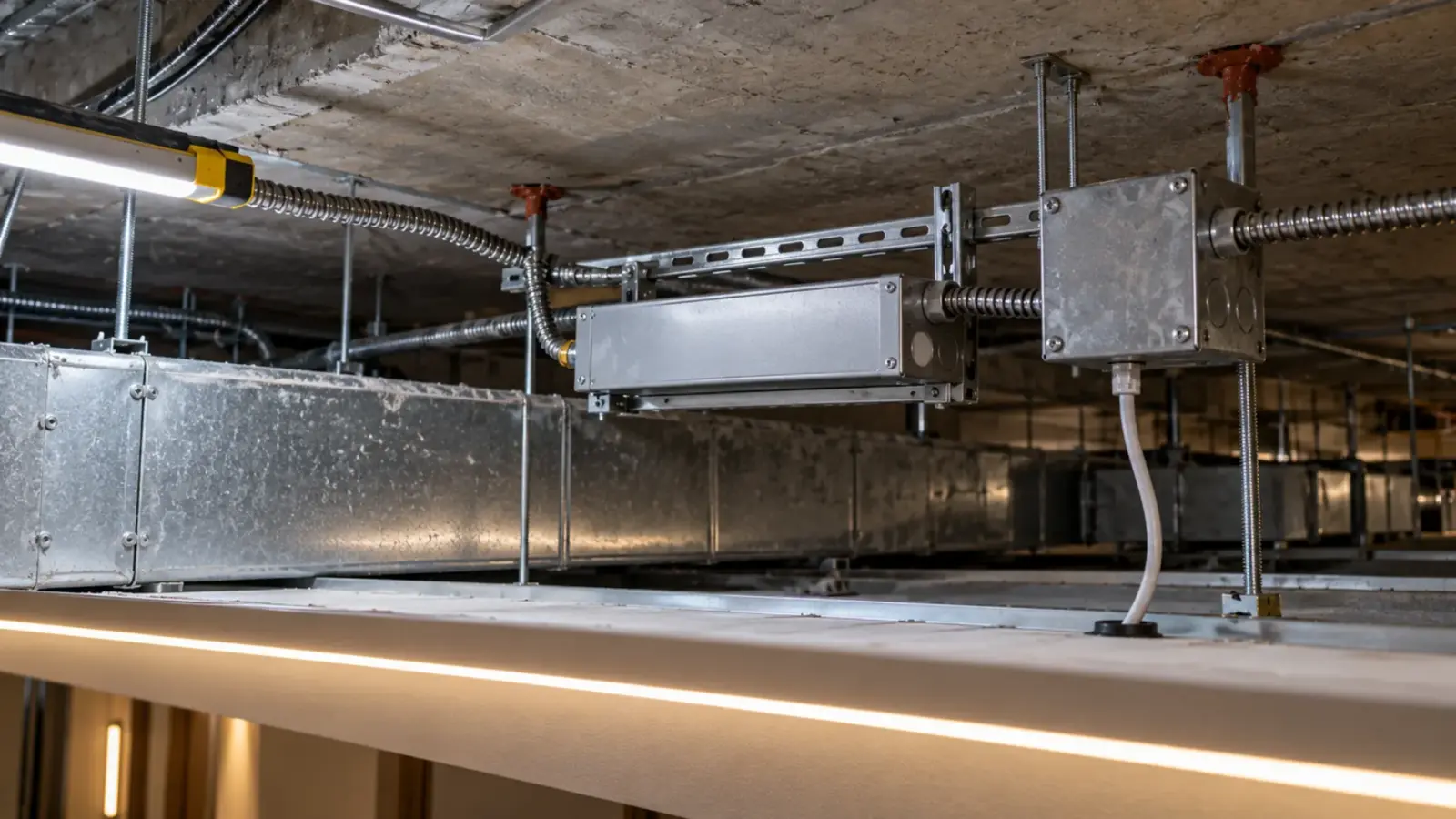
A driver in a ventilated closet and a driver packed into a ceiling void with insulation are not the same case, even at the same load. Placement changes how warm the supply runs, how long the secondary cable is, and how far the strip is from the first feed point. Our driver placement guide works through that for under-cabinet runs, and the same reasoning applies in coves and soffits.
Cable length is part of the sizing job. A long secondary run from the driver to the strip adds voltage drop before the strip begins, which eats into the feed limit. Move the supply closer to the strip, add a feed point, or step up the voltage on long runs, as we describe in the voltage drop guide above. To size the cable itself, put the load, gauge and home-run length into our feed-wire voltage drop calculator.

Worked Examples
These are typical layouts, not specific projects. Each follows the same four checks.
| Layout | Load | Minimum rating at 80% | Result |
|---|---|---|---|
| 30 ft of UT-C480-8 at 24V | 96 W | 120 W | Two UT-D60-24-C2, one per 15 ft section |
| 10 ft of UT-C960-15, one feed | 76 W | 95 W | One UT-D100-24-67 (76% loaded); not a Class 2 supply |
| 32 ft of UT-C384-8 | 96 W | 120 W | One UT-D150-24-L, or two UT-D60-24-C2 at 48 W each |
| 65 ft of UT-C480-8-48V | 156 W | 195 W | A 48V supply rated at least 195 W, matched at quote |
In the first row, each 15 ft section loads one driver to 48 W, exactly 80% of its 60 W rating, and stays under the 16 ft feed limit. The second row passes at 76% on a non-Class 2 driver. In the third row the one-driver option works only if the 150 W linear driver can be placed where the feed reaches both ends of the strip; otherwise two Class 2 drivers split the run. The last row is the load of a full 65 ft single feed; the matching 48V supply is selected at quote.
Mistakes That Cost a Second Visit
- Sizing to the strip’s nameplate average. Use the exact model and voltage from the table, not a round number.
- Zero headroom on a closet driver. A supply at 100% of its rating in a closed space runs at its warmest.
- High-output tape on a generic rule. Check the datasheet; some installers report manufacturers asking for far lower loading.
- One driver for a run that needs two feeds. Power passes, voltage drop fails at the far end.
- Counting the driver, not the dimmer. The controller behind it has its own maximum.
- Swapping a higher-power driver into a Class 2 design. The wiring rules change with the supply.
FAQ
Is 80% a requirement for LED drivers?
No. It is our sizing rule, used across our guides. The driver’s datasheet governs and can ask for more headroom through derating or a minimum load. Sources quote values from a 20% margin to about 75%, and one installer reports 50% with high-output tape.
How many watts can a Class 2 LED driver carry?
The rating printed on the nameplate. Our Class 2 drivers are rated 40 W and 60 W. The Class 2 category has its own power limit set in the NEC, which you should read from the table in the edition your jurisdiction has adopted.
How many LED strips can one power supply run?
Total the wattage of every connected run and keep it at or below 80% of the supply’s rating. Then check the feed limit for each strip, because the run length per feed can force more drivers than the watts alone.
Can I run a 24V strip from a 12V supply or the reverse?
Only where the model is listed for both voltages, as UT-C480-8 is (12V/24V). Models listed for a single voltage, such as UT-C384-8 at 24V, run only at that voltage, and the supply voltage has to match.
Before You Order
- The exact model and voltage of each strip, with W/ft from the table.
- The load per circuit, divided by 0.8 for the minimum driver rating.
- The feed limit per strip and the number of feed points.
- Class 2 marking on the nameplate where the design relies on it.
- The dimmer or controller maximum against the driver total.
- The datasheet derating and minimum load of each driver model, and where the driver will sit.
If you are sizing a job now, send the strip models, run lengths and the control scheme with your quote request. Our drivers, controllers and connectors range is matched to the strip at quote, and we check the driver count, feed points and dimmer load against your layout.