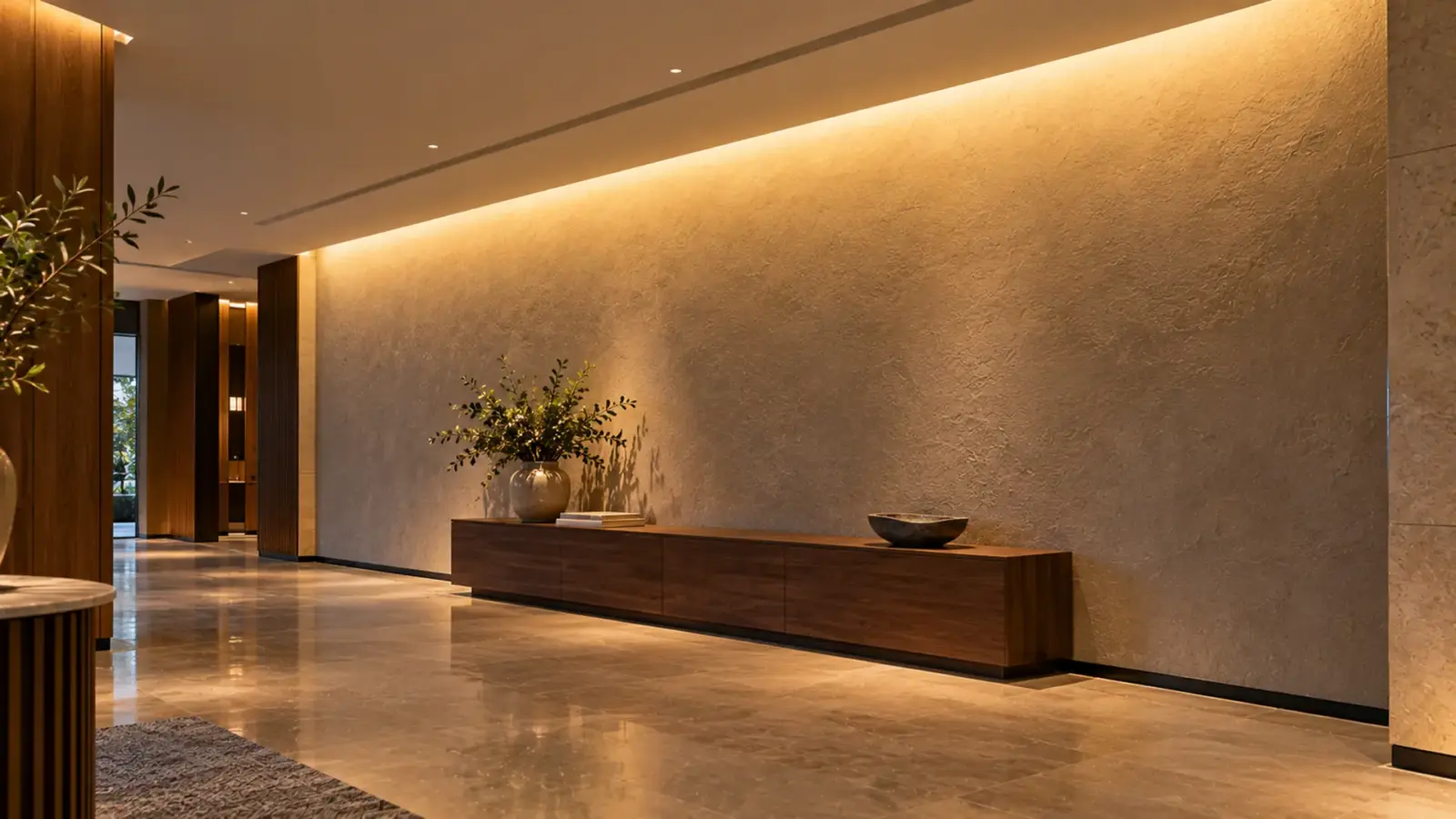
Design a linear LED wall washer in seven steps: survey the wall, choose wash or graze, fix the setback, pick the optic, lay out runs against the feed limit, size the power and control zones, then verify with a mockup or an IES file. Geometry comes first, because setback and wall finish decide what any optic can do.
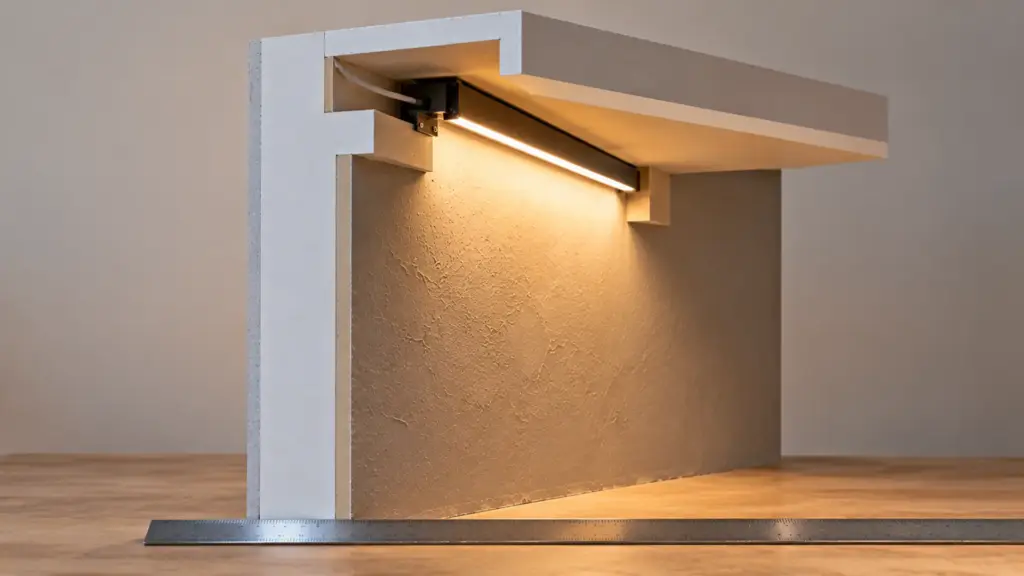
Take a typical lobby: a 40 ft (12.2 m) feature wall in plaster, a ceiling pocket that leaves 6 in (150 mm) from the strip to the wall, and a drawing that says “linear wall wash.” That one line hides about a dozen decisions. The sequence below puts them in the order that costs least to change.
Wall Survey: Measure Before You Pick
Nobody can choose an optic from a drawing note. Collect these before any model number goes on the sheet.
| Input | Why it matters | Where it decides the design |
|---|---|---|
| Wall height and length | Sets how far the light must travel and how many runs | Optic, run count |
| Finish and texture | Gloss shows scallops; texture breaks them up | Wash or graze, setback |
| Ceiling pocket depth | Fixes the largest possible setback | Optic, channel depth |
| Obstructions (frames, doors, returns) | Cause shadows and dark ends | Layout, end treatment |
| Viewing positions | The eye sees the wall at an angle, not square | Glare control, mockup position |
| Driver and cable access | Decides feed points and secondary cable length | Power layout |
Photograph the wall at the time of day it will be seen. A plaster wall under daylight looks different from the same wall at night with the strip on.
Wash or Graze
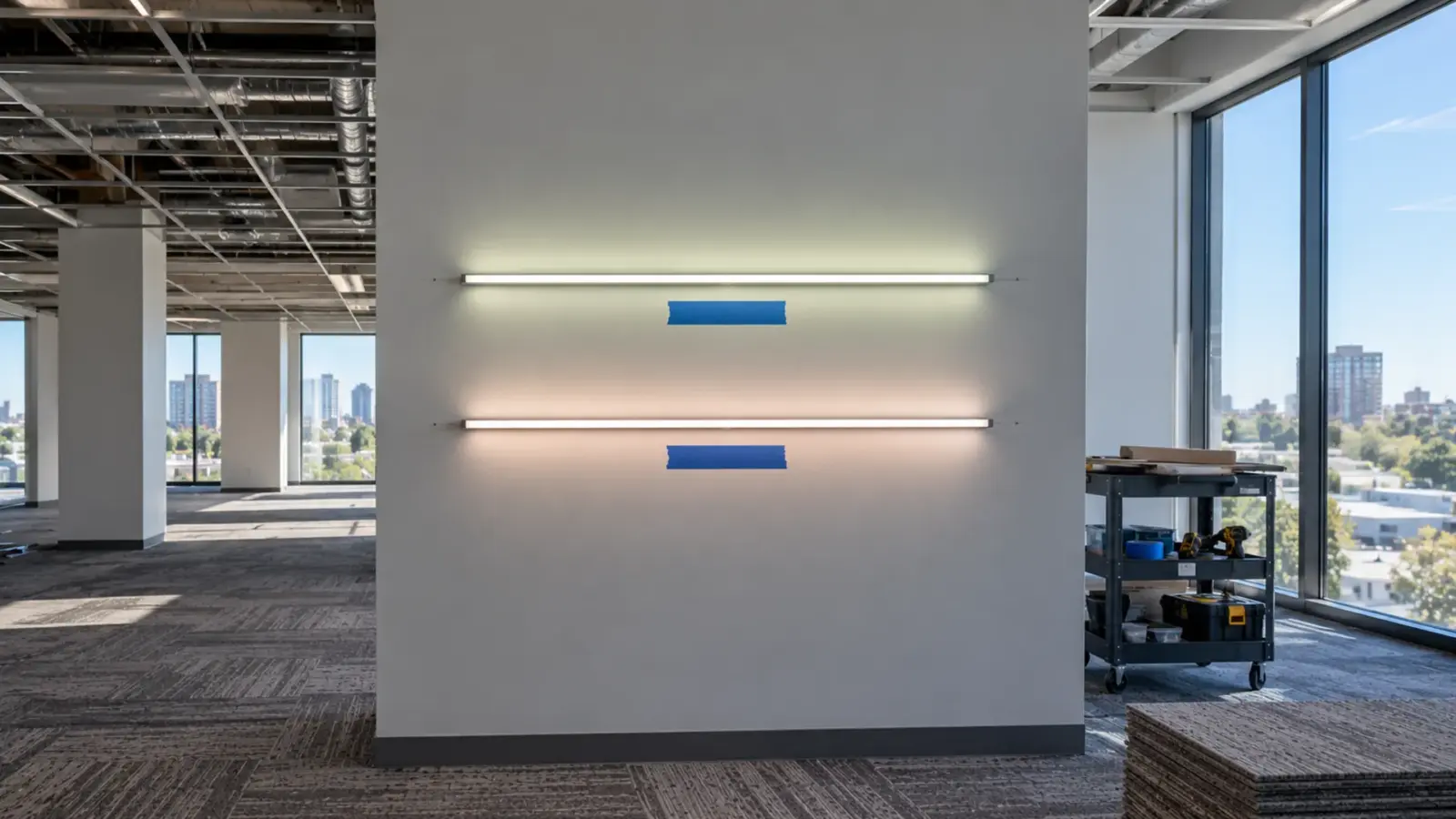
A wash fills the wall with even light from a wider beam. A graze rakes light across the surface from a narrow beam to bring out texture. The setback from the wall separates the two, and the beam angle tunes the result. We cover the geometry, with a table of where each beam angle lands at 6 and 12 in setback, in our wall washer beam angle guide. Read it for the numbers; this guide assumes you have set the setback.
Choose by the finish, not by taste. Smooth and glossy walls make a graze show every flaw, so washes suit them better. Heavily textured stone and brick are what a graze is for. Published guides put wash fixtures farther from the wall than graze fixtures, and most of the distances they quote come from manufacturers, so treat them as starting points for the mockup.
The Optic: What the Spec Table Gives You
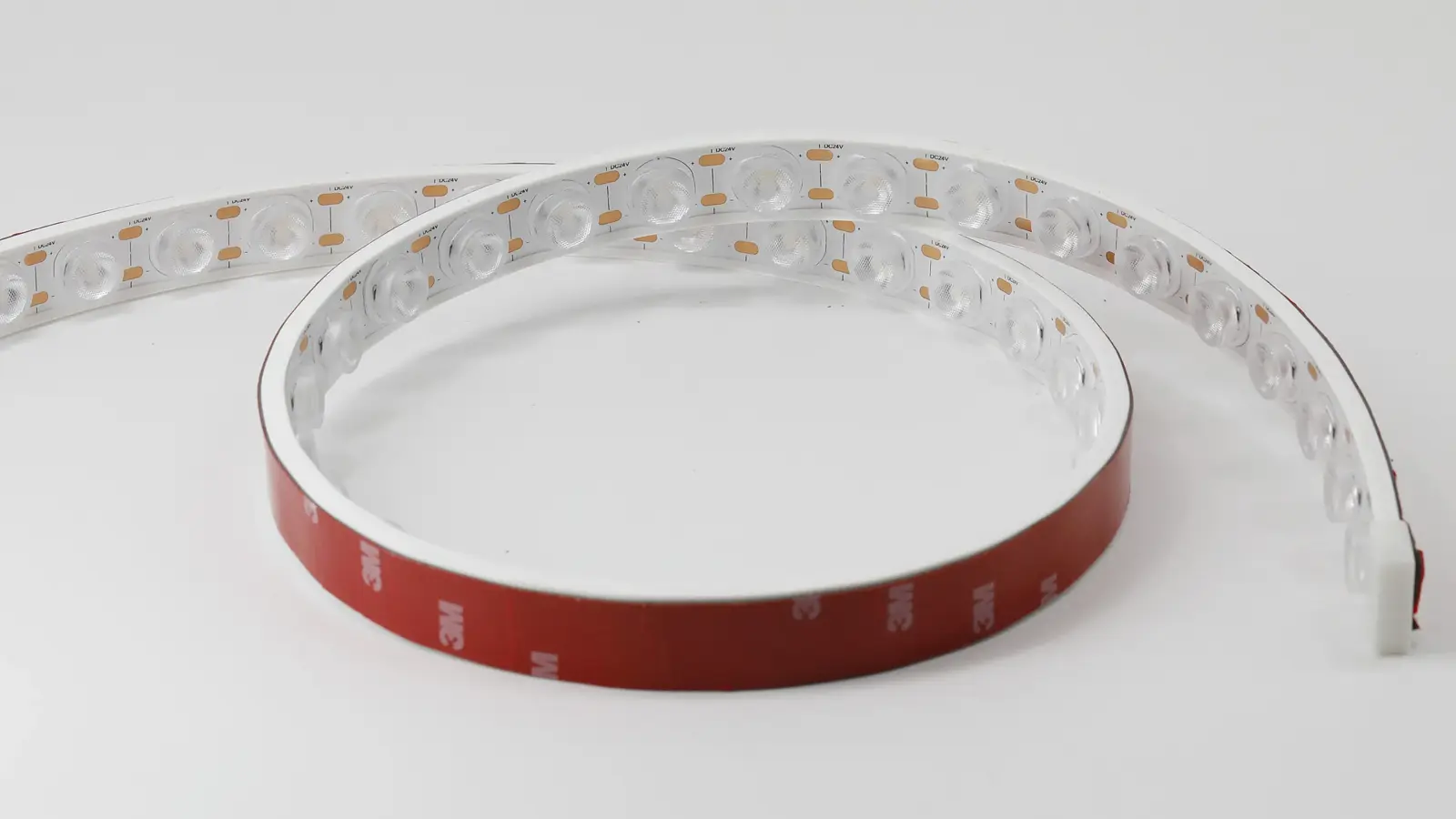
Our wall washer families differ in body, optic and construction. These are the numbers a layout needs, taken from the spec tables.
| Model | Beam | Power | Output | Max run | IP |
|---|---|---|---|---|---|
| UT-WB27-1060 | 10° × 60° | 8.2 W/ft (27 W/m) | 494 lm/ft | 16.4 ft (5 m) | IP67 |
| UT-WB27-2030 | 20° × 30° | 8.2 W/ft (27 W/m) | 675 lm/ft | 16.4 ft (5 m) | IP67 |
| UT-WB27-45 | 45° | 8.2 W/ft (27 W/m) | 551 lm/ft | 16.4 ft (5 m) | IP67 |
| UT-WS20-30 | 30° | 4.9 W/ft (16 W/m) | 527 lm/ft | 16.4 ft (5 m) | IP67 |
| UT-WS18-45 | 45° | 4.4 W/ft (14.4 W/m) | 562 lm/ft | 16.4 ft (5 m) | IP67 |
| UT-WP24-WHT | 30° / 45° / 30° × 45° | 6.1 W/ft (20 W/m) | 452 lm/ft | 16.4 ft (5 m) | IP65 |
| UT-WC84 | 36° | 2.4 W/ft (8 W/m) | 312 lm/ft | 32 ft (10 m) | IP20 |
Three points from the table matter for layout. First, the bar and silicone families list 16.4 ft per run, while the constant-current UT-WC strips hold 32 ft (10 m) in a single run, so a long wall can be fed with fewer power points. Second, the 27 × 27 mm bar is the deepest body, so it needs the ceiling pocket to match. Third, the lm/ft column is not a ranking of optics; narrow optics throw light farther and wide optics spread it. Pick the optic from the geometry, then check that the wall gets enough light.
Our LED wall washer range lists all six families with the full table.
Scalloping: Rules of Thumb That Do Not Transfer
Published wall-washer rules come from point-source fixtures on tracks and in ceilings. One architectural lighting guide, drawing on ERCO, gives a distance from the wall of about one-third of the room height, with fixtures spaced 1.2 to 1.5 times that distance apart. A continuous linear washer has no fixture spacing to set, so the spacing rule does not apply to it. What carries over is the principle: distance and beam angle together decide how the light overlaps on the wall. Scalloping on a linear washer is a setback and optic problem, so the fix is more setback or a wider beam, confirmed on the mockup.
Wall-wash patents show how much the setback alone changes the result. One tests housings at 12, 18 and 24 in from a 10 ft wall, and another describes the LED-to-wall distance as the dimension that drives the pattern. For a linear washer, the same lesson applies: fix the real distance first, then test the optic at that distance.
The same literature cites a maximum-to-minimum illuminance ratio of about 3:1 to 4:1 as a common uniformity target. Treat it as a number to agree with the lighting designer, then measure it on the mockup at a grid of points on the wall, not by eye.
Layout Along the Wall
A linear washer is a line. The aim is one continuous band that begins and ends cleanly.
- Section lengths. Cut increments are fixed per family: 9.84 in (250 mm) on the lens bar, 1.97 in (50 mm) on the silicone strip, 0.94 in (23.81 mm) on the PU-potted strip. Plan runs on those increments, not on the wall length.
- Joints. Every joint between sections is a place where light can dip. Keep the number of joints low by using the longest run the family allows, and draw each one on the elevation.
- Ends. The first and last section of a wash tend to read dark where the wall turns. A typical fix is to start the line a little before the wall edge, or return around the corner; confirm on the mockup.
- Obstructions. A door frame or a column casts a shadow. Break the line there deliberately instead of letting the shadow decide.
- Fixed ceiling pocket. The pocket depth fixes the largest setback. If the geometry needs more than the pocket gives, change the optic, not the pocket drawing late.
Power and Feed: A 40 ft Wall
Power and run length are the numbers that turn a layout into a supply list. Take the 40 ft wall with UT-WB27-2030 (8.2 W/ft, 16.4 ft per run).
| Check | Calculation | Result |
|---|---|---|
| Runs | 40 ft ÷ 16.4 ft | At least 3 feeds |
| Load | 40 ft × 8.2 W/ft | 328 W |
| Driver rating at our 80% rule | 328 W ÷ 0.8 | At least 410 W |
| One UT-D400-24-L (400 W) at 80% | 320 W ÷ 8.2 W/ft | About 39 ft |
One 400 W driver falls about a foot short of the wall at 80%, so this wall needs a second driver or a split into two groups. The lesson is general: a bar with 8.2 W/ft burns power quickly, and a 40 ft wall is a 328 W load before any dimming. The method is the one in our power supply sizing guide.
If the wall is long and the fixture family allows it, the constant-current UT-WC strips cut the number of feed points: a 36° beam, 2.4 to 4.6 W/ft and a 32 ft single run. They are IP20, so they belong in dry interiors.
Voltage drop is a separate check from power. See why the far end goes dim for how feed points fix it.
Control Zones: Dimming and DMX
Decide the zones before you draw the cables. A single wall that always runs as one line needs one dimming channel. A wall that changes color or scenes needs one channel group per zone.
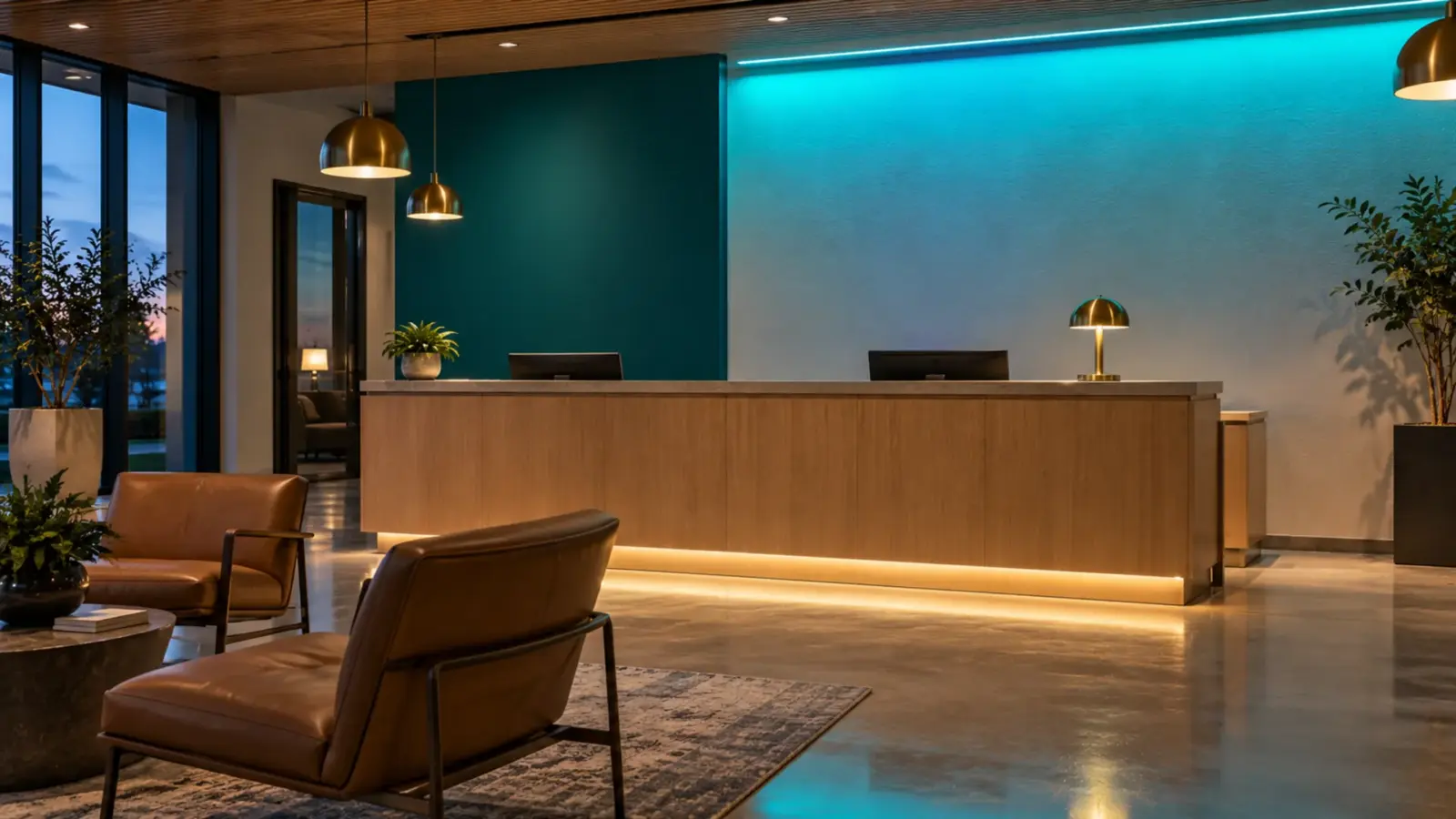
For white washers, the question is the dimming protocol: our dimming guide compares 0-10V, TRIAC and DALI. For color, we offer DMX512 RGBW bar versions of the same body, for example UT-WB27-2030-DMX. Our controllers table lists the UT-CDMX-480 DMX512 decoder, with a 480 W maximum load and 4 channels, which is one RGBW color group. Confirm the control path and addressing for the DMX versions at quote, and keep each decoder under 80% of its maximum load.
Draw the zone boundaries on the elevation. A scene change that splits a wash in the middle of a run shows up as a step in the wall.
Verification: Mockup First, IES Second
Verify before the order, in this sequence.
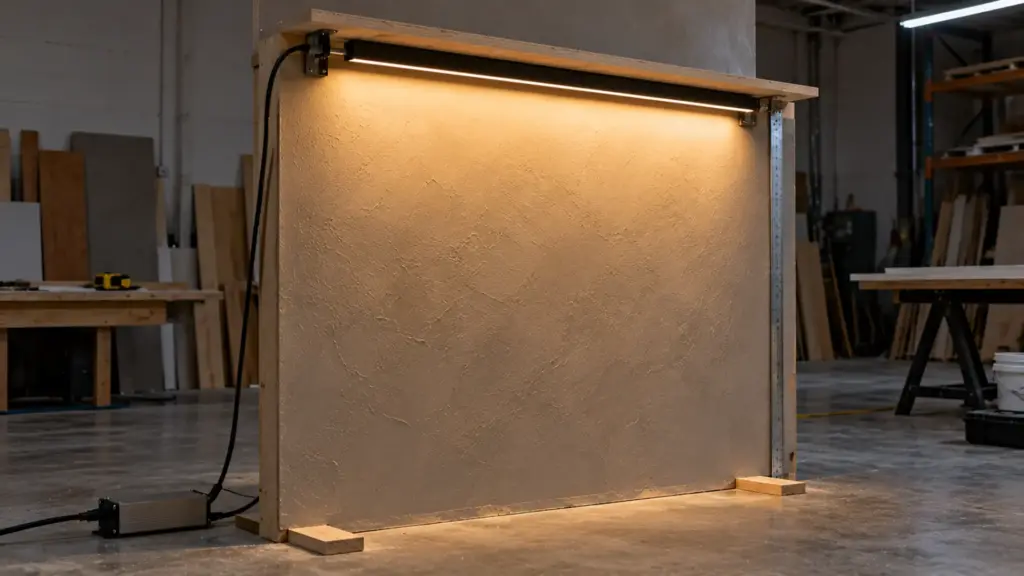
- Mockup on the real finish. Fix a short length of the chosen optic at the real setback against a sample of the real wall. A drywall board painted with the final finish will do. Photograph it from eye height and from the entry. Use the real lens, the real color temperature and the dimming level planned for the job.
- Check the failure modes. Look for scallops near the strip, a bright band under the ceiling, a dark top edge, color shift between sections, and glare at a viewing position. Measure illuminance at a grid of points on the wall and record the highest and lowest values.
- IES data for layout. Ask for the IES file for the model and optic. Our page says IES data ship with your quote. Put it into your layout software only after the mockup shows the physical wall agrees with the setback you assumed.
A rendering is only as good as the model behind it. A mockup is the cheaper test, and it catches finish effects the software does not show. Once the mockup passes, record the setback, aiming and optic in the schedule; a different lens substituted at procurement changes the uniformity you validated.
Mistakes That Show Up on the Wall
- Choosing the optic before the setback. The pocket fixes the setback. An optic picked first leaves scallops or a bright band that no dimmer fixes.
- Judging the wall from a drawing. Finish and viewing angle decide the result, and neither is on the elevation. Mock it up.
- One driver for the whole run. The load, the feed limit and the voltage drop each set a number. The smallest of them wins.
- Control zones drawn after the cables. Splitting a wash across two zones later means new cable runs or a visible step in the wall.
FAQ
Can I use one optic along the whole wall?
Usually yes, if the wall is uniform. Change the optic where the wall changes: a tall section with a deep pocket and a low section with a shallow one may need different beams.
How do I split a long wall into runs?
Work from the family’s run limit, 16.4 ft for the bar and silicone families and 32 ft for the constant-current UT-WC strips, then place a feed at each break. Draw the break points on the elevation with the driver locations.
Do I need IES files for a wall washer?
You need a way to test the layout. A mockup does that on the real finish, and an IES file lets the lighting designer model the wall in software. Ask for the IES data for the exact model and optic at quote.
Can a wall washer be dimmed to follow a scene?
Yes. White versions follow the project’s dimming protocol; the DMX512 RGBW versions follow a DMX controller. Decide the zones before drawing cables.
Spec Notes for This Job
- Setback, finish and viewing positions on the survey sheet, in one table.
- Optic chosen by geometry, then checked for light level on the wall.
- Run lengths on the family’s increments and run limit, with feed points and driver locations.
- Load at or below 80% of each driver rating, and voltage drop checked.
- Control zones drawn on the elevation, with the dimming or DMX path named.
- A mockup photographed on the real finish before the order.
Unitop Lighting supplies LED wall washers for commercial and architectural walls across the US. Send the elevation, the pocket section and the control scheme with your quote request, and we will check optic, run lengths, driver count and control zones against the drawing.