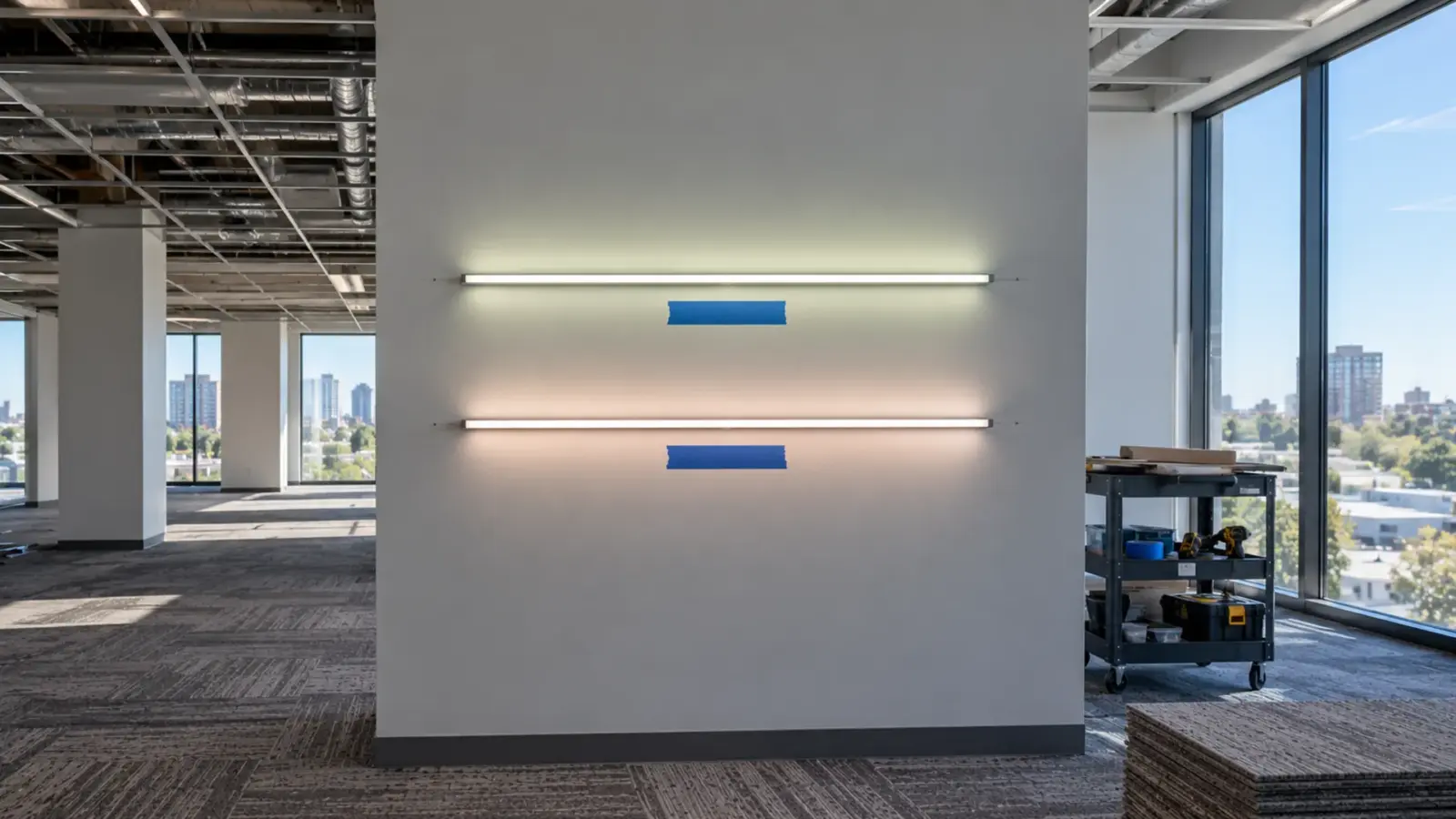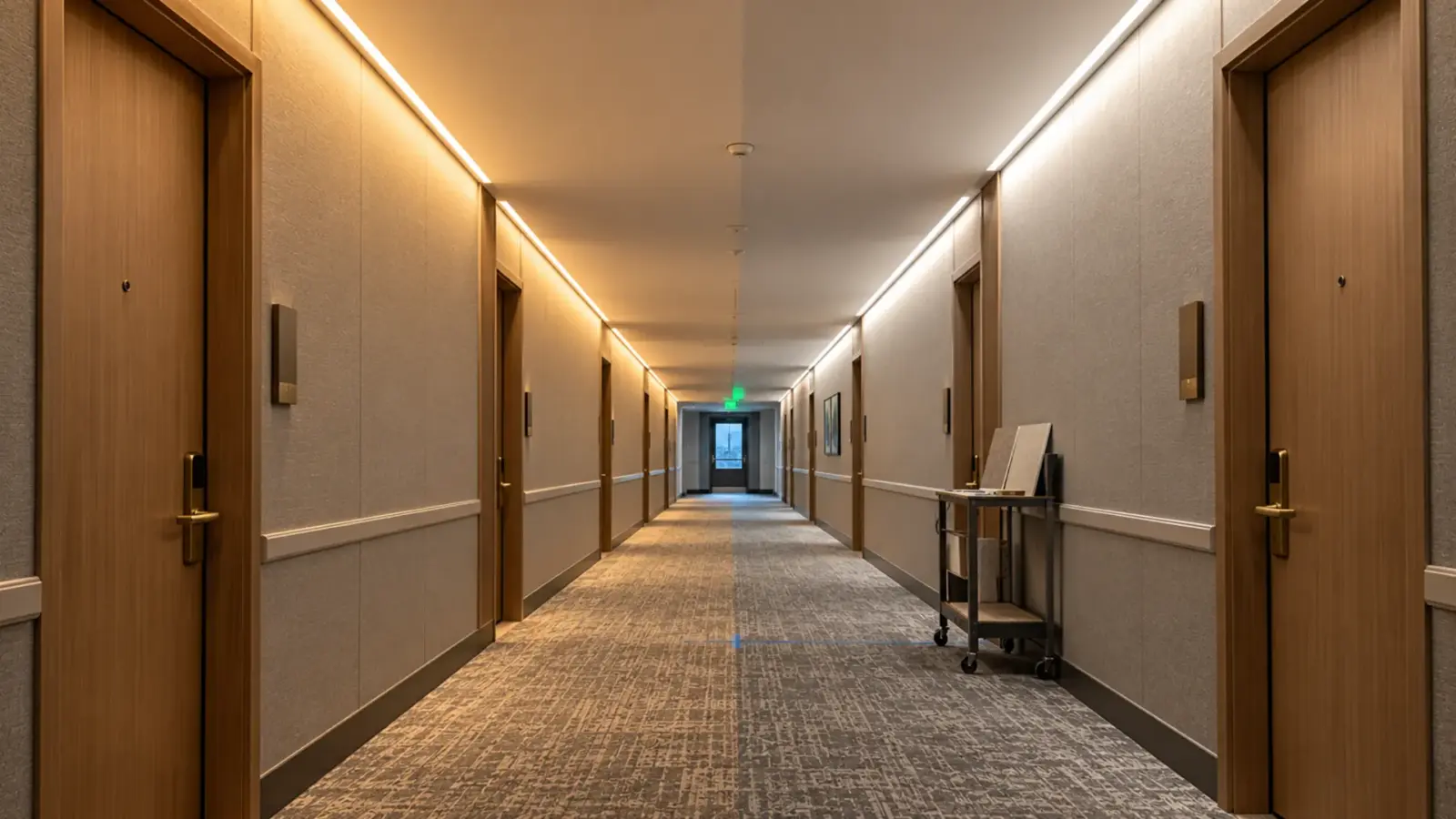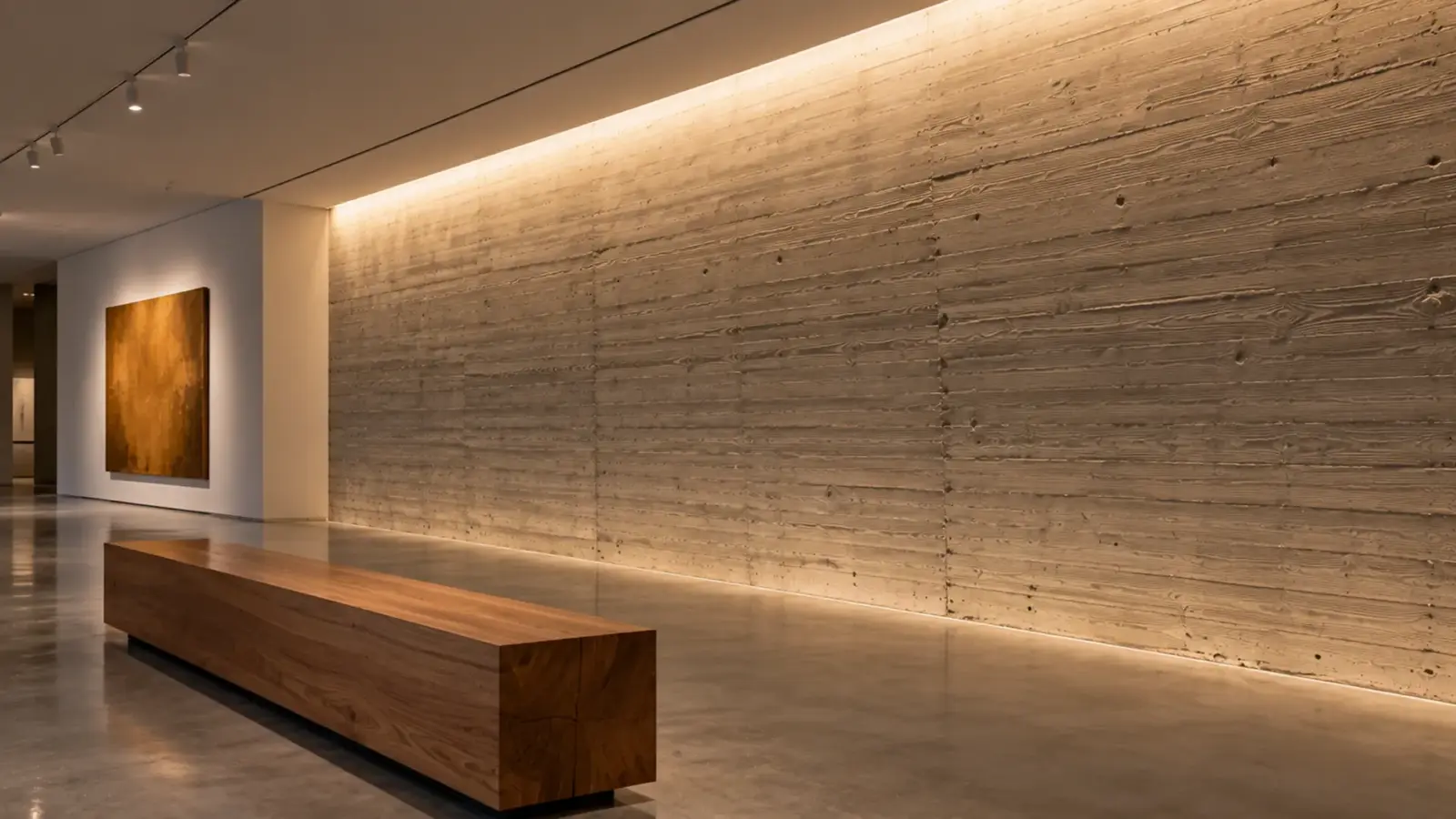
The RFI log asks three things: which driver, where does it sit, and does the strip fit the cove. The drawing says “linear LED, 3000K.” Commercial linear LED lighting design most often fails in the gap between those two. This guide lists the gaps that turn into RFIs and what to draw instead.
Design Intent Left Unwritten
The gap. A linear LED line on a plan can be a wash, a graze, an indirect cove, an accent or a task light. The symbol is the same. The strip, the optic and the light level are not.
The cost. The contractor prices the cheapest reading of the symbol, the designer expected another, and the mockup shows the difference after the order. Replacing a reel is cheap; replacing a channel already set in plaster is not.
Write instead. One line per run: what the light does (wash, graze, indirect, accent, task), the target in lumens per foot or footcandles on the surface, the viewing positions, and the dimming range. The right level for a cove is in our lumens per foot article, and the cove section itself, with setback, lip height and sightlines, is on our cove lighting page. According to a manufacturer linear-systems guide from Acuity, layout should respond to the design intent and the room, which is the order to work in: intent first, then product.
A short table helps. The intent decides what goes on the drawing and what the mockup must prove:
| Intent | Write on the drawing | The mockup must show |
|---|---|---|
| Indirect cove | Level on the ceiling plane, setback, lip height | No scallops or hot line on the ceiling |
| Wall wash | Level on the wall, setback, pocket size | An even gradient from top to bottom |
| Accent reveal | Visible line width and diffuser | No dots at the closest viewing position |
| Task light under a shelf | Level on the work surface | No glare from seated eye height |
Dimensions That Never Reached the Detail
The gap. The plan shows a line. The cove is a section: its depth, the setback from the wall, the lip height, the corner radius, and the space the channel and diffuser need. If the detail does not draw the channel at full scale, nobody knows whether it fits.
The cost. “Does the channel fit the pocket?” is the most common question on a cove, and it arrives after the millwork or drywall is built. The answer is a rework order.
Write instead. A full-scale section for every cove or pocket type, with the channel model, the diffuser, the strip’s PCB width, the setback and the access route for service. A model such as UT-CH2415, a surface channel with a 15 mm maximum strip width, takes an 8 mm COB strip with room to spare; a 12 mm recessed UT-CH2020 does not take a 15 mm strip. The fit rule on our channels page is that the PCB sits flat with about 1 mm of clearance. For wall washers the geometry has its own articles: our wall washer design guide and the beam angle and setback article.
Corners and ends belong in the same detail. A continuous line turns corners and stops somewhere, and the drawing has to say how: a mitered channel with a bent strip or a corner connector, and an end cap or a return at the last cut. A field manual from Restrepo Innovations lists dark corners, visible drivers and mismatched batches as the faults it sees most on linear jobs.
Load and Zoning: A 120 ft Cove
The gap. The designer chooses a strip; the contractor finds out what it loads. The driver count, the zones and the dimming method all depend on the load, and none of them appear on a lighting plan.
The cost. Drivers added at submittal change the closet, the conduit and the budget. Zones decided after the drivers are bought change the drivers.
Take a 120 ft (36.6 m) cove run of UT-C480-8 at 24V:
| Item | Value |
|---|---|
| Strip load | 120 ft × 3.2 W/ft = 384 W |
| Driver rating needed at our 80% rule | at least 480 W |
| One UT-D400-24-L (400 W) | Not enough: 384 W is 96% of the rating |
| Two UT-D400-24-L | 800 W of rating, each driver at 48% with 60 ft of strip |
| Feed points at 16 ft (5 m) per feed | 8 (120 ÷ 16 = 7.5, rounded up) |
| Three dimming zones of 40 ft | 128 W per zone |
The 80% is our sizing rule, not a code requirement; the method is in our power supply sizing guide. The last row changes the driver choice. The 400 W linear driver in our table is non-dimming, so zones that dim need dimmable drivers or a dimming controller on the DC side, such as the 0-10V decoder UT-C010-350 with a 350 W maximum load. Zoning decides this before the driver schedule does. The drivers, controllers and connectors range lists the options.
Write instead. A table on the drawing: run, strip model, length, load, zone, driver, driver location.
Run Lengths With No Feed Points
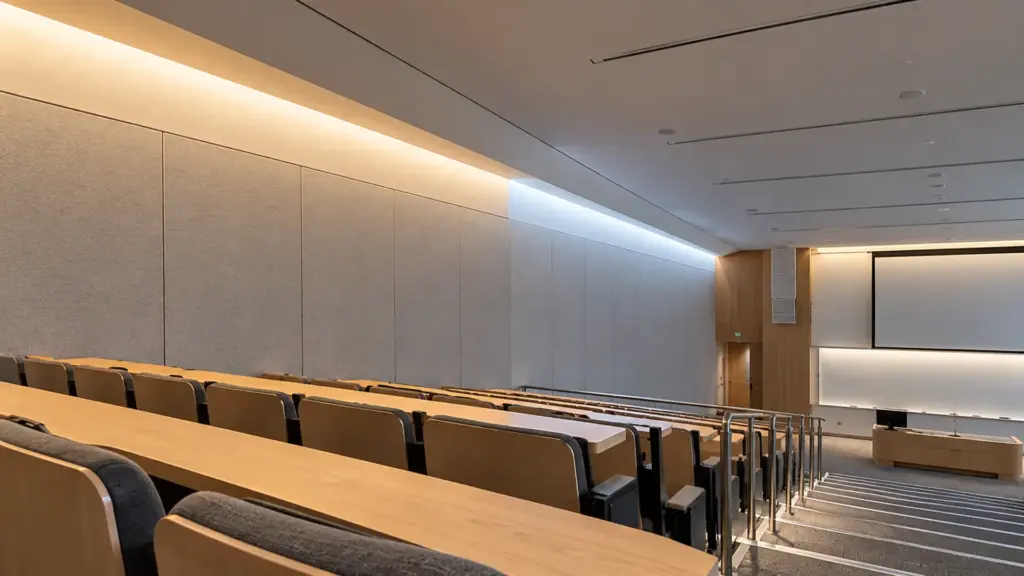
The gap. A 120 ft line on the plan is one line. On the strip it is eight feeds, and each feed needs a wire back to a driver.
The cost. Feed locations that were not drawn become wire pulled through a finished cove, or a dim far end at handover. Both come back as RFIs and punch-list items. The mechanism is in our voltage drop guide.
Write instead. Mark every feed point and the direction of feed on the plan, and give the wire gauge and the driver it returns to. On a long cove, feeding from both ends or injecting power at the middle keeps the far end from dimming, and it has to be drawn because it adds conductors and a junction. A long-run model changes the count: UT-C480-8-48V, listed at 2.4 W/ft and 65 ft (20 m) from a single feed, turns the same 120 ft into two feeds, but it also changes the driver, so confirm the supply at quote.
Callouts That Cannot Be Ordered
The gap. “LED strip in aluminum channel, 3000K” names a look, not a part. A contractor cannot order it, and a reviewer cannot approve it.
The cost. The contractor sends an RFI, the designer answers, the submittal gets a second round. On a long job that is a week.
Write instead. A callout that lists every ordered part, with one line each:
| Element | Example | Why it matters |
|---|---|---|
| Strip | UT-C480-8, 24V, 3000K, Ra of 90 or higher | Sets load, run limit and cut increment |
| Channel | UT-CH2415 | Must take the strip’s PCB width |
| Diffuser | PC opal | Decides whether dots show and how much light is lost |
| Driver and control | A dimmable driver or decoder, by model | Sets the zone and the dimming path |
| Accessories | End caps, clips, connectors | Missing items stop the install |
Our channel diffuser article covers the cover choice. The COB LED strip range and the LED channels and diffusers range list the models and their limits.

Control Path Named by Wattage
The gap. The control note says “dimmable” or “0-10V” and stops. The control path is a chain: the dimming signal, the driver or decoder that reads it, the load limit of that part and the wiring between them.
The cost. A dimmer that does not match the driver flickers, and a controller loaded past its limit shuts down. Both show up at commissioning, when the ceiling is closed.
Write instead. The protocol, the part that reads it, its maximum load and the zone it serves. Our dimming guide sets out the protocols and the checks.
Access and Service Left to Chance
The gap. The drawing shows the line. It does not show how anyone reaches the driver, the joints or the controller after the ceiling is closed.
The cost. The first failure turns into a cutting permit. A joint buried in a sealed cove, or a driver above a plaster ceiling with no hatch, makes a ten-minute repair into a ceiling repair.
Write instead. The driver location with its access route, the joint locations marked on the plan, and the places where the cove or the ceiling opens. If a driver has to live in a closet, give the closet and the wire route back to the run. Our installation guide covers the handover items the installer should leave.
Batch and Finish Not Matched Across Runs
The gap. Two runs of “3000K” on the same wall are two orders, or two reels from two production lots, and nothing on the drawing says they must match.
The cost. The tint difference shows when both runs are lit, usually at the corner where they meet. The fix is a swap that no one budgeted. Channel finish has the same problem: the same profile comes in silver and black in several models, and a mixed delivery looks like an error.
Write instead. The CCT and CRI as numbers, a note that adjacent runs come from the same lot, a binning tolerance if the job is color-critical, and the channel finish by model. Our spec sheet guide covers the color lines to ask for.
Acceptance Criteria Nobody Wrote
The gap. “Uniform, no visible dots” is the design intent. Nobody wrote how it is checked, by whom, or when.
The cost. The owner disagrees at handover and the argument has no reference. Because there is no sample on file, the question “does this match what we approved?” has no answer.
Write instead. Three lines. A mockup of the cove or pocket at full scale, with the real finish, approved before the order. A set of acceptance checks: viewing positions where dots must not show, the light level, the CCT match between adjacent runs and the dimming range. And a named person who signs. Bench testing each run before it is mounted belongs to the installer and is in our installation guide.
What the Design Hands to the Submittal
The design is finished when the contractor can assemble a submittal from it without guessing. Public specifications show what reviewers look for. The University of Maryland and Chicago Public Schools Division 26 51 00 specs ask for product data for each fixture type, and the Chicago spec says submittals that do not mark the chosen options are returned without review. The City of Madison lighting plan application asks for cut sheets labeled to match the plans. Drivers are a separate item in the Maryland spec, and the Iowa DOT spec asks for wiring diagrams for control systems.
From that, the design should hand over:
- A type schedule with one line per fixture type, and each part (strip, channel, diffuser, driver, control) as its own line.
- Plans whose labels match the type schedule.
- The load and zone table from the section above.
- The control diagram, with protocol and maximum loads.
- The acceptance criteria and the approved mockup.
The submittal documents themselves are a separate subject, and our spec sheet and listing guides cover the reports behind the numbers. Check the project specification for its own list; it controls.
FAQ
What drawings does a commercial linear LED design need?
A lighting plan with run lengths and feed points, a full-scale section for each cove or pocket type, a type schedule that lists each part, a load and zone table, and a control diagram. Add the acceptance criteria and the mockup.
Do I need IES files for linear LED strip?
If you are calculating light levels on a surface in layout software, yes: ask for the file and run your own calculation, as manufacturers’ delivered figures can differ from installed results. For a cove or a wall, a full-scale mockup on the real finish is the check that matters.
Who sizes the drivers, the designer or the contractor?
It depends on the project specification. Size them in design when you can, because zones and dimming change the driver choice. Whichever party does it, write the rule and the load on the drawing so the other can check it.
Before the Drawings Go Out
- Every run has a purpose, a light level and a dimming range.
- Every cove or pocket has a full-scale section with the channel model drawn in.
- The load, driver and zone table is on the sheet, with driver locations.
- Feed points are marked, with wire gauges.
- Every callout lists each ordered part.
- The control chain is named to the protocol and the maximum load.
- A mockup is approved, and the acceptance checks are written.
We quote these jobs from drawings. Send the plan, the run lengths and the control system with your quote request, and we will match strip, channel, supply and controller. The project supply page explains how projects are handled.