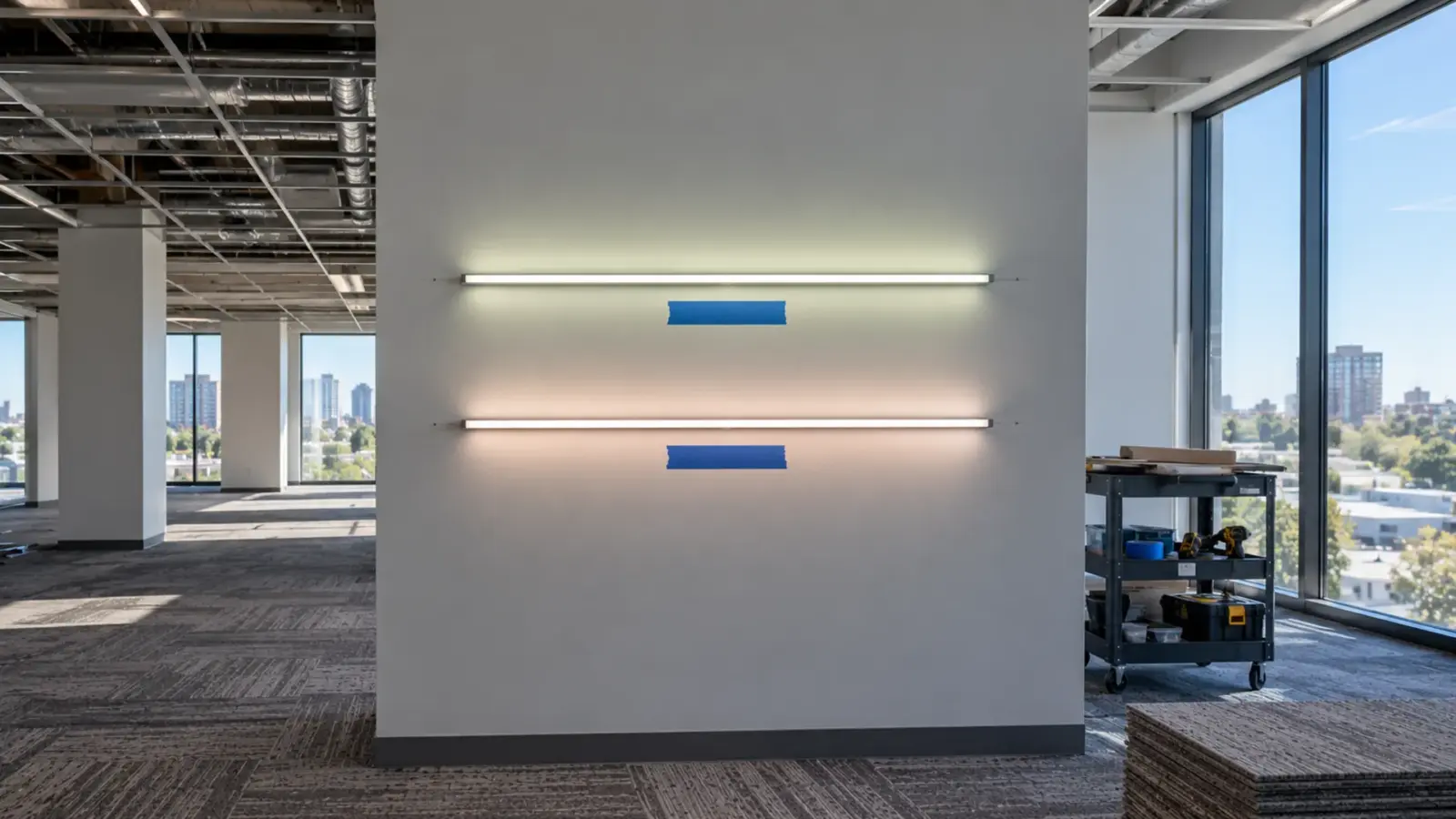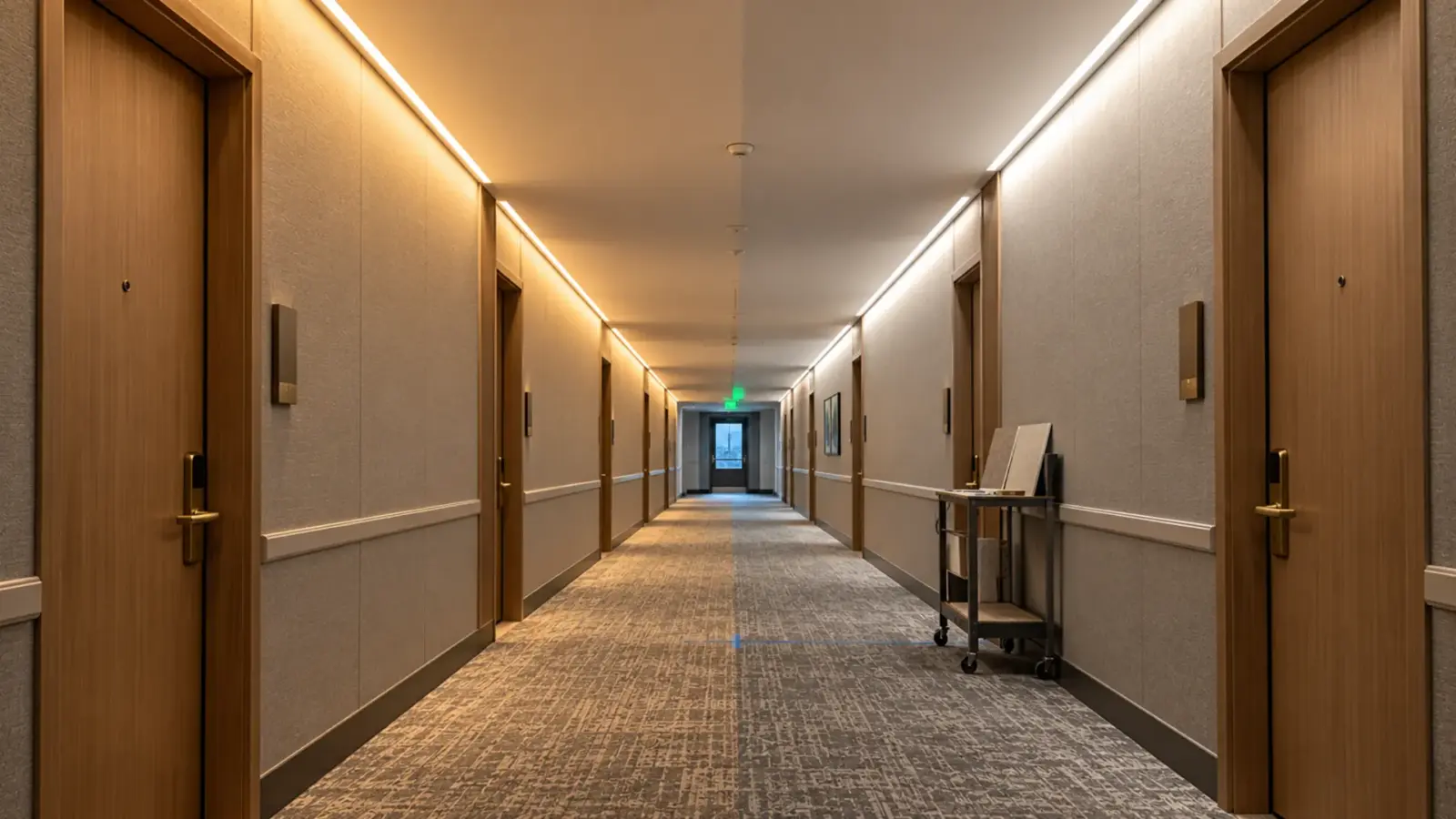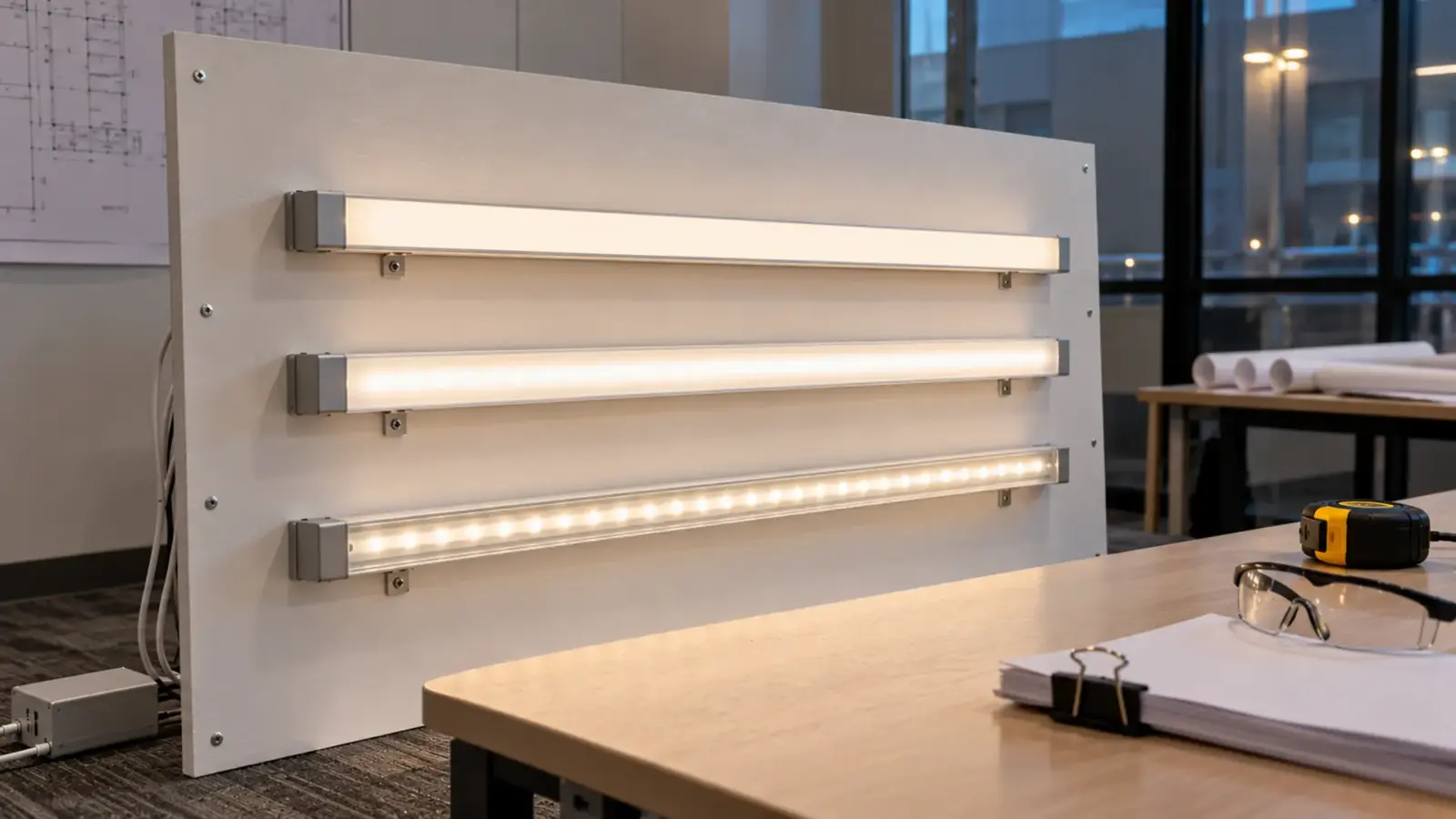
An LED strip submittal clears review when the reviewer can check every line of the specification against a page in the package without sending a question back. A cut sheet alone rarely does that: the driver, the controls, the layout and the listing have to be there as well. Five things decide most reviews:
- One cut sheet per fixture type, with the ordered options marked.
- Photometry for the finished strip (LM-79 and an IES file), not only LED life data (LM-80).
- A listing page that names whose listing it is and what it covers.
- A layout drawing with every run, feed, driver and cut length.
- Samples and a revision block, so the approved product is the one that ships.
The rest of this page goes through the package in the order a reviewer usually reads it. Terms a reviewer may query, such as L70, LM-79 or Class 2, are defined in our LED strip lighting glossary.
The Package at a Glance
| Section | What it contains | Usually comes from | What the reviewer checks |
|---|---|---|---|
| Cover and transmittal | Project, spec section, submittal and revision number, contractor’s review stamp | Contractor | That it came through the contractor and matches the log |
| Fixture schedule cross-reference | Each fixture tag mapped to a model and a page | Contractor with supplier | Every tag is covered once |
| Product data | One cut sheet per type, options marked | Supplier | CCT, CRI, W/ft, lm/ft, voltage, IP, cut step, run per feed |
| Photometry | LM-79 report, IES file | Manufacturer via supplier | Same model, CCT and cover as specified |
| LED life data | LM-80 and TM-21 projection, if the spec asks | LED package maker via supplier | Package matches the strip |
| Listing and compliance | Listing file and scope, energy code pages, RoHS | Original manufacturer via supplier | Scope fits the installation |
| Drivers and controls | Driver and controller cut sheets, compatibility statement | Supplier | Class 2 marking, dimming protocol, load |
| Layout drawing | Runs, feeds, drivers, cut lengths | Contractor with supplier’s limits | Runs inside limits, access to drivers |
| Mounting details | Channel, cover, end caps, clips, joints | Supplier and contractor | Fits the detail on the drawings |
| Samples | Lit sample at the specified CCT and cover | Supplier | Color, uniformity, dots, finish |
| Warranty and O&M | Warranty terms, maintenance and spares | Supplier | Period and conditions |
| Deviations | One line per spec item that differs | Contractor | Reason and effect of each change |
- 1CoverSchedule cross-referenceEvery tag once
- 2Product dataOne cut sheet per typeOptions marked
- 3PhotometryLM-79, IESSame model and cover
- 4ListingHolder, standard, modelScope fits the location
- 5Drivers, controlsClass 2, dimmingCompatible pair
- 6Layout drawingRuns, feeds, cutsInside run limits
- 7SamplesLit, as specifiedApproved reference
- 8DeviationsOne line per itemEven if none
Cover Sheet and Fixture Schedule
The cover sheet is where most packages lose a day. It needs the spec section, the fixture tags covered, the submittal number and the revision, and the contractor’s review stamp. Some owners require the contractor to send it: according to Iowa DOT’s lighting special provisions, submittals sent directly from suppliers or subcontractors are not reviewed.
Add a one-page cross-reference: each fixture tag on the schedule, the model submitted for it, and the page where its data starts. A reviewer working down the schedule should never have to hunt.
Checkpoint: every tag on the fixture schedule appears once, and only the tags in this submittal appear.
Product Data: One Cut Sheet per Type
Give each fixture type its own cut sheet and mark the options being ordered. The Chicago Public Schools interior lighting standard, for example, tells contractors not to group similar fixture types on one cut sheet, and returns submittals without option data unreviewed. A forum thread on Mike Holt’s site describes the opposite habit, a contractor sending an entire catalog with nothing marked, and how much reviewers dislike it.
For LED strip, the marked line should show at least:
- Model number and family
- CCT, Color Rendering Index, 0–100: how truthfully the light shows colors next to a reference source. Ra≥90 is the usual bar for interiors. (and R9 if specified)
- Watts per foot and lumens per foot at that CCT
- Input voltage, cut step and rated run per feed
- PCB width, IP rating and the location the strip is intended for
As an example of what one row of a spec table gives you: UT-C480-8 is an 8 mm COB strip at 12V or 24V, Ra≥90, 3.2 W/ft, 2700–6000K, cut every 0.98 in at 12V or 1.97 in at 24V, rated 16 ft (5 m) per feed, IP20. Our guide to reading an LED strip spec sheet covers each column.
Photometry: LM-79, LM-80 and TM-21 Are Different Documents
These three are often treated as one requirement. They answer different questions.

| Document | What was tested | What it tells the reviewer |
|---|---|---|
| LM-79 report | The finished product, here a length of the strip | Measured lumens, watts, efficacy, CCT, CRI and light distribution |
| IES file | Produced from the photometric test | Data the lighting calculations use |
| LM-80 report | The LED packages, run for thousands of hours | How the LED package’s output holds up over time |
| TM-21 projection | A calculation from LM-80 data | Projected lumen maintenance, within limits set by the test hours |
LM-80 does not replace LM-79. An LM-80 report says how the LED package ages; it says nothing about how many lumens the finished strip gives behind a particular cover, at a particular density, on a particular board. The reviewer comparing your strip with the basis of design needs the finished-product numbers.
Check three things on any LM-79 report: that it names the same model and CCT you are submitting, that it shows the lab, report number and date (Iowa DOT’s provisions ask for exactly these), and that the tested configuration matches the job, bare strip or strip in its channel and cover. If the design calculations used an IES file, submit the file for the same configuration. Our lumens per watt guide explains why rated and delivered output differ.
For LM-80, ask whether data exists for the LED package used on the strip, and submit it only when the spec asks for it.
Listing and Compliance Pages
The listing page must show whose listing it is, which standard it is to and which model it covers. A logo on a cut sheet proves none of those. For LED strip, certification is held by the original manufacturer of the product, and coverage varies by model; on our range, UL Listed options are available and RoHS documentation goes into the submittal package. Confirm the listing for the exact model on the schedule. If the spec asks for HPD, EPD or Declare documents, what exists for LED strip is covered separately.
Two of our guides cover the detail: which UL standard applies to LED strip and UL Listed vs ETL Listed. Where an energy code applies, add its pages too; in California that can mean Title 24 documentation, which our Title 24 guide walks through.
Checkpoint: the listing scope matches how the strip will be installed, including dry, damp or wet location.
Driver, Dimming and Control Data
Strip without its driver is half a fixture, and reviewers increasingly ask for the whole system. Include:
- The driver cut sheet with the Class 2 marking if the design relies on Class 2 wiring
- The dimming protocol and a statement that the driver and the control are a compatible pair
- The load on each driver and the loading margin
- The controller or decoder cut sheet for tunable white or color runs
- Where each driver sits and how it is reached
Our 24V Class 2 drivers are rated 60 W each, so a long run splits across several drivers; our power supply sizing guide shows the arithmetic. A system bill of materials, one line per part with quantities, closes this section.
Layout Drawing: Runs, Feeds and Cut Lengths
This is the page most LED strip submittals are missing. A reflected ceiling plan or millwork elevation with the strip drawn on it should show:
- Each run numbered, with its length.
- Feed points, and which driver feeds each run.
- Driver locations, access panels and home-run lengths.
- Cut lengths per piece, checked against the strip’s cut step.
- Joint locations and corners.
- Class 2 circuit count where Class 2 wiring is used.
The point of the drawing is that the reviewer can see every run is inside its rated length per feed before anything is cut. Spec tables give those limits per model: most of our 12V and 24V strip is rated 16 ft (5 m) per feed, while UT-C480-8-48V is rated 65 ft (20 m) on a single feed.
Channel, Diffuser and Mounting Details
Include the channel model, its cover, end caps, mounting clips and the detail it sits in. Reviewers check that the channel fits the strip width, the cover gives the look specified (clear, frosted or opal) and the section fits the detail on the architectural drawings. Our diffuser guide covers the cover choice.
Samples, Mockups and the Approved Reference
A sample answers what paper cannot: the color of the white, dots through the cover, the finish of the channel. Submit a lit sample at the specified CCT, in the specified channel and cover where possible. Architect Magazine’s article on the lighting specification process makes the same point: mockups and tabletop demonstrations confirm characteristics a document review cannot.

Once a sample is approved, it becomes the reference. On our project supply jobs the approved sample is kept as the reference for later releases, and test reports and binning records are shared before anything ships. That matters on phased jobs, where the second delivery has to match the first; our guide to why a second reel may not match covers the binning side.
Warranty, O&M and Spares
The closeout pages are often requested with the submittal, not at the end. For strip they should cover:
- Warranty terms: the period and conditions for the models submitted. Ours are set out in our warranty policy: a limited warranty of up to 5 years on LED strip, with the period for each order stated on the quotation, depending on the product series.
- Operation and maintenance: driver locations and how to reach them, the label convention for runs and channels, the dimming system’s settings, and how a damaged section is cut out and rejoined.
- Spares: extra strip from the same production lot, end caps and connectors for each cut end type, and a spare driver of each type. Spares bought later rarely match the installed white as well as spares bought with the job.
Checkpoint: the O&M pages name every driver location shown on the layout drawing.
Or-Equal and Deviations
When the submitted product is not the basis of design, the package needs a deviation schedule: one line per specification item that differs, the submitted value, and the reason. Leave nothing for the reviewer to discover.
Architect Magazine notes that a product that looks similar can differ significantly in photometric data, which changes light levels and energy use. For strip, put the basis-of-design values and the submitted values side by side: lumens per foot, watts per foot, CRI and R9, CCT, cut step, run per feed, IP rating, listing. Send substitutions through the channel the specification names; a different brand installed without a request leaves the engineer deciding whether to reject it after the fact.
Revisions and Resubmittal
Every resubmittal carries a revision number, clouds or highlights what changed, and answers each review comment by number. Keep the earlier revision in the log.
Do not order before approval. Many specifications say so directly; one municipal project specification, for example, states that no material is ordered and no shop work starts until the engineer approves the shop drawings. If the product changes after approval because a model is discontinued or a CCT is unavailable, submit the change as a new revision; do not swap it on site.
FAQ
Is an LM-80 report enough for an LED strip submittal?
No. An LM-80 report covers the LED packages’ lumen maintenance over time, not the finished strip’s output. Reviewers need an LM-79 report and IES file for the strip as specified, plus LM-80 and a TM-21 projection only when the specification asks for life data.
Can the supplier send the submittal straight to the engineer?
Usually not. Most specifications route submittals through the contractor, who reviews and stamps them first, and some owners do not review packages sent directly by suppliers. The supplier provides the data, drawings input and samples; the contractor assembles and submits.
Does cut-to-length LED strip need a shop drawing?
It needs a layout drawing. Strip is cut and assembled to the job, so the reviewer has to see run lengths, feed points, driver locations and cut lengths against the cut step. Without it, nobody can check that every run stays inside its rated length per feed.
What if the approved strip changes before delivery?
Submit the change as a new revision with a deviation line before ordering. A change of model, CCT or cover changes the photometry and the look, and the approved sample is the reference the installed strip will be checked against.
Before It Goes Out
- Cover sheet: spec section, tags, submittal and revision numbers, contractor stamp
- One cut sheet per fixture type, options marked
- LM-79 and IES for the submitted model and configuration
- Listing page naming the holder, standard, model and location
- Driver, dimming and control pages with a compatibility statement
- Layout drawing: runs, feeds, drivers, cut lengths, access
- Channel, cover and mounting details
- Lit samples at the specified CCT
- Warranty, O&M and spares
- Deviation schedule, even if it says “none”
Our quotes come with the datasheets, test reports and binning records for each model, the run limits and cut steps for your layout drawing, and samples for approval; the project supply service explains how the approved sample is held as the reference. Send the fixture schedule and drawings and request a quote.