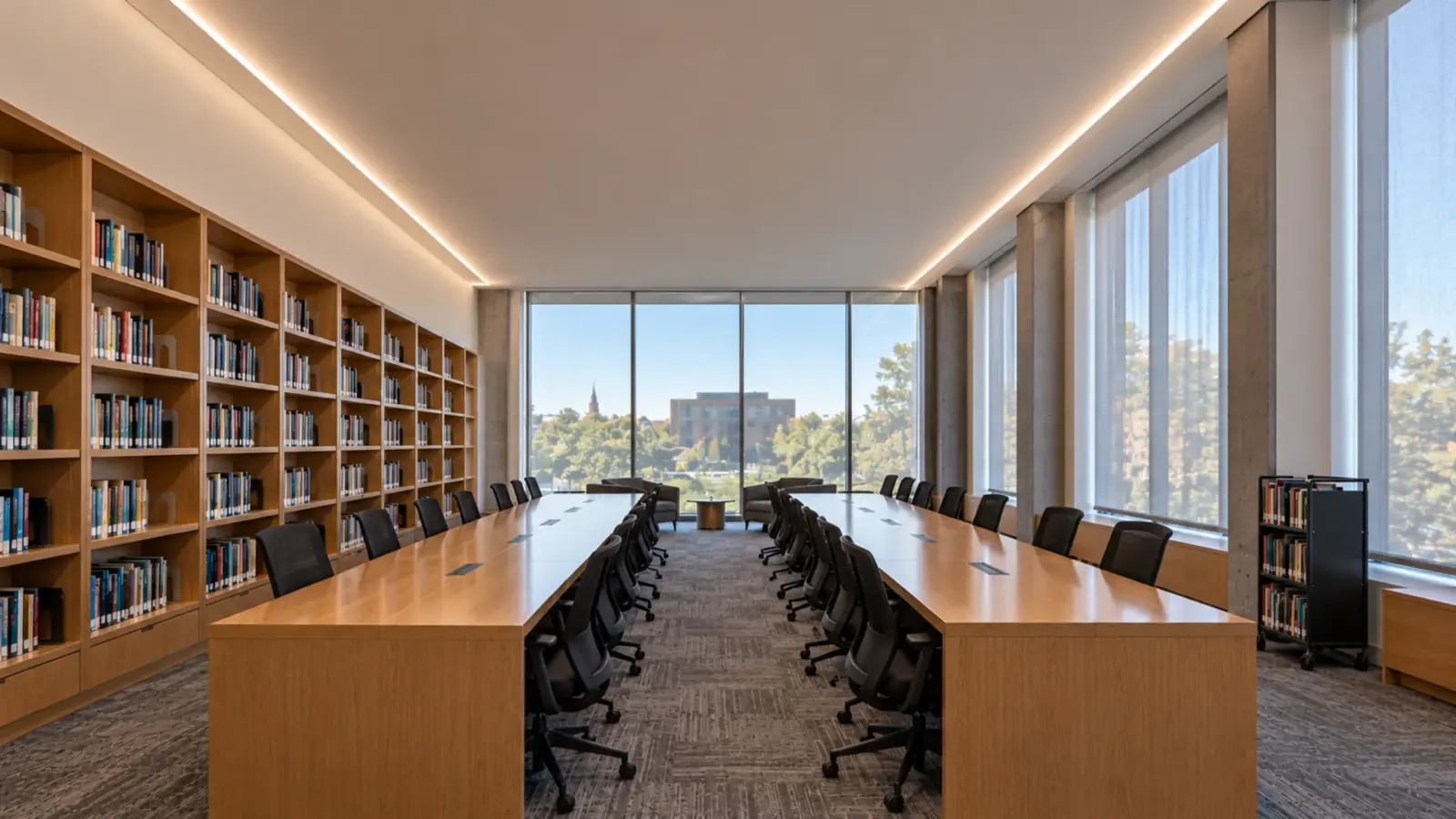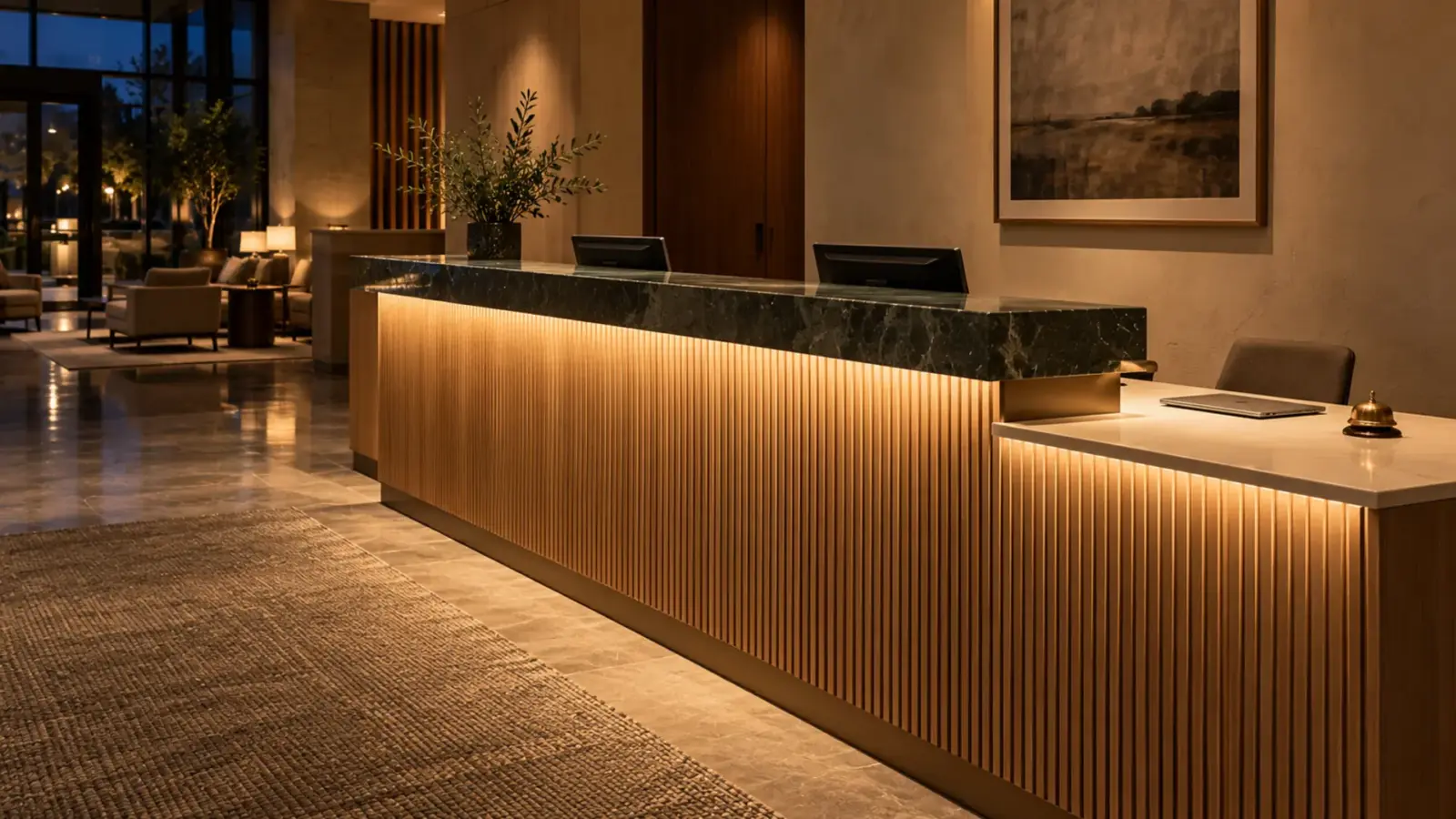
Eleven at night in a hotel lobby: four downlights on the front desk, a line of light rippling in the polished quartz, the night clerk’s face in shadow. Reception desk LED strip lighting fixes that scene: strip under the transaction ledge for the work surface, under the fascia for the glow, and never where the counter reflects it.
The same detail serves a clinic nurse station and an office lobby desk. The heights, the materials and the hours differ; the four strip positions and the driver problem do not.
Before: Where the Usual Desk Goes Wrong
The usual desk gets its light from the ceiling and its glow from one strip stuck wherever the millwork shop had room. Three things go wrong. Downlights aimed at the counter light the top of the clerk’s head and leave the face dark, the one surface a guest looks at; ERCO’s reception desk study puts the customer’s need as “the uniform distribution of brightness from cylindrical lighting on the employee’s face”. A strip under the front edge of a polished top shows as a bright reflected line in the stone. And the driver ends up in a drawer cavity with no door.
The desk you want reads as an object in the lobby, lights the work surface, lights the faces on both sides softly, and can be serviced through a door. Strip does three of those; the faces come from the ceiling and the fascia glow together.
Desk Geometry: Three Heights and One Accessible Section
A reception desk is usually three surfaces. In common practice the transaction ledge on the guest side sits at 42 to 44 in, the staff work surface at 29 to 30 in, and the ledge overhangs the work surface by 10 to 12 in. Those are typical millwork numbers, not code.
The code number is the accessible section. The 2010 ADA Standards, 904.4, require a portion of a sales or service counter that is “36 inches (915 mm) long minimum and 36 inches (915 mm) high maximum above the finish floor” for a parallel approach, or 30 in long with knee and toe space for a forward approach, and “the accessible portion of the counter top shall extend the same depth as the sales or service counter top”. On a hotel desk that means a 36 in wide section drops to 36 in high with no ledge above it, and the strip detail under the ledge stops there or moves under the counter edge. Draw that section before the strip is laid out; a line of light that ends abruptly at the accessible counter is one of the most common desk mistakes.
Four Strip Positions and What Each One Lights
| Position | What it lights | Strip | Channel | Zone and control |
|---|---|---|---|---|
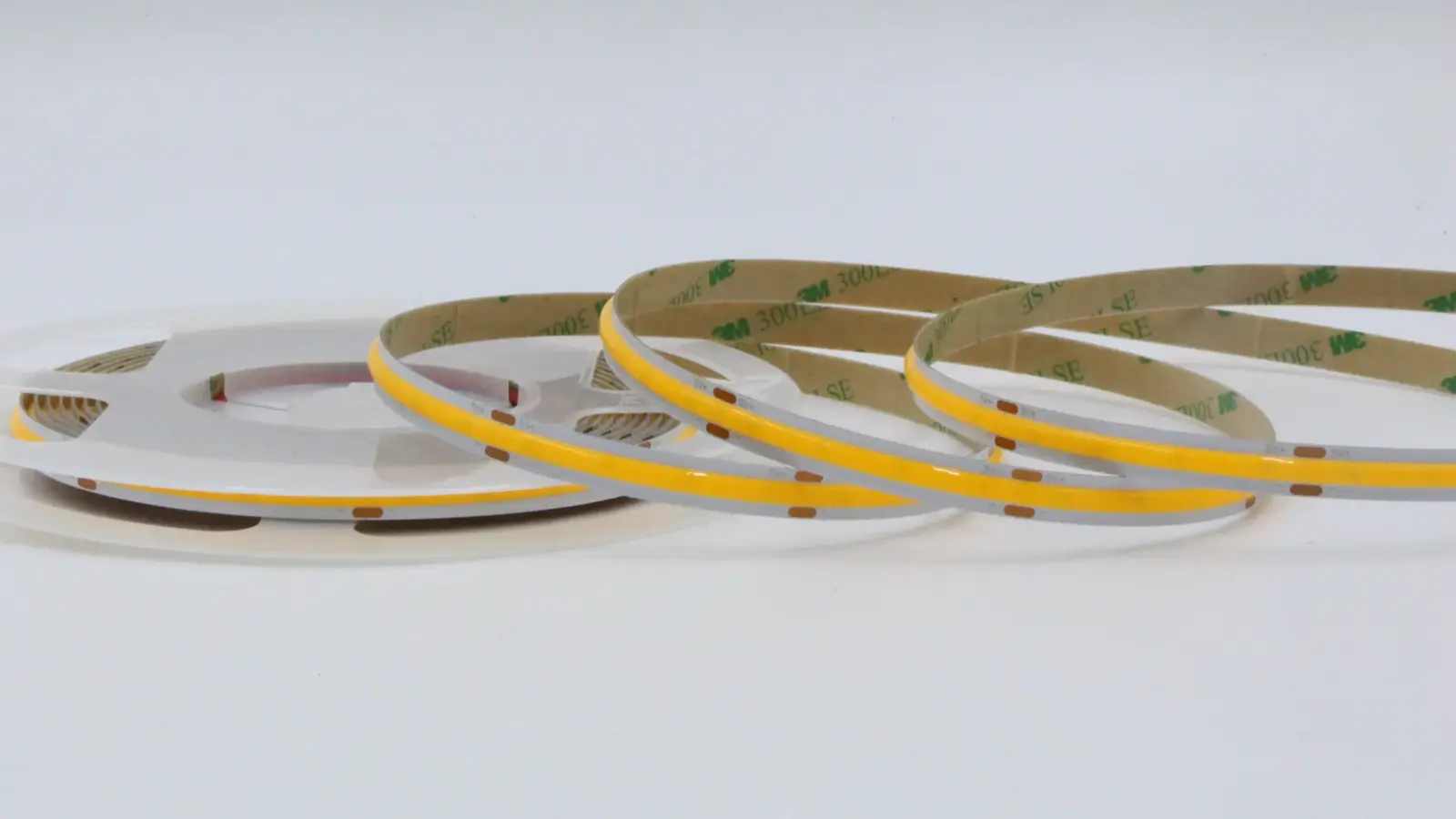
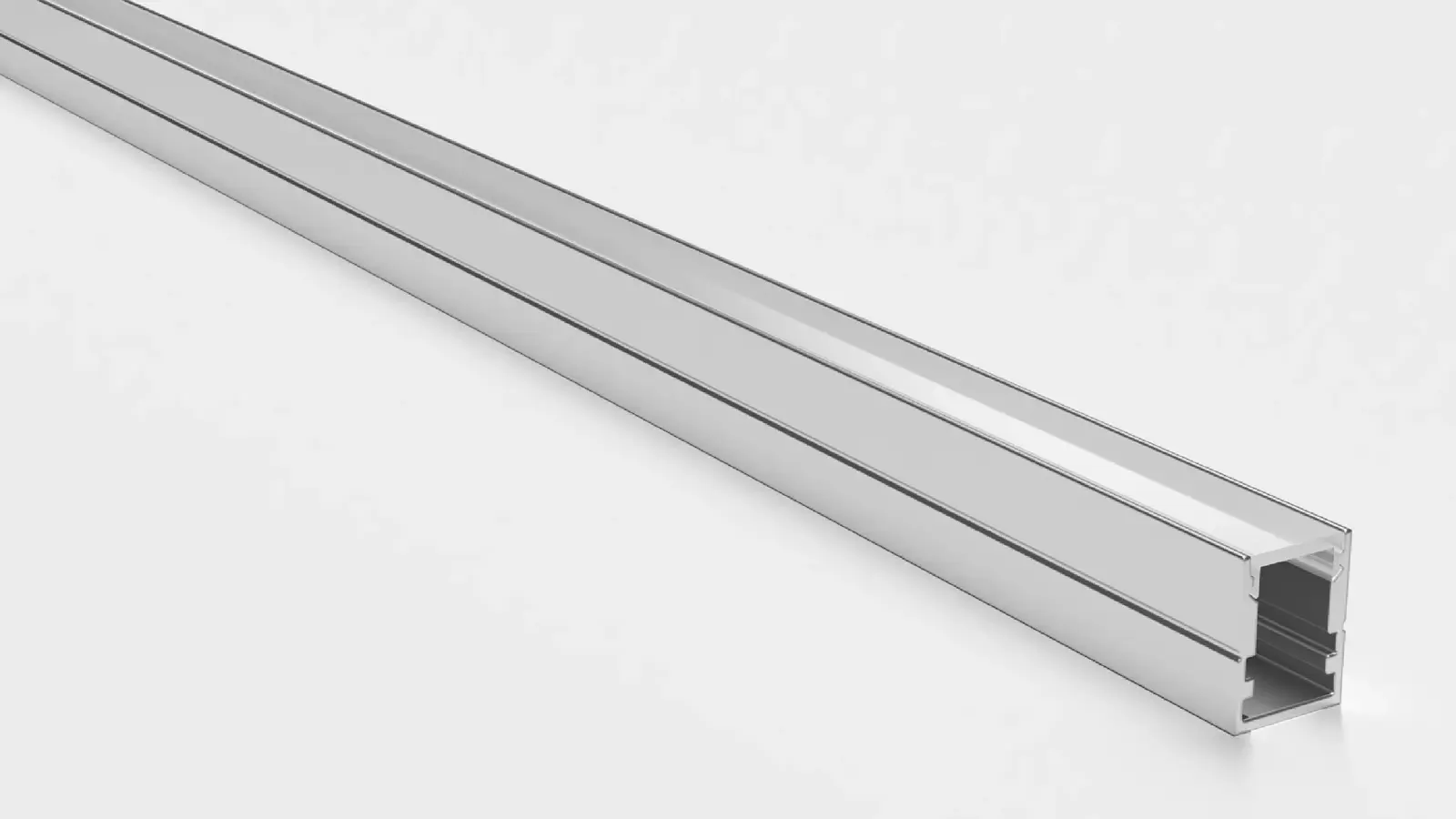
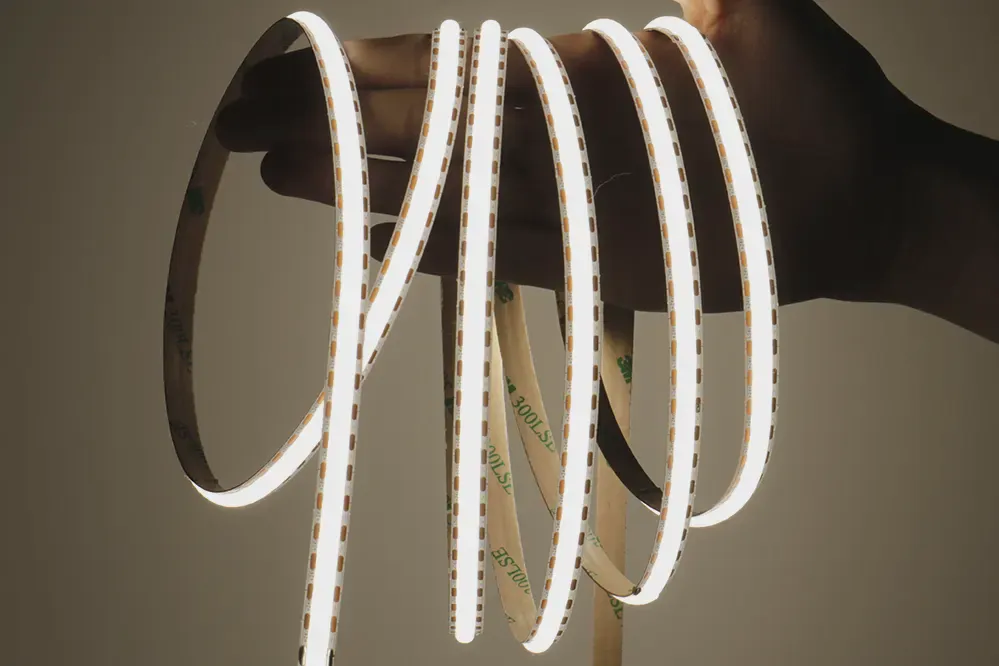
| A. Under the ledge, toward its front edge | The staff work surface and the guest’s hands and paperwork | UT-C480-8 COB, 3.2 W/ft (10.5 W/m), Ra≥90 | UT-CH1013 slim surface channel, opal | Task zone, dimmable day to night |
| B. Under the ledge or fascia bottom edge, aimed down the face | The fascia and the floor in front of the desk | UT-C320-8 COB, 2.4 W/ft (8 W/m) | UT-CH1207 compact channel, opal (at its 8 mm limit), behind a lip | Accent zone, low output |
| C. Toe kick, set back | The floor at the base, a night path for staff | UT-O320-8-65 IP65 silicone top coat, 2.4 W/ft | Surface channel set back from the front edge | Accent or night zone |
| D. Behind a translucent fascia | The fascia panel itself as a glowing surface | Dense COB or a light panel, per the panel material | None; a diffuser layer and a cavity | Accent zone, dimmed well below the task zone |
Position A is the one that pays for itself. Position B is the one that gives the desk its presence. Positions C and D are choices, and D belongs only on a desk whose fascia material was chosen for it.
Task Light Under the Ledge
The work surface is lit from the underside of the ledge, so the ledge is the light rail. Mount the channel toward the ledge’s front edge, aimed down and slightly back, so the strip stays behind the ledge’s lip for a standing guest and lights the counter where the work happens, at the front. Our millwork page gives the position rule: toward the front edge, aimed down and slightly back, and moved back a little if a polished counter reflects the line.
Set the target as footcandles on the work surface and check it at three points: the front edge, the middle and the back, at both ends of the run as well as the center. Work back from the target to lumens per foot with the diffuser loss (an opal cover transmits roughly 70 to 80 percent) and the counter finish, as our lumens per foot guide sets out. A 3.2 W/ft dot-free COB such as UT-C480-8 in a slim opal channel is the usual answer; where the ledge is deep and the SMD dots would show in the counter, the deeper UT-CH2415 channel hides them.
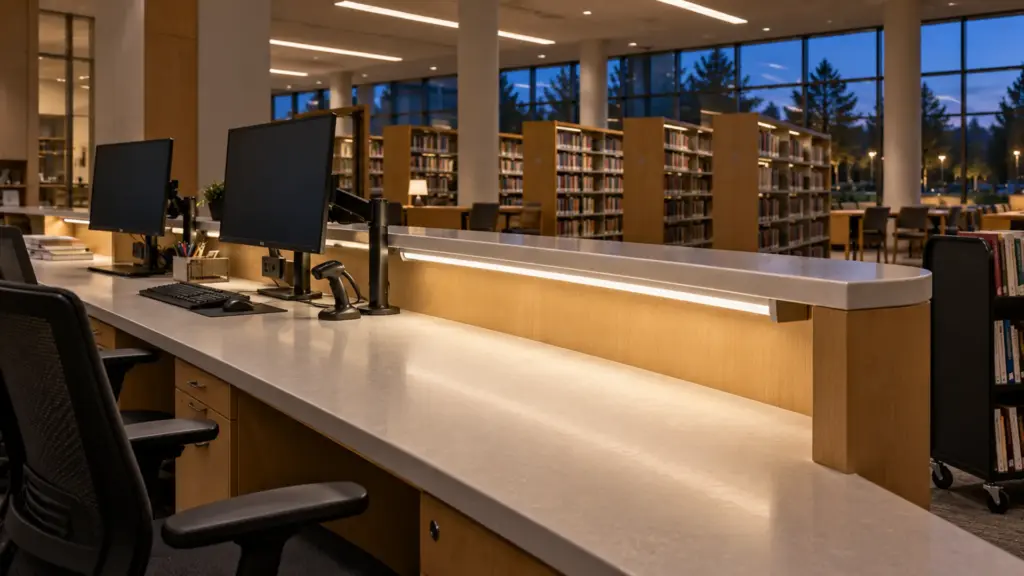
Screens change the aim. A clerk or nurse works at one or two monitors under the ledge, and LEDVANCE’s nursing station guidance applies to a front desk as well: “Low glare task illuminance and luminaire placement is important to reduce reflections from the display screens”. Keep the strip forward of the screens and aimed at the counter, not at the screen glass, and check the reflection from the seated position with the monitors on.
The Fascia: Wash It or Backlight It
Two ways to make the guest side glow. The first washes the fascia from a strip hidden under the ledge’s front edge or in a reveal at the top of the fascia, aimed down the face. A low-output strip does this; Flexfire’s survey of commercial focal points calls the under-fascia strip “the most common technique”, and it is also the forgiving one, because the fascia material can be anything that takes a wash. Use a dot-free strip at low drive, set the channel behind a lip so the strip is never seen from the lobby, and let the wash fade into the floor.
The second backlights a translucent fascia from behind: frosted glass, resin, acrylic or thin stone. This is the detail that produces hot spots. Point sources show through thin areas, as one backlit-panel maker puts it, they “telegraph straight through thin areas as bright spots”, and anything that touches the light path shows too; the background of a US patent on under-counter light guides notes that drilling into the panel or putting a fastener through it releases light and creates “a ‘hot spot’ of non-uniform illumination”. A frosted diffuser layer between strip and panel, a cavity deep enough for the strip pitch, dense strip, and no fasteners through the lit area are the rules. The full method, including depth and spacing, is in our backlit stone and acrylic guide, and we match dot-free COB strip to the panel sample before a desk is built.
Toe Kick and Floor Wash
A toe-kick strip lights the floor in front of the base and gives night staff a path without the ceiling on. Set the channel back from the front edge so only the floor wash shows, and use a silicone-coated strip with sealed ends, because housekeeping mops to the toe kick every night. The IP65 UT-O320-8-65 at 2.4 W/ft is the usual pick. The driver does not go in the toe kick; it has no air there and it gets wet.
Where the Driver Lives
A desk with three strip zones is three loads, and this is where millwork and electrical have to agree before the carcass is built.
| Zone on a 12 ft (3.7 m) desk | Strip | Load | Driver (60 W Class 2 at ≤80%, 48 W usable) |
|---|---|---|---|
| A. Ledge underside, task | 12 ft UT-C480-8 at 3.2 W/ft | 38 W | 1 driver, 0-10V dimmable (UT-D60-24-C2-010) |
| B. Fascia wash | 12 ft UT-C320-8 at 2.4 W/ft | 29 W | 1 driver, dimmed to a separate low level |
| C. Toe kick | 12 ft UT-O320-8-65 at 2.4 W/ft | 29 W | 1 driver (B + C = 58 W, above 48 W, so they do not share) |
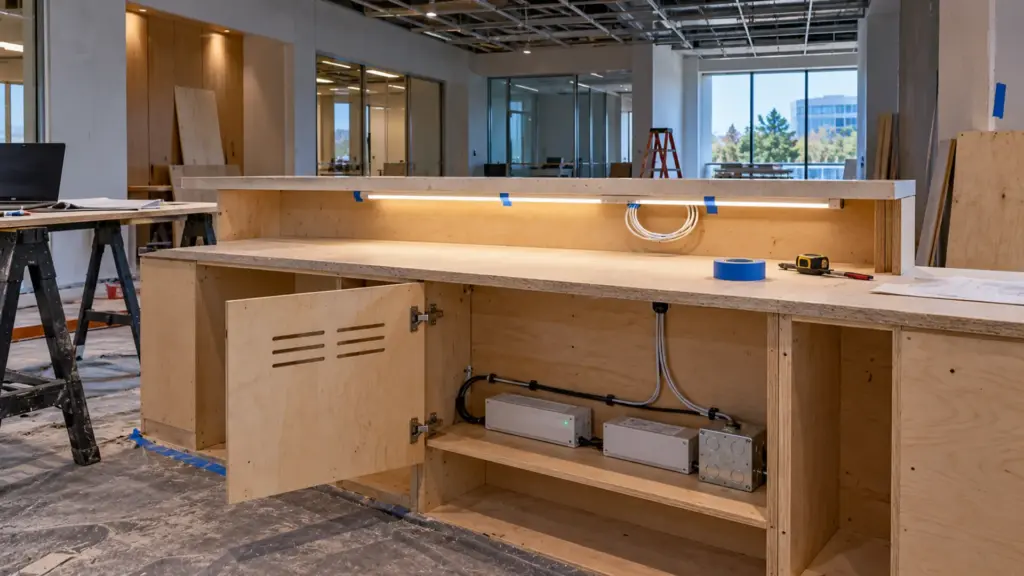
Three drivers, each on its own output circuit, per the 80 percent rule on our power supply sizing guide. They live in one compartment at the staff side, behind a hinged or removable panel at least 12 in wide, with ventilation slots top and bottom, a junction box inside, and a label on each driver naming its zone. The millwork drawings show the compartment and its door; the electrical drawings show the box feeding it. Our driver placement guide ranks the locations by service access, and a desk compartment with a door ranks near the top.
Leave a service loop at each strip’s feed point so a channel can be unclipped and a strip replaced without cutting splices inside the desk. If the hotel wants the desk to warm up as the lobby dims at night, zone A or B can be a dim-to-warm strip such as our UT-T672-10-DTW COB, which sinks from 3000K to 1800K on a 2-wire dimmer; it needs its matching driver and control, which we pair at quote, and our dim-to-warm guide explains when it beats tunable white.
Nurse Stations: Day, Night and Disinfectant
A nurse station is a reception desk that never closes. The counter is often at the 42 in transaction height toward the corridor and the work surface behind it, with the same under-ledge task position as a front desk, and the same screen problem multiplied: several monitors show patient vitals. LEDVANCE’s guidance for the space asks for controllable levels, “through multiple switching or dimming systems”, so the station runs bright on the day shift and low at night without going dark, and it asks for corridor levels to be coordinated with the station so staff eyes adapt between the two. Medication preparation areas, it notes, “require increased illuminance and color rendition”, so that counter gets its own task zone at Ra≥90 or better and its own switch.
Two healthcare specifics. The counter and the underside of the ledge are wiped with disinfectant daily, so the channel cover must be sealed against the ledge and the strip should be a coated or sealed build with sealed ends; ask the facility which agents it uses before the cover material is chosen. And the night dim level matters more than the day level, because the station is the brightest object a patient sees down the corridor at 3 a.m. Our hospital LED strip guide places the station in the corridor plan.
FAQ
How do you light a reception desk with LED strip?
Put a dot-free strip in a slim opal channel under the transaction ledge, toward its front edge and aimed down and slightly back, to light the work surface. Add a low-output strip under the fascia edge or in a toe kick for the glow. Keep the driver in a vented compartment with a door.
How high is an accessible reception counter?
The 2010 ADA Standards, 904.4, require a counter portion 36 in (915 mm) long and no more than 36 in high for a parallel approach, or 30 in long with knee and toe space for a forward approach, extending the full depth of the counter. The strip detail under the ledge stops or changes at that section.
What color temperature suits a reception desk?
Match the lobby. Hotels and restaurants usually run 2700K to 3000K at the desk, and a dim-to-warm strip lets the desk sink toward 1800K late at night. Offices, clinics and campus desks usually run 4000K. Whatever the choice, every strip on the desk and the downlights above it share one color temperature.
Where does the LED driver go in a reception desk?
In a compartment on the staff side with a hinged or removable panel, ventilation slots, a junction box inside and one labeled driver per zone. Never in the toe kick and never behind a fixed panel; a desk is serviced for ten years.
Spec Notes for This Job
- Draw the accessible 36 in section first and decide where the ledge strip stops.
- Zone A under the ledge, front edge, aimed down and back; check the counter reflection from standing height and the screen reflection from the chair.
- Zones B and C at low output, behind a lip or set back; D only when the fascia material was chosen for backlighting.
- One driver per zone at 80 percent, in a vented compartment with a door, labeled; a service loop at every feed.
- Nurse stations: sealed strip and cover, a medication-counter task zone, day and night levels, corridor coordination.
Unitop Lighting supplies dot-free COB LED strip, LED channels and opal diffusers and dim-to-warm and tunable white strip for hotel, healthcare and office millwork across the US, with driver matching and zone loads worked out at quote. Send the desk elevations and sections and request a quote; we mark the strip positions and the driver compartment on your drawings.