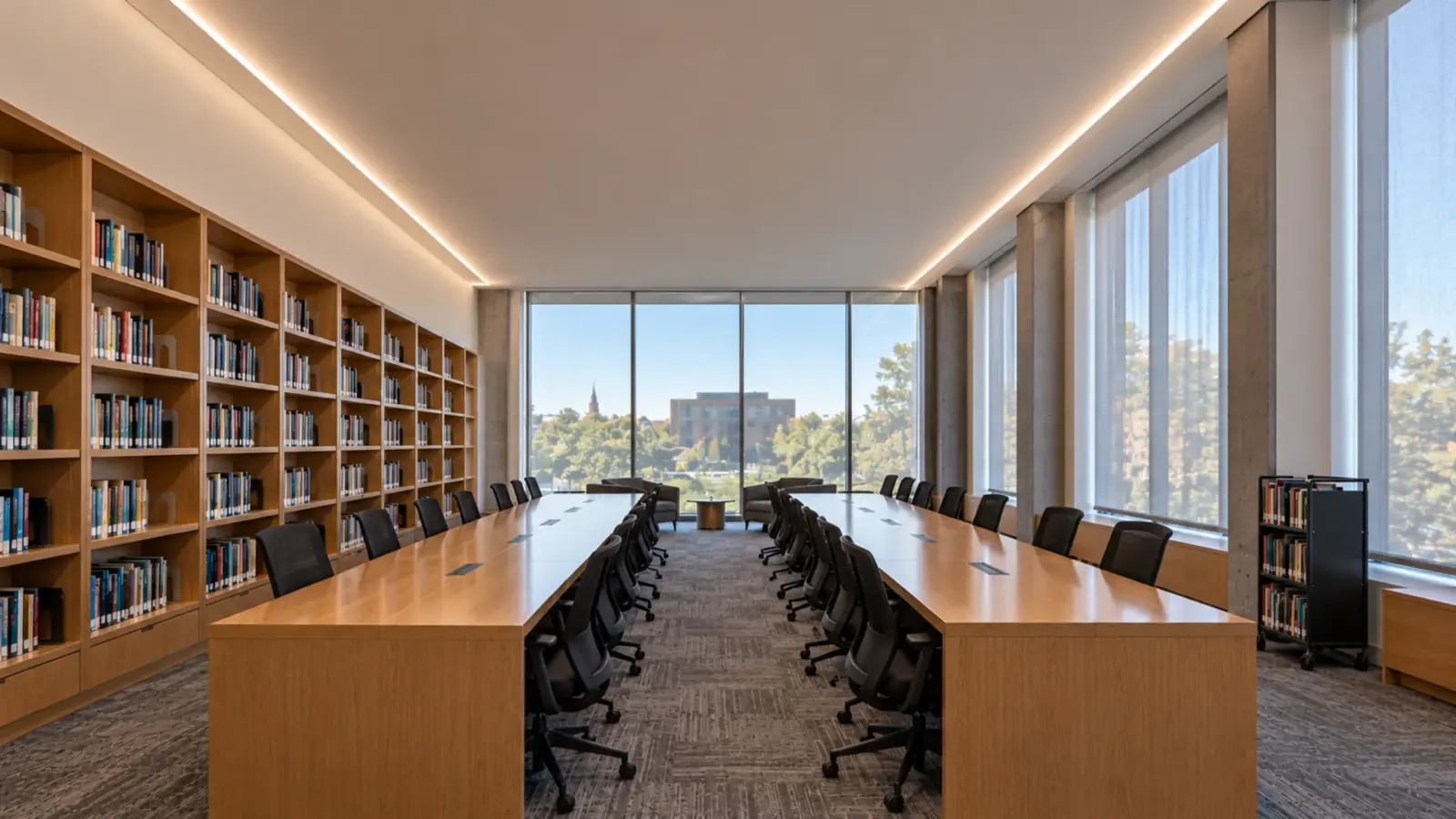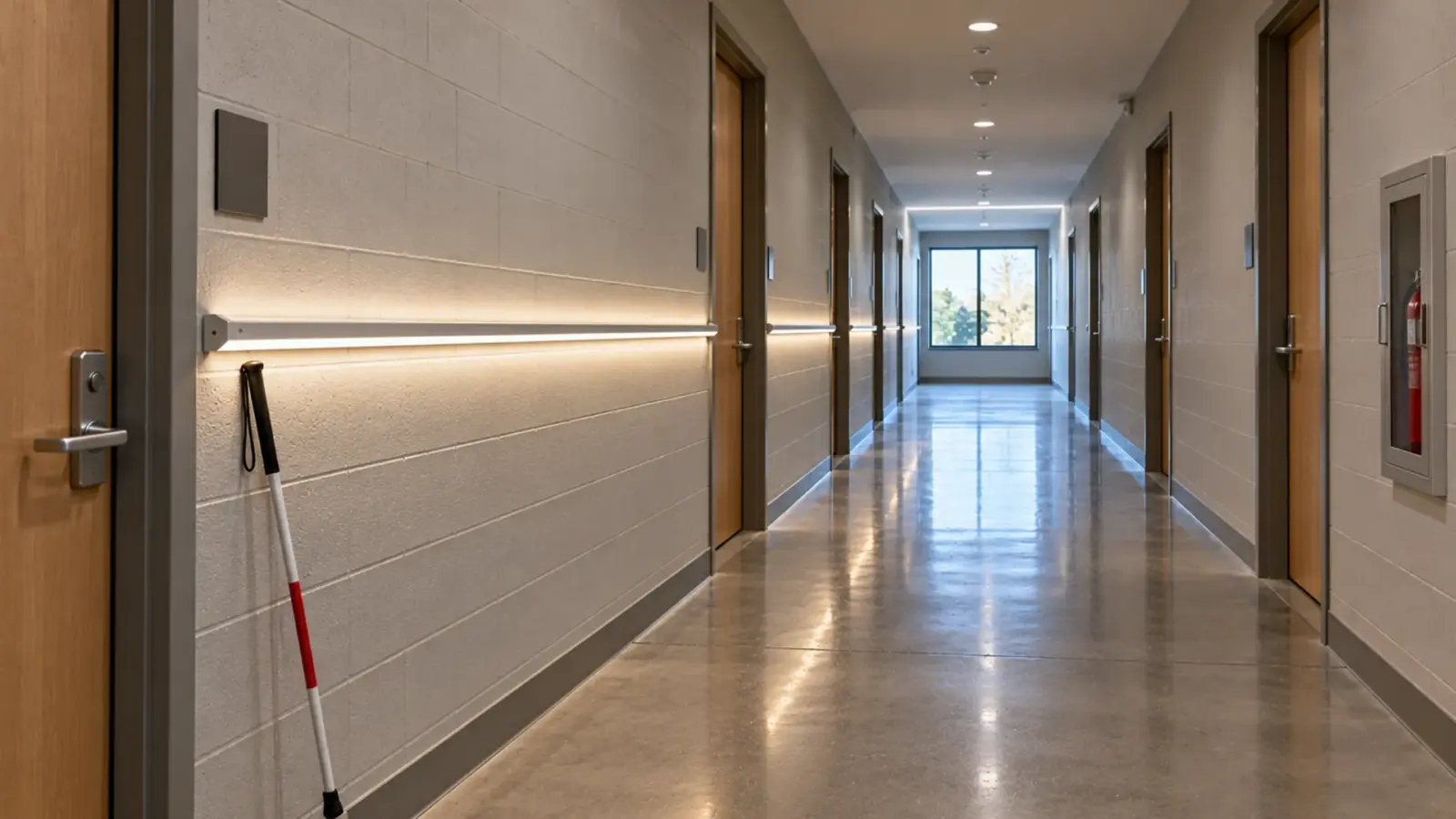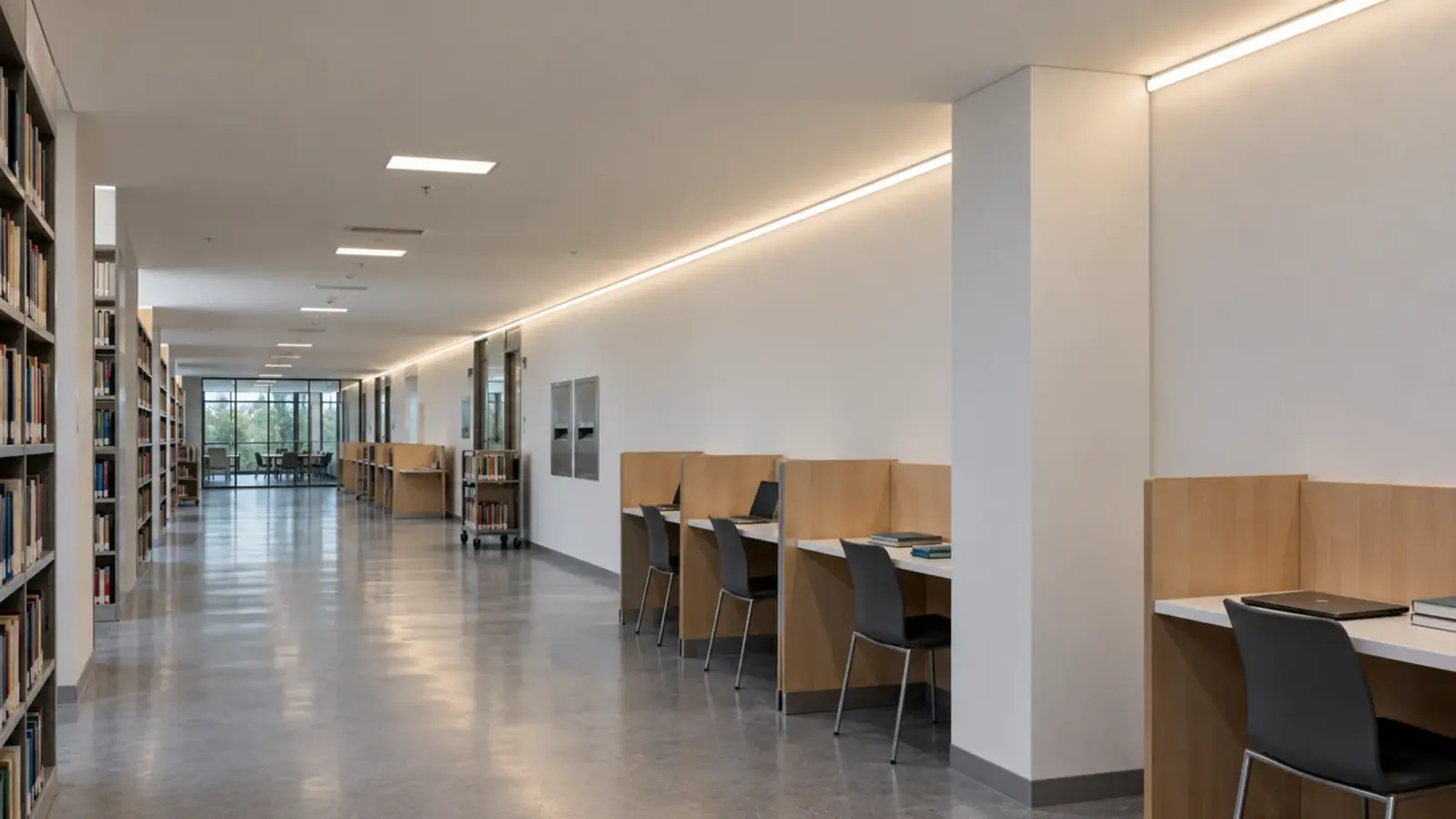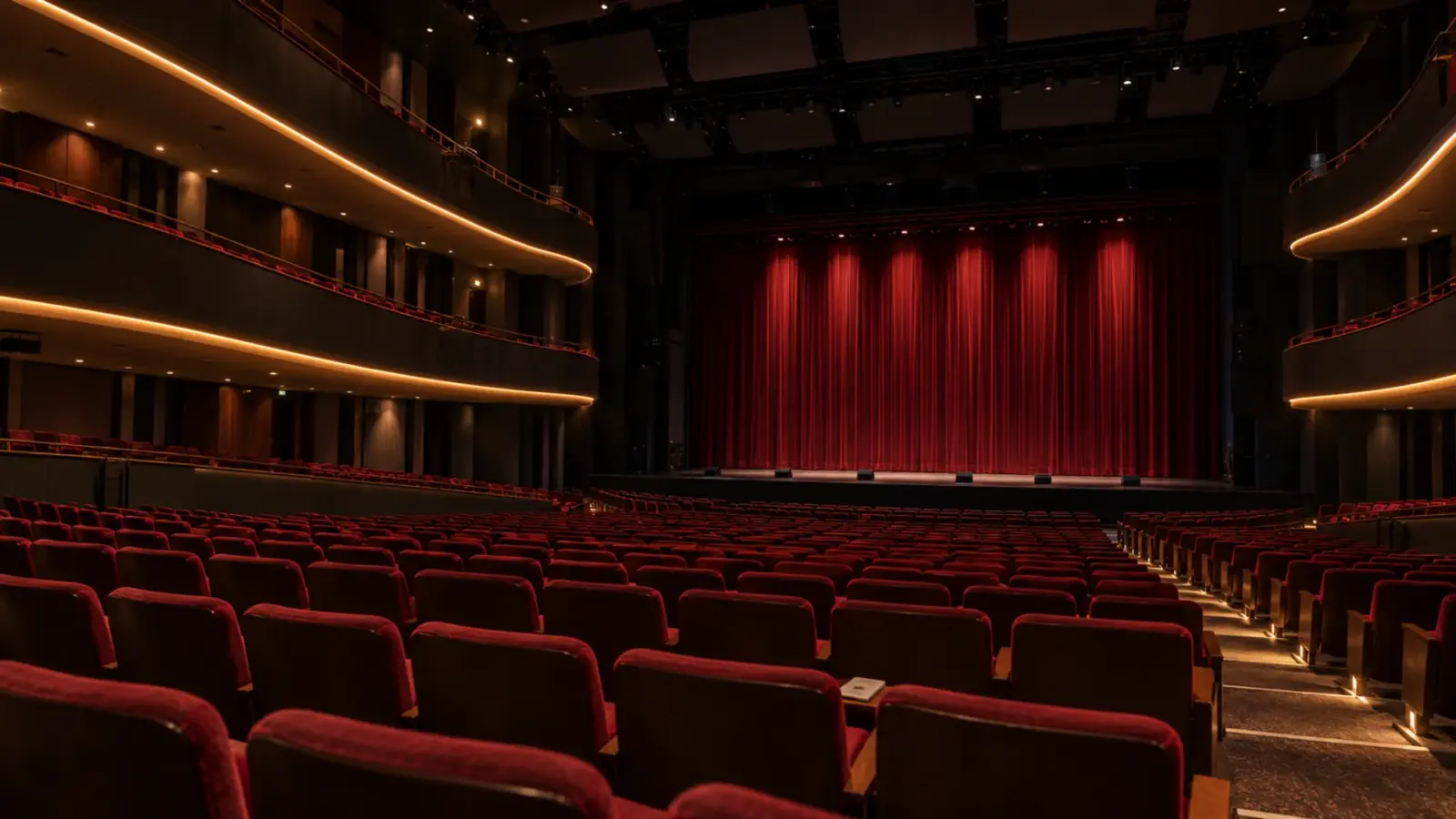
The ceiling is painted black, the house lights are off, and the cove that looked invisible on the drawings is a white stripe across the room. Black PCB LED strip only hides in a dark ceiling when the channel, cover, end caps, leads and clips are dark too.
That is the most common surprise on theater, bar and black-box jobs. The strip gets specified on a black board, and nobody checks the rest of the detail switched off in daylight. This page covers what the board color changes, what it does not, and how to build a strip detail that disappears when the lights are off.
What Black PCB Changes
A black PCB is the same circuit board with a black solder mask instead of white. The LEDs, the copper, the cut points and the electrical design are the same; vendors sell black and white versions of the same strip with the same LED specifications. What changes is the color of the board around the LEDs.
That matters in two situations. Switched off, a black board against a black surface nearly disappears; one stage supplier describes its black-board strip as virtually invisible against dark scenery, drape and joinery when the LEDs are off. Switched on, a black board seen directly adds less glow around each LED, so a bare strip in view reads as points of light on a dark line rather than on a white one.
What It Does Not Change
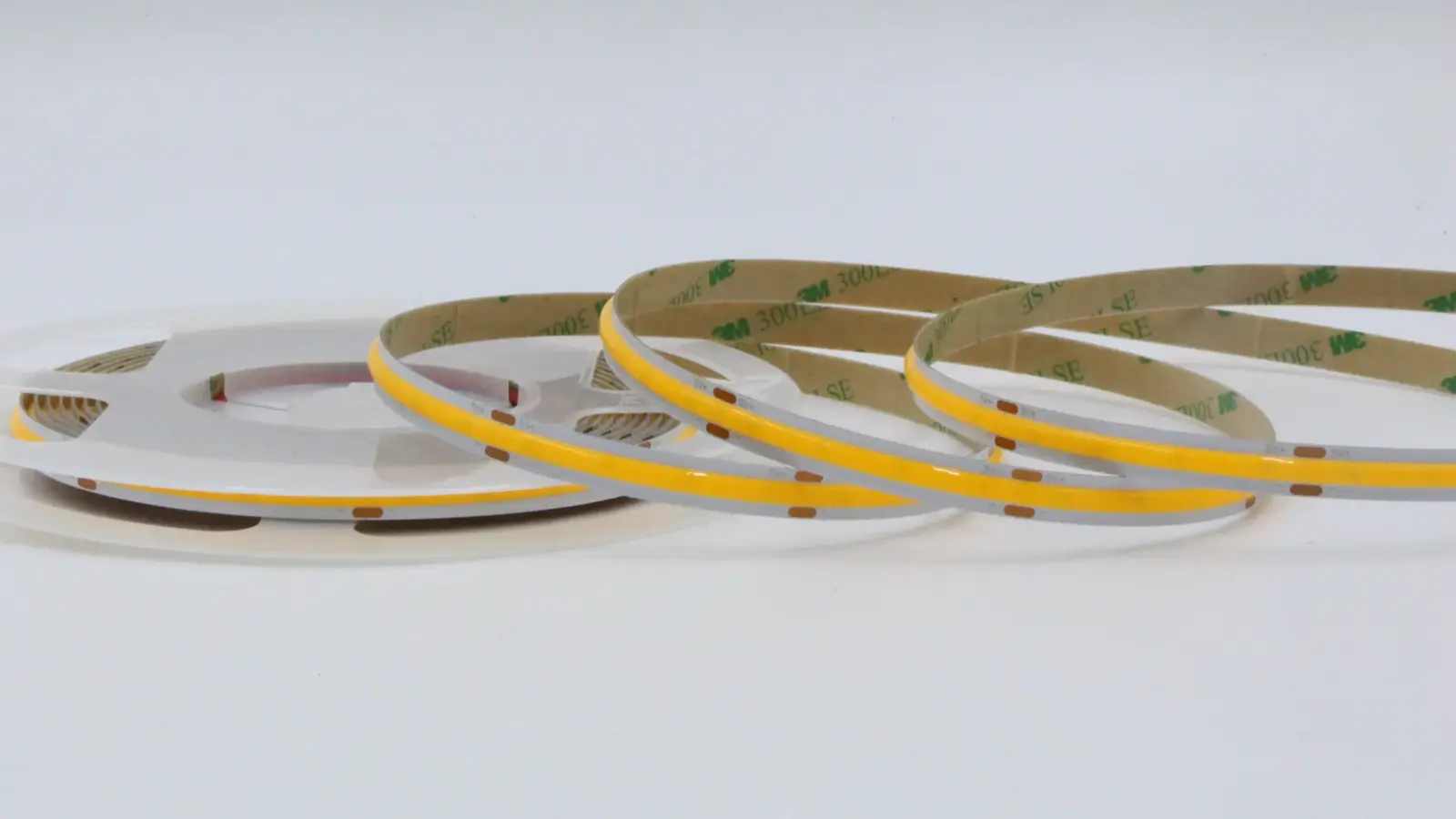
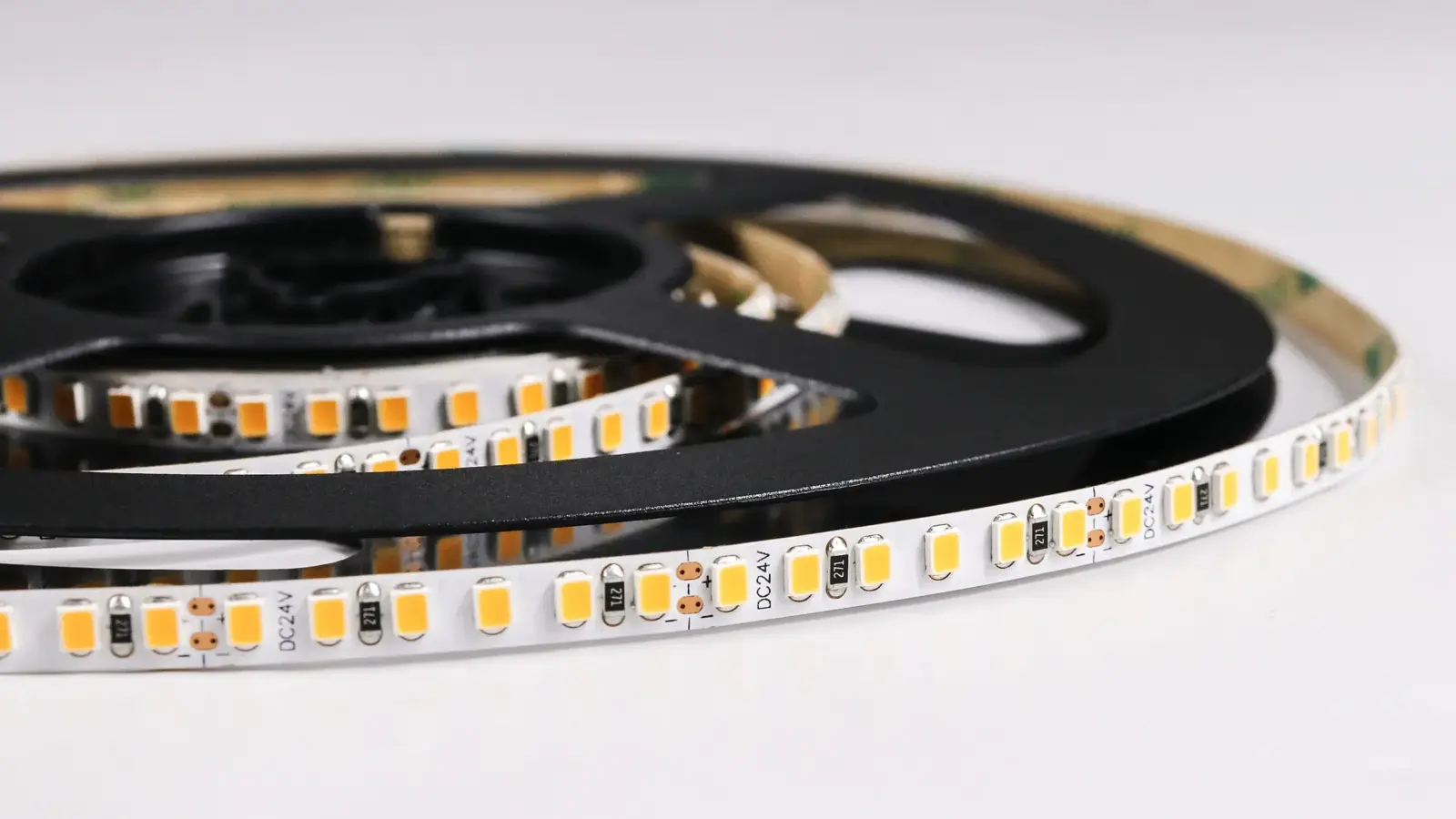
A black board does not make the LEDs black. On an SMD strip, each package shows its yellow phosphor face when off, a row of yellow dots on the black line. On a COB strip, the phosphor band runs the full length, so a COB strip off is a thin yellow line on a black board. Both are much less visible than a white board, but neither vanishes up close.
It may also cost some output. A white board reflects some of the light that hits it back out of the channel; a black one absorbs it. One PCB maker claims a white solder mask can raise output by up to 10 to 15%, depending on design, a vendor figure without published measurements behind it. If output matters, ask for photometric data on the black build instead of assuming the white-board numbers.
Board color is not a thermal fix either. Heat is handled by the channel and the mounting, as our thermal management guide explains, whatever color the board is.
The Off-State Test
Before approving a black detail, switch it off in the brightest light the room will see, from the positions people will occupy, and list everything visible. The table is what we would expect to find on a strip detail in a black ceiling.
| Part | What it shows off | Fix |
|---|---|---|
| Board | White strip of board on a white PCB | Black PCB build |
| LEDs | Yellow phosphor dots or band | Set back from view, or accept |
| Channel | Silver anodized line | Black anodized channel |
| Cover | White stripe (opal) or visible strip (clear) | Cover choice by view, see below |
| End caps | White or gray plugs at each end | Black end caps with the black build |
| Lead wires | Red and black, or white jacket | Black lead wire, routed behind the channel |
| Mounting clips | Bright metal tabs | Black channel with concealed clips |
| Joints | Connector bodies in a contrasting color | Joints out of view or in the channel |
The test also catches the light around the detail. A strip that spills onto a white lip or a pale beam edge lights that edge, even when the strip itself is hidden. In a theater, that spill shows from the balcony.
Clear or Opal in a Black Ceiling
The cover is the hardest choice. Our channel covers come in clear or opal polycarbonate. An opal cover diffuses the light into one smooth line, which is usually what a designer wants when the lights are on; off, it is a white stripe in a black ceiling. A clear cover keeps the off-state dark, but it shows the strip behind it, dots and board included.
Three ways out:
- Hide the opening. Set the channel so the cover is not seen from the room: in a cove, above a lip, or facing away from the audience. Then the cover color does not matter.
- Clear cover, black board, set back. In a deep black channel, a clear cover over a black-board strip set well back reads as a dark slot off and a line of points on. Our dots through diffuser guide explains how depth changes what shows.
- Opal, where it is accepted. Some designs accept a thin white line off for a smooth line on. Decide it on the mockup, switched off, in daylight.
Our clear vs frosted vs opal comparison covers the light side of the choice.
COB or SMD on a Black Board
For a strip seen directly, the choice between COB and SMD on a black board is a choice between a thin yellow line and a row of yellow dots when off, and between a continuous line and a row of points when on, unless a cover diffuses it. COB with its continuous phosphor band reads as one line in both states. SMD reads as dots in both states, which some theatrical and retail designs use on purpose. Our SMD LED strip and COB LED strip pages list the families a black build can be based on.
Building the Black Detail
A detail that disappears needs every part to be dark:
- Strip: black PCB build of the chosen series.
- Channel: black anodized. Our UT-CH1708 and UT-CH1715 recessed, UT-CH1013 and UT-CH2415 surface and UT-CH1616 corner profiles come in black; see the LED channel range.
- Cover: chosen by view, as above.
- Ends and joints: black end caps, ends placed where they are least seen, joints inside the channel.
- Leads: black lead wire, routed through the back of the channel or the ceiling, never draped across the face.
- Ceiling and lip: the same dark finish right up to the channel, so no pale reveal frames the line.
Paint is not a fix. Painting a white board, a silver channel or a cover changes the heat and the light, and paint on the strip is not something any maker’s instructions allow.
Where It Matters
Black ceilings and black finishes are common in more places than theaters:
- Theaters, black boxes and cinemas. House coves, balcony fronts and stage edges must vanish during a performance. Dimming also matters there: our white COB and SMD strip dims below 1% with a compatible driver, which a house-to-half fade needs, and our flicker guide covers testing it under cameras.
- Bars, restaurants and nightclubs. Dark open ceilings with exposed structure, where a strip along a beam or a bulkhead should read as light, not as hardware.
- Retail and showrooms. Black open ceilings over a bright sales floor; display shelves in black millwork.
- Museums and galleries. Dark galleries and black case interiors, where the object is lit and nothing else should show.
- Studios and broadcast. Sets and control rooms seen on camera.

Black Millwork and Displays
The same problem shows up at arm’s length in black millwork: a black shelf, a black display case, a dark-stained bar back. Up close, a white board under a shelf lip reads as a white edge every time a customer bends down, and a silver channel catches every light in the room. In millwork, the strip and channel sit in a routed groove or behind a lip, so the part to get right is the face of the groove: black channel, a cover set back from the face, and leads run through the cabinet back. Coordinate it with the millwork shop before the groove is cut.
Mock It Up Switched Off
Most strip mockups are judged switched on. A black detail has to be judged switched off as well, and in the light the room has when it matters: a theater with work lights on during a changeover, a bar in afternoon daylight, a showroom with the sales floor lit and the ceiling detail off. Build one full-length piece with the real channel, cover, end caps and leads, on the real ceiling finish, and look at it from the seats, the bar stools or the sales floor.
Photograph it off and on from the same positions. Those two photos settle more arguments than any sample board, and they become the reference when the rest of the job is installed.
A Black-Box Theater, Worked
A typical case, not a specific project: a black-box theater with a tension-wire grid and a 120 ft perimeter catwalk, where the designer wants a strip line under the catwalk edge that reads as light during scene changes and disappears during the show. With an SMD strip such as UT-S2835-120 at 4.4 W/ft, the perimeter loads about 528 W. At 16 ft per feed, that is eight runs of 15 ft each, roughly 66 W per run.
The build: black boards from one production lot, in black anodized channel facing down under the catwalk edge so the cover is not seen from the seats, leads dropped through the catwalk deck, dimming on DMX decoders tied to the house console so the line fades with the scene. Our DMX guide covers addressing the zones. Order it with the custom lead time in mind, ahead of the production calendar.
Ordering a Black Build
Black PCB is a build option rather than a stocked reel on our range: we build it to order on our standard series. Custom builds add roughly two to three weeks to the standard lead time, and every quote states the minimum for a custom build. Order the whole job’s strip on one black build, from one production lot. A run that mixes black and white boards, or two lots, shows its joints when the lights are off. Our guide to mixing strip brands covers why mixed sources show.
A black build can ship with black end caps and black lead wire, so the whole run stays dark. Ask at quote for the photometric data of the black build, and for the black anodized channels to come pre-cut and labeled by run.
The Short Version
- Black PCB changes the board color only; the LEDs still show yellow when off.
- Check the whole detail switched off in daylight: channel, cover, end caps, leads, clips, joints.
- Opal covers make a white stripe in a black ceiling; hide the opening or use clear with depth.
- Expect possibly less output from a black board; ask for data rather than assuming.
- Use black anodized channels, dark leads, and one black build from one lot for the whole job.
The black anodized channels mentioned here are in our LED channel range; send the ceiling section with your quote request and we will build the strip on a black board to match.