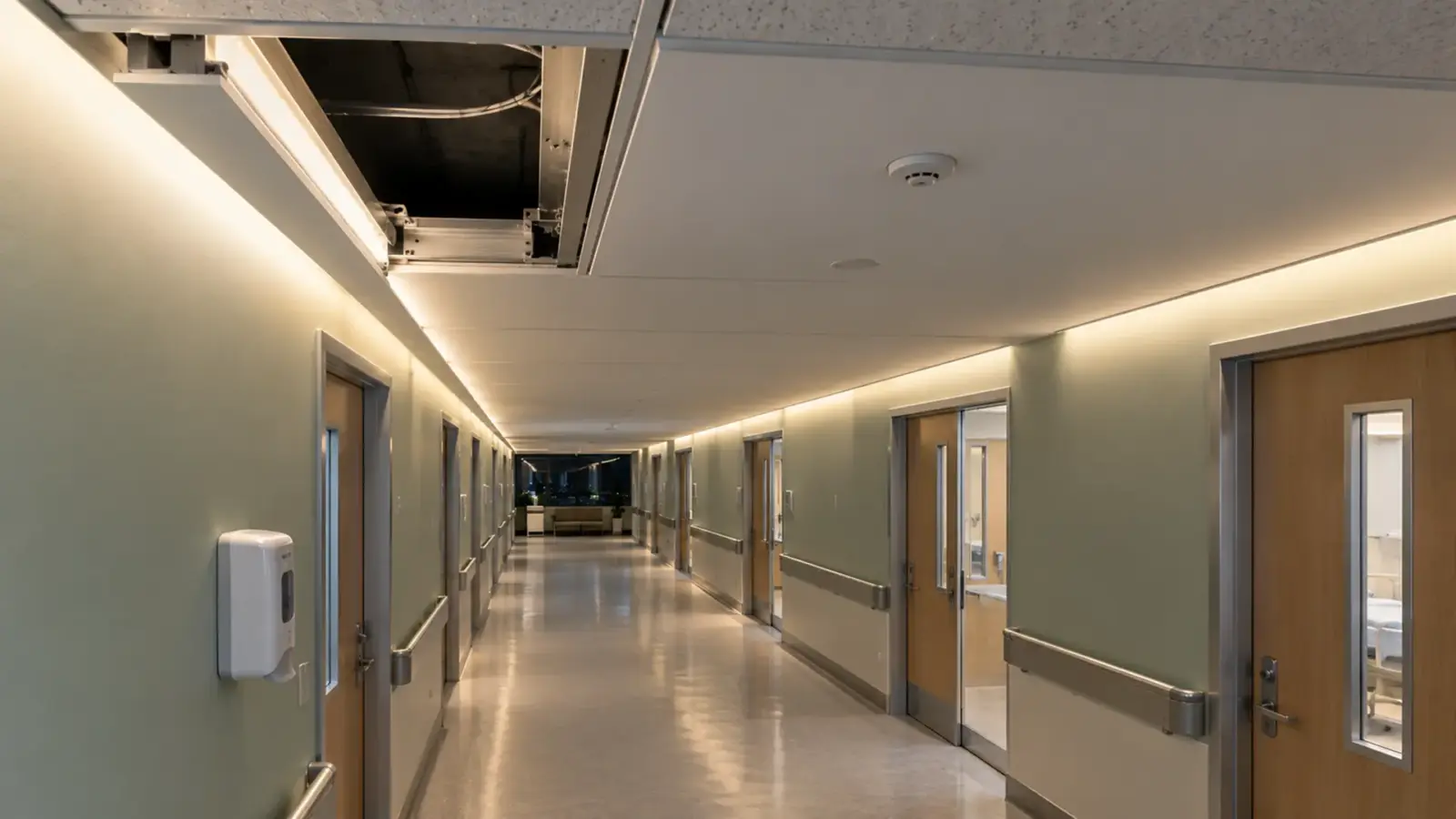
Yes, LED strip gets hot, and how hot depends mostly on its watts per foot and what it is mounted to. A low-power strip on any clean surface sheds its heat easily. A strip at 6 W/ft or more needs an aluminum channel behind it, with air around it, or the LEDs, the adhesive and the coating age early.
At 6.7 W/ft, a dense 2835 strip such as UT-S2835-240 turns most of that power into heat along a board about 3/8 in wide. On painted drywall in a closed cove, that heat has almost nowhere to go. On an aluminum channel in an open cove, it spreads into the metal and into the air. The strip is the same; the result is not. This article explains where the heat goes on a strip, which numbers tell you how much there is, what a channel does about it, and the signs on site that a strip is running too hot.
Where the Heat Goes on a Strip
An LED converts part of its power into light and the rest into heat at the LED itself. That heat has one useful way out: down through the LED package into the copper of the circuit board, along the copper, through the adhesive tape, and into whatever the strip is mounted to, which then passes it to the air.
Every step in that path either helps or blocks:
- The package carries heat from the LED into the board through its thermal pad.
- The copper on the board spreads the heat sideways, away from each LED.
- The adhesive tape is a thin layer that conducts heat poorly; it is a necessary bottleneck.
- The mounting surface decides how much heat leaves. Aluminum spreads and sheds heat well; wood, drywall and plastic do not.
- The air finally takes the heat away, if it can move.
According to eeNews Europe’s explanation of thermal design, the job is to get heat from the source to the air through the path with the fewest bottlenecks. On a flexible strip, the two places you can change are the board you specify and the surface you mount it to.
Watts per Foot Is the First Number
The amount of heat starts with the power. Our spec tables give it for every model, and the range is wide:
| Model | Type | Power |
|---|---|---|
| UT-S2835-60 | 2835, 60 per meter | 1.5 W/ft (4.8 W/m) |
| UT-C480-8 | COB, 8 mm | 3.2 W/ft (10.5 W/m) |
| UT-S2835-240 | 2835, 240 per meter | 6.7 W/ft (22 W/m) |
| UT-C960-15 | COB, 15 mm | 7.6 W/ft (25 W/m) |
| UT-C1600-30 | COB, 30 mm | 12.2 W/ft (40 W/m) |
A strip at 1.5 W/ft produces about a fifth of the heat of a strip at 6.7 W/ft over the same length. Wider boards carry more power but also spread it over more area: the 30 mm board at 12.2 W/ft puts its heat over a much wider strip of copper than an 8 mm board at the same total.
So the first question for any detail is not “does it need a channel?” but “how many watts per foot, on what surface, in what air?” Low-power accent strip on a clean surface in an open space is rarely a heat problem. High-output strip in a closed detail almost always is.
Copper, Width and the Board
The board is the strip’s own heat spreader. Two properties of it matter.
Copper weight. Board copper is specified by weight, in ounces per square foot; according to a PCB fabricator’s explanation, standard boards use 1 oz copper, and heavier copper spreads heat and carries current better. Strip makers rarely publish it, but heavier copper is one of the differences between a strip that runs cool at its rated power and one that runs hot. It is a fair question to ask a supplier for high-output strip.
Board width. A wider board has more copper to spread the same heat. That is why the highest-power strips in our range sit on 15 mm and 30 mm boards rather than 8 mm. The reverse is also true: an ultra-narrow 3 mm board has very little copper, which is one reason narrow strips run at low watts per foot.
Drive current. A strip driven harder than its design makes more heat for each bit of extra light. Running a strip at its rated voltage, not above it, and dimming it where the design allows, both reduce heat.
What an Aluminum Channel Adds
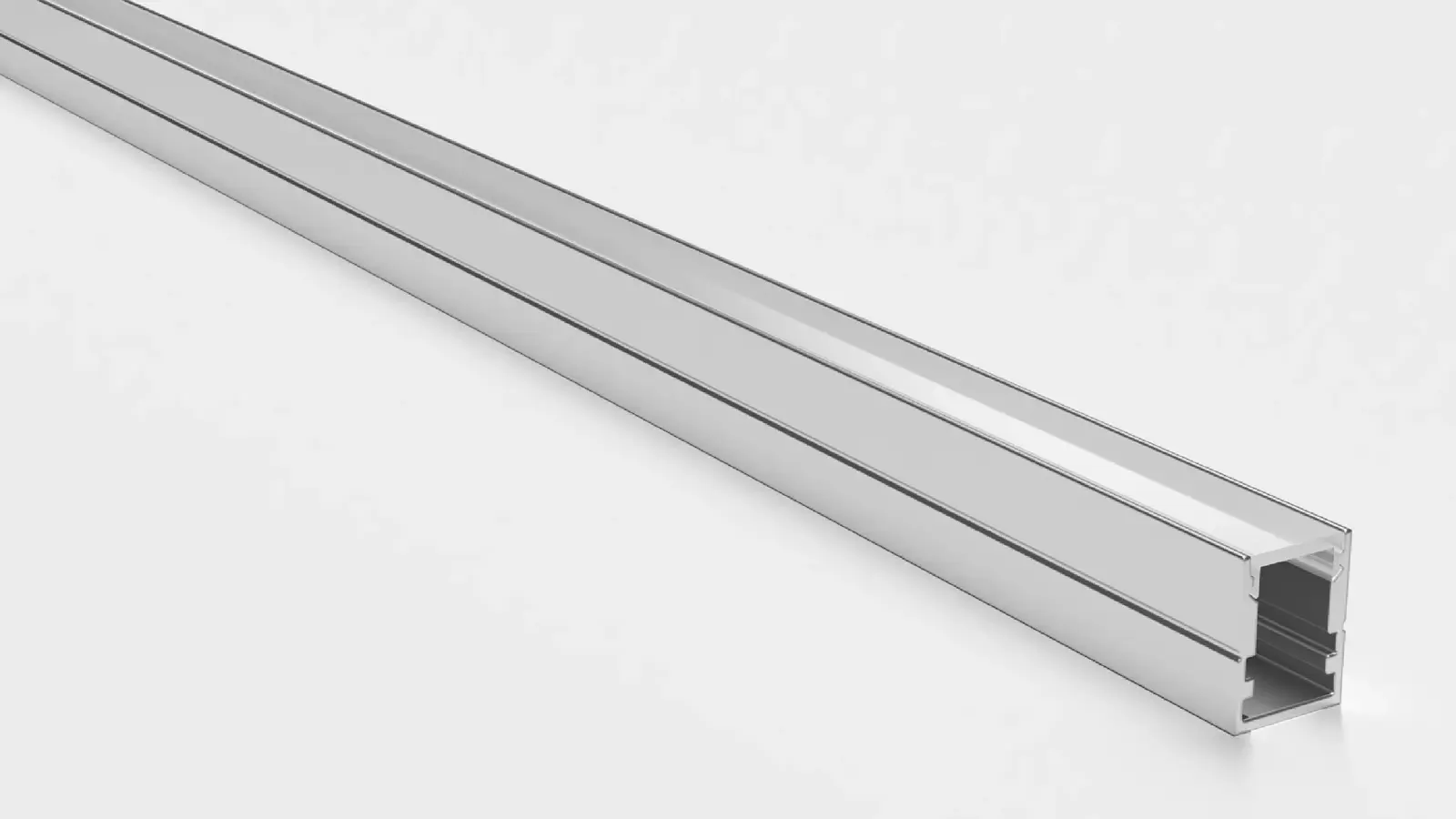
An aluminum channel does three things for heat:
- It replaces a poor surface with a good one. The adhesive presses onto metal instead of drywall or wood.
- It spreads the heat. The channel carries heat along its length and walls, away from the strip.
- It sheds the heat. The channel’s surface area passes heat to the air far better than the strip alone.
According to Waveform Lighting, a channel matters most when the strip runs at high power; at low power, with LEDs that are not overdriven, it is less important for heat and more useful as a mounting base and a holder for the diffuser. Our COB page goes further for its range: proper heat sinking in an aluminum channel is the single biggest factor in reaching the rated life.
The channel itself varies. According to Signlite’s vendor data on aluminum profiles, moving from a 1 mm wall to a 2 mm wall lowered board temperature by 6 to 8 °C at 15 W/m in their test. Treat that as one vendor’s figure, but the direction is clear: more aluminum, better contact and more surface area all help. Our LED channels are AL6063 aluminum in recessed, surface and corner profiles.
A channel also protects the adhesive. Adhesive tape fails sooner on a hot surface; on aluminum that runs cooler, it holds. Our guide on whether LED tape needs an aluminum channel covers when the strip’s instructions make it a requirement.
Coves, Cabinets and Closed Spaces
The same strip on the same channel runs hotter in a closed space, because the air cannot carry the heat away. According to Signlite, enclosed coves, sealed showcases and hot spaces dissipate heat noticeably worse than open, ventilated ones.
On site, the closed spaces are predictable:
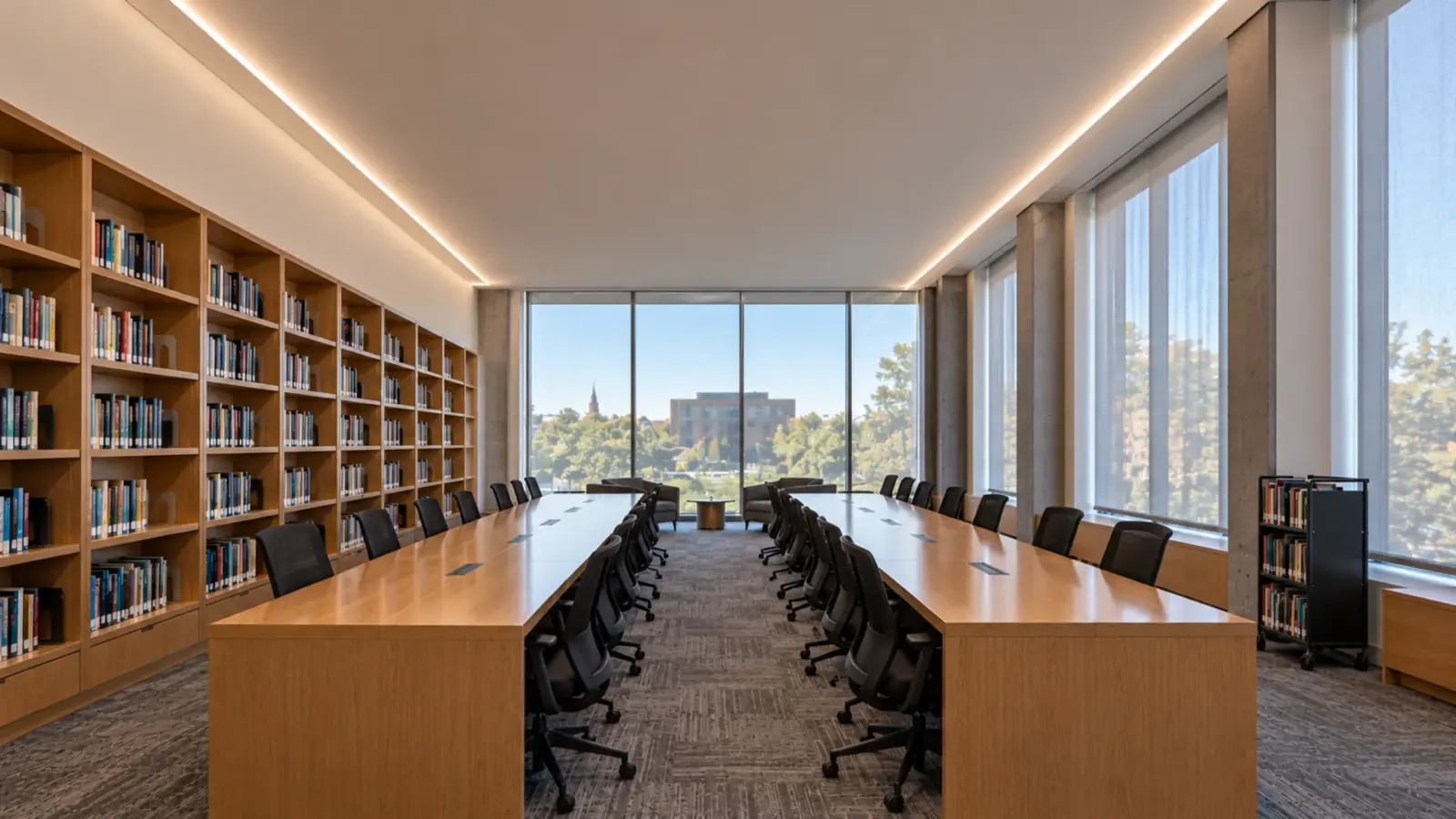
- Deep coves with a lip and no gap at the top, where warm air pools above the strip.
- Display cases and showcases sealed for dust and security.
- Cabinet bases and toe kicks closed on all sides.
- Soffits and fascias in direct sun outdoors, where the space starts hot.
- Ceiling slots with insulation over them.
In each, either lower the watts per foot, add channel mass, leave an air gap, or move to a wider board that spreads the heat. The drivers for those details belong outside the closed space too; our article on driver derating in hot ceilings explains why.
Two Coves, Same Strip
Take two hotel-corridor-style coves of 40 ft each, both lit with the same 6.7 W/ft strip, about 268 W per cove.
In the first, the strip sits in a 2 m aluminum channel screwed to the cove floor, the cove has a 4 in gap between the lip and the ceiling, and the corridor air moves past it. The channel spreads the heat along its length and the open top lets warm air rise out. The strip runs warm, the adhesive holds, and the light stays even.
In the second, the strip is pressed straight onto the painted drywall of the cove floor, the lip is close to the ceiling, and the cove is closed at both ends. The 268 W goes into drywall that barely conducts heat, and the warm air stays trapped. Within a year the adhesive has let go in places and the hottest sections near the feeds have dimmed.
Nothing about the strip differs. The second cove needed a channel and a gap, or a strip at a lower power, and either would have cost far less than the callbacks. Our guide to strip width and channel fit helps pick the channel for each board.
Outdoors and in the Sun
Outdoor strip starts hotter. A soffit or fascia facing south in summer can reach temperatures well above the air, before the strip adds its own heat. Silicone-coated and sleeved strip also holds heat in, because the coating that keeps water out also slows heat out.
The answers are the same, applied harder: aluminum behind the strip, a lower watts per foot where the detail allows, and a mounting that keeps the strip out of direct sun where possible. Our outdoor strip uses UV-stable silicone that resists the yellowing that heat and sun cause in cheaper coatings, but no coating removes heat; only the mounting does.
Signs of a Strip Running Too Hot
Heat rarely announces itself on day one. It shows up over months, in a few recognizable ways:
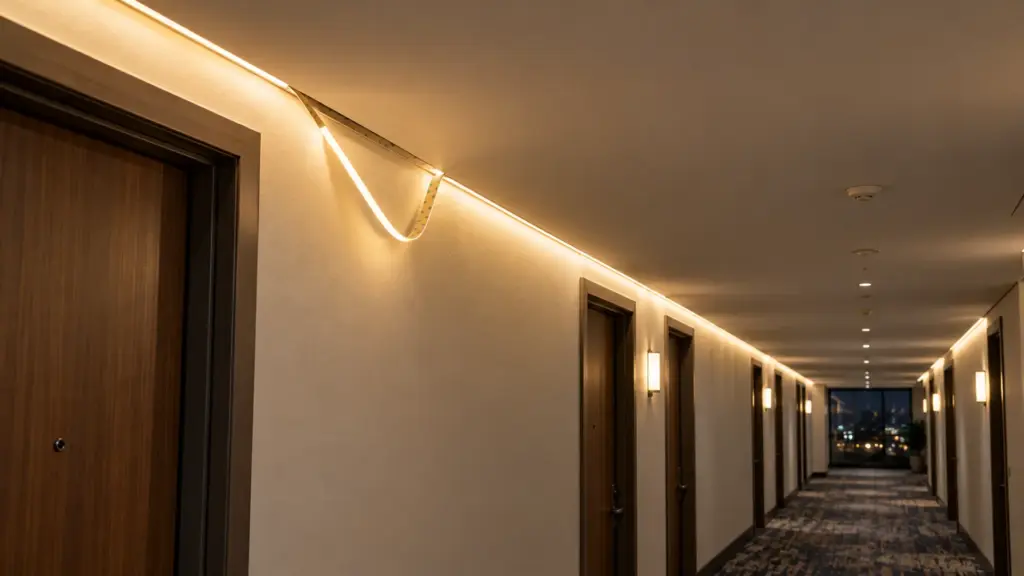
- The adhesive lets go. The strip sags out of its cove or peels at the ends.
- The coating yellows. Silicone or epoxy over the LEDs changes color, and the light turns warmer and dimmer.
- Sections darken. LEDs near the hottest point of the run, often near the feed where current is highest, lose light first.
- The color shifts. A run that matched its neighbor at handover runs warmer or drifts from it.
- The cove is hot to the touch. A channel or surface that is uncomfortable to keep a hand on after an hour is a warning.
Our guide to LED strip turning black or yellow walks through those failures and their causes. Heat also shortens the rated life itself, which our article on LED strip lifespan in this series explains: the lifetime curve was measured at a set temperature, and a hotter strip ages faster.
Put Heat on the Drawings
Heat problems are decided on the drawings, long before the strip arrives. Three notes on the lighting details prevent most of them:
- The strip’s watts per foot next to each cove or slot detail, so anyone reviewing the detail can see the load.
- The mounting: “aluminum channel, screwed” or “strip on surface”, stated, not assumed. Where the detail is closed, note the air gap.
- The driver location, outside the closed space.
Those notes also help the submittal: an inspector or a designer who sees the watts per foot and the channel on the detail can approve it without a site visit. And they give the installer a reason to fit the channel instead of saving it for a faster job.
A Quick Field Check
On a mockup or an existing job, a simple check tells you whether a detail is too hot:
- Run the strip at full output for at least an hour with the cove or cabinet closed as built.
- Touch the channel or the surface behind the strip, or read it with an infrared thermometer.
- Compare the hottest point with a point well away from the strip.
- Repeat at the dimming level the space will actually use.
A channel that is only warm is doing its job. One that is hot at full output in a closed detail calls for a lower-power strip, a heavier channel or more air.
Dimming Is Also a Heat Control
A strip that rarely runs at full output runs cooler for most of its life. Where the design allows, specify a little more output than the space needs and dim it to the target. The strip then spends its hours below its rated power, the channel and the adhesive see less heat, and there is headroom to turn the level up later as the LEDs age. The reverse is a strip chosen to just meet the target at full output, which runs at its hottest every hour it is on. On a dimming system, record the normal level on the commissioning sheet so it is not raised to full by default after a service visit.
Rules of Thumb
- Start every detail with watts per foot, the surface, and the air around it.
- Low-power strip on a clean, open surface rarely needs a channel for heat; high-output strip always does.
- Put strip above about 6 W/ft on aluminum, and give it air.
- In closed coves, cases and cabinets, lower the power or add channel mass and a gap.
- Wider boards spread heat; ultra-narrow boards run at low power for a reason.
- Do not drive a strip above its rated voltage.
- Adhesive, coating and color are the early warnings; check them at the first service visit.