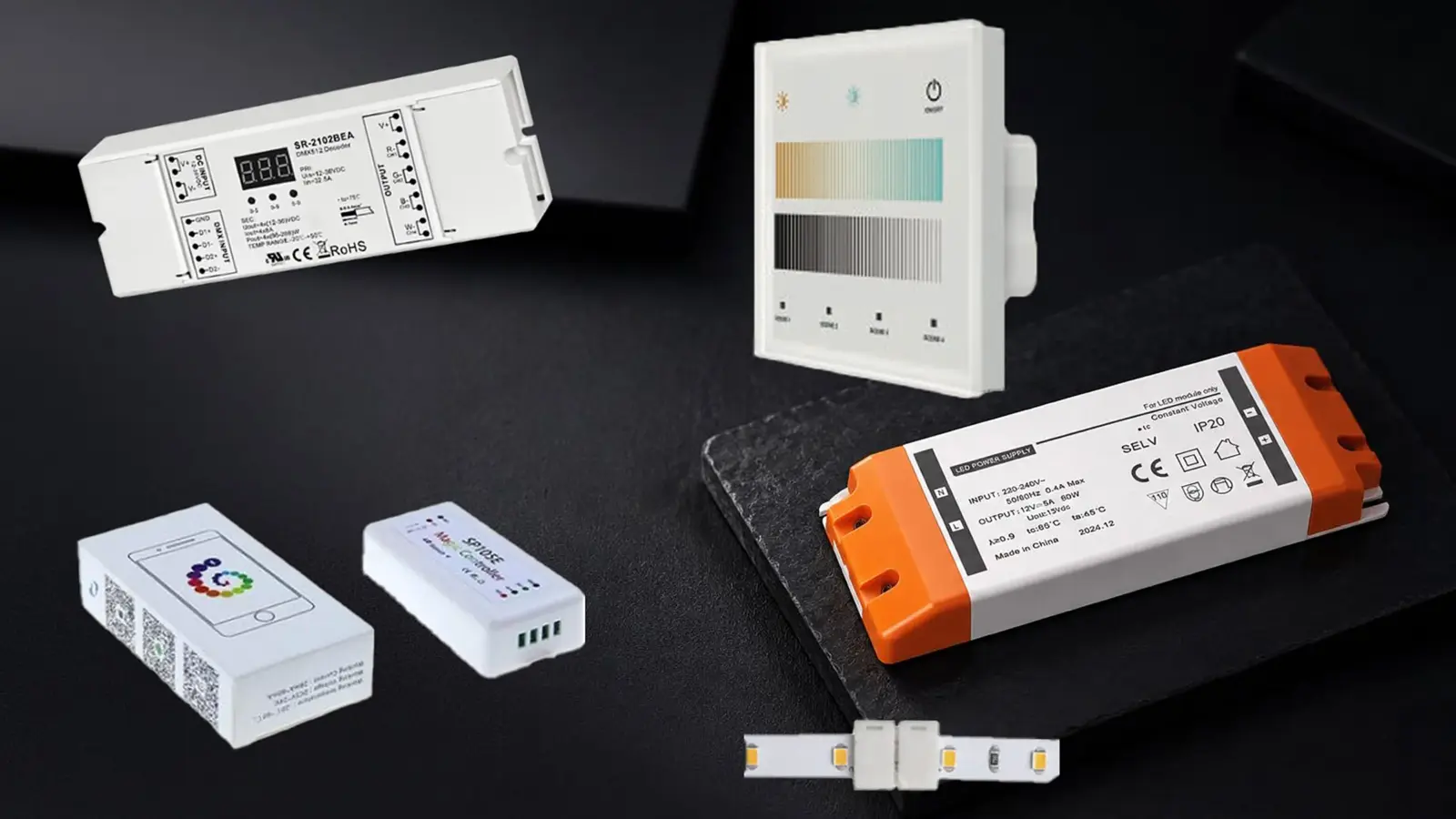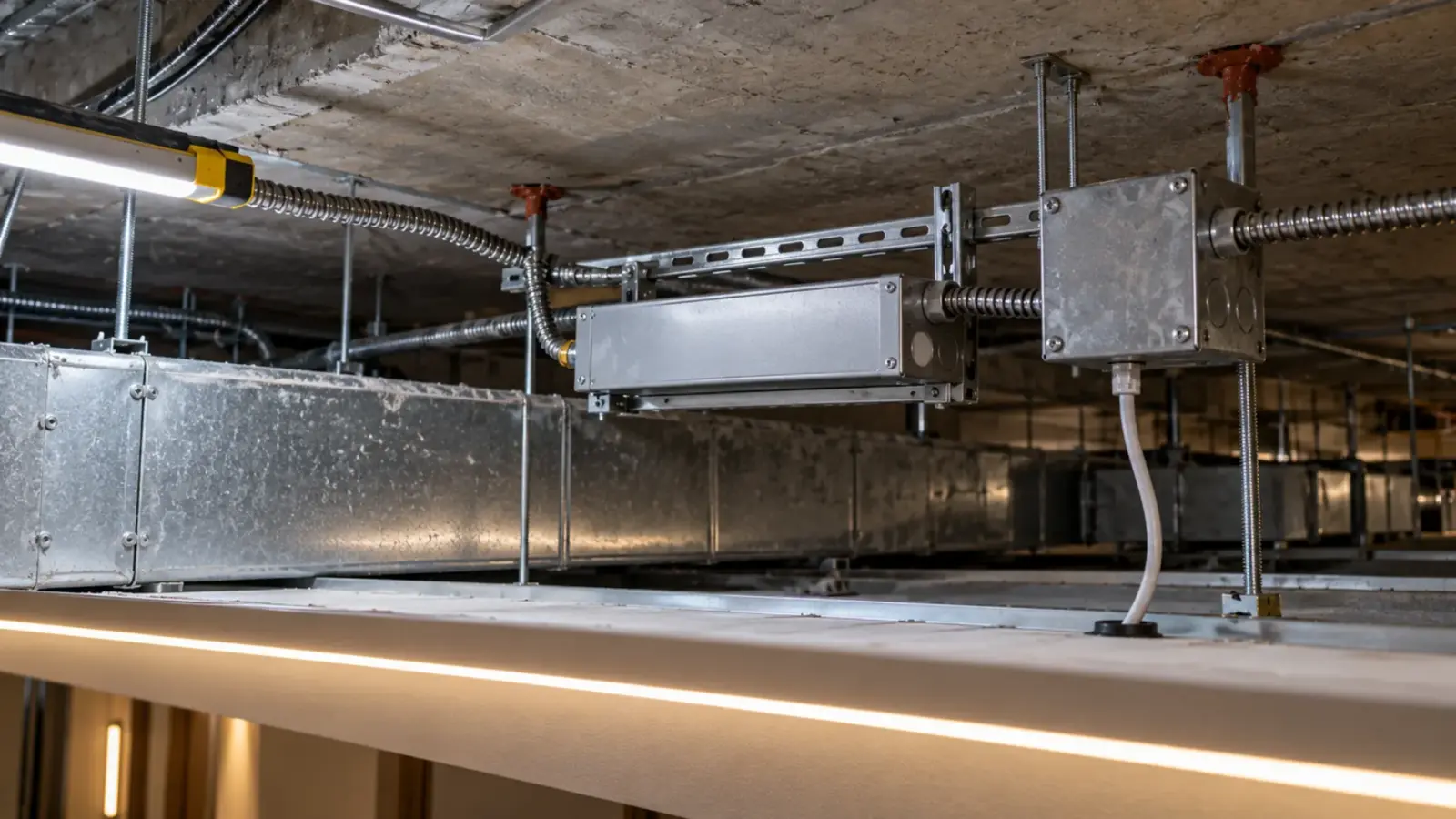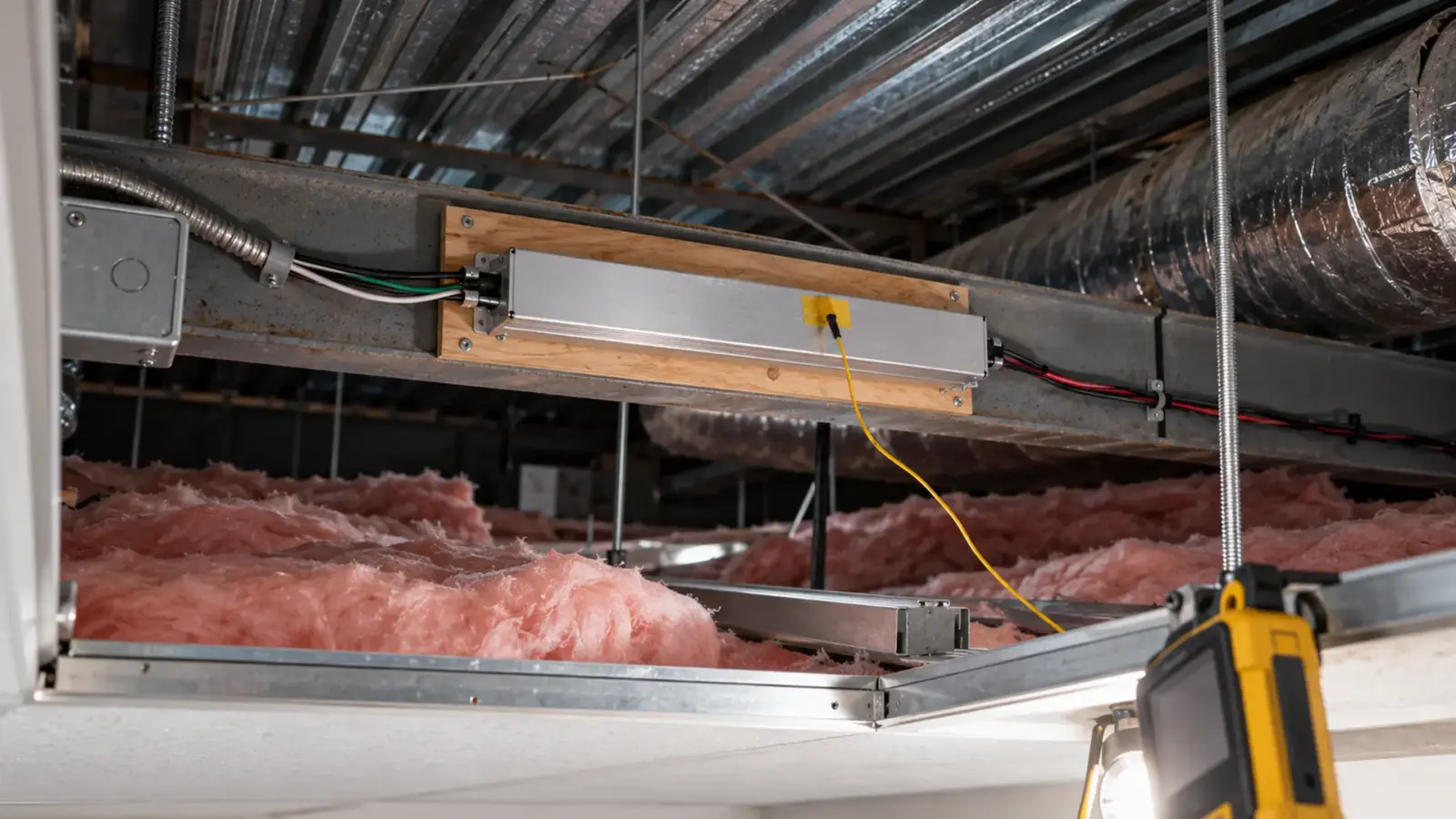
An LED driver needs a bigger rating when it sits in a space that runs hotter than the temperature its full rating assumes. Above a sealed ceiling or inside a closed cabinet, read the driver’s derating curve at the real air temperature around it, size the load to the derated output, or move the driver somewhere cooler and reachable.
The room is 72°F. The drawing puts the driver above a sealed gypsum ceiling, under a roof, next to insulation, and nobody has measured that space in August. The driver will run there for years, and its rating on the label assumes air much cooler than it will see. This article explains what the temperature ratings on a driver mean, where the heat comes from, how to size for it, and when the better answer is to put the driver somewhere else.
The Room Temperature Is Not the Driver Temperature
A driver’s life is mostly decided by its electrolytic capacitors. According to a Lighting Research Center paper on driver life, the electrolytic capacitor in a switch-mode supply often has the shortest life and so sets the life of the driver. Those capacitors age faster as they get hotter. According to Analog Devices, a common and largely valid rule of thumb is that capacitor life halves for every 10°C rise in temperature.
That rule turns a vague worry into a number. A driver that would last a long time at a comfortable temperature can lose half of that life if it sits 10°C (18°F) hotter, and a quarter of it at 20°C (36°F) hotter. Nothing fails on the first day, and the job passes inspection. The failures show up years later, one driver at a time, above a ceiling that has to be cut open. If that ceiling is also an air-handling plenum, the driver has more to meet than heat; a driver in a plenum ceiling sets out the gates.
And the temperature that matters is not the room’s. In the LRC test, the capacitor pin ran about 15°C above the surrounding air. The air around the driver is often well above the room as well, because the driver sits in a different space from the people.
Ta, Tc and the Derating Curve
Two temperatures appear on a driver datasheet, and they answer different questions.
- Ta, the ambient rating, is the range of air temperature around the driver in which it is allowed to run. A datasheet might list it as a range such as -20 to +50°C. Recom, for example, rates a line of ultra-flat drivers for -20 to +50°C ambient and markets them for ceiling mounting.
- Tc, the case temperature, is the maximum temperature at a marked point on the driver’s case. According to Hatch Lighting, the Tc point is a reference: the marked temperature is the maximum at which the driver runs at full specification. Tc is something you can measure on site; Ta is something you have to estimate.
The derating curve connects them to the load. Most driver datasheets plot the allowed load, as a percentage of the rating, against the ambient temperature. Up to a certain temperature the line is flat at 100 percent. Above it the line falls, and the driver may only carry 70 or 50 percent of its rating before it reaches its upper limit. Some drivers also fold back their own output when they get too hot, which protects the driver but dims the strip at the worst moment.
According to Hatch, the curve to look for alongside it is temperature versus lifetime. Where a maker publishes one, it shows how many hours the driver should last at each case temperature, which is the number an owner actually cares about.
What to Ask For With the Driver
Before a driver goes into a hot or closed space, get these from the datasheet or the supplier. If a line is missing, ask; a driver sold for ceiling spaces should have all of them.
| Item | Why it matters |
|---|---|
| Ta range | The air temperature the driver is allowed to run in |
| Tc limit and the marked Tc point | What you measure on site and compare against |
| Derating curve, load versus ambient | How much of the rating is left in the hot case |
| Lifetime versus Tc curve | How long it lasts at the case temperature you measured |
| Thermal foldback behavior | Whether it dims the strip or shuts off when too hot |
| Location rating | Dry, damp or wet, and any rating for enclosed or insulated spaces |
Two drivers with the same wattage and the same price can differ a lot on the last four lines. The curve is where a well-designed driver earns its place in a hot ceiling, and where a cheap one gives away that it was designed for open air on a bench. Mouser’s application note on derating shows how makers build the foldback with a thermistor, so the strip dims before the driver overheats. That is better than a failure, but on a finished job a cove that dims itself every summer afternoon is still a callback.
Where the Heat Comes From
A driver in a sealed space collects heat from several sources at once.
- The roof or the floor above. A ceiling cavity under a roof can run far above the occupied room on a summer afternoon.
- Insulation. Batts laid over or against the driver stop it from shedding its own heat.
- Its neighbors. Two or three drivers side by side heat each other; so do transformers, ballasts and recessed fixtures in the same cavity.
- Its own losses. A driver that is 88 percent efficient turns the other 12 percent into heat. At 48 W out that is roughly 6 W, with nowhere to go in still air.
- Closed millwork. A driver in a cabinet base or a display case behind a closed panel is in a small box with no air change.
Aspect LED’s installation guide advises extra precautions when the ambient is above 100°F and tells installers to check the derating curve. A sealed ceiling under a roof can pass 100°F easily in summer.
Measure the Space Before You Size
The cheapest way to know is to measure. On a renovation or a mockup:
- Put a small temperature logger in the space where the driver will go, at the driver’s height, for a few warm days.
- If a driver is already installed, tape a thermocouple to its Tc point, run it at full load for at least an hour with the ceiling closed, and read the case temperature.
- Compare the reading with the Tc limit on the label and the logged air temperature with the Ta range.
If you cannot measure, assume the space is hotter than the room by a wide margin, and size for that.
Size for the Hot Case
Here is how the curve changes the sizing. Take a run of strip that needs 48 W, which on a 60 W driver is the normal 80 percent load. Now suppose the driver’s datasheet curve, as an example, allows 100 percent up to 45°C and 70 percent at 60°C, and the space is expected to reach 60°C.
At 70 percent the 60 W driver may carry only 42 W. The run needs 48 W. So either the run is split into two, or the driver goes up a size where the wiring method allows it, or the driver moves. The numbers in this example are illustrative; use the curve on the datasheet of the driver you are buying.
Two rules keep this simple:
- Apply the 80 percent sizing rule first, as in our guide on how to size an LED strip power supply, then apply the derating on top of it if the space is hot.
- Use the highest temperature the space will see in service, not the temperature on the day of the walkthrough.
Or Move the Driver
Often the better answer is not a bigger driver but a different location. A driver in an accessible, ventilated spot lasts longer and can be replaced without cutting a ceiling.
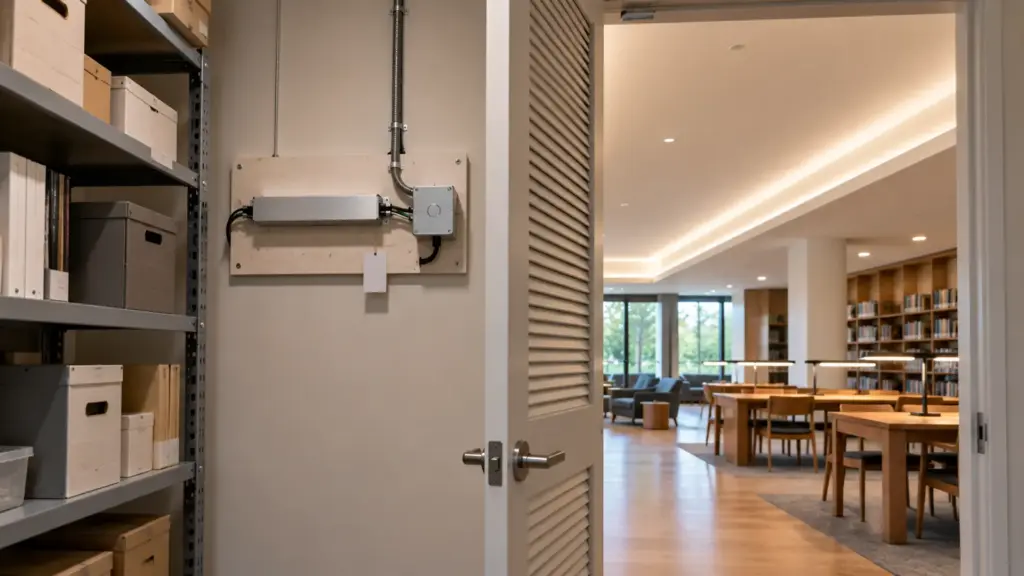
- Remote mount. Put the driver in an electrical room, a janitor’s closet or a ventilated cabinet and run the low-voltage output to the strip. Keep the output run short enough to control voltage drop, which our guide to under-cabinet driver placement works through for a common case.
- Access panels. If the driver has to be in the ceiling, put it next to an access panel, off the insulation, with air around the case.
- Away from the roof. On a top floor, put drivers on the lower side of the cavity or in a soffit that stays near room temperature.
- In millwork, give the driver a ventilated compartment, not the sealed base.
Our drivers FAQ says it plainly: a driver above a sealed ceiling or in a closed cabinet is where heat and service problems start. For wet or exposed locations the answer is a potted driver like UT-D100-24-67, not a dry-location driver in a box. The full list is on our drivers, controllers and connectors page.
Class 2 Still Applies After Derating
Derating changes how much load a driver can carry, not what kind of driver it is. A 60 W Class 2 driver derated to 70 percent is still a Class 2 driver, now carrying less. The fix of “use one bigger driver” can take a run out of Class 2 entirely, which changes the wiring method behind the wall, as our Class 2 vs non-Class 2 guide explains. Splitting the run across two Class 2 drivers usually keeps the job simpler.
If drivers are already failing early in a hot space, the readings in LED driver troubleshooting separate heat from overload, and the Tc reading above tells you which one you are looking at.
Rules of Thumb
- Size for the air around the driver, not the room.
- About every 10°C hotter halves the capacitor life, so a few degrees matter.
- Read Ta, Tc and the derating curve before the driver is ordered.
- Measure Tc on a mockup or an existing driver at full load with the ceiling closed.
- Apply 80 percent first, then the derating.
- When in doubt, move the driver to a reachable, ventilated spot.
- Keep Class 2 runs Class 2: split the load rather than jump to one large driver.