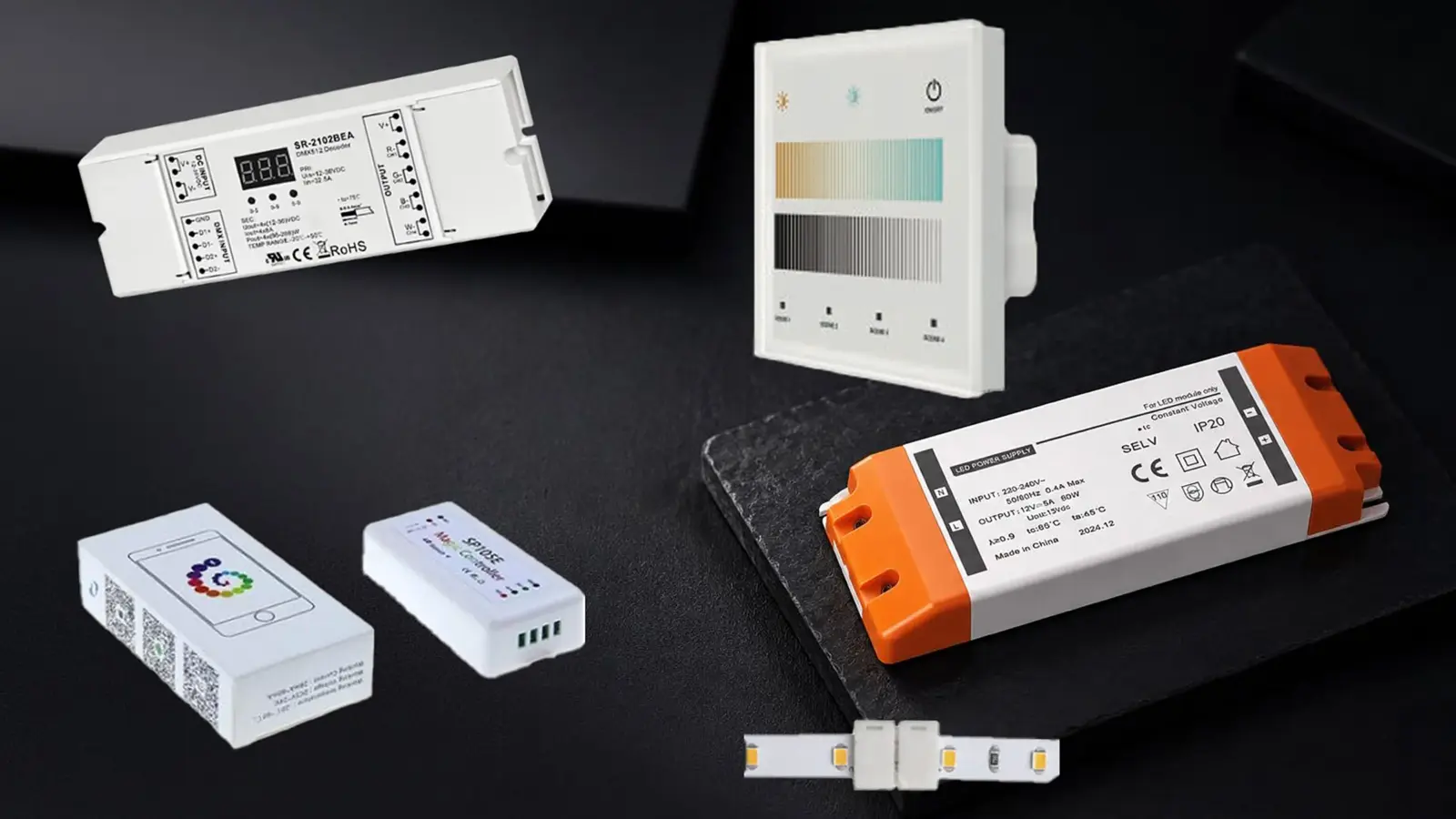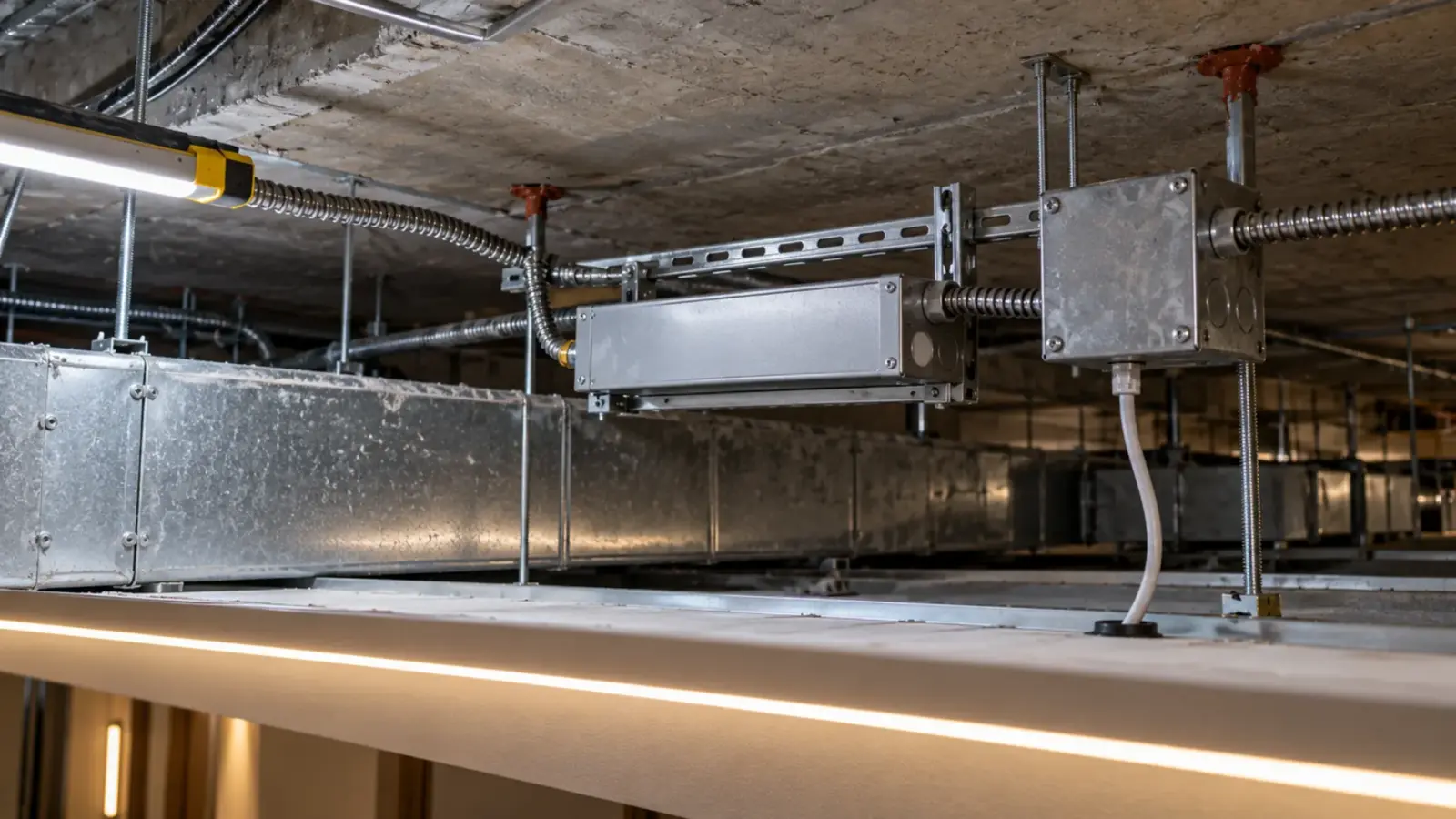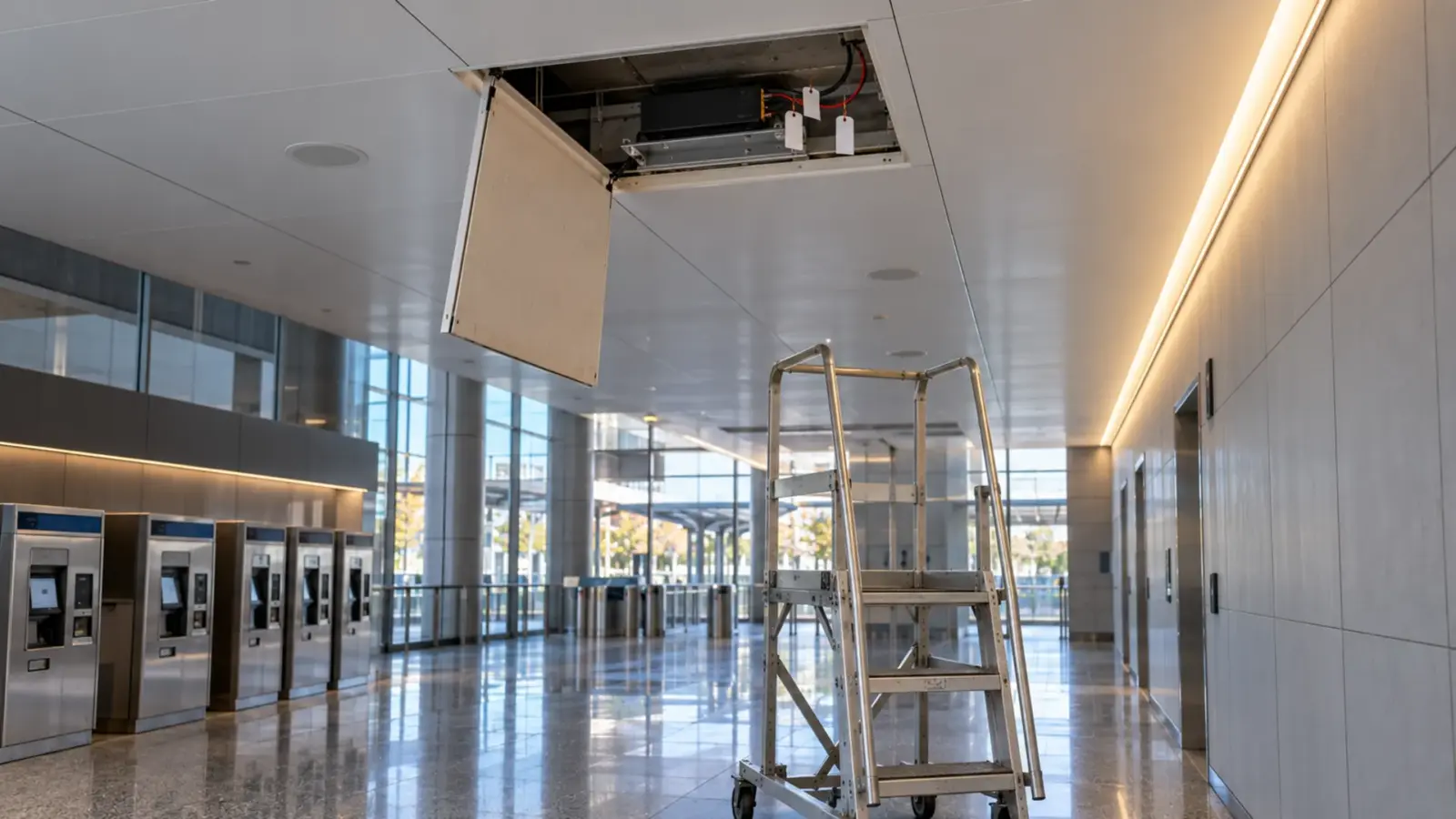
A remote LED driver is limited by its cable before its rating. Put each driver as near its strip as service access allows, check the driver-to-strip cable against voltage drop at the real load and gauge, and zone drivers by circuit, control and access. Draw the cable route and the hatch together.
The architect’s drawing shows a driver closet at the end of a 120 ft corridor, and one 600 W driver with six runs leaving it. The load is within the driver’s rating. The far run is 110 ft of cable away, and at 24V that is more drop than the strip will give back in light. This article gives the numbers to check before the closet is framed.
Local or Remote
A local driver sits near its strip, above a hatch or in the millwork. A remote driver sits in a closet or a plant room and sends power out on cable. Each has a place.
| Question | Local driver | Remote driver |
|---|---|---|
| Cable from driver to strip | Short | Long |
| Voltage drop on the cable | Small | Often the limit |
| Number of access points | Many | One or few |
| Heat | Driver in a ceiling cavity, may need derating | Driver in a cooler room |
| Failure impact | One run | Every run on that driver |
| Service | A ladder and a hatch | A walk-in closet |
Neither wins in general. Our driver derating guide explains why a driver in a hot ceiling needs headroom, and the under-cabinet driver guide shows the millwork-scale version of the same trade. On a commercial run, the cable budget decides which side the answer falls on.
Set the Cable Budget
Low-voltage cable drops voltage in proportion to current and length. Our voltage drop guide gives the principle and an AWG example. Here is the budget version: how far a driver can sit from a strip run before the cable drops more than 3 percent of 24V, for a given load and gauge.
The 3 percent is a design target, not a code requirement. The table uses the standard copper wire table at 20 °C. Real cable runs warmer and drops a little more, so treat the distances as upper limits.
| Cable | 50 W run | 100 W run | 200 W run |
|---|---|---|---|
| 18 AWG | 27 ft | 13 ft | 6 ft |
| 16 AWG | 43 ft | 21 ft | 10 ft |
| 14 AWG | 68 ft | 34 ft | 17 ft |
| 12 AWG | 108 ft | 54 ft | 27 ft |
| 10 AWG | 172 ft | 86 ft | 43 ft |
The values are one-way distances from the driver to the strip, rounded down, assuming the cable carries the full load and the drop is counted on the round trip. The distance falls in proportion to the load: double the watts and the reach halves. At 12V the reach is a quarter of these figures, because the current doubles for the same power and the allowed drop halves.
The pattern is the argument for local drivers. A 100 W run at 14 AWG reaches 34 ft. A run at 110 ft needs a gauge that is hard to terminate on a strip lead, and a 10 AWG cable still drops more than 3 percent at 200 W past 43 ft.
What Voltage Drop Does to the Light
A constant-voltage strip is built for its rated voltage. When cable drop takes volts away before the strip, the LEDs get less current and the light falls, and the fall is not even: the strip’s own board and any long run add their own drop on top. A 3 percent cable drop at 24V is 0.72 V, which is a small loss in most designs. A 10 percent drop is 2.4 V, enough to show as a dim run beside a run that is fed closer. The effect is worst when two runs sit next to each other at different cable lengths, because the eye compares them. So the cable budget is as much about matching neighbors as about the single run. Our voltage drop guide separates cable, board and joint drop.
Choose the Route
The route is the shortest path that is also serviceable and allowed. Three rules cover most of it.
- Separate low-voltage and line-voltage conductors as the code and the product instructions require. Our NEC checklist shows where to look, and a forum reading suggests the secondary cable should be marked CL2 or CL3, not only CM. Ask the inspector which marking they expect.
- Keep the secondary cable short, and run it where it can be reached. A cable buried in a closed ceiling is a failure waiting for a teardown.
- Leave a service loop at each end, and label each cable with its run ID at both ends.
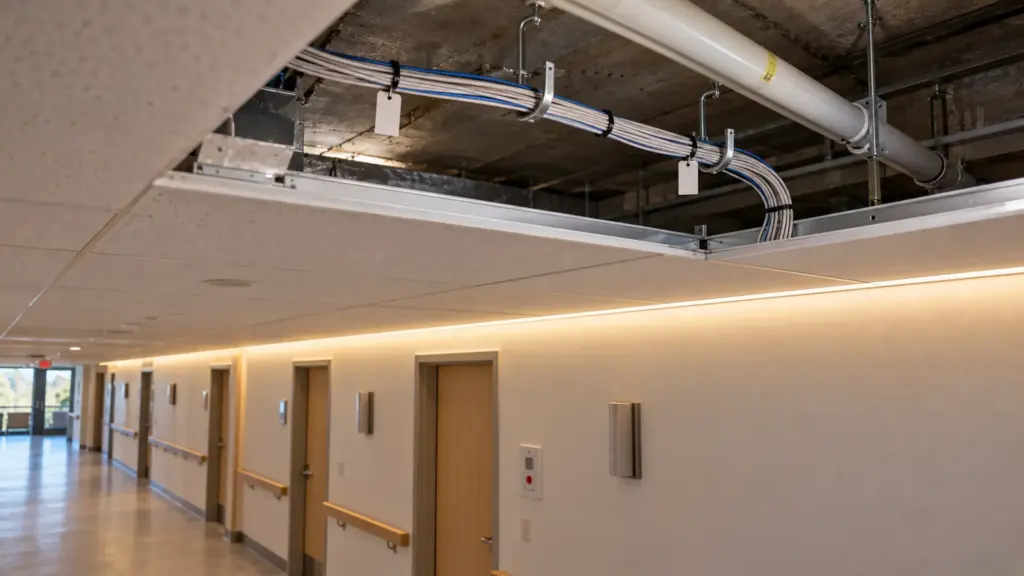
If the shortest route crosses a fire-rated wall or a plenum, the inspector decides what cable and sleeve are needed. Mark the crossing on the drawing.
Gauge, Terminations and Connectors
The cable gauge has to fit the parts at each end. A strip’s lead wire is small, and a strip connector takes a limited range of wire sizes. A heavy cable from a distant driver does not land on a strip lead. It lands in a junction box or a terminal block near the strip, and a short lead of the right gauge runs from the block to the strip. Plan that junction on the drawing, with an access point, because a splice in a closed ceiling is one of the most common hidden failures. Our connector guide covers what each type accepts.
Plan Service Access
A driver is the part most likely to be replaced, and it should be reachable without opening a finished ceiling. Put each driver where a technician can stand or kneel and reach it. A hatch, an access door in a closet wall or a removable panel in millwork all work. Label the door with the driver’s ID, and put the same ID in the run register.
Heat matters here too. A driver in a closed cavity runs hotter, and our derating guide explains why a rated load can be too much in a hot ceiling. Choose a location with air, or size the driver with room to spare. Our sizing guide covers headroom.
Heat and Location in the Ceiling
A driver in a closed, insulated cavity runs hotter than its rating assumes. Place drivers where air moves, out of direct contact with insulation, and keep the load at or below 80 percent of the rating with extra room where the cavity is hot. Our derating guide explains the reasoning. A driver near a hatch usually has more air than one buried over a corridor, which is one more reason to put drivers at the access points.
Dimming and Control Wiring
Dimmed systems add a second cable, the control signal. A 0-10V, DALI or DMX control cable has its own length limits and routing rules, and the driver’s data sheet states them. Keep the control cable separate from the power cable where the instructions say so, and do not extend a control run past the maker’s limit to fit a closet. A dimmer that is not on the driver’s compatibility list can flicker, and our dimmer compatibility test shows how to check a pair on the bench before the ceiling closes.
Inrush and the Breaker
Many drivers switched on together draw a large inrush for a moment, and a breaker can trip when the circuit is energized. Our inrush guide explains it. In layout terms, group drivers on circuits with inrush in mind, and ask the driver’s maker for the inrush figure when a circuit carries many.
Zone the Drivers
Zoning is the grouping of runs onto drivers, and three things decide it: the circuit, the control and the access.
- By circuit. Runs on one driver should share a breaker, so isolating one driver does not shut off unrelated areas.
- By control. Runs that dim together can share a driver and a dimming channel. Runs that dim separately need separate dimming channels, and often separate drivers.
- By access. Runs whose drivers sit at the same hatch can be serviced in one visit.
Do not connect the outputs of different power supplies in parallel to feed one strip. Feed each run from one driver, and check the load at 80 percent of the driver’s rating. Our Class 2 guide covers the marking to read on the driver.
A Corridor, Worked
Take six runs of 80 W each along the 120 ft corridor, with the driver closet at one end. The closet driver feeds all six, and the cable distances are 10, 30, 50, 70, 90 and 110 ft. At 24V and 80 W, the budget is 3.33 A and a 3 percent drop. The table finds the lightest gauge that fits.
| Run | Distance | Lightest gauge within 3% |
|---|---|---|
| 1 | 10 ft | 18 AWG (reach 16 ft) |
| 2 | 30 ft | 14 AWG (reach 42 ft) |
| 3 | 50 ft | 12 AWG (reach 68 ft) |
| 4 | 70 ft | 10 AWG (reach 108 ft) |
| 5 | 90 ft | 10 AWG (reach 108 ft) |
| 6 | 110 ft | None: past the reach of 10 AWG (108 ft) |

The closet layout works for the first five runs with a mix of gauges, and fails on the sixth. The fixes are to move a driver closer, add a second closet, or feed the far run from a local driver above a hatch. A layout with a driver at each end of the corridor halves the longest cable to 60 ft, which 12 AWG handles. A layout with three drivers over three hatches shortens every cable to 10 ft, and costs two more access points.
A fourth layout puts three 200 W drivers over three hatches along the corridor. Each driver feeds two 80 W runs, so each carries 160 W, which is 80 percent of its rating. The cable to each run is about 10 ft, and 18 AWG reaches 16 ft at 80 W. Every run is within budget on the lightest cable, and the cost is three hatches instead of one closet. Whether that is the better layout depends on the building: a corridor with no space for a closet and ceilings that can take hatches favors local drivers, and a plant room with a spare riser favors the closet.
The point is to run the table before the closet is drawn. It takes ten minutes and replaces an argument in the field.
What We Check at Quote
When a drawing arrives with a driver closet, we check four things against the spec tables: the load per run and the total per driver at 80 percent of its rating, the cable distance from each driver to each run against the budget in this article, the control channel each driver needs, and whether the driver can be reached without opening a finished ceiling. A run that fails the cable check gets a proposed fix: a heavier gauge, a closer driver or a second driver. The fix is a drawing change, and it costs far less before the ceiling is framed than after it is closed.
Labels and the As-Built
The drawing is only half the record. Label each driver, each cable and each hatch with the same IDs the drawing uses, and keep a table that links run, driver, circuit and access. A technician years later opens the table, not the drawing. When the job is built, update the table with what was installed, including any substitution, and photograph each driver in place with its label.
What to Put on the Drawing
- Each driver with its ID, model, load and the load percentage.
- Each run with its ID and the cable gauge and length to its driver.
- The route of every cable and the crossings of fire-rated walls.
- The access point for each driver, with the same ID.
- The dimming channel for each driver.
- The drop target and the assumption that the cable table uses.
Before the Closet Is Framed
Check the cable budget at the real load. Move or split any driver whose longest run fails. Confirm access for every driver, and put the access on the plan, not in a note. Keep the table with the drawings so the next person knows what was assumed.
Unitop Lighting supplies drivers, controllers and connectors matched to strip for commercial projects across the US. Send the plan, the run lengths and the load per run with your quote request, and we will check the driver count, the cable reach and the zoning against the drawing before you frame the closet.