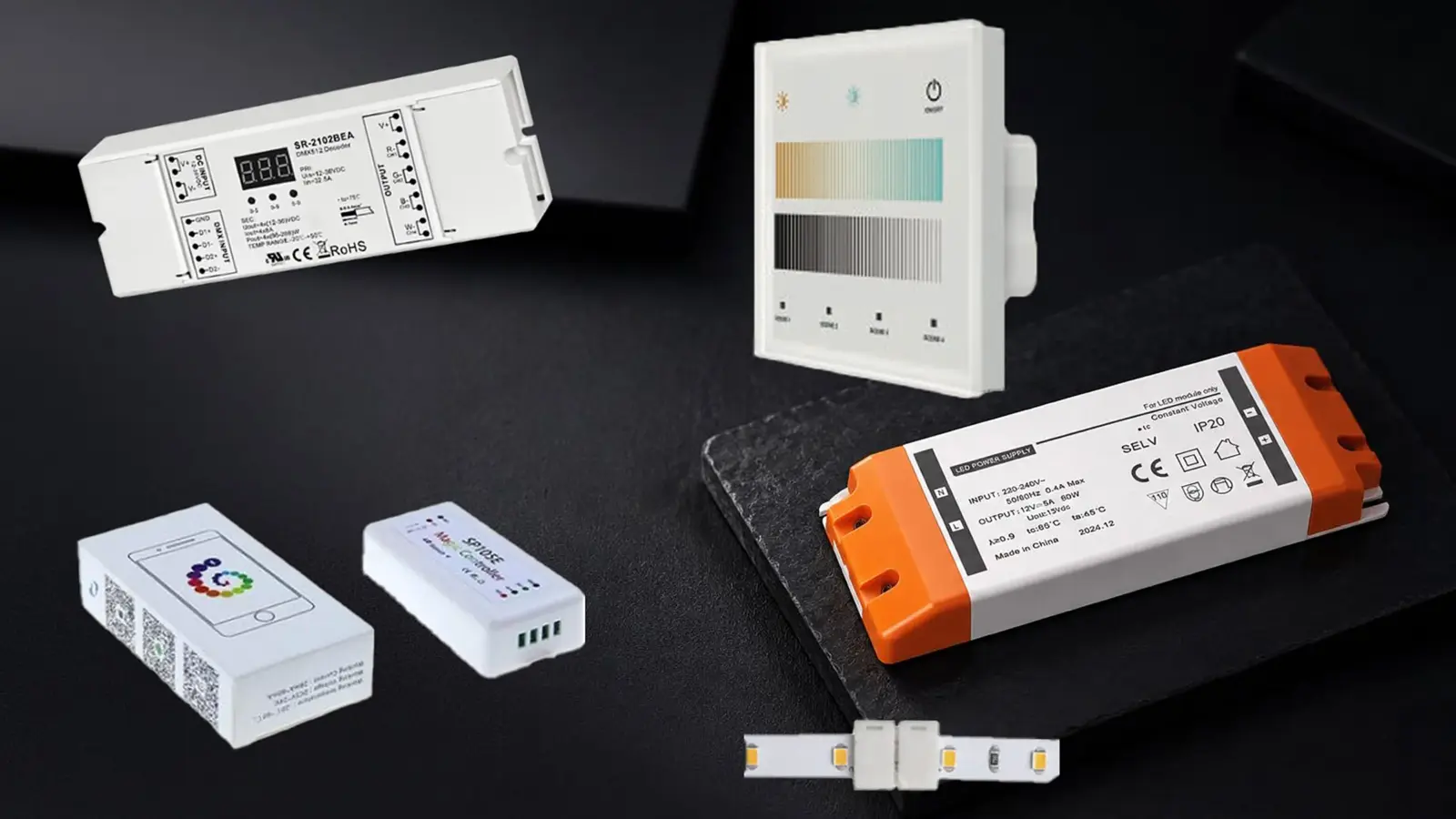
One dimmer model, two published low ends: according to a WAC Lighting dimming report, the same Lutron dimmer flickers below 32% in ELV mode and dims smoothly to 6% in TRIAC mode on one tape driver. Same voltage, same watts, different result. Test the exact driver and dimmer together, on the real load, before the tape goes up.
A compatibility list tells you a combination worked once, somewhere. A bench test tells you it works with your run length, your dimmer setting and the driver that was actually delivered. The second is what the owner sees.
Match the Dimming Method First
Every test starts from one rule: the dimmer and the driver must use the same dimming method. Mixing them is the most common reason tape does not dim at all.
| Driver dims by | Control it needs | Our examples |
|---|---|---|
| Phase cut (TRIAC, forward or reverse) | A phase dimmer listed for LED loads | UT-D60-24-TRC (120 VAC, 60 W); UT-CTRC-240 (240 W) |
| 0-10V | A 0-10V control or panel; the power is switched separately | UT-D60-24-C2-010, UT-D96-24-010, UT-D100-24-010-67 with UT-CTP-010 |
| 0-10V on the DC side | A decoder between a constant-voltage driver and the strip | UT-C010-350 (350 W) |
| DALI DT8 | A DALI bus and controller | UT-CDALI-DT8 (360 W, two channels for CCT) |
Within phase dimming, the mode matters too. According to Leviton’s application note on forward and reverse phase, reverse phase suits electronic loads, and reverse phase dimmers must never be used on magnetic low-voltage transformers. Many LED drivers accept both; the datasheet says which, and a dimmer with a selectable mode has to be set to match.
120V strip has its own rule: it dims by TRIAC or ELV phase dimmers only. 0-10V belongs to the low-voltage strip and its drivers. Our dimming guide explains when each method is the right choice; this article assumes that choice is made and checks that the parts work together.
Read the Compatibility Chart Correctly
Driver and dimmer makers publish compatibility charts. They are the right place to start and the wrong place to stop.
Green Creative’s chart is a good example of how to read one. Each dimmer is marked compatible or incompatible with the driver, and a dimmer that does not appear “might still be compatible but has not been tested.” The same chart warns that the quality of the local mains, the existing wiring and different versions of the same dimmer can change the result, and recommends a test on site before installation.
Four things a chart does not tell you:
- Your load. The chart was made with some load. Your run might be much shorter or much longer.
- Your settings. Low-end trim and phase mode change the result, as the WAC figures above show.
- Your version. Dimmers and drivers are revised under the same model name.
- Your other loads. A dimmer shared with other fixtures behaves differently from one that sees only the tape.
For large or high-stakes projects, some control makers will test a specific driver for you. ETC, for example, offers compatibility testing from samples and a cutsheet and says most tests are completed within about two weeks of receiving the samples. Build that time into the schedule if you need it.
Bench Test on the Real Load
The bench test takes an hour and saves the callback. Set it up as close to the installed system as you can.
- Use the delivered parts. The driver model and the dimmer model that will be installed, from the delivered stock, not a sample of a similar part.
- Use the real load. Connect a length of the specified strip that draws the same watts as the longest and the shortest run on the job. A short run on a dimmer meant for a long one is where minimum-load problems hide.
- Use real wire. Add a feed of the gauge and roughly the length on the drawings, coiled, between driver and strip.
- Set the dimmer. Phase mode set to match the driver, low-end trim at its factory setting for the first pass.
- Run the sequence. Switch on at full. Dim slowly to the bottom. Switch off at the bottom, wait, switch on at the bottom. Dim back up. Repeat with the trim adjusted if needed.
- 1On at fullBoth run lengthsSteady, no hum
- 2Dim to bottomSlowlyNote where flicker starts
- 3Off at bottomRoom darkNo glow on the strip
- 4On at bottomFrom offLights without a flash
- 5Dim back upRepeat after 30 minSame low end when warm
Watch the strip, the driver and the dimmer through the whole sequence, and listen. Run the sequence once cold and once after the system has been on at full for half an hour; some drivers change their low-end behavior as they warm up. The record in the next section is filled in during this test, not afterwards.
According to Restrepo’s guide to phase dimming, the dimmer’s rating should be checked against the driver’s input load, not the lamp or strip watts on the drawing. The driver draws more than the strip because of its own losses, and that input number is the one the dimmer sees.
What to Record
Record one line per driver and dimmer pair, for each load you tested.
| Field | How to measure | Pass looks like |
|---|---|---|
| Driver model and version | Label on the delivered unit | Matches the submittal |
| Dimmer model, version, mode | Label and setting | Matches the submittal; mode noted |
| Load tested | Strip length and measured watts | Shortest and longest job runs covered |
| Lowest stable level | Dim down until flicker starts, note the setting | Low enough for the space |
| Start-up at low level | Switch on with the dimmer at the bottom | Lights without a flash or a delay |
| Dropout | Level where the strip goes out while dimming down | Below the lowest level anyone will use |
| Flicker | Watch at five settings, plus a phone camera in slow motion | None visible |
| Noise | Listen at the driver and the dimmer at five settings | No hum audible at a normal distance |
| Off state | Dimmer off, room dark | No glow on the strip |
| Consistency | Repeat with a second driver from the same lot | Same results within a step |
The phone camera check catches flicker the eye misses, which matters in spaces that will be filmed or photographed. A glow with the dimmer off is a leak path covered in the guide to LED tape that glows or flickers when dimmed.
Checkpoint: the record is signed by whoever ran the test and attached to the submittal. Without it, a later complaint has no baseline.
Tunable, Dim-to-Warm and Color Systems
Two-channel and color systems need the test twice: once for brightness and once for the color behavior.

- Dim-to-warm strip such as our UT-T672-10-DTW shifts from 3000K at full toward 1800K as it dims, on two wires. Record the color at the bottom of the range as well as the level: a pairing that stops dimming early also stops the warm shift early, and the space never reaches the candle-like end the designer specified.
- Tunable white on a DALI DT8 controller such as UT-CDALI-DT8 has two channels. Test the lowest level at both ends of the CCT range, because the two LED channels do not always reach the same low level.
- RGB and RGBW systems on DMX decoders usually dim well, but check the lowest level of each color on its own and the mixed white at low level, where small differences between channels show as a color cast.
Our dim-to-warm guide explains when that behavior is the right choice and how it differs from tunable white.
Retest After Any Substitution
A driver substituted after the test is a new combination. Two drivers with the same output voltage and wattage can dim differently, because the dimming circuit inside is not part of either rating.
Retest when any of these change:
- The driver model, or a new revision of the same model.
- The dimmer model, revision or mode.
- The run lengths, by enough to change the load on a dimmer meaningfully.
- The control system, such as a scene controller replacing a wall dimmer.
Value-engineering proposals often swap drivers because the output ratings match on paper. That is exactly the case the test exists for. Put “retest required on substitution” in the specification so the requirement survives into the field.
Common Results and What They Mean
The record usually shows one of five patterns:
- Smooth to a low level, no glow, no noise. Approved. Note the trim setting so the installer copies it.
- Flicker below a certain level. Raise the low-end trim to just above that level and retest, or change the pairing if the stable range is not low enough for the space.
- No dimming at all, or full-on and off only. Method mismatch. Check the driver’s dimming input against the control.
- Works on the long run, misbehaves on the short run. Load below the dimmer minimum. Group loads, change the dimmer, or move to 0-10V.
- Hum at mid-range. A phase dimmer and driver that are not a good pair, or a dimmer near its limit. Try the other phase mode if both are listed, then a different dimmer.
Installers on the Mike Holt forum describe the short-run case often: tape on an ELV dimmer that will not register the load and will not shut off. It is cheaper to find on a bench than in a finished corridor.
Sign Off Before Rough-In
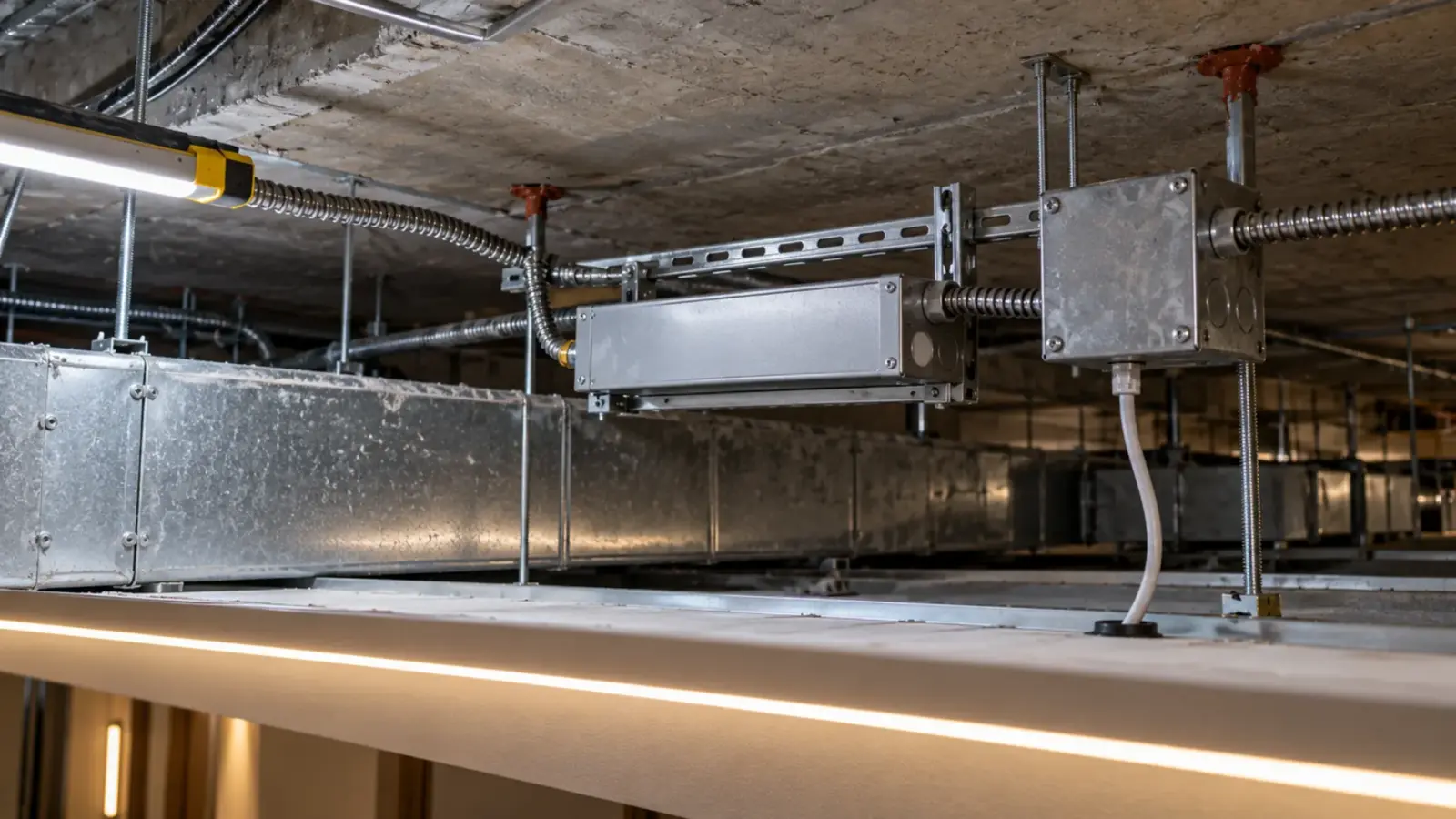
Approve the dimming before the boxes and the wiring are set, because the fix for a failed pair can change the device, the box size or the wiring. A 0-10V system needs control wiring that a phase-dimmed system does not, and a decoder on the DC side needs a place to live.
Send the signed record with the submittal, keep a copy with the job file, and give the installer the trim settings. When the owner asks why one room dims lower than another, the answer is on paper. Our power supply sizing guide and the guide on when to spec 120V strip cover the load side of the same decision.
The dimming method of each driver and controller we supply is listed on the drivers, controllers and connectors page.