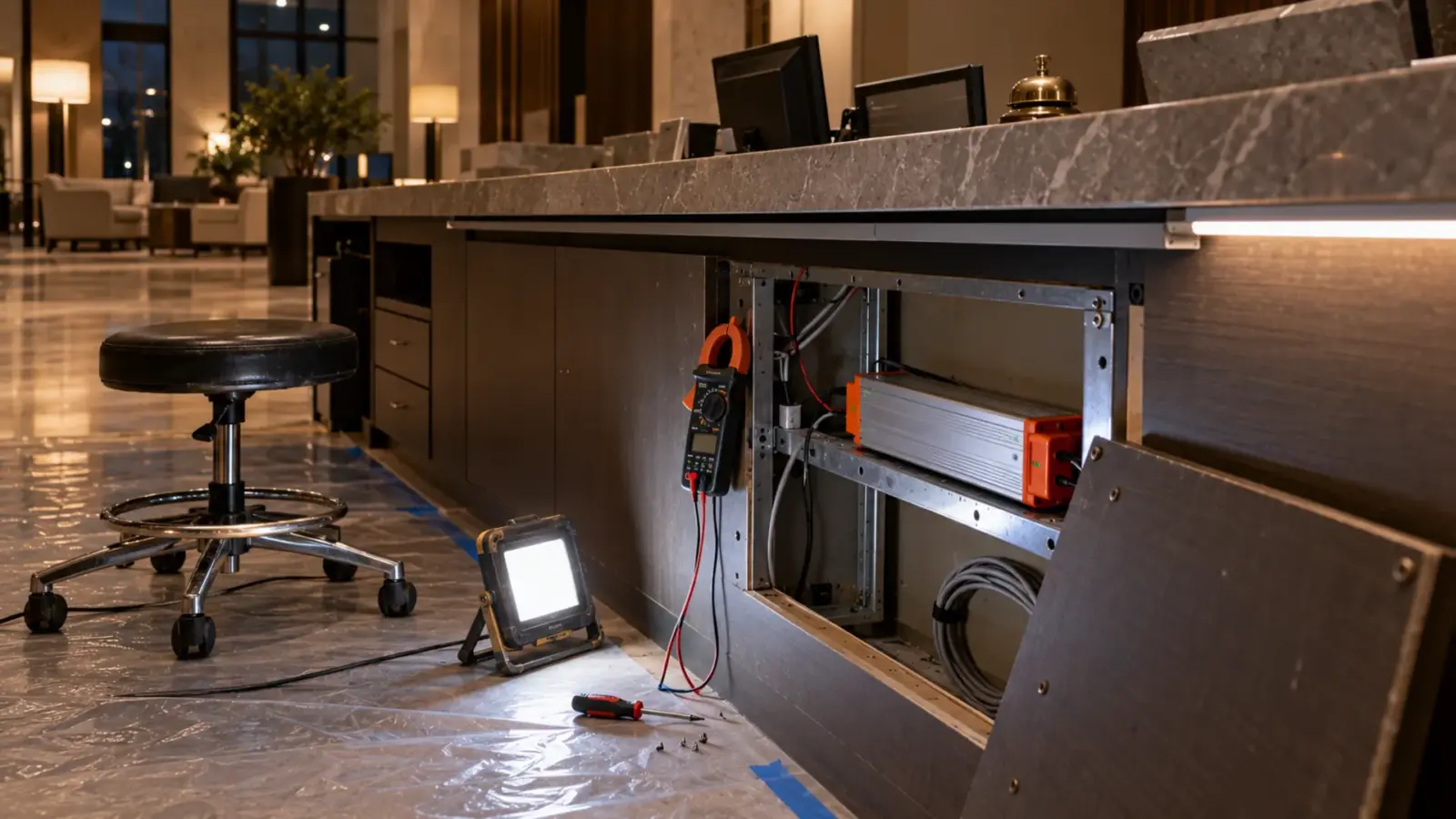
LED strip flickers either because something in the power or dimming chain is unstable, which you can see with your own eyes, or because the driver dims by switching the LEDs on and off fast, which the eye averages but a camera records as bands or pulsing. Test which one you have first: the fixes are completely different.
Why does LED strip flicker on one job and not on the next, and why does the client’s video show bands across a ceiling that looks perfectly steady in the room? Both questions come up on the same kinds of projects, and they get confused with each other. A cove that visibly shimmers at 20 percent has a problem in the driver, the dimmer or the wiring. A cove that looks fine but strobes on a phone has a driver doing exactly what it was designed to do, just at a frequency the camera does not like. This article separates the two, gives the test and the fix for each cause, and ends with what to put in a specification so neither shows up after handover.
Visible Flicker or Camera Flicker? Test First
Start with one simple test, because it decides everything that follows.
- Look with your eyes, at the problem level. Stand in the space at the dimming level where the complaint happens. Look at the strip directly and at a white surface it lights. Wave your hand quickly in front of the strip: a strobing hand means the light is pulsing slowly enough to see.
- Look through a phone camera. Point a phone at the same strip in video mode. Bands rolling across the image, or the image pulsing, mean the light is switching faster than the eye notices but not faster than the camera.
- Change the dimming level. Set the strip to full output and repeat both. Many drivers stop switching at 100 percent, so camera bands that disappear at full output point to the dimming method.
If you see flicker with your eyes, go to the sections on visible flicker. If you only see it on camera, go to camera flicker. If you see both, fix the visible flicker first; it usually removes most of the camera problem too.
Visible Flicker: Driver, Dimmer and Wiring
According to a lighting technician on the Blue Room forum, visible flicker almost always comes from the driver or the power supply, assuming the wiring and the joints are sound. In practice there are four places to look, in this order.
The dimmer and driver pairing. A phase dimmer on a driver built for the other phase, or a 0-10V control wired to a driver that ignores it, is the most common cause. Our drivers FAQ puts it plainly: the dimming method has to match the driver, and mixing them is the most common cause of flicker. For Lutron jobs, our guide on pairing LED tape with a Lutron dimmer walks through the phase setting, the neutral and the minimum load. For any pair, our driver and dimmer compatibility test is the bench check.
Load below the minimum. Phase dimmers have a minimum load, and a short run of strip can sit below it. The dimmer cannot regulate a load that small and the low end flickers or drops out.
A driver that is cycling. A strip that goes off, waits and comes back is usually a driver protecting itself from overload or heat. That is not flicker in the usual sense, but it is often reported as flicker. The readings in LED driver troubleshooting tell you which it is.
Loose connections. A connector that is not fully seated, a solder joint with a crack, or a screw terminal that was never tightened makes contact on and off with vibration or heat. The flicker tends to affect one run or one section, not the whole zone. Press along the run and at each joint while it is lit; a section that blinks when touched has found the fault for you.
On 120V direct-AC strip, flicker has another source: the strip runs from line voltage without a separate driver, and some constructions show the line frequency. That is why our 120V LED strip range includes a flicker-free construction, UT-H120-112-FF, for spaces where it matters.
Camera Flicker: PWM and the Shutter
Most LED drivers and controllers dim by pulse-width modulation, or PWM. According to ENTTEC’s explanation, PWM switches the LEDs fully on and fully off many times a second and sets the brightness by the share of time they are on. The eye averages the pulses into a steady level. A camera does not average the same way.
ENTTEC describes the two ways it shows up:
- Rolling bands. Most phones and many video cameras read the image line by line, so different lines catch the light at different moments in the pulse. The result is horizontal bands crawling through the frame. According to ENTTEC, the number of bands is roughly the PWM frequency times the time the sensor takes to read one frame.
- Pulsing frames. Cameras that capture the whole frame at once show the whole image getting brighter and darker from frame to frame instead.
Whether either appears depends on how the exposure time lines up with the pulses. An exposure that covers a whole number of PWM cycles collects the same amount of light every time, so the image is steady. An exposure that covers a fraction of a cycle collects a different amount depending on where it starts, and bands or pulsing appear.
Dimming level matters too. According to research summarized by Penn State’s Institutes of Energy and the Environment, the chance of banding depends on the PWM, the dimming level and the camera settings together. At full output many drivers stop pulsing entirely; at low levels the pulses are short and the effect is strongest.
Low-Level Flicker When Dimming
Some flicker is only visible near the bottom of the range. It has three usual causes:
- The dimmer’s low-end trim is set too low, below the point where the driver can hold a stable output. Raise the trim until the flicker stops and record the setting.
- The driver’s PWM frequency is low at low levels. Some drivers lower the frequency as they dim. The Blue Room forum discussion notes the trade-off from the other side: raising the PWM frequency reduces flicker but can make the steps between dim levels coarser.
- The control signal is weak at the end of a long run. On color and tunable strips driven by a controller, a long data or PWM line can degrade. A signal amplifier such as our UT-CAMP-4, which repeats the PWM signal downstream, restores it for the next section.
Flicker at the Far End
If flicker shows up only on the last few feet of a run, and gets worse as the strip warms up, voltage drop is the likely cause. The far end runs on a lower voltage than the driver delivers, and at low dimming levels the regulator on the strip can drop in and out. Measure DC volts at the feed end and the far end with the strip lit. A large difference means the run is too long for one feed. Add a feed at the far end or split the run, as our guide to LED strip voltage drop explains.
Flicker on Color and Addressable Strip
Color and pixel strips add their own sources. On RGB and RGBW strip, a controller mixes colors by running each channel at its own PWM level, so a camera can band on one color and not another, and a mixed white can shimmer on video while a single-color white strip beside it does not. On addressable strip, each pixel has its own driver chip and its own PWM, and the data line carries the commands. A noisy or long data line produces random flashes and sparkles rather than even flicker. Shorten the run from the controller to the first pixel, check the ground between the controller and the strip, and use a repeater or a protocol built for distance, as our guide to SPI vs DMX explains.
Symptoms and Fixes
| Symptom | Likely cause | Fix |
|---|---|---|
| Visible shimmer at low levels on a phase dimmer | Wrong phase or load below minimum | Match the driver to the dimmer; combine runs |
| Whole zone flickers at every level | Dimmer and driver incompatible | Change one of the pair; test the pair first |
| One section blinks when touched | Loose connector or cracked joint | Reseat or remake the joint |
| Strip goes off and comes back | Driver protecting itself | Check load and heat; see driver troubleshooting |
| Last few feet flicker, worse when warm | Voltage drop | Extra feed or shorter runs |
| Steady in the room, bands on video | PWM dimming and the camera’s shutter | Higher PWM or a different dimming method; camera shutter |
| Bands only at low levels | Short PWM pulses at low output | Raise the low end; driver with higher PWM |
| Faint glow when off | Leakage, not flicker | See LED tape that glows when off |
Specify It Out Before the Order
Camera flicker matters most where cameras are part of the room: lecture halls that record classes, houses of worship that stream services, conference rooms with video calls, retail spaces where customers take photos, and anything filmed for broadcast. In those spaces, write it into the specification instead of fixing it after.

- Ask for the PWM frequency of every dimming driver and controller, at full output and at the lowest level the design uses. A driver that switches at a high frequency is far less likely to band on camera.
- Consider a dimming method that does not pulse. Some drivers dim by lowering the current instead of switching it on and off; they avoid PWM banding at the cost of less control at the very bottom of the range. Ask the driver maker which method a given model uses.
- Use the flicker-free 120V construction where strip runs directly on line voltage in a video space.
- Test on camera in the mockup. Film the mockup with the cameras the space will use, at the dimming levels the design will use, before the order is released.
- Record the low-end trim for each zone on the commissioning sheet, so a later change does not bring the flicker back.
The choice of dimming system shapes all of this; our comparison of 0-10V vs TRIAC vs DALI covers the options.
Final Checks
- You know whether the flicker is visible, camera-only or both.
- The dimmer and driver are a tested pair, with the load above the dimmer’s minimum.
- Every joint on the affected run is reseated or remade.
- Far-end voltage is measured on long runs.
- The low-end trim is set above the flicker point and recorded.
- In video spaces, the PWM frequency or dimming method is in the specification and the mockup was filmed.
For faults beyond flicker, our LED strip troubleshooting order starts at the driver terminals.