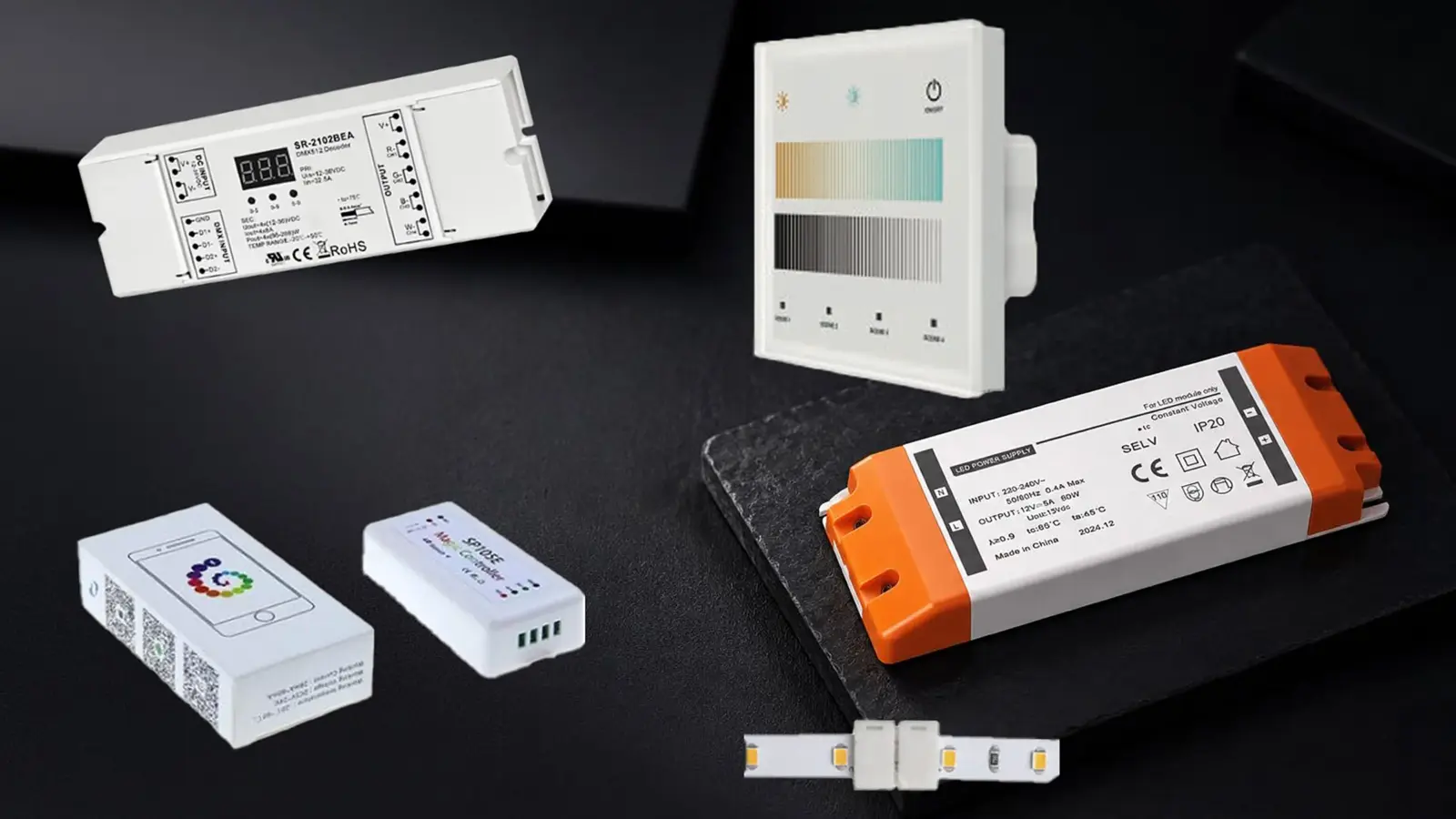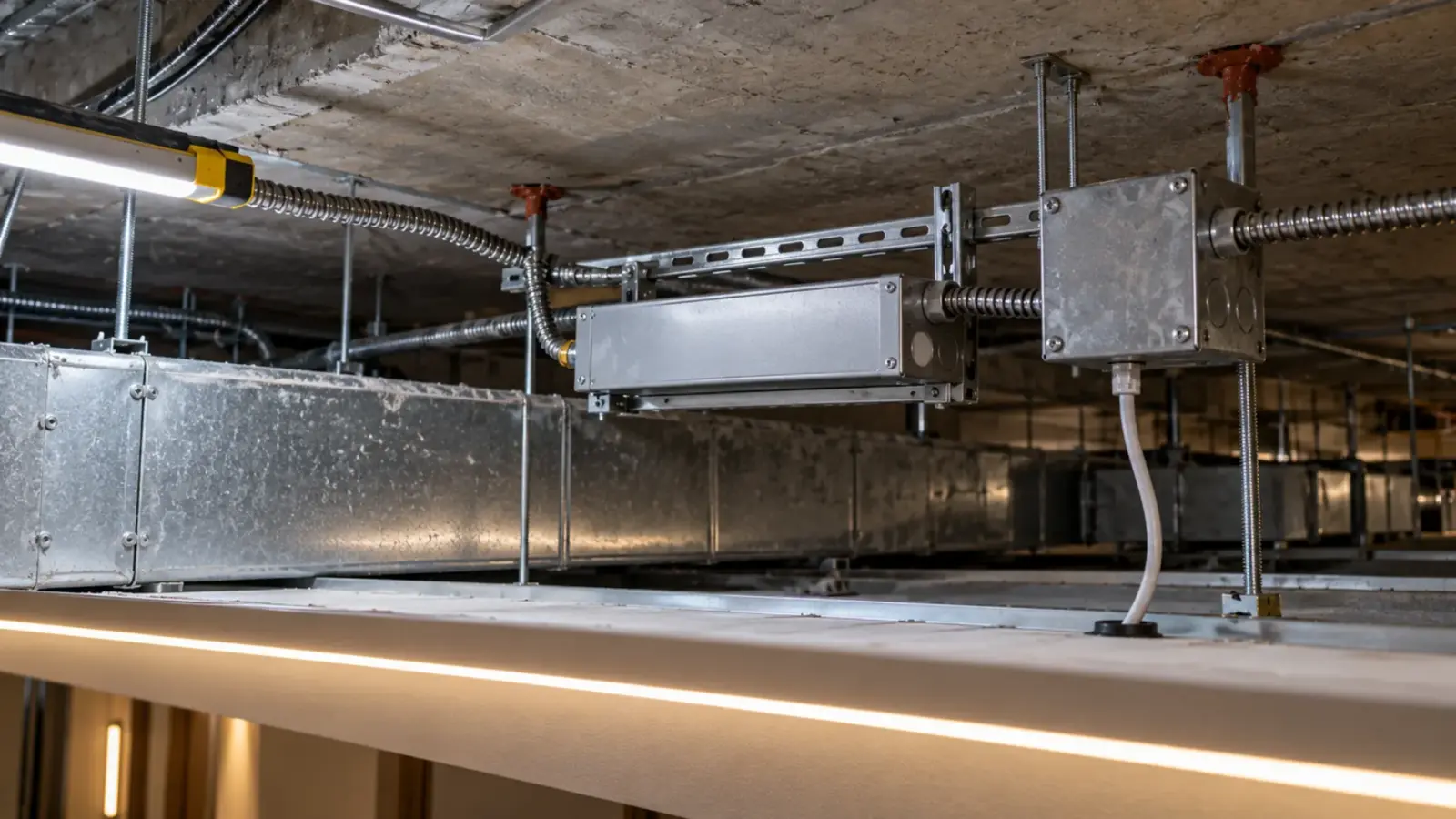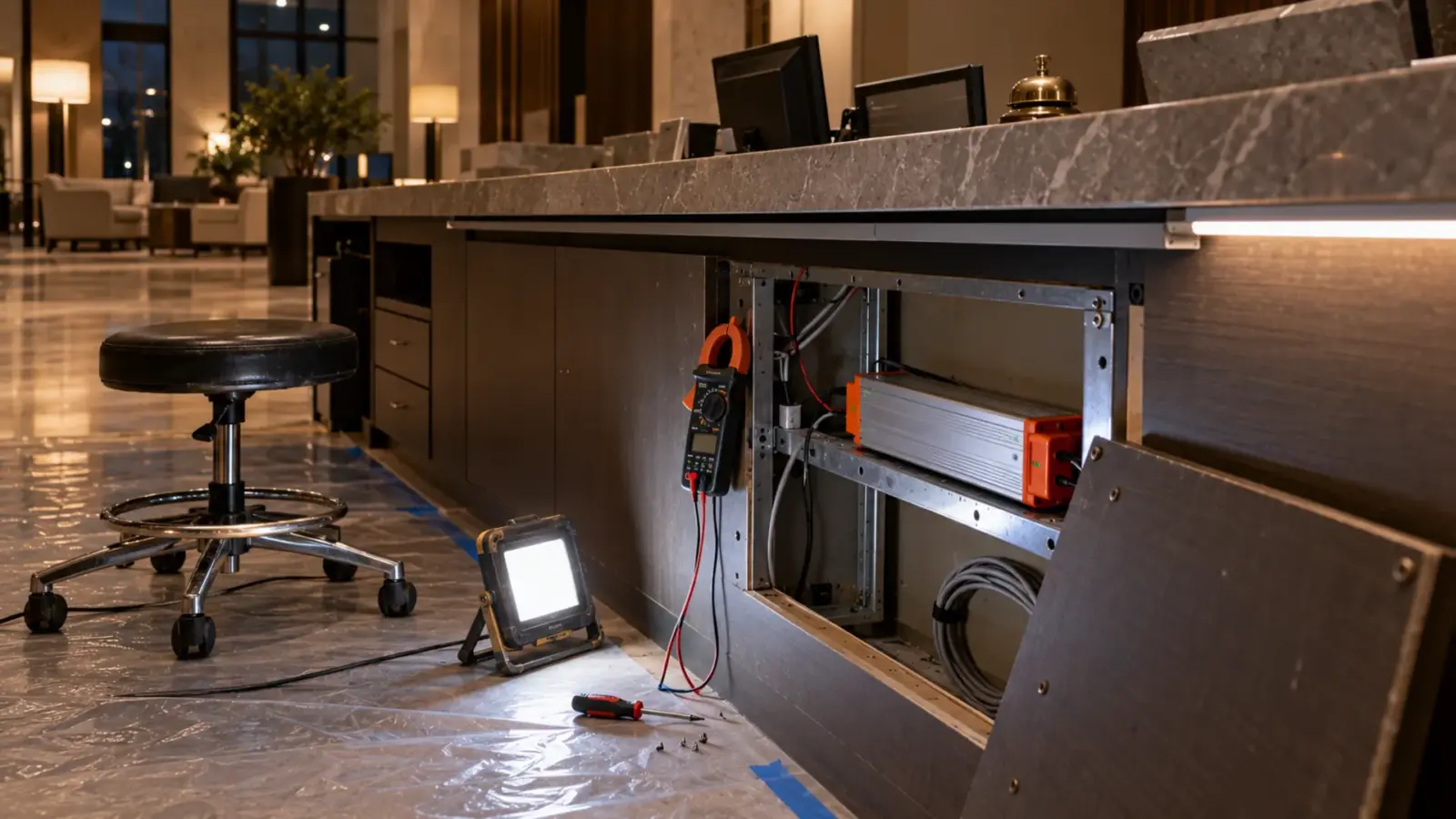
The corridor cove lights, goes dark for a moment, lights again, and repeats. The strip is new, the driver is new, and the electrician who made the last joint has gone home. The first instinct is to swap the driver.
An LED driver that clicks on and off is usually protecting itself: it sees a short or an overload, shuts off, retries and repeats until the fault clears. That cycle is hiccup mode, and it points at the load, not the driver. Disconnect the strip. If the driver then holds steady, split the run in half until the fault is found.
First, Is It the Driver Clicking?
A click is not always a driver. A vacancy sensor’s relay, a dimmer or a controller can click as it cycles, and a driver can hum or buzz without cycling at all. Before you chase a short, stand next to the driver and listen, and watch the output with the strip disconnected: if the strip dims and brightens with the click, the load or the driver is cycling; if the click comes from a sensor box or a controller across the room, the problem is in the control chain. Our occupancy sensor guide covers relays and drivers, and our guide to a faint glow or low-end flicker covers the dimmer case.
What the Click Is: Three Protection Behaviors
Drivers protect themselves from a bad load in more than one way, and the behavior tells you what you are looking at. Here are the three common ones, from the sources we read.
| Behavior | What you see | How it recovers | What it means for the search |
|---|---|---|---|
| Hiccup mode | Repeated switching off and briefly on | On its own, once the fault clears | The fault is in the load right now; fix it and the driver recovers |
| Latch-off | One shutdown, then dark | Only after a power cycle | The fault may have cleared; cycle the input with the load disconnected |
| Constant-current limiting | Output current held at the rated maximum, the voltage sags and the strip is dim or dark, no click | When the load comes down | No click, but a driver pinned at its limit; check for overload |
The DigiKey TechForum describes hiccup mode as a form of overcurrent protection: on an output overcurrent or short the supply enters it and stays until the fault is resolved, switching off and then briefly back on, and it resumes normal operation without a power cycle, unlike many latch circuits. Datasheets label it; the post shows datasheet excerpts from Mean Well and ERP Power marked hiccup protection and a Samsung example marked latch.
One driver can behave differently by fault. Mean Well’s HLG-240H datasheet lists short circuit as hiccup mode that recovers automatically, overcurrent as constant-current limiting that also recovers automatically, and overvoltage as a shutdown that latches off and needs the input cycled. So an overloaded driver may limit its current instead of clicking, and a shorted one may click.
Power Supplies Australia, a reseller, shows that one series can mix behaviors. Most Mean Well HLG drivers go into hiccup mode on a short, it says, while the HLG-100H, 120H, 150H and 185H limit the constant current output to the rated maximum. It adds that current limiting protects the supply but may not protect the LEDs on the circuit, and it recommends a DC fuse. The lesson is to read the datasheet of the driver on the job. Our drivers page does not state the protection mode of our models, so ask for it at quote.
Our driver troubleshooting guide covers the three readings that separate a dead driver from an overloaded one, and our Class 2 driver guide covers why a Class 2 driver limits its own output.
Overload or Short: Do the Arithmetic First
A click has two causes, and arithmetic separates them before any meter does. Add up the strip’s watts per foot times its length, and compare the total with the driver’s rating at 80%, the margin our drivers page keeps.
A 60 W Class 2 driver such as UT-D60-24-C2 carries 48 W at 80%. Take two runs with assumed lengths:
| Run | Strip | Load | Against 48 W | Reading |
|---|---|---|---|---|
| 20 ft, fed at two points | UT-C480-8 at 3.2 W/ft | 64 W | Over | An overload; the driver may click or limit its current |
| 12 ft | UT-C480-8 at 3.2 W/ft | 38.4 W | Under | Not an overload; a clicking driver here means a short |
| 25 ft | UT-S2835-240 at 6.7 W/ft | 167.5 W | Far over | Needs four 60 W drivers, not one (167.5 ÷ 48 is 3.5) |
On a cove with several drivers, the one that clicks marks the run with the fault. That is the argument for labeling every driver to its run before the ceiling closes: with eight drivers and one clicking, a label turns an hour of tracing into a minute. Class 2 drivers also stay on their own secondary circuits, as our drivers page says, so when each run has its own driver, a short on one run does not take down its neighbors.
If the load is over the limit, the fix is arithmetic: more drivers and more feeds, within the 16 ft per feed on our spec tables. If the load is under it and the driver still cycles, the fault is a short. Our power supply sizing guide covers the sizing, and our inrush guide covers the different case where the breaker trips and not the driver.
Half-Split the Run
When the load is under the limit, find the fault by halves, with the power off between steps.
- Disconnect every output lead and power the driver with nothing attached. If it holds steady, the driver is fine and the fault is in the load.
- Reconnect only the first half of the run, by branch or by feed. Power it. If the driver holds, the fault is in the other half; if it cycles, the fault is in this one.
- Take the half that cycles and halve it again, until a single joint, cut end or length is left. Halving is fast: a run of eight lengths needs at most three steps to isolate one, because 2 × 2 × 2 is 8, where testing the lengths one at a time can take eight.
- With the power off, check that spot: look for solder between the pads, a wire pinched under a clip, a cut end touching metal.
Step 1 matters most. A driver that cycles with nothing connected is a different case: check the input, and replace the driver if it still cycles with nothing attached.
Two checks save time, both with the strip disconnected from the driver and the power off. First measure resistance between the two leads: a reading near zero is a short in the strip itself. Then, on a run in an aluminum channel, measure from each lead to the channel. A reading from both leads means the positive and negative are shorted through the metal, and the channel is the place to look. Anodizing is a poor conductor, so no reading does not clear the channel. Our guide to bonding aluminum channel explains why the channel is a mounting rail and not a conductor on a Class 2 run.
Where Shorts Hide After a Cut or Splice
Shorts after a cut or a splice commonly hide in five places. The list is ours, not a standard.
- A cut end that touches metal. A cut strip end has bare copper pads, and one that sits against an aluminum channel or a screw can bridge positive and negative.
- Solder between pads. A solder bridge across the positive and negative pads is a short.
- A wire pinched under a clip or a cover. Insulation cut by an edge shorts the pair.
- A joint that did not seat. A connector on a wider strip than it fits can touch two pads.
- Moisture at an unsealed end. On a damp run, water at a cut end can bridge the pads until it dries, which can make a driver cycle only at certain times.
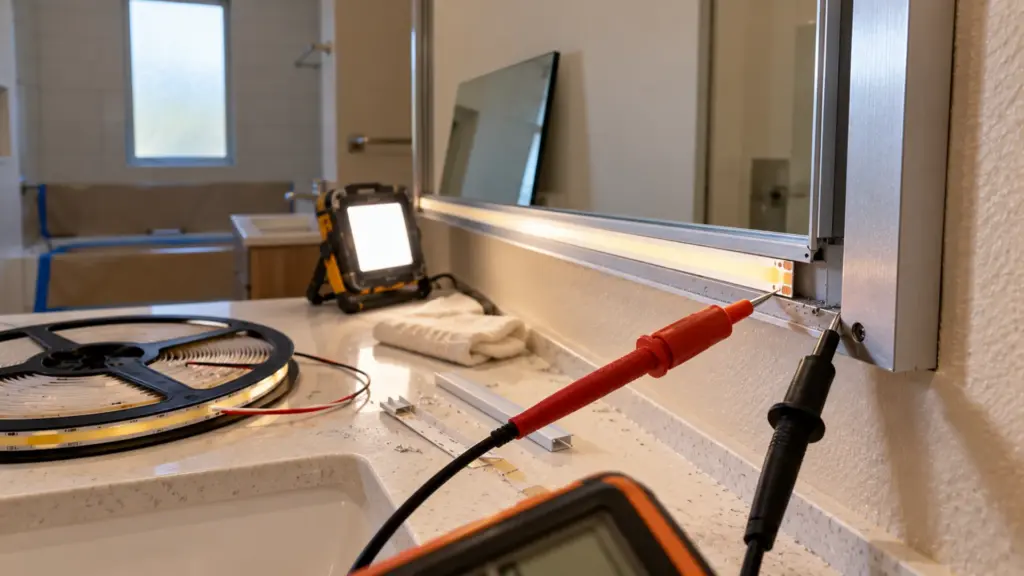
Our guides to cutting and connecting strip and to sealing a cut end cover the cut points and the sealed end.
After You Find It
Repair the joint or the cut end, then retest in the same order. Power the repaired length alone with the driver first, then add the rest of the run back, and watch the driver for a minute at full output, longer if it ran warm. Write down which joint it was and what caused it, because a short in one joint on a floor can mean the same habit was used on the others, and a quick look at the sister joints costs less than a callback.
Why Hiccup Mode Is the Design Working
A technician who finds a cycling driver often reads it as a defect, and replaces it. The sources read it the other way. DigiKey’s TechForum post describes hiccup mode as a form of overcurrent protection that resumes on its own once the fault clears. A driver that clicks until you fix the joint and then runs steadily has done its job. A driver that clicks with no load, or that stays dark after you remove the fault and cycle the input, is the case for replacement, and our troubleshooting guide covers the no-load tests.
What Not to Do
Do not replace the driver and close the ceiling before testing the load, because a new driver on the same short does the same thing. Power off before you reach into the cove, because a hiccup driver’s output comes back on by itself each time it retries. Do not wrap a suspect joint in tape and close the ceiling. And on a driver that limits its current instead of cycling, remember the reseller’s point that the LEDs may not be protected, and check the strip’s wires and joints for heat. A DC fuse is the reseller’s precaution for that case; ask the driver maker whether one belongs on your model.
Before the Ceiling Closes
- The load by run, against 48 W per 60 W driver.
- The driver’s protection mode, from its datasheet.
- Each driver labeled to its run, so a clicking driver points at its own run.
- Each run powered alone with the driver before drywall, and the result written down.
- Each cut end capped or sealed, and each lead checked against the channel with the power off.
- Every joint and feed reachable without opening a finished ceiling; our commissioning guide lists the handover steps.
The Class 2 drivers named above are on our drivers, controllers and connectors page, with the strip loads taken from the spec tables.