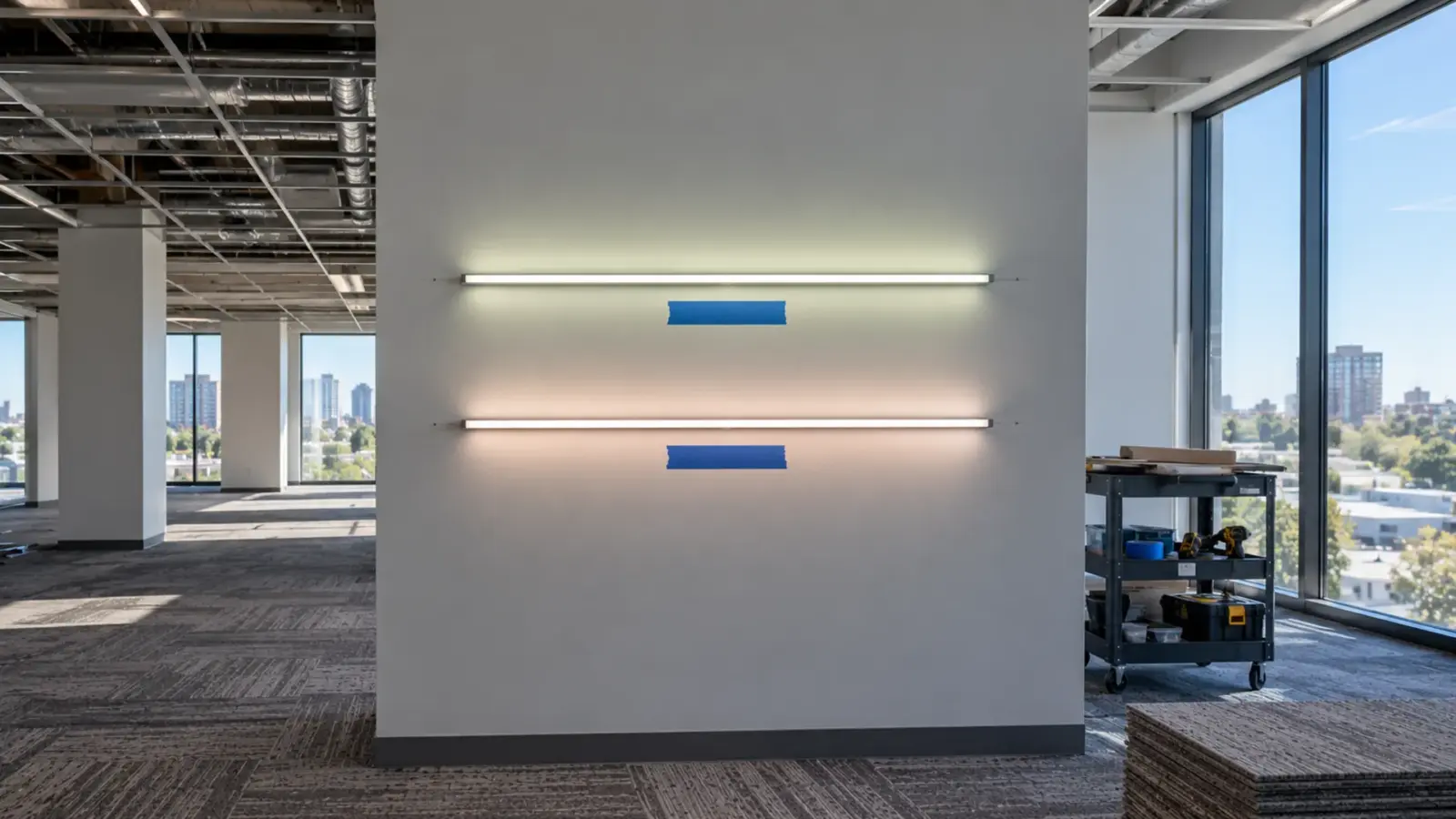
The ceiling is closed, the owner moves in Monday, and nobody has run the strip through its dimmers. An LED strip system is ready to hand over when every run is checked, the controls tested on the real scenes, levels and photos recorded, drivers labeled, and the owner holds the documents, spares and training.
Commissioning is where a strip job either closes or turns into callbacks. A far end that was dim on day one becomes a warranty argument in month six; a scene nobody wrote down becomes a service call when the controls are reset. The nine steps below are the order we would run them, with the checkpoint for each and the record it leaves behind.
Who Runs Commissioning
On a small job the electrical contractor commissions the strip alone. On most commercial jobs it is shared: the electrician owns power, terminations and labels; the controls contractor owns dimming, scenes and sensors; a commissioning agent, where the owner hired one, witnesses the tests and signs the forms; and the designer checks the result against the mockup. Agree who records what before the first driver is energized, and use one run list that everyone writes into. On a modular job part of the testing moves into the factory; see getting LED strip into a modular room for the three checkpoints.
The supplier has a part too. On our project supply jobs, after installation our US team answers wiring, dimming and troubleshooting questions, and every release is tied to the approved drawing and specification revision, so the as-built strip can be traced to what was approved.
Step 1: Checks Before Power
Before anything is energized, walk every run with the drawings. Confirm each driver’s connected load is at or below 80% of its rating, using the watts per foot and the installed length, not the design length. Confirm polarity at every termination, every connector fully seated, every cut end closed with its end cap, and every channel cover clipped in. Check that each driver sits where it was drawn and can be reached without opening a finished surface, and that its output wiring matches its class: Class 2 output where the design says Class 2.
Checkpoint: the load sheet signed against the as-installed lengths. A driver loaded past its rating may run on day one and fail in summer.
Step 2: Power Up Run by Run
Energize one driver at a time at full output and walk its runs. Look for four things: the far end as bright as the near end, no dead section after a joint, no color step between reels, and no flicker at full. A dim far end is voltage drop, and the fix is a second feed, not a bigger driver; our voltage drop guide explains why. A color step between two reels is a lot or bin problem, which our color mismatch guide shows how to diagnose before the owner sees it.
Checkpoint: a run list with each run marked pass or fail and the fix recorded. A section that fails now is a supply or install issue; a section that fails after handover becomes a claim.
Step 3: Dimming, Scenes and Code Tests
Run every dimmed zone through its full range on the installed control, slowly, and watch the low end: no flicker, no pop-on, no drop-out above the minimum level the design calls for. Our white COB strip dims below 1% with a compatible driver, and the pairings we supply are verified flicker-free, but the installed wiring length and the real control can still change the result. Our dimmer compatibility test guide gives the steps.
Then program and test the scenes, and write each one down: zone, level, CCT for tunable strip, fade time. For tunable runs, check both ends of the CCT range and the mid-mix, since full output needs both channels driven together; our tunable white LED strip page explains the channel split.
Energy codes add formal tests. In California, Title 24’s lighting control acceptance requirements (NA7.6 in the 2016 reference manual) cover automatic daylighting controls, shut-off controls and demand-responsive controls, and where certification applies the tests are performed by a certified Lighting Controls Acceptance Test Technician. Confirm whether any strip zone is in those tests and whether sensors run in presence or absence mode as specified.
Step 4: Levels and Photos
Take meter readings at the points the designer or the mockup used, with the same meter height, and compare them with the mockup record. Then photograph each strip detail from fixed positions with fixed camera settings: one per space type is enough for a repeated detail, every space for a one-off. These photos are the baseline the owner, the designer and the supplier will all compare against later. Under our warranty, a claim includes photos or video of the affected product and the installation, so a handover photo set shortens any claim that comes later.
Two habits make the photos useful. Shoot with the daylight and the other lighting in the state the space is normally used, and note the scene and dimming level in the file name. And shoot a close-up of each driver’s nameplate and each run’s label, so the register and the photos can be matched years later without opening anything.
Step 5: Life-Safety Interfaces
Most strip sits on normal lighting circuits and has no life-safety role. Where it does, test the interface: strip counted in an emergency lighting design must come on from the emergency source when normal power is cut, and strip in an assembly space that dims during performances must return to full when the fire alarm activates. Test it with the fire alarm and emergency power contractors present, and record the result.
Common Failures at Commissioning
| Symptom | Usual cause | Fix before handover |
|---|---|---|
| Far end dimmer than the start | Voltage drop on a long run or a thin feed | Add a feed point or shorten the run; check the feed gauge |
| One section dark after a joint | Connector not seated, polarity reversed, or a cut between marks | Reseat or remake the joint; replace a section cut off the marks |
| Flicker or pop-on at the low end | Driver and control not a matched pair, or trim set too low | Change the trim, or swap to a matched driver |
| Visible color step between reels | Reels from different lots or bins | Replace the odd section from the installed lot |
| Strip turns off with people in the room | Sensor in absence mode or a short time delay | Reprogram mode and delay to the design intent |
| Strip on when its scene is off | Run wired to the wrong zone | Rewire or remap the zone, update the register |
Every fix goes into the run list with the date and the name of whoever made it, so the as-built record shows what was changed and why.
Step 6: Labels and the Run Register
Label every driver with the runs it feeds and the circuit it is fed from; label every junction and access panel with the driver behind it. Then write the run register: for each run, the location, length, strip model, CCT, color bin and production lot, channel and cover, driver model and location, control zone and scene. Our maintenance plan guide shows a register layout. Without it, the first replacement section in three years starts with someone opening ceilings to find the driver.
Step 7: The Handover Pack
Commissioning guidance for public buildings lists what an operations and maintenance package should contain; a Canadian federal project brief, for one, names as-built drawings, equipment data, model numbers, parts lists, operating manuals, sequences of operation, maintenance schedules and warranty schedules, certified complete before handover. For a strip system, that becomes:
- As-built drawings showing every run, driver, junction and access point.
- The run register from Step 6.
- Datasheets and cut sheets for each strip, channel, driver and control as installed.
- The control settings and scene list from Step 3.
- The commissioning records: load sheet, run list, meter readings, photos.
- The warranty schedule: the warranty period for each product is the one on the quotation and order confirmation, and it varies by series, so list it per product with the order reference. See our warranty policy.
- The approved mockup sample, labeled, if the project kept one.
Step 8: Spares From the Same Lot
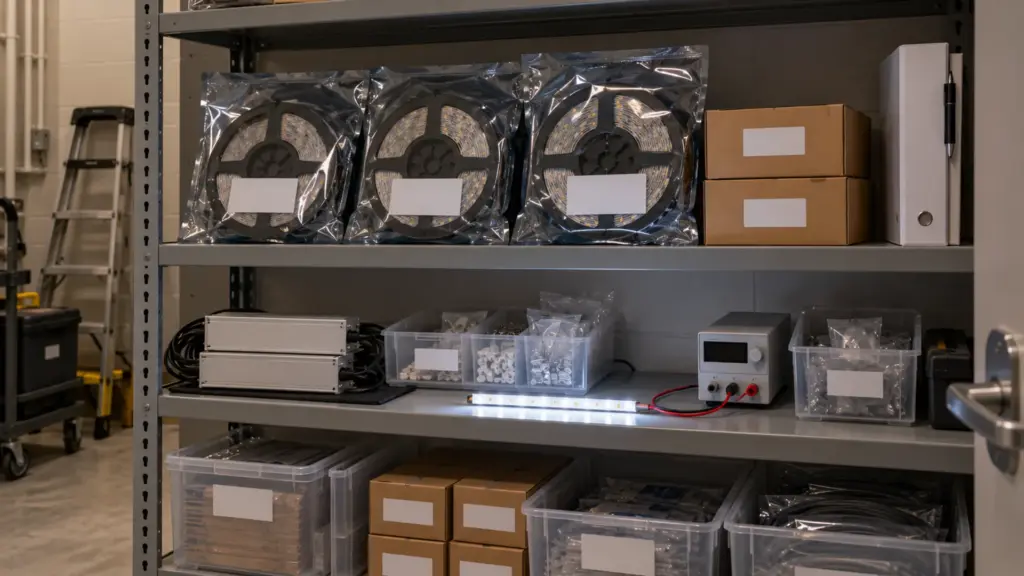
Spare strip is only useful if it matches what is installed. Hand over spares from the same production lot as the installed runs, labeled with the lot and the runs they match, together with spare drivers of each model and spare connectors and end caps. The quantity belongs in the specification; if it is not there, agree it before the order, not at handover. A replacement section from a different lot six years later may not match its neighbors. Store the spares in the building, in a labeled bin in a maintenance closet, not in the contractor’s warehouse.
Step 9: Train the People Who Stay
The facility staff will own the system for years. Train them on the things they will actually do: recall and adjust scenes, find a driver from the register, reset a control after a power outage, replace a cut section of strip and reseal it, and know when to call the supplier. Record the session, leave a one-page sheet at each control panel, and note who attended. Our troubleshooting guide is a useful handout for the replacement and diagnosis part, and the drivers and controllers page lists the models they will order spares from.
- 1Before powerload sheetLoads, terminations, end caps
- 2Run by runrun listFar end, joints, color
- 3Dimming and scenesscene listReal control, code tests
- 4Levels and photosreadingsMatch the mockup
- 5Life safetytest recordEmergency, fire alarm ties
- 6Labelsrun registerEvery driver and panel
- 7Handover packtransmittalAs-builts, settings, warranty
- 8Sparesspares listSame lot, labeled by run
- 9TrainingattendanceScenes, replace a section
After Handover: The Warranty Clock
The warranty period for each product is the one stated on the quotation and order confirmation. Under our policy, removal, reinstallation, scaffolding, electrician labor and site costs are not covered, which is one more reason to catch problems during commissioning, when the lift is still on site. Plan a walk-through a few weeks after occupancy: settings get changed, sensors get covered, and the first early failure, if there is one, shows up early.
Before You Leave the Site
| Step | Checkpoint | Record |
|---|---|---|
| 1 Before power | Loads at or below 80%, terminations, end caps, driver access | Load sheet |
| 2 Run by run | Far end, joints, color steps, no flicker | Run list with fixes |
| 3 Dimming and scenes | Full range on the real control, scenes, code tests | Scene list, acceptance forms |
| 4 Levels and photos | Readings match the mockup record | Readings, fixed-position photos |
| 5 Life safety | Emergency and fire alarm interfaces, if any | Test record |
| 6 Labels | Every driver and access point labeled | Run register |
| 7 Handover pack | As-builts, datasheets, settings, warranty schedule | Signed transmittal |
| 8 Spares | Same lot, labeled by run | Spares list |
| 9 Training | Staff can run scenes and replace a section | Attendance, recording |
The drivers and tunable strip mentioned here are in our drivers and controllers range; send the run register template with your order and we will label reels and drivers to match it.