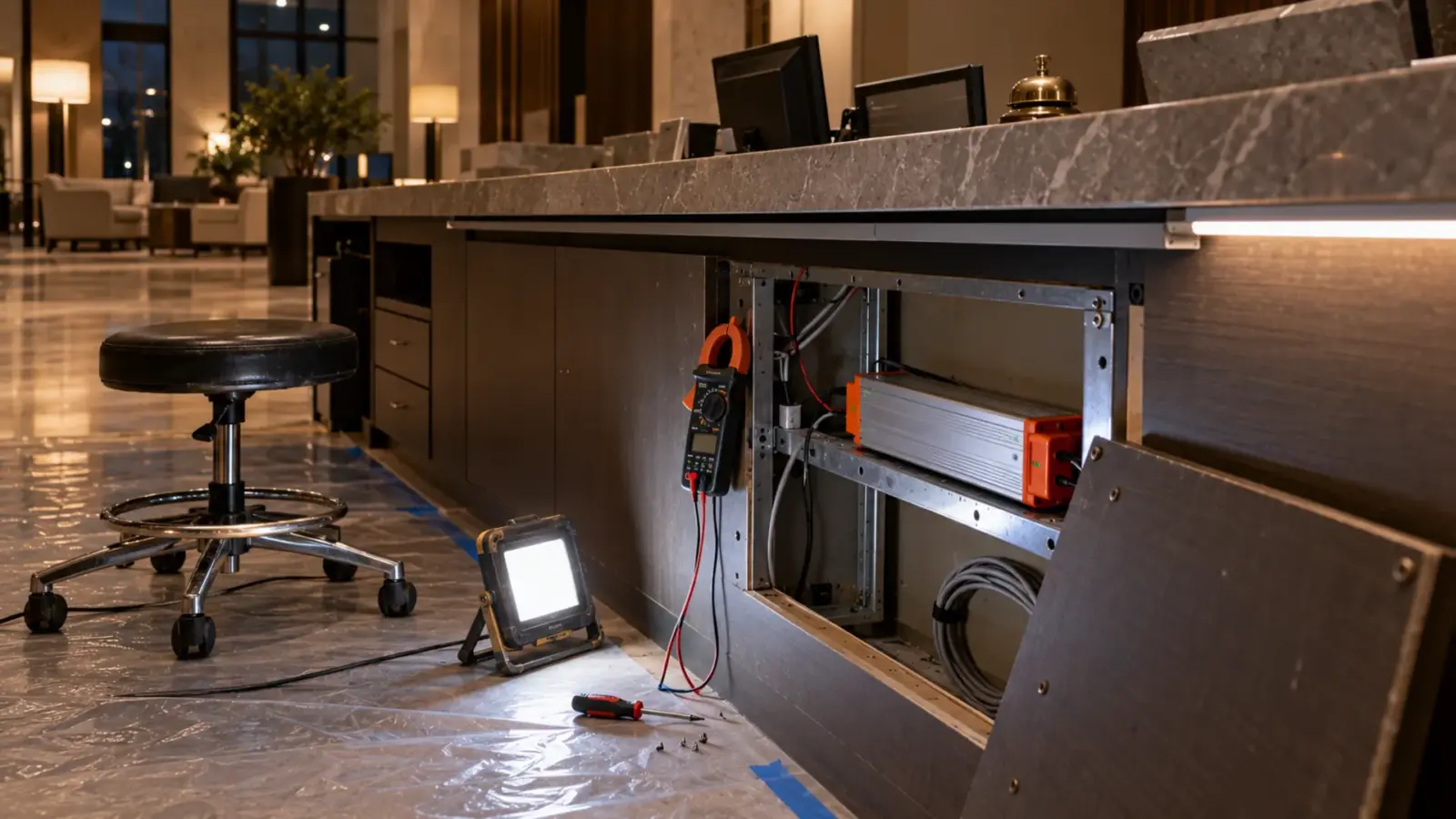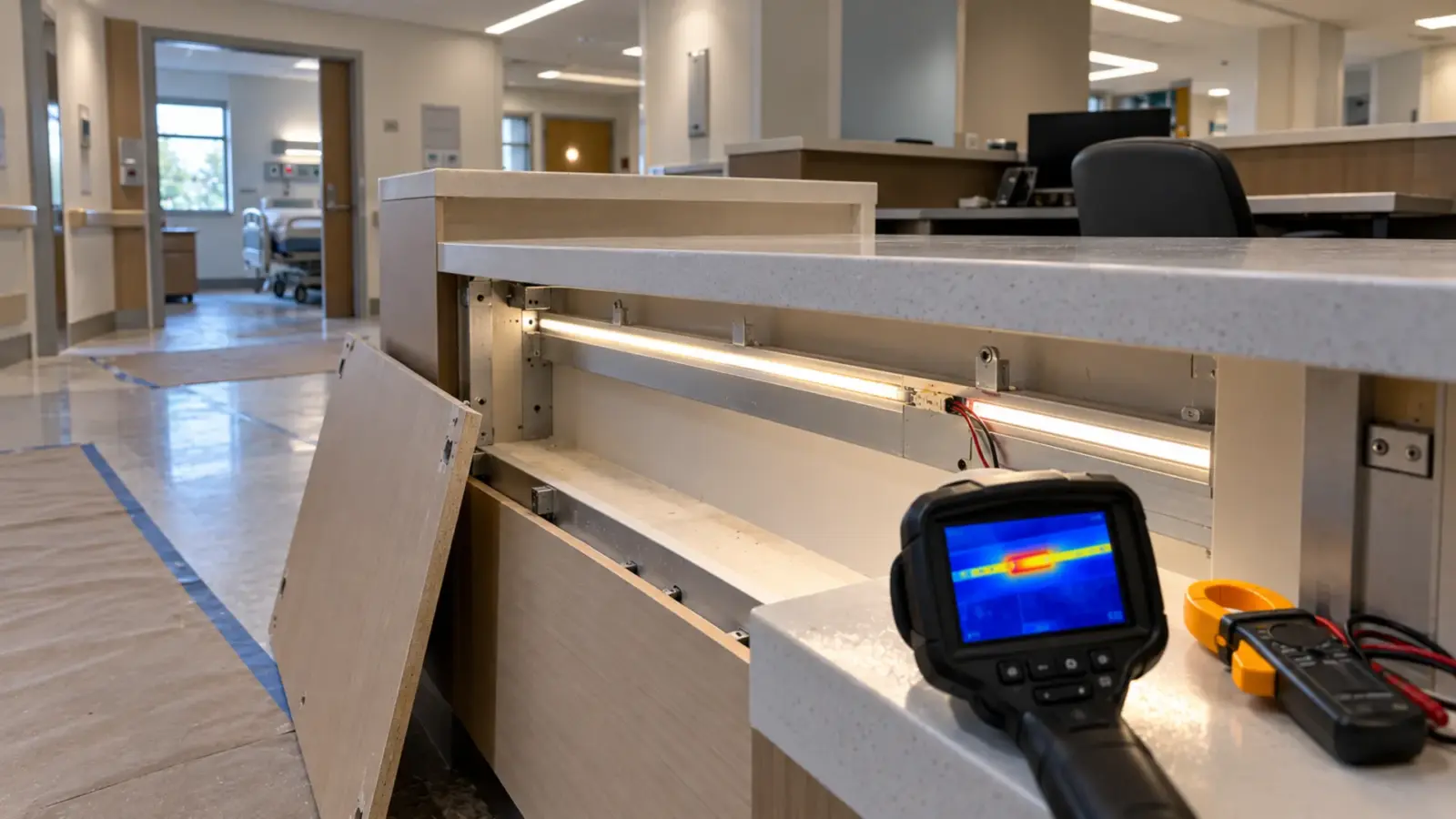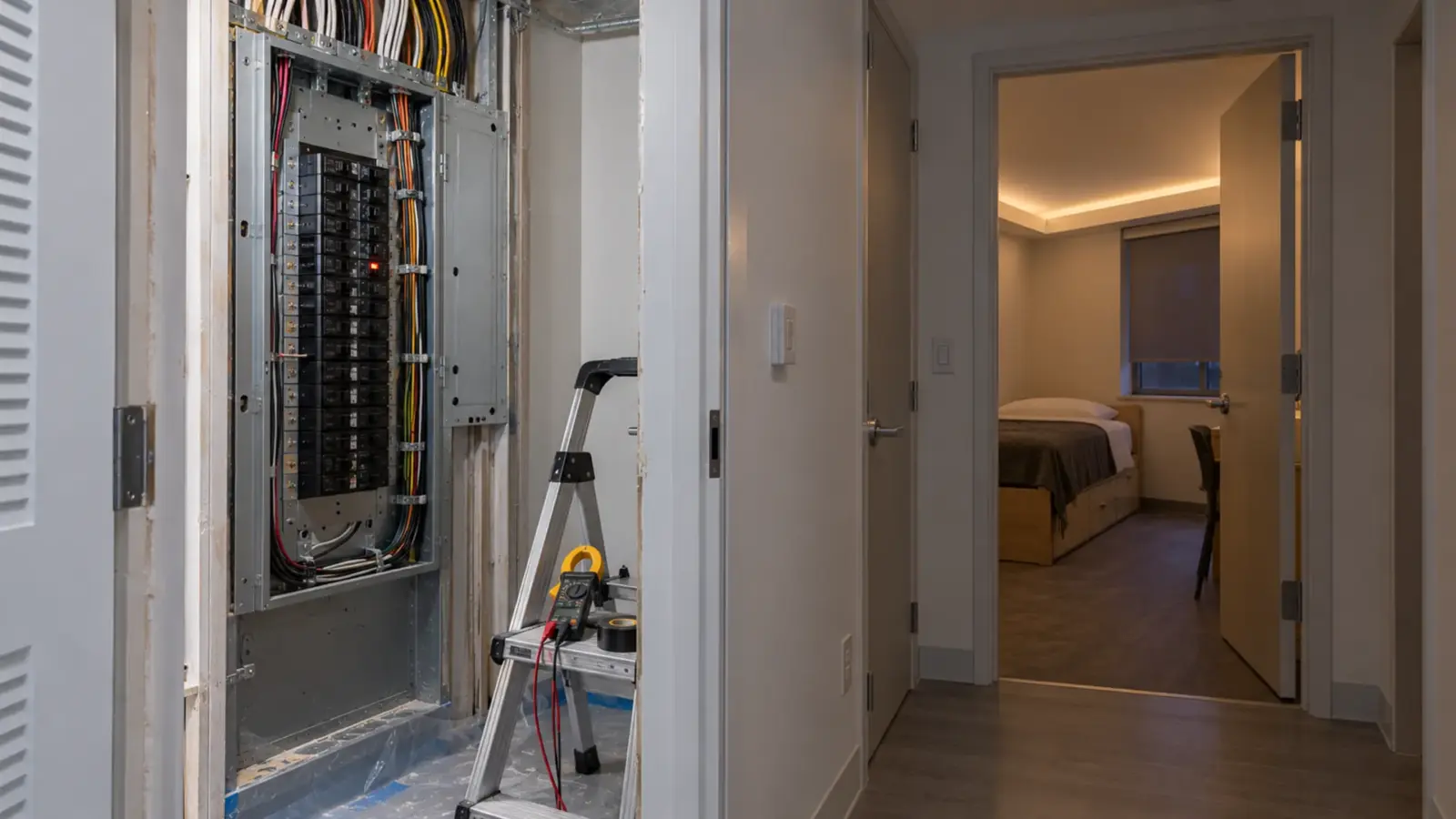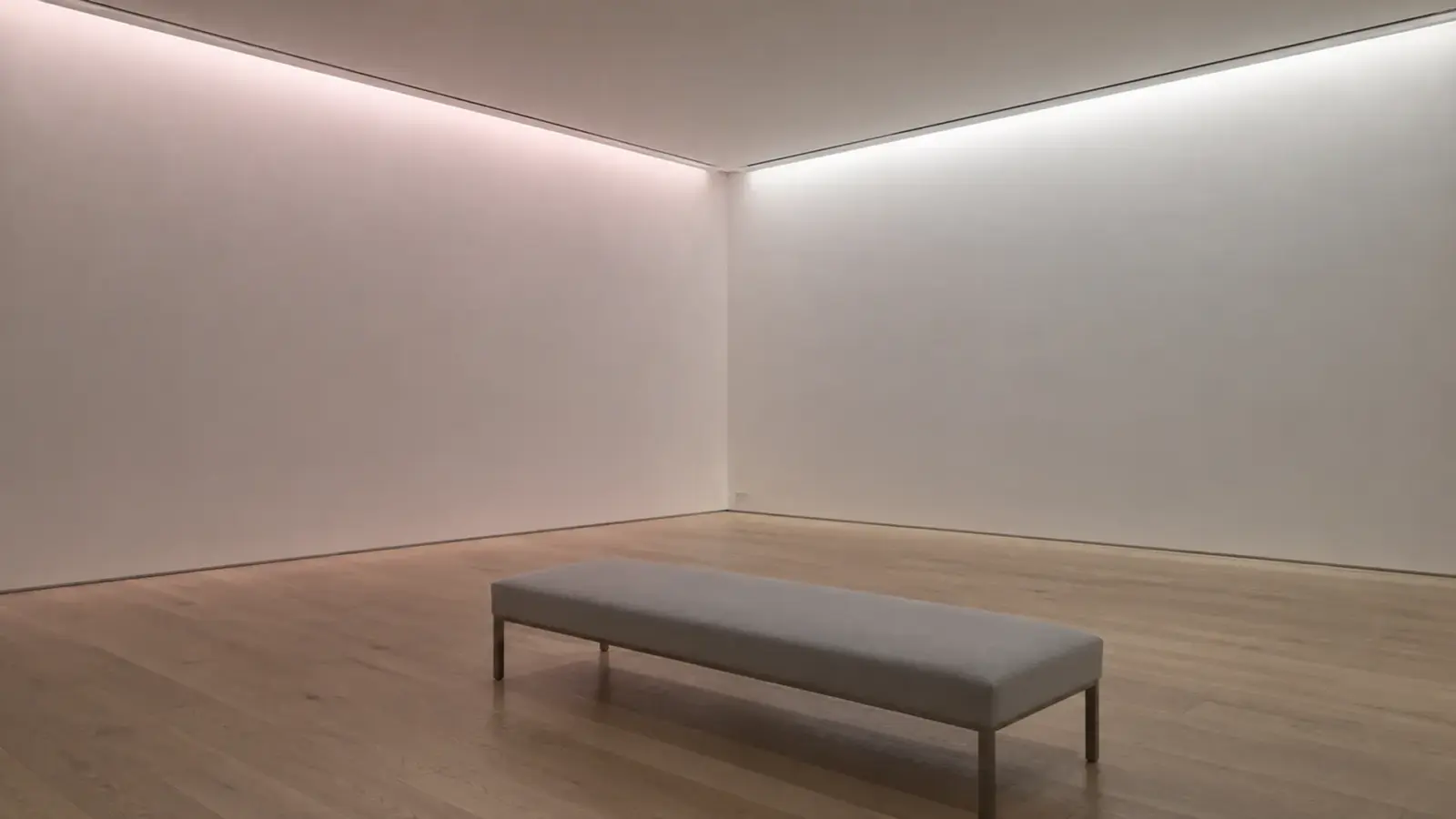
Two runs of LED strip that should match but don’t are usually different for one of three reasons: they came from different bins or products, the far run gets less voltage, or one color channel is not doing its job. Test in that order, cheapest first, and you will find the cause before replacing anything.
The reorder arrived, the new run went up next to the old one, and the client asks why the corridor has two whites. On another job the RGBW cove shows a pinkish white on one wall and a clean white on the other, from the same controller. On a third, a tunable white ceiling runs a few hundred kelvin apart between two rooms set to the same scene. All three are reported as “the strip is the wrong color.” None of them is solved by swapping strip at random. This article gives the order to test them in, what each test tells you, and how to fix the cause without replacing the whole job. If the complaint is that a sign or logo color is off rather than two runs disagreeing, start with matching a brand color with RGBW strip.
Step 1: Is It the Same Product and Bin?
Start with paperwork, because it costs nothing.
- Read the reels or the strip. Most strip carries a model, a batch or bin code, or both, on the reel label and sometimes printed on the board. Compare the two runs.
- Check the delivery. Were the runs from one order or two? A reorder months later is the most common source of a mismatch between runs.
- Check for substitutions. Was one run supplied from a different product line, or a different maker, even with the same CCT on the label?
LEDs are sorted into bins by color, and a product’s tolerance allows some difference between bins. Two reels can both be in tolerance and still look different side by side, which is why a step in color right at a joint between an old and a new run points straight at the bins. Our guide to color consistency and SDCM explains how bin tolerance is written, and our article on why a white strip looks green or pink covers the tint side of the same problem.
Checkpoint: if the codes differ and the step is at the joint, it is a bin or product mismatch. If the codes match, go on.
Step 2: Measure Voltage at Both Ends
If the color changes gradually along a run, and the far end looks different from the feed end, measure before blaming the strip.
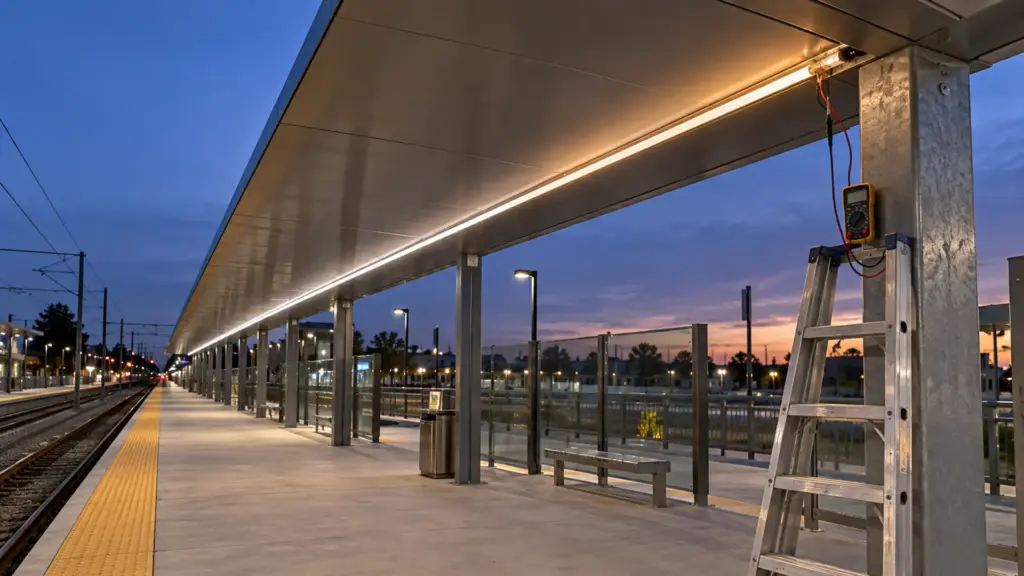
- Light the run at full output and let it warm for ten minutes.
- Measure DC volts across the strip’s input at the feed end.
- Measure again at the far end.
- Compare with the strip’s rated voltage.
A large drop between the two readings means the far end runs on less voltage than it needs. White strip goes dimmer; color strip changes color, because the colors do not dim evenly, and a mixed white drifts toward one color. Our guide to LED strip voltage drop explains why. Check the run length against the datasheet: standard 24V strip in our range runs 16 ft (5 m) per feed.
According to HitLights’ troubleshooting guide, a power supply below the strip’s rated voltage affects both brightness and color, so measure at the driver output too. A driver set to the wrong output, or the wrong driver on a mixed shelf, shows up as a whole run that is off rather than a gradient.
Checkpoint: if the far end is low or the driver output is wrong, fix the voltage before going further. If the voltage is right at both ends, go on.
Step 3: Check Every Channel on Color and Tunable Strip
Color and tunable strips mix their light from two to five channels. If one channel is missing, weak or wired to the wrong output, the mixed color is wrong while every LED still lights.
Tunable white. A tunable strip mixes a warm and a cool channel. Our tunable white LED strip mixes 2700K and 6500K channels. If the cool channel has a bad connection, the run sits warmer than its neighbor at every setting; if the warm channel is missing, it sits cooler. Set the zone to full warm, then full cool: a run that does not change at one end of the range has lost a channel.
RGB and RGBW. Set each channel alone: red only, green only, blue only, white only. Every run should show the same pure color at each step. According to HitLights, bad or misconfigured pins on 4-pin and 5-pin connectors are a common cause of a wrong color, because one channel loses its connection or two channels swap. A run that shows green when red is selected has its channels in the wrong order at a connector. Our connector types guide shows the pin layouts.
A damaged section. According to Govee’s guidance, a section stuck on one color after moisture or damage usually cannot be repaired in place and has to be cut out and rejoined. On commercial work, replace the section from the same bin.
Checkpoint: every channel lights evenly on every run. If one does not, you have found it.
Step 4: Cold or Warm?
Color can change with temperature. According to Luxeon’s material on LED behavior, white LEDs shift as their junction temperature rises. A run in a sealed cove or a hot cabinet can look different from the same strip in open air, and it can look different at 9 a.m. and 3 p.m.
Compare the two runs when both have been on for at least half an hour. If they match cold and drift apart warm, the hotter run needs better heat sinking, an aluminum channel or a lower output, not a new reel.
Checkpoint: the runs are compared warm, at the same dimming level.
Step 5: Controller and Driver Settings
On controlled systems, two runs can be different because they were told to be.
- Tunable zones on different controllers may be set to different color temperatures for the same scene, or to different limits. Read the setting for each zone, not just the scene name.
- DMX zones can have shifted addresses: a decoder set one address off drives the right channel with the wrong value. Check the address of each decoder against the schedule.
- DALI DT8 zones may have different color temperature limits programmed per device.
- Different dimming levels. Two runs at 40 and 60 percent on a dim-to-warm or uncorrected strip are not the same color. Match the level before comparing.
Checkpoint: every zone receives the same command and is set to the same limits.
The Diagnosis Order
- 1Product and binPaperworkCodes, one order or two
- 2VoltageMeterFeed end, far end, driver
- 3ChannelsEach aloneColor and tunable runs
- 4HeatCompare warmHalf an hour on
- 5SettingsControlsScene, address, limits
The order matters because each step is cheaper than the next and rules out a cause that would hide the others. A voltage problem can look like a bin problem; a missing channel can look like a voltage problem. Testing in order gives one answer instead of three guesses.
| Step | Test | Points to |
|---|---|---|
| 1 | Codes and delivery | Bin or product |
| 2 | Volts at both ends | Voltage drop or wrong driver |
| 3 | Each channel alone | Wiring, connector or damaged section |
| 4 | Compare warm | Heat |
| 5 | Zone settings | Control |
A Typical Job, Worked Through
A typical case: a 60 ft corridor with recessed slots along both walls, lit in two phases. Phase one went in last spring; phase two, the far half, went in this month, and the client sees a step in color halfway down both walls.
Step 1 finds two batch codes, one per phase: a bin step is likely. Step 2 still matters, because the phase-two runs were fed from the far end and are short, so voltage is not the cause; the readings confirm it. Step 3 is quick on single-color strip: every run lights evenly. Step 4 shows the step is there cold and warm. Step 5 does not apply to a switched corridor.
The answer is the bin, and the fix is to replace the phase-two runs from the phase-one batch if spares exist, or to replace whichever phase has fewer feet so the whole corridor matches. Testing first turned “replace the corridor” into “replace one phase.”
Fix It Without Replacing the Job
Most mismatches have a fix smaller than the job.
- Bins: replace the odd run, the whole visible run and not a section, from the bin the rest of the job uses. Keep spare reels from the original batch for exactly this.
- Voltage: add a feed at the far end or split the run.
- Channels: remake the joint, re-pin the connector, or replace the damaged section.
- Heat: add an aluminum channel or improve ventilation in the cove.
- Settings: align the zone settings and record them on the commissioning sheet.
When the cause is a product mismatch between two orders and no spare from the first batch exists, ask the supplier for the bin records of the first order. A supplier who keeps them can often match it; one who does not usually cannot. Our LED strip troubleshooting order covers faults beyond color.
When the Strip Doesn’t Match the Other Fixtures
Sometimes the runs match each other and the mismatch is between the strip and everything else: the downlights, the display lighting, the pendants. That is a different problem with the same tools.
- Compare color temperatures as delivered, not as specified. A downlight and a strip both sold as 3000K can sit a little apart, and each maker’s tolerance is its own.
- Compare tint. A strip slightly green next to a downlight exactly on the line looks wrong even at the same color temperature, which is the subject of our guide to Duv.
- Compare at the same level. Dim-to-warm strip next to a fixed-color downlight will only match at one dimming level.
- Compare the surfaces, not the sources. A strip washing a warm wood wall and a downlight on white stone will read differently even if they are identical.
The fix is usually in the specification for the next phase rather than on this ceiling: name the strip and the fixtures together, and approve them side by side in a mockup.
Prevent It on the Next Job
Every one of the five causes can be designed out before the order.
- One order, one bin. Release the whole job in one order where possible, ask for one bin, and keep spare reels from that bin for repairs and later phases. Name the bin tolerance in the specification.
- Runs within the feed length. Set the feed plan from the datasheet’s run length, not the reel length, so the far end never runs short.
- Tested channels. On color and tunable strip, have each channel tested on every run before the cover goes on, and label connectors with the channel order.
- Heat planned. High-output strip in closed coves gets an aluminum channel and air.
- Settings recorded. Zone settings, addresses and limits go on the commissioning sheet, so a later change can be checked against the original.
Final Checks
- Reel and bin codes compared between the runs.
- Volts measured at the feed end, the far end and the driver.
- Every channel tested alone on color and tunable runs.
- Runs compared warm, at the same dimming level.
- Zone settings, addresses and limits checked against the schedule.
- The repair matches the cause, and spare reels from the job’s batch are on site.
For the difference between RGB, RGBW and RGB+CCT whites, see RGB vs RGBW vs RGB+CCT.