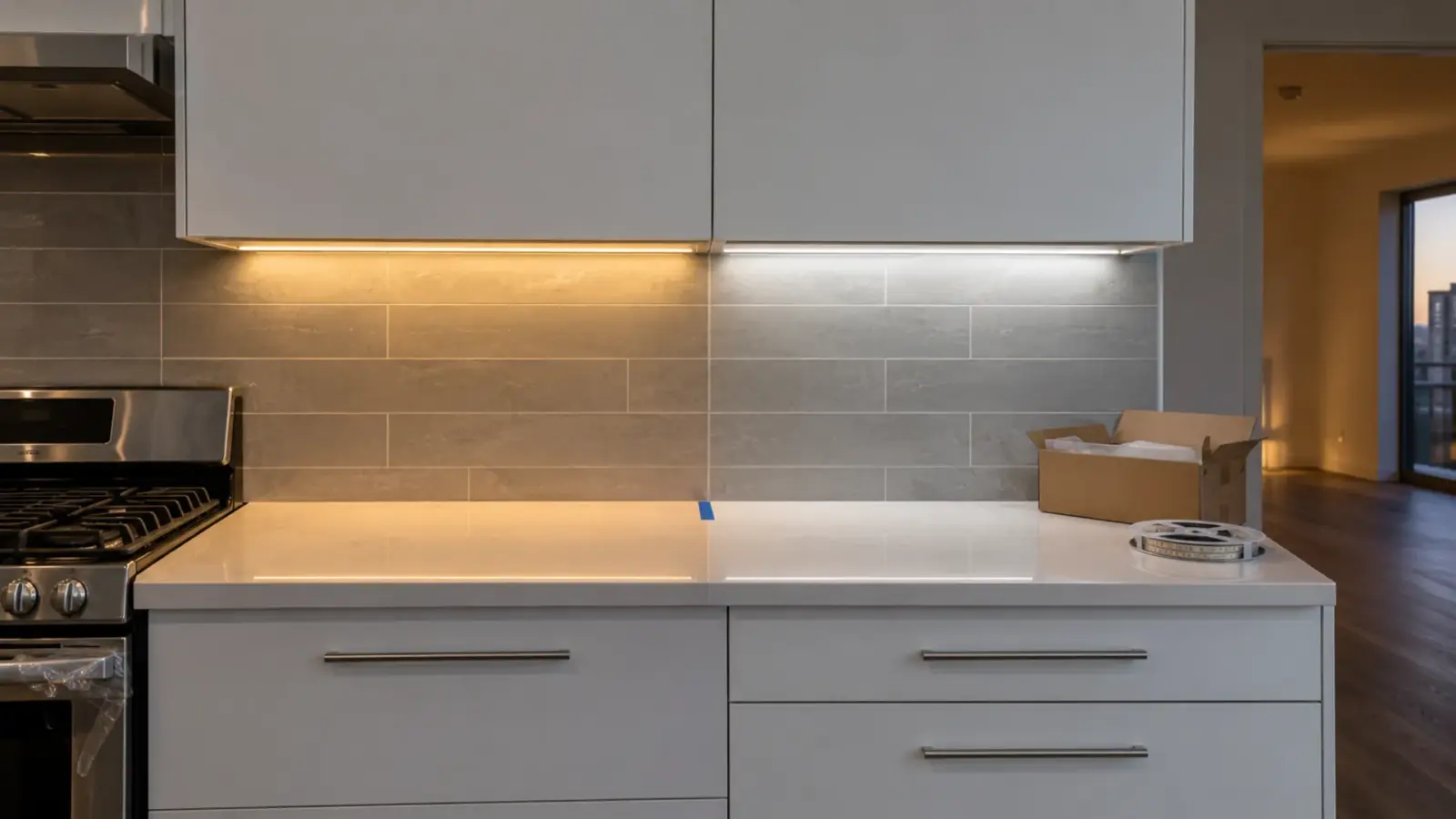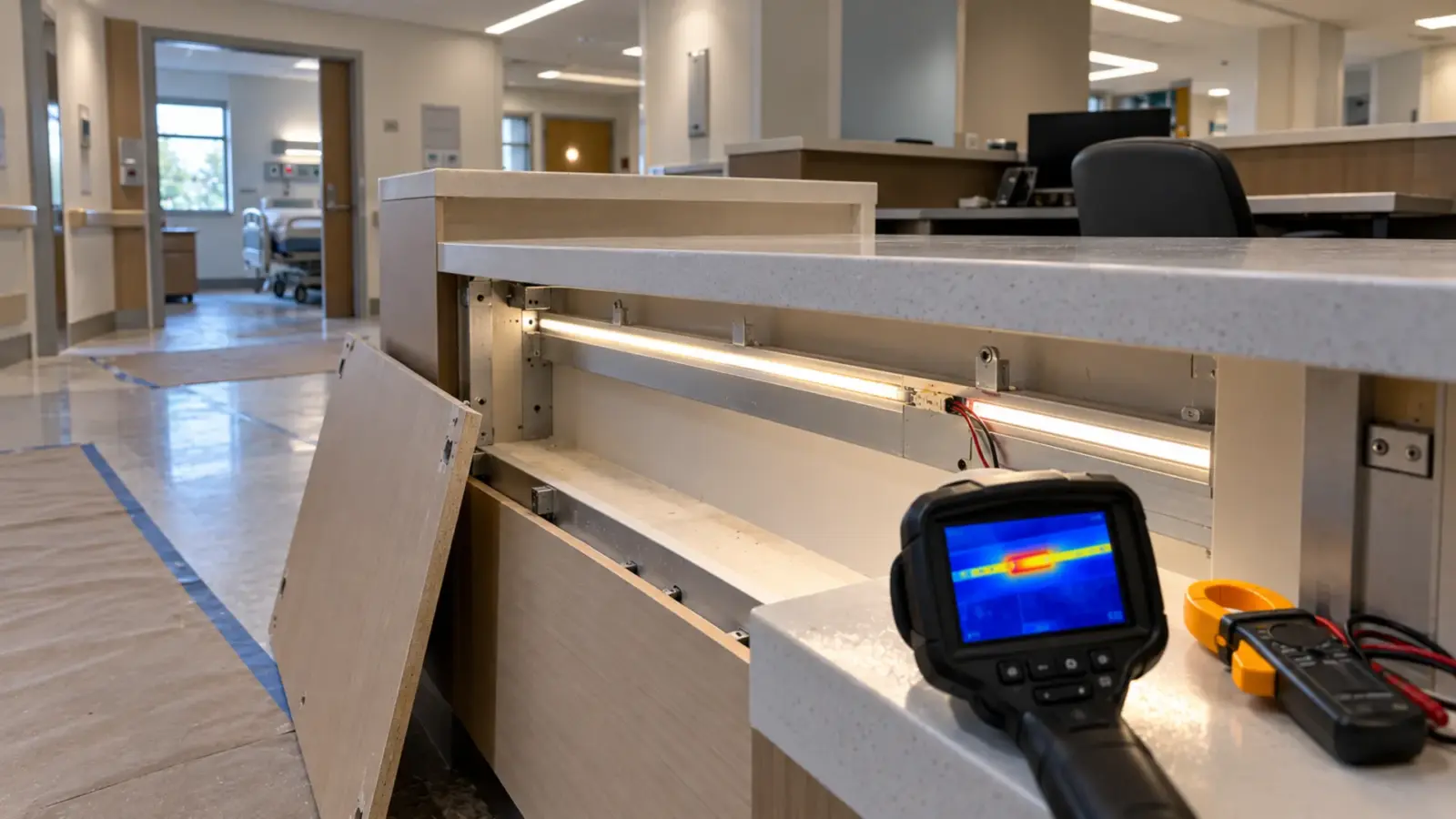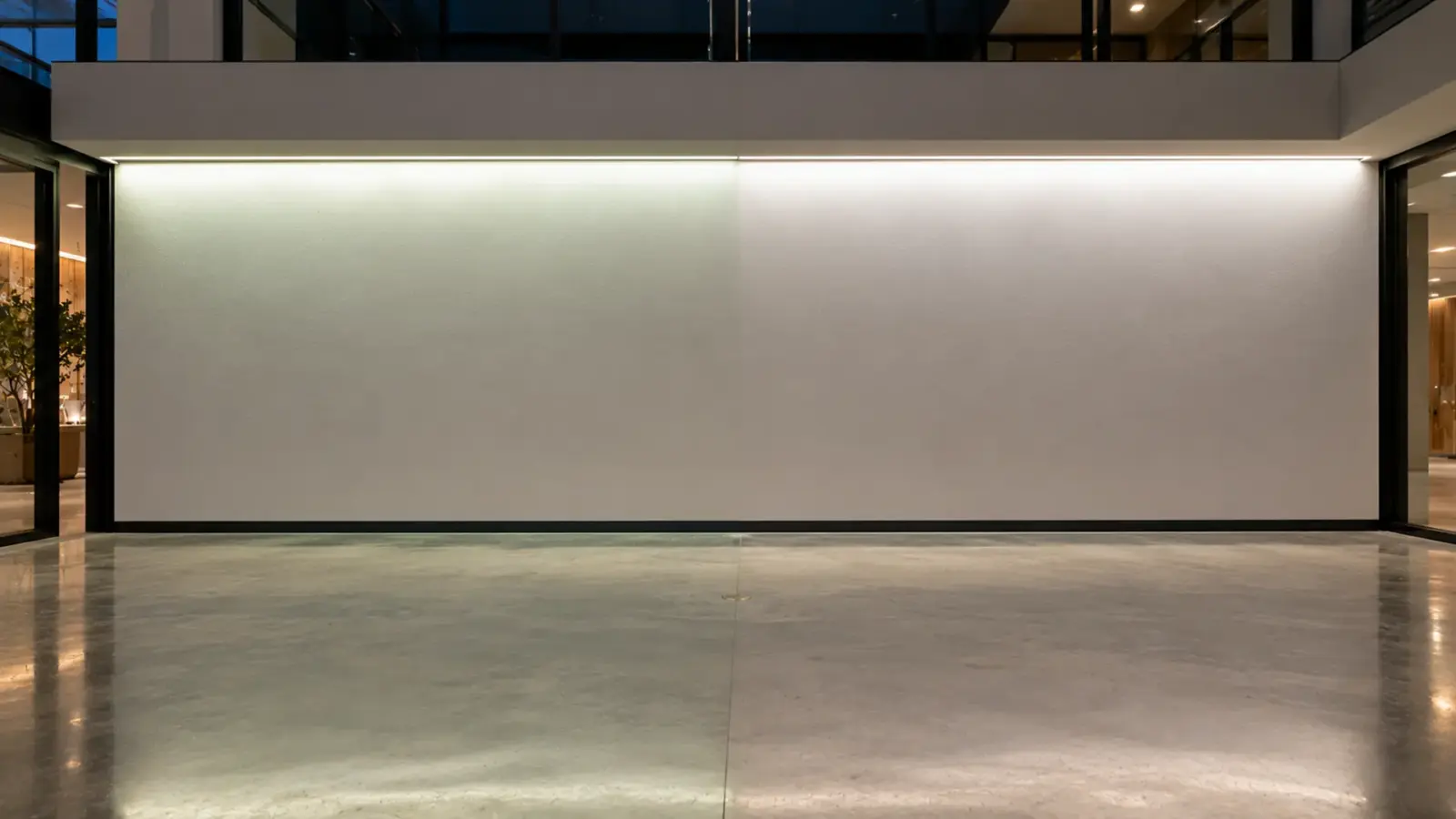
A white LED strip looks green or pink when its color sits off the line that defines natural white, even though its color temperature is right. That offset is called Duv: positive Duv reads green, negative reads pink. Two strips both labeled 3000K can differ in Duv, which is why they look like two different whites side by side.
Most people assume that a strip labeled 3000K is 3000K, and that two 3000K strips match. The label is true and the assumption is wrong. Color temperature describes only one direction of a white light’s color. The other direction, toward green or toward magenta, is not on the label at all, and that is the direction a client notices when a cove turns faintly green at the corner where a new run meets an old one. This article explains what that second number is, where tint comes from on a strip job, and how to put it in a specification.
Same CCT, Different White
Color temperature, or CCT, places a white light along a scale from warm to cool. But a light can sit at 3000K and still be slightly green, slightly pink, or neither. CCT does not tell you which. That is the gap Duv fills.
On a job, the gap shows up in three ways:
- Two runs that should match do not. A replacement reel, a different bin, or a different brand, all labeled 3000K, look different where they meet.
- The strip does not match the other fixtures. Downlights and strip at the same CCT, side by side on the same ceiling, read as two whites.
- The whole installation looks slightly off. Nobody can say why, but the white looks sickly green on skin and food, or oddly pink on white walls.
All three are tint problems, and none can be solved by changing the CCT.
What Duv Measures
Imagine all possible light colors on a map. Running through that map is a curve called the blackbody or Planckian locus: the colors a heated object glows as it gets hotter, from deep orange to bluish white. Natural-looking whites sit on or near that curve.
CCT tells you which point on the curve a light is closest to. Duv tells you how far away from the curve it sits, and in which direction. According to Designing Light’s explanation of IES TM-40, Duv is the distance between a light’s color and the nearest point on the blackbody locus, measured along the line of constant color temperature. Every point along that line has the same CCT but a different amount of tint.
Duv is a small number. A value of 0.003 is a small offset; 0.006 is about the edge of what most white-light standards accept. According to MetricGate’s summary, the ANSI C78.377 standard for white LEDs keeps quality white light near an absolute Duv of 0.006 or less.
One caution from the same TM-40 discussion: makers do not all calculate Duv the same way, so compare Duv figures only when they come from the same source or the same measurement method.
Green Above the Line, Pink Below
The sign of Duv tells you which way the tint goes. According to MetricGate, a positive Duv shifts toward green and a negative Duv shifts toward magenta, which people describe as pink or rosy.
People do not judge the two directions equally. In forum discussions among lighting enthusiasts, several users report that people tend to prefer whites slightly below the line, a little on the pink side, and that a slight green cast is the one that bothers people most. Treat that as a forum reading, not a standard, but it matches what contractors hear on site: complaints about green are common, complaints about a faintly warm-pink white are rare.
Perception is also relative. A strip that looks fine alone can look green next to a strip that sits exactly on the line. That is why tint problems usually appear at joints, at corners and next to other fixtures, not in the middle of a single uniform run.
Where Tint Comes From on a Strip Job
Most tint problems on strip are not a defective product. They come from how the job was bought, built or lit.
- Different bins in one run. LEDs are sorted into bins by color. A job ordered in two batches can receive two bins that are both within the product’s tolerance but noticeably different side by side. Our guide to LED strip color consistency and SDCM explains how bin tolerance is expressed.
- Mixing brands or product lines. Two makers’ 3000K can sit on opposite sides of the line.
- Tunable white in the middle of its range. More on this below.
- Diffusers and covers. A cover can shift tint slightly, and a run behind a cover next to a bare run can disagree.
- Voltage drop. On some strips the far end of a long run changes color as well as brightness. On color strips the effect is strong; on white strip it is weaker but visible next to a fresh feed. See our guide to LED strip voltage drop.
- Dimming. Some strips and drivers shift tint at low levels.
- Surface color. A wall painted a warm off-white makes a neutral strip look cooler; a green-gray paint can make it look greener.
Tunable White Drifts in the Middle
Tunable white strip mixes two white channels, a warm one and a cool one. Our tunable white LED strip, for example, mixes 2700K and 6500K channels to reach every color temperature in between.
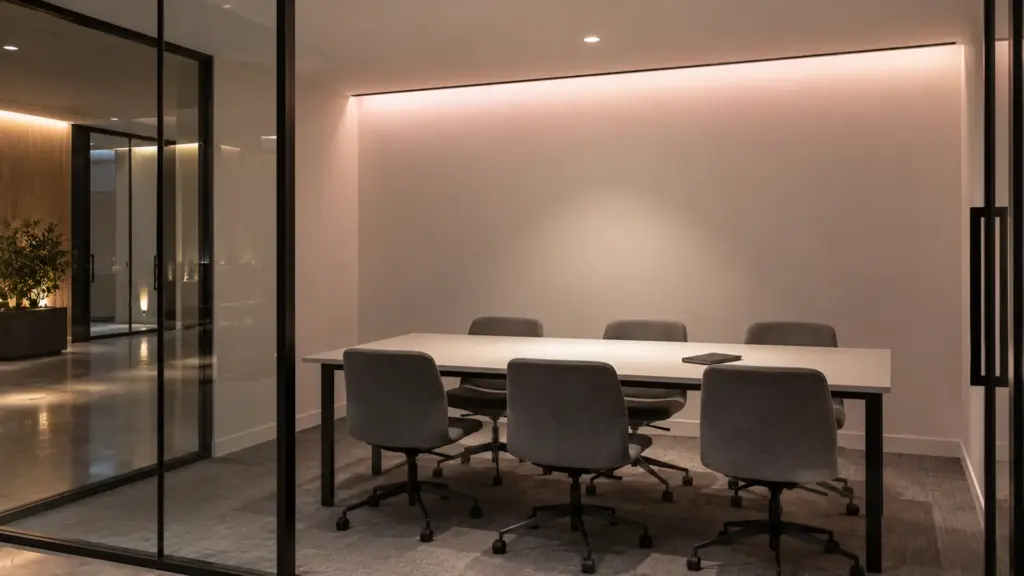
The two ends are each a single white and can sit close to the line. The mix in the middle is a different matter. When you blend two points on a curve, the blend moves along a straight line between them, and the curve bends away from that line. According to MetricGate, two-channel mixing almost always shows its largest Duv in the middle of the range. In practice the mid-range whites of a two-channel strip tend to sit below the line, a little pink.
That is a property of the method, not a fault. It matters when a design spends most of its time in the middle, for example a meeting room set to 4000K all day. If it does, mock up the strip at that setting next to the other fixtures, and ask the supplier for its color data at the mid points, not only at the ends.
Checking Tint on Site Without a Meter
A spectrometer settles a tint argument, but most site checks can be done by eye if they are done the same way each time.
- Compare, never judge alone. Put the questionable run next to a reference: a spare reel from the approved bin, or a fixture the client already accepts. Tint is invisible in isolation and obvious side by side.
- Use a white target. Hold a sheet of plain white paper or a white sample board in the light of each run. Walls and wood finishes add their own color.
- Match the level. Compare at the same dimming level. A run at full output next to one at 30 percent will look different for reasons that have nothing to do with tint.
- Look at the joint from a distance. Step back to where the client will stand. A difference that shows only with your eye at the strip will not generate a complaint; one that shows from the lobby will.
- Photograph with fixed white balance. A phone in auto white balance will “correct” the tint away. Lock it, or use a camera set to daylight, before sending photos to the supplier.
If two runs look different under those conditions, the difference is real, and the next step is the bin codes.
How to Specify It
Write tint into the specification so it is checked before the order, not argued about after the install.
- Name a Duv limit where the maker publishes Duv: for example, within ±0.003 of the line for display work, with the measurement method stated.
- Name a bin tolerance in Color-consistency steps (MacAdam ellipses). Fewer steps means two strips from different reels look like the same white; 3-step is hard to tell apart by eye.. Our flat-coated CSP strip is binned to SDCM 3 or tighter, and our Dome Diffused version to SDCM 5, for example; the tighter number is the one to ask for when runs meet in a visible line.
- Order one bin for the whole job, in one release, with spare reels from the same bin for repairs.
- Specify the CRI tier with it. A strip with good color rendering and a clean tint looks right on skin, food and finishes; our high-CRI LED strip guide covers the tiers.
- Mock up next to the neighbors. Put the strip next to the downlights, the display lighting and the finishes it will live with, under the real dimming level.
Fixing Tint After Install
If the tint problem is already on the ceiling, work from the cheapest step:
- Find the joint. If the problem is a visible difference between runs, read the bin or batch codes on the reels or the strip and identify which runs differ.
- Swap the odd runs, not the whole job, using spare reels from the bin that most of the job uses.
- Check the voltage at the far ends. If the tint shift follows the run length, it is voltage drop, and an extra feed fixes it.
- Check the dimming level. If it only looks wrong at low levels, a different driver or a raised low-end trim may help.
- Leave filters as a last resort. A tint-correcting gel works on a single fixture but is awkward and fragile on a long strip.
Tint that cannot be fixed by swapping runs usually means the product does not meet the tint the design needs, and the conversation belongs with the supplier, with the measurements in hand.
The Short Version
- CCT tells you warm or cool; Duv tells you green or pink. The label shows only the first.
- Positive Duv looks green; negative looks pink. Most clients forgive slight pink sooner than slight green.
- Tint problems appear at joints, corners and next to other fixtures.
- Tunable white tends to drift pink in the middle of its range.
- Specify a Duv limit where it is published, a tight bin, one release, and a mockup next to the neighbors.
- Fix installed problems by swapping odd runs and checking voltage, not by changing CCT.