Most LED strip that “failed” on a job is fine. The fault usually sits in the driver, the feed or the first joint, and a replacement reel installed on top of it fails the same way. LED strip troubleshooting goes faster when you meter in one order, driver first, and stop at the first reading that is wrong.
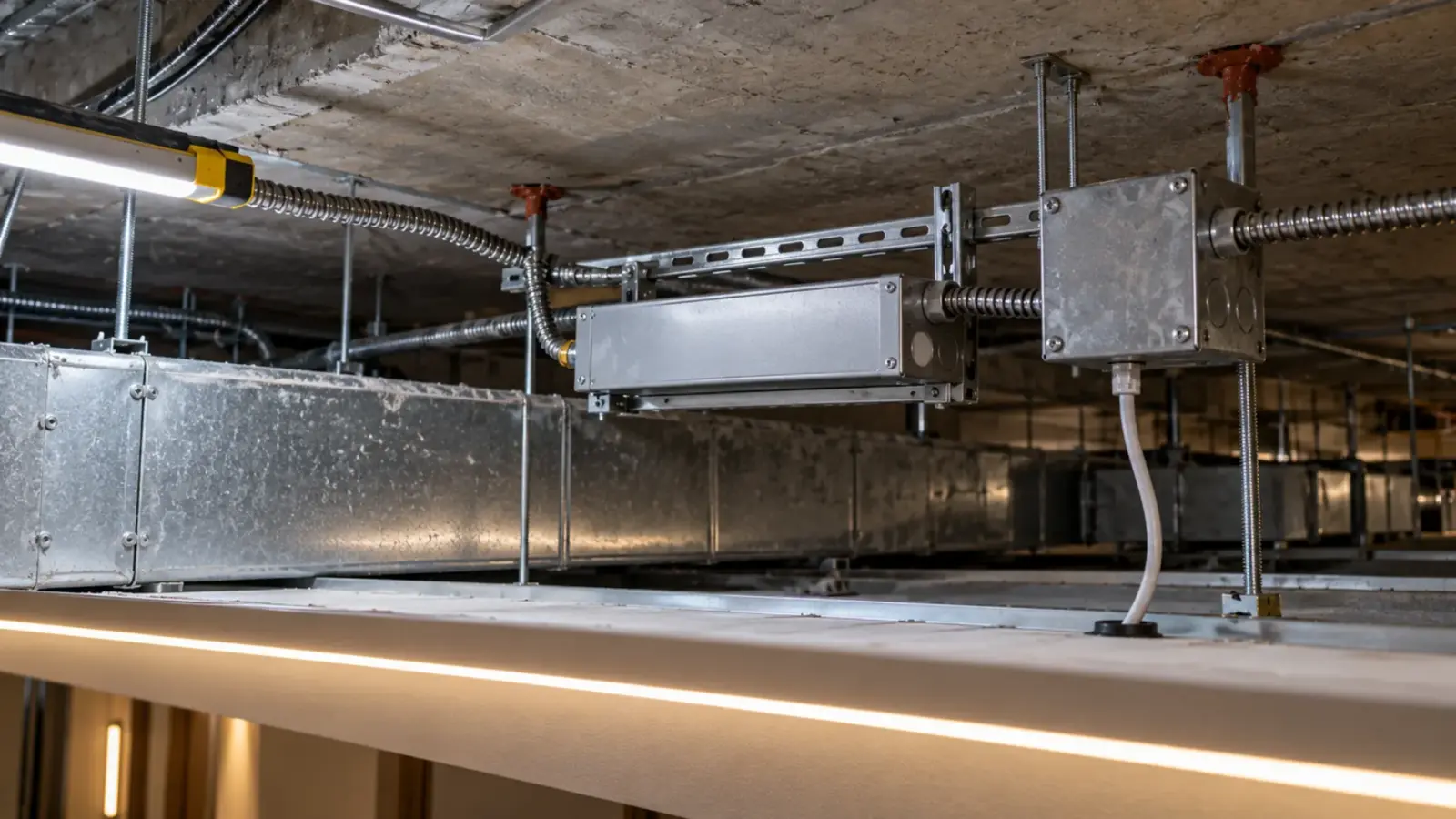
That order matters more on commercial work than anywhere else. The strip is often behind a cove lip or above a closed ceiling, while the driver sits in a closet or behind an access panel. Testing from the driver outward lets you find most faults before anyone opens a finished surface.
LED Strip Troubleshooting Order: Driver, Feed, Joint, Strip
Start with the symptom, take the first reading in the table, and only move to the next one when the reading is normal.
| Symptom | First reading | If that is normal, next |
|---|---|---|
| Nothing lights | Driver input voltage | Driver output, no load |
| Whole run dim | Driver output under load | Load against the driver rating |
| One section dark | Voltage on both sides of the dark section | Joint or cut point at the boundary |
| Far end dim or warmer | Voltage at the feed end and the far end | Run length against the rated run per feed |
| Flicker or strobing | Driver output under load, watched for a minute | Dimmer and driver match |
| Hot joint or burnt pad | Current through the joint | Connector rating and contact |
| Faint glow when off | Where the switch interrupts the circuit | Dimmer leakage and switch type |
Two habits make the table work. Write each reading down with the location, and take every reading with the load connected unless the step says otherwise. A driver can show its full voltage with nothing attached and still collapse the moment the strip is on it.
Five Readings That Find Most Faults
A meter with DC volts, AC volts and DC amps (or a clamp meter that reads DC) covers the job. These five readings, in order, find most faults on 12V and 24V strip:
- Driver input. AC volts at the driver’s input terminals. No voltage here means a breaker, a switch, a dimmer or the branch wiring, not the strip.
- Driver output, no load. Disconnect the strip and read DC volts at the output. According to Regency Supply, a 12 V driver reading between 11.5 V and 12.5 V is normal; check your driver’s datasheet for its own tolerance.
- Driver output, loaded. Reconnect the strip and read again. A healthy driver holds close to its no-load value. A large drop under load points to an overloaded or failing driver.
- First joint. Read DC volts where the feed wire meets the strip. A big difference from reading 3 means resistance in the feed: undersized wire, a long feed or a loose terminal.
- Far end. Read DC volts at the last cut point. The gap between reading 4 and reading 5 is the voltage drop along the strip itself.
- 1Driver inputAC voltsNone: breaker, switch, dimmer
- 2Output, no loadDC voltsClose to rating on the label
- 3Output, loadedDC volts + ampsDrops: overload or short
- 4First jointDC voltsLow: feed wire or terminal
- 5Far endDC voltsGap from joint = voltage drop
The current reading belongs with readings 3 and 4. Our power supply sizing guide works the load out from watts per foot, and that calculated number is what the clamp reading should roughly match. If the measured current is far above it, look for a short or a run that is longer than drawn.
Readings on 120V, RGB and Tunable Strip
The five readings change in two places.

120V strip carries line voltage on the strip itself, so readings 4 and 5 are mains readings and belong to someone qualified for live work. On 120V runs the driver step is usually a rectifier plug or a listed end cap rather than a separate driver, and the rated run is long: 98 ft (30 m) single feed on UT-H120-60. A dark section on 120V strip is still one cut interval long, but that interval is 19.7 in (500 mm), so one failed group is easy to spot from the floor.
RGB, RGBW and tunable white strip share one common wire, usually the positive, and switch the other channels. Read each channel against the common: the voltages will differ with the color or CCT setting, so set the controller to full on one channel at a time before you compare the feed end with the far end. A channel that reads normal at the driver and nothing at the first joint is a wire landed on the wrong terminal more often than a failed product.
Controllers in the path add a sixth reading: DC volts on both sides of the decoder or receiver. Power in and nothing out means the controller, its address or its signal, not the strip or the driver.
Dead Run: Nothing Lights
When nothing lights, the fault is usually upstream of the strip. Work through it in this order:
- No input voltage. Breaker, switch leg, dimmer, occupancy sensor or a time clock that is off. Check controls before you suspect hardware.
- Input present, no output. The driver is off, protecting itself, or failed. Disconnect the load and read again: if the output returns with no load, the driver was shutting down because of the load (a short, an overload or a reversed connection).
- Output present, strip dark. Polarity at the first joint, a feed wire landed on the wrong terminal, or a connector that is not seated. Single-color strip will not light with the polarity reversed; correct it before testing anything else.
- Controller in the path. A decoder, an RF receiver or a 0-10V decoder sits between the driver and the strip on many jobs. Bypass it with a short jumper for a moment to see if the strip lights on the raw driver output.
According to the Acuity Brands troubleshooting guide, a known-good driver swapped in temporarily is the fastest way to separate driver from load. Keep one spare of each driver type on the truck for exactly this test, and put the original back if the spare changes nothing.
Section Out: Part of the Run Is Dark
A dark section with lit strip on both sides points to a break between the boundaries, not to a dead reel.
Read DC volts on the copper pads at the last lit cut point and the first dark one. Voltage at the lit side and none at the dark side means the break is between them: a cracked pad, a failed solder joint, or a connector that has lost contact. Voltage on both sides with the section still dark means a failed LED group in that segment.
Strip is built in short groups between cut points. According to Philips Hue, cutting outside the marked points or a single failed LED takes a section out, and the Acuity guide notes that one bad LED in a group can darken the whole group. A dark segment exactly one cut interval long is almost always one group. On UT-S2835-60 that interval is 1.97 in (50 mm) on the 12V version and 3.94 in (100 mm) on the 24V version.
Fix it by cutting out the segment at the marked cut points and rejoining with a connector or a soldered jumper; our guide to cutting and reconnecting strip covers both. Note the location for the warranty file before you cut, and keep the removed piece.
On RGB and RGBW strip, test each channel on its own. One color missing along the whole run means that channel’s feed wire or its first pad. One color missing in one section means a pad or an LED in that section.
Dim or Color-Shifted Far End
A far end that is dimmer, or warmer and slightly orange on white strip, is voltage drop until proven otherwise. Compare reading 4 and reading 5, then compare the run with the rated run per feed on the spec sheet:

| Strip | Rated run |
|---|---|
| Most of our 24V COB and SMD strip | 16 ft (5 m) per feed |
| UT-C312-8, UT-C384-8 (24V COB) | 32 ft (10 m) |
| UT-C480-8-48V (48V COB) | 65 ft (20 m) single feed |
| UT-H120-60 and other 120V strip | 98 ft (30 m) single feed |
If the installed run is longer than the rated run, the fix is more feeds, a center feed, or a higher-voltage strip for the next phase, not a bigger driver. Our article on why the far end goes dim shows how to place feeds.
If the run is within its rating and the far end is still low, look at the feed instead. Undersized feed wire or a long home run drops voltage before the strip begins, and reading 4 will be low as well.
Flicker, Strobing and Hum
Watch the loaded output for a full minute while the strip flickers. Montreal Lighting’s checklist separates flicker by timing, and the split holds for strip: flicker from the moment of switch-on points to a mismatch between dimmer, driver and load, while flicker that starts after several minutes points to heat.
- From start-up. Check that the dimmer method matches the driver: a 0-10V driver needs a 0-10V control, a TRIAC driver a compatible phase-cut dimmer. Our dimming guide covers the pairings.
- After a few minutes. Feel the driver case and check where it lives. A driver above a sealed ceiling or in a cabinet with no air cycles off when it gets hot and returns when it cools.
- Under load only. A driver loaded above its rating may switch off and restart over and over, which looks like slow strobing. Keep the load at or below 80% of the rating; on our 60 W Class 2 drivers that is 48 W.
- Only at low dim levels. That is a low-end problem between the dimmer and the driver, covered in the guide to LED tape that glows or flickers when dimmed.
Hum usually comes from the driver or the dimmer, not the strip. A hum that appears only with a phase dimmer in the circuit is a dimmer and driver pairing issue.
Hot Spots and Burnt Joints
A discolored pad or a melted connector housing means too much current through too small a contact. Our strip-to-strip and wire-to-strip connectors are rated 5 A, and at 24V that is 120 W through one joint at the very most, before any headroom.
Feed long or high-wattage runs from the feed end with wire, not through a chain of connectors, and keep each joint well under its rating. A clamp reading on the feed tells you the current the first joint carries. Our connector guide lists which connector suits which strip width and current.
Heat along the strip itself is different. Strip mounted on wood, drywall or inside a closed channel runs hotter than strip on aluminum. Hot strip ages faster and drifts in color; that is a mounting question, not a fault on the day.
Faults That Come and Go
The hardest call-outs are the ones that are fine when you arrive. Intermittent faults have a short list of causes, and each leaves a pattern:
- Time of day. A run that drops out in the afternoon and recovers at night is often a driver getting hot in a closed space as the building warms. Note the driver’s location and how warm the case is at the time of the fault.
- Vibration. Strip near rooftop equipment, doors or elevators can loosen a clip-on connector until it opens. A wiggle test on each joint with the strip lit finds it in seconds.
- Moisture. Outdoor runs that fail after rain and recover when dry point to a connector or an end cap below the strip’s IP rating. The strip may be Dust-tight, and protected against temporary immersion in water. The usual rating for wet or outdoor runs that are not submerged all the time. while the joint is not.
- Load changes. A driver loaded close to its rating may hold on a cool day and cycle on a hot one. Measure the current and compare it with 80% of the driver rating.
Ask the owner when it happens and what else is running at the time. That answer often narrows the search more than the first reading does.
Glows When Off
A faint glow with the switch off means a small current still reaches the driver or the strip. The usual paths are a dimmer that leaks a little current at off, an illuminated switch, or a switch that breaks the DC side while the driver stays powered. The fix depends on which path it is, and testing it takes about ten minutes; the guide to LED tape that glows or flickers when dimmed walks through the sequence.
Before You Call It a Bad Reel
If the readings point at the strip, record them before anything is removed. A warranty claim moves faster with evidence than with a description. Our warranty policy asks for the order number, a description of the issue, and photos or video of the product and the installation, and it may ask for samples.
Collect these on site:
- The five readings, with locations and the time
- Photos of the label on the reel or the bag, the driver label, and the joints at the boundary of any dark section
- Run length as installed, and where the feeds are
- The dimmer and control models in the circuit
- The removed piece, bagged and labeled
For the next phase of the same job, design the test points in. Put drivers where they can be reached, leave an access panel at each feed point above a hard ceiling, and mark the feed locations on the as-built drawings. The five readings then take minutes instead of a lift and a demolition crew.
Field repairs and re-soldering that the supplier has not approved can void coverage under many warranty policies, ours included, so ask before cutting into strip that is still in its warranty period. The run limits used above are on our SMD LED strip spec table and on every category page.