A strip run that fails in year six is replaced quickly only if six things were kept at handover, and every one of them is cheap to make while the ceiling is open and expensive to rebuild later. Here they are, in the order to build them.
- A run register that ties every run to a drawing, a driver and a circuit.
- Spares sized by run, bought with the job.
- Access that does not need demolition.
- A baseline of voltage, photos and control settings.
- A schedule with an owner.
- A claim kit that matches what the warranty asks for.
Step 1: Build the Run Register
A register is one table, one row per run. It is the document a technician opens when something goes dark. Without it, finding the driver for a run in a closed ceiling can take longer than fixing it.
| Field | What to record | Why |
|---|---|---|
| Run ID | A short label that matches the drawing and the tag on the lead | Links the table to the wall |
| Location | Room, wall and height | Finds the run |
| Strip | UT- model, CCT, length | Orders the right spare |
| Batch | Date code or lot from the reel label | Matches the spare to the job |
| Channel and cover | Model and cover type | Orders the right cover |
| Driver | Model, location, output | Finds and replaces the supply |
| Circuit | Panel and breaker | Isolates the run |
| Control | Dimmer or controller, zone, protocol | Restores settings |
| Access | Hatch, lift-out cover, ladder or lift | Plans the visit |
| Install date | Date of energizing | Sets the warranty clock |
A filled register is short. Three rows from a typical corridor job show the level of detail:
| Run | Location | Strip | Batch | Driver | Circuit | Access |
|---|---|---|---|---|---|---|
| R-01 | Corridor 2, north wall, 9 ft | 4000K COB, 48 ft | Reel tag, week and year | D-1, above hatch H-1 | Panel B, breaker 12 | Lift-out cover, ladder |
| R-02 | Corridor 2, south wall, 9 ft | 4000K COB, 48 ft | Same as R-01 | D-1, above hatch H-1 | Panel B, breaker 12 | Lift-out cover, ladder |
| R-03 | Lobby cove, east | 3000K COB, 64 ft | Reel tag, week and year | D-2, electrical room | Panel A, breaker 3 | Hinged panel, platform |
Put the register in the owner’s maintenance system as well as the closeout binder, because the binder is the first thing that goes missing and the system is the thing the technician opens. Each run ID should also be on a small tag at the run, on the lead near the connector, so a technician on a ladder can match the wall to the table.
Record the fields while the ceiling is open. A register built a year later from memory has gaps in the batch, the access and the circuit, and those are the fields that cost time.
Checkpoint: every run on the layout drawing has a row, and every row has a label that is physically on the run.
Step 2: Size the Spares
There is no standard for how many spares a commercial lighting job keeps. One owner’s specification gives a reference point. According to the Columbia University Facilities lighting specification (Section 26 50 00), spare lamps are 10 percent of each type with a minimum of two, spare lenses or diffusers are 1 percent with a minimum of one per fixture type, and one spare driver is kept per installed unit type. That is one institution’s rule, written for lamps and fixtures, so treat the numbers as a starting point and adjust to your failure history.
Translate it to strip by run. The table sizes the spares for the typical 120 ft perimeter in a corridor, with one strip type and one driver type.
| Spare | Quantity | Reasoning |
|---|---|---|
| Strip | 12 ft (10 percent), rounded up to a whole reel | Matches the 10 percent reference; a whole reel keeps one batch together |
| Channel and cover | At least one of each type | Covers crack when lifted out in the cold |
| Driver | One per driver type | Drivers age separately from the strip |
| End caps and connectors | One kit per cut-end type | A section cut out of a run needs a sealed end |
| Clips | One bag per channel type | Replacement sections need fresh fixing |
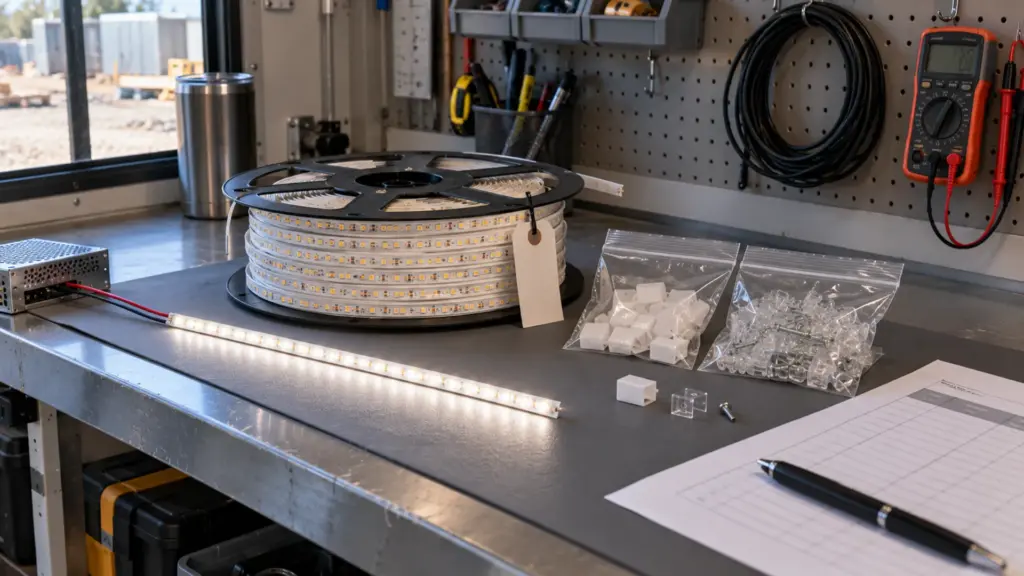
The same method scales with the job. The table shows 10 percent of strip for three perimeter lengths, each rounded up to a whole reel in practice.
| Perimeter | 10 percent spare strip | Other spares |
|---|---|---|
| 60 ft | 6 ft | One driver, one cover, one end-cap kit |
| 120 ft | 12 ft | One driver per type, one cover per type, one end-cap kit per cut-end type |
| 300 ft | 30 ft | Same, plus a second driver if one driver type feeds many runs |
A spare driver has to match more than the output. Keep it with its model, its dimming protocol and the controller it was paired with, and write all three on the bag. A driver with the wrong dimming interface lights the strip and fails at the first dim. If a replacement is ever a different model, run it on the bench with a short length of strip and the real dimmer before it goes above a ceiling; our driver and dimmer compatibility test shows how.
Store the spares flat, dry and in their original bags, away from heat and sunlight, and keep the batch tag with them. A reel left loose in a hot attic ages before it is ever used.
Buy the spares with the job. As our lifespan guide explains, a reel bought later comes from another batch, and it will look brighter and sometimes a different white next to aged strip. Store spares in the building, labeled with the model, CCT and batch, and write the storage place in the register.
For visible runs, replace the whole run, not a section. When a replacement does not match, our guide to diagnosing two runs that do not match covers the order of checks.
Checkpoint: the spare list is on the O&M page, and the spares are on site before the final payment.
Step 3: Design Replacement Access
The warranty covers the product, not the visit. Our warranty policy lists labor and installation costs among the exclusions: removal, reinstallation, scaffolding and electrician labor are not covered. The cost of a failed run is therefore mostly access, and access is decided at the drawing stage.
| Detail | Access | Plan for |
|---|---|---|
| Surface channel with a click-in cover | Lift the cover, replace the strip | A ladder and a spare cover |
| Cove with a removable cover panel | Lift the panel | Panel size, fasteners and clearance |
| Ceiling slot or trimless channel | Reach from below or through a hatch | A hatch within reach of every run |
| Millwork back-panel | Open the carcass | A removable panel, not glued |
| Exterior soffit or canopy | Lift or scaffold | A mounting that allows cut-and-reconnect |
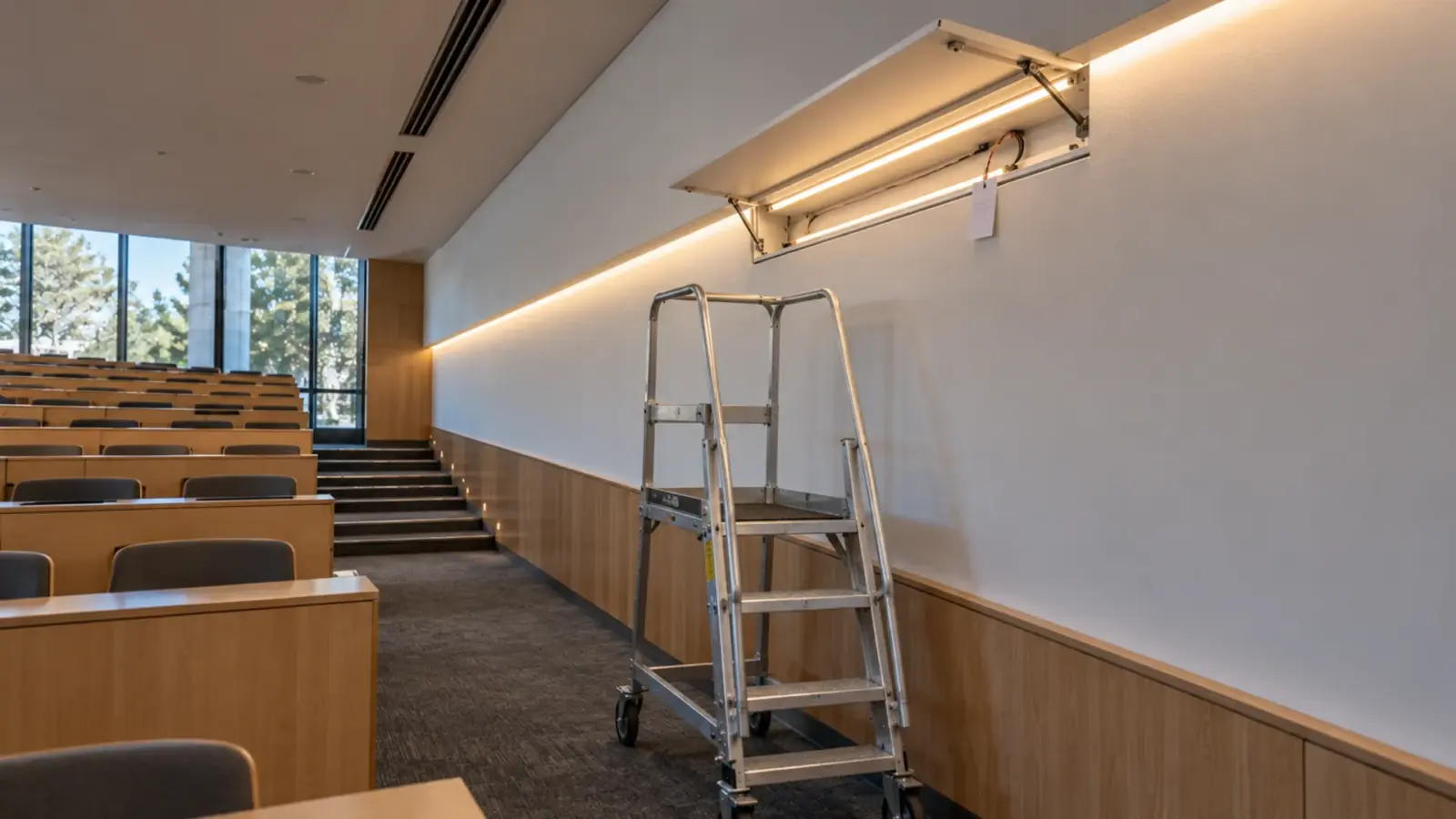
A channel with a click-in diffuser lets a technician lift the cover and service the strip without touching the ceiling. If the detail is closed, add a hatch. Where the driver is above a hard ceiling, put an access door below it and write its location in the register.
Ask three questions at the mockup stage, while a change is still a drawing note:
- Can one technician reach the strip from where a ladder or a platform can stand?
- Is the driver reachable without moving ceiling tiles, equipment or furniture?
- Does the replacement need the circuit off, and can the breaker be isolated without turning off the whole floor?
Drivers are the other half of access. A remote driver above a hard ceiling, with no door below it, turns a short service call into a teardown. Put the access door where the register says the driver is, and label the door with the same ID as the driver.
Checkpoint: for every run, someone has stood where the technician will stand and confirmed that the strip can be reached.
Step 4: Record a Baseline
The baseline is what “normal” looked like on day one, so later readings mean something.
- Voltage at the far end of each run, at full output. A drop later means a connection or a driver is failing.
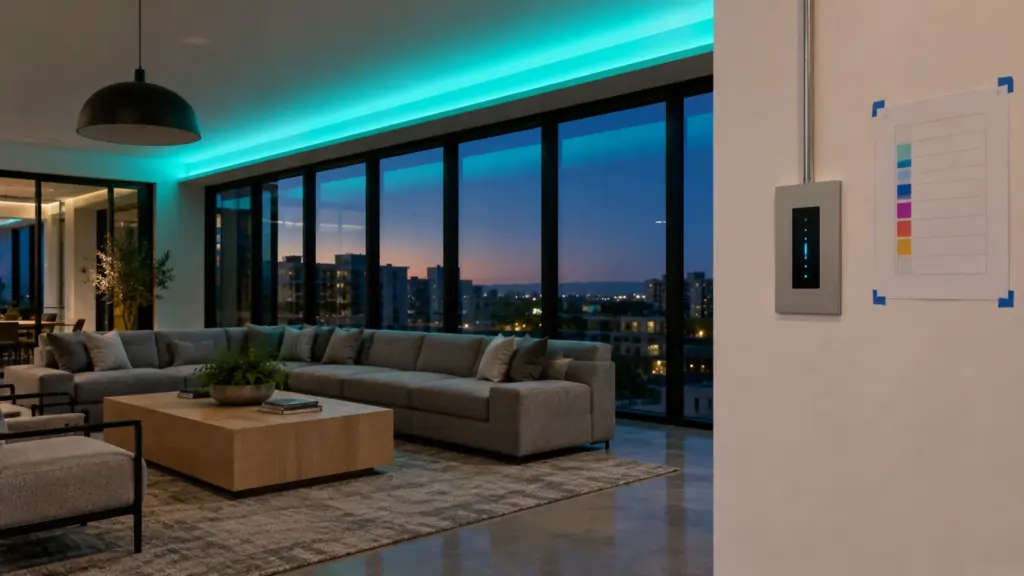
- Photos of every run lit, with the same camera settings, from the same position. Photos beat memory when someone says a run has dimmed. Mark the camera position on the floor with tape, or note it in the register, so the next photo is taken from the same spot at the same exposure.
- Controller settings: dimming levels, scenes and zones, saved and printed.
- The CCT label of each run, from the reel, matched to the register.
- Run hours: whether the space is lit 8, 12 or 24 hours a day, because the schedule below depends on it.
Checkpoint: a folder with the voltage sheet, the photos, the control export and the register, held by the owner.
Step 5: Set the Schedule
Start with a simple schedule and adjust it to the space. The hours of use matter more than the calendar: a 24-hour space reaches the same operating hours in a third of the time of an 8-hour space.
| Interval | Check | Owner |
|---|---|---|
| Every 12 months | Walk the runs lit; compare against the baseline photos | Facility team |
| Every 12 months | Measure the far-end voltage on a sample of runs | Electrician |
| After any outage or surge | Check each driver and control zone | Facility team |
| Every 3 to 5 years | Review the spare stock and the register against the building | Facility manager |
This is a starting point. A facility with a failure log can lengthen or shorten it from its own records. The point is that someone owns the table, with a date.
Decide what counts as a failure before the first call. A section that is dark, a run that flickers, a color that has shifted against its neighbor, and a run that is dimmer than the baseline photo are four different faults, and each has a different first check. Keep a short work-order log with the run ID, the symptom, what was changed and which spares were used. The log shows which runs, drivers or access points give trouble, and it guides the next upgrade, as owner maintenance guides recommend.
Step 6: Assemble the Claim Kit
A claim goes faster when the evidence is ready. Our warranty policy asks for four things: an email with the order number and a description of the issue, photos or video showing the affected product and the installation, the affected samples if we request them, and then an evaluation. Approved claims are typically remedied within 10 business days of evaluation, and the period applicable to your order is on the quotation and order confirmation.
Keep a claim kit that holds:
- The order number and the quotation with the warranty period.
- The register row for the affected run.
- The baseline photos and voltage record.
- Photos or video of the installation and the failure.
- The removed section, kept and labeled, because we may ask for it.
- The driver model and the dimming setup, because incorrect driver pairing is an exclusion and a record shows it was right.
- Proof that cut ends were sealed as instructed, because unsealed cut ends are an exclusion. Our sealing guide shows what to photograph.
Do not throw away the failed section. It is often the only way to show what failed.
After you email the kit, we evaluate the claim and may ask for the sample. A claim that arrives with the order number, the register row, the photos and the removed section is the fastest to evaluate, and it shows at once whether the installation matched the instructions. Replacement or repair is then made as the policy describes, and replacement products are warranted for the rest of the original period.
Before Handover
- Register complete, with a label on every run.
- Spares from the job’s batch on site, labeled, with their location in the register.
- Access confirmed for every run, with hatches where the ceiling is closed.
- Baseline voltage, photos and control settings in the owner’s folder.
- A maintenance schedule with a named owner and a first date.
- A copy of the register in the owner’s maintenance system, not only in the binder.
- A claim kit template, and the warranty period from the quotation written on the first page.
Unitop Lighting supplies LED channels and diffusers, strip, drivers and spare parts for commercial projects across the US. When you send a quote request, tell us which runs need spares and where the access points are, and we will list the strip, covers, end caps and drivers to hold with the job. Request a quote.