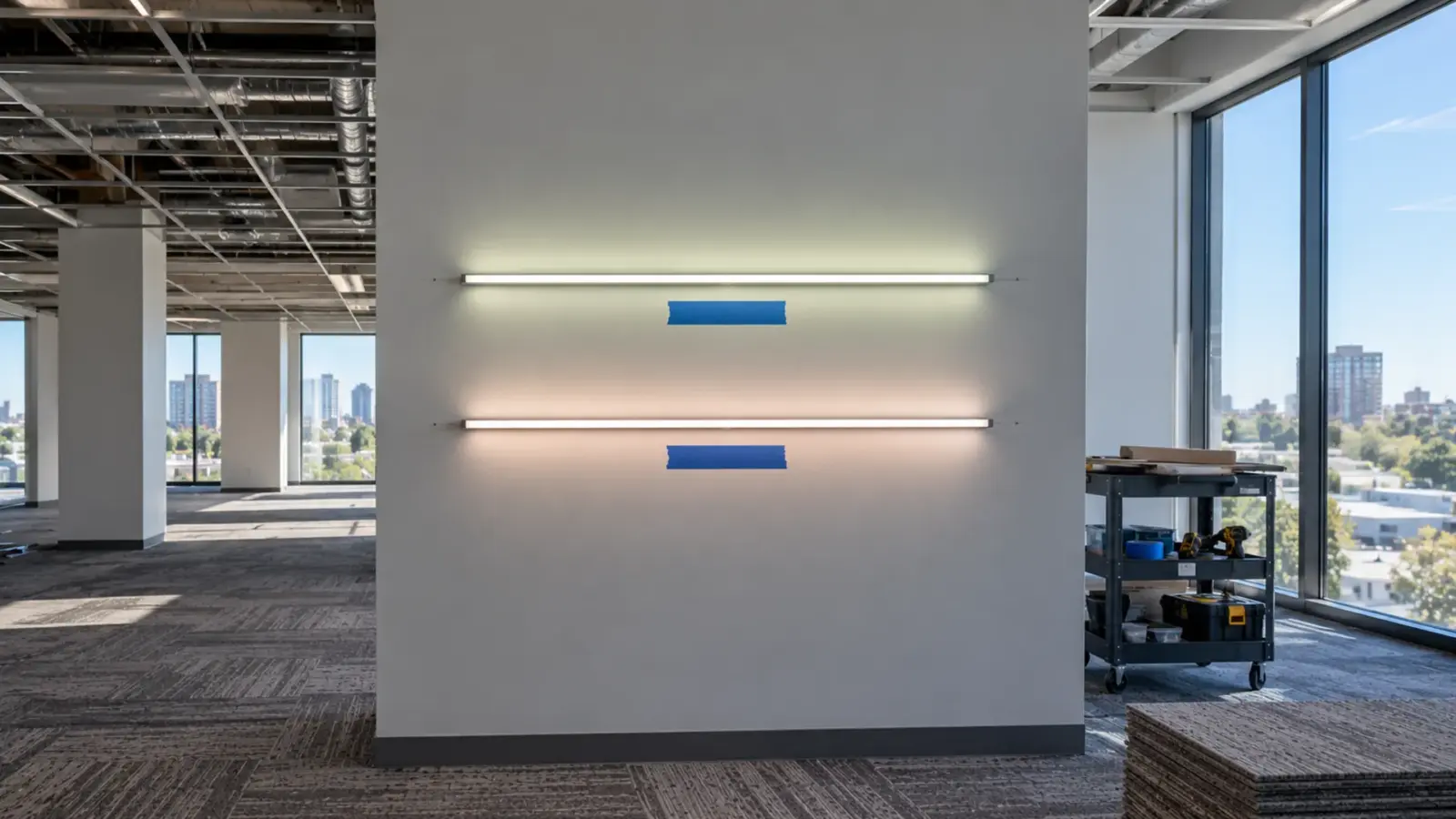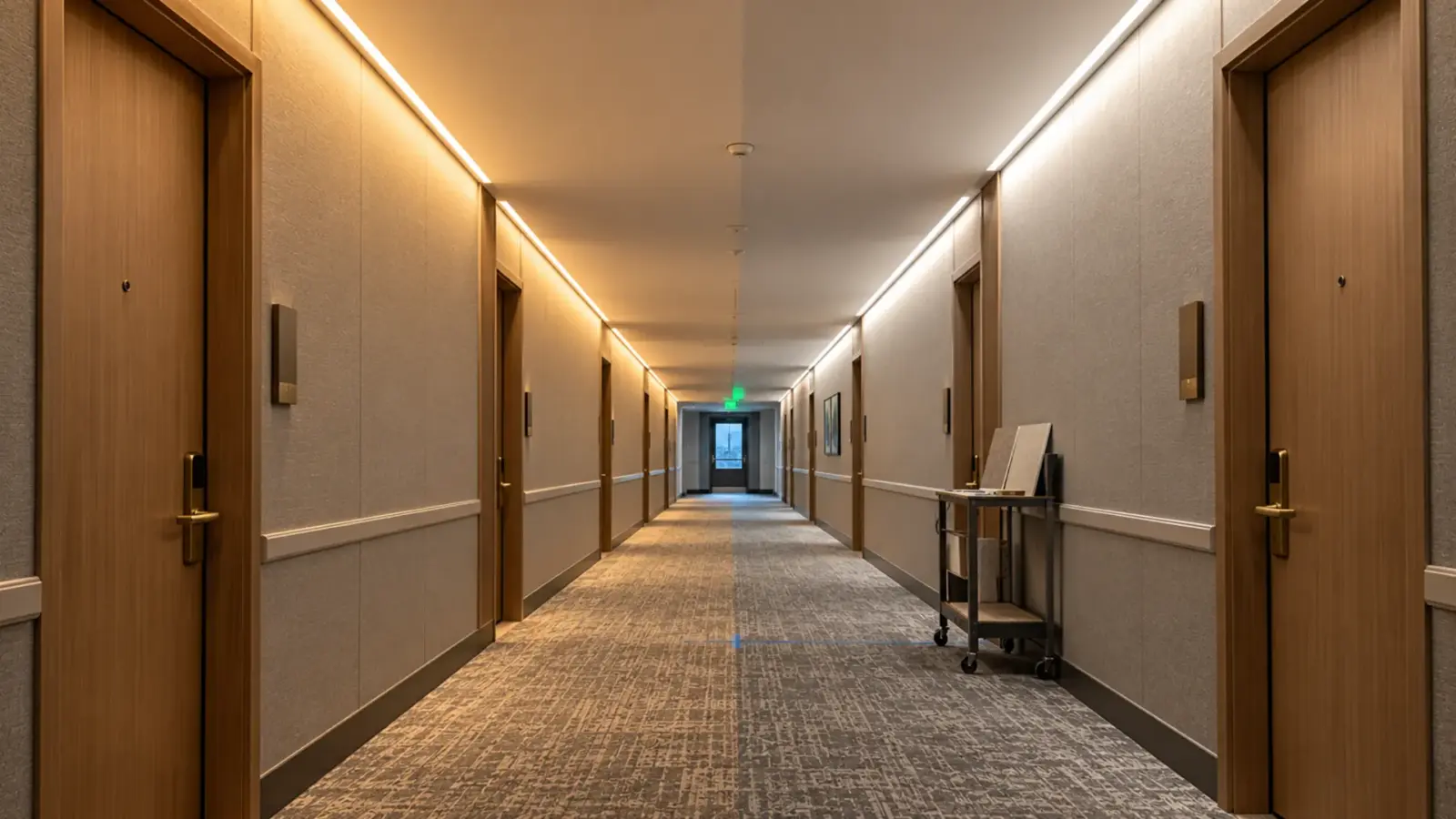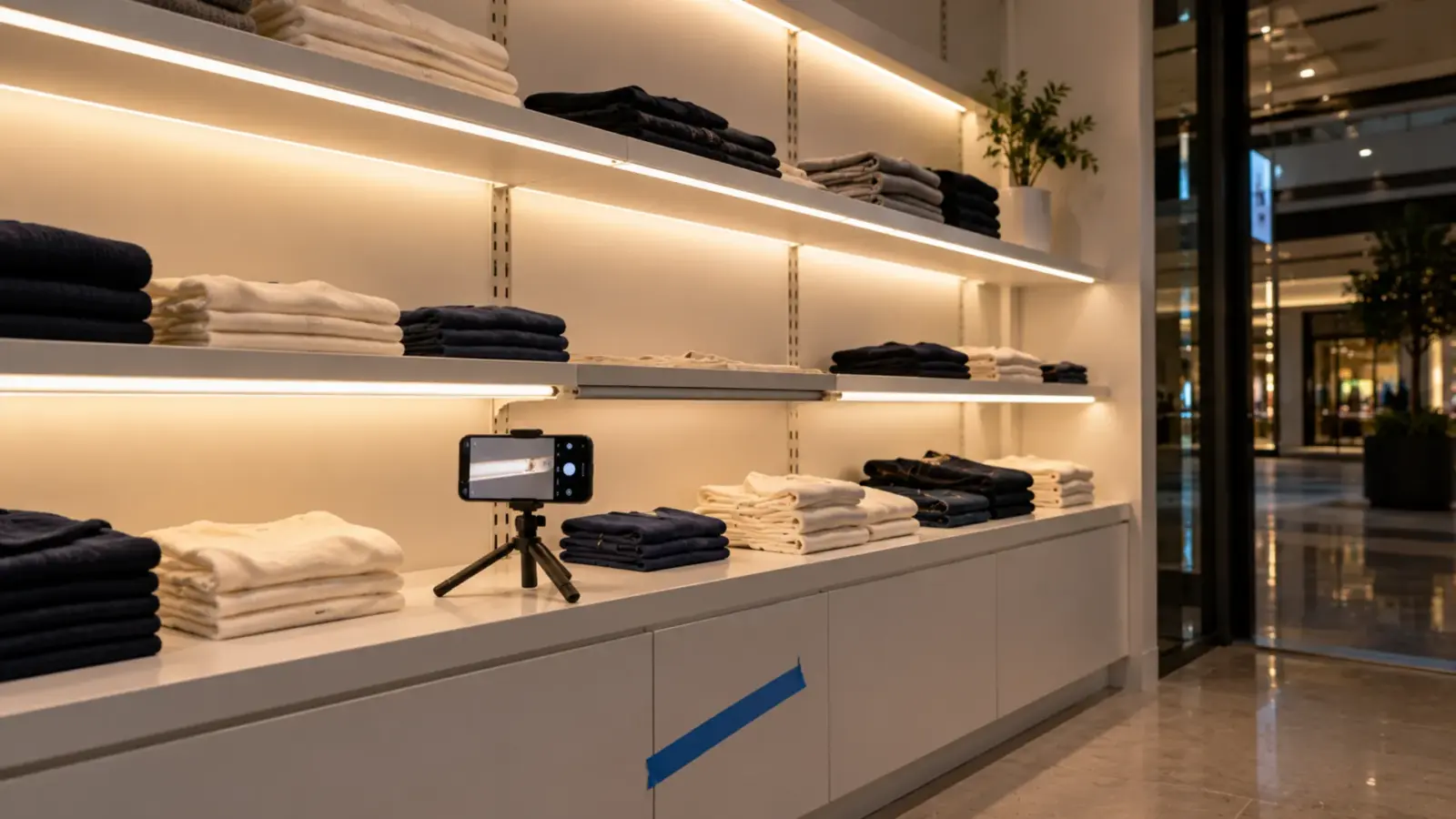
Detroit said more than 20,000 of its 25,000 LED streetlights were failing inside five years; the manufacturer’s answer, as LightNOW reported it, was that it “has not received sufficient documentation”. LED strip warranty claim documentation is the same contest at shelf scale: the claim is won or lost by what is photographed, measured and recorded in the first hour.
The seven steps below are the contractor’s routine. Our warranty page sets what we ask for; the steps give you more than that, because the exclusions are where claims go to die.
Step 1: Stop, Preserve, Isolate
The first instinct on a dark run is to fix it: pull the strip, splice in a spare, bin the old piece. That destroys the claim. Leave the failed section in place and powered down, tape off the driver’s switch or breaker, and tell the tenant or the facility that it stays dark until it is documented. Signify’s warranty terms give the reason in two lines: proof of purchase has to be “available for inspection”, and claims are reported within 30 days of discovery; nobody counts a claim that arrives as a story about a reel that went to the dumpster.
Checkpoint: the failed run is untouched, the driver is isolated, and the date and time of discovery are written down.
Step 2: Photograph Before Anyone Touches It
Photos are the item most claim forms ask for. Our warranty page: “Include photos or video showing the affected product and the installation.” ARC Lighting’s claim page says that “For burnt out diodes and other visually apparent defects, we require photographs.” The phrase that matters is “and the installation”: a photo of a dark strip proves it is dark; a photo of the installation proves how it was installed, which is what the exclusions turn on.
Take them in this order. The whole run lit, from the viewing position, so the dark section is visible in context. The dark section close, with the nearest cut point and connector in frame. The strip’s printed marking and the reel label if the reel is still on site. The driver, with its label legible to the camera, its terminals and the wiring into it. The cut ends and connectors, open, and the end caps or seals on an IP-rated run. The channel and the mounting, showing where the strip sits and what it touches. And the environment: the ceiling cavity temperature gun reading, the water stain, the kitchen hood, whatever the exclusion list names.
Checkpoint: eight photos, timestamped, before a tool touches the run.
Step 3: Measure at the Strip, Not at the Panel
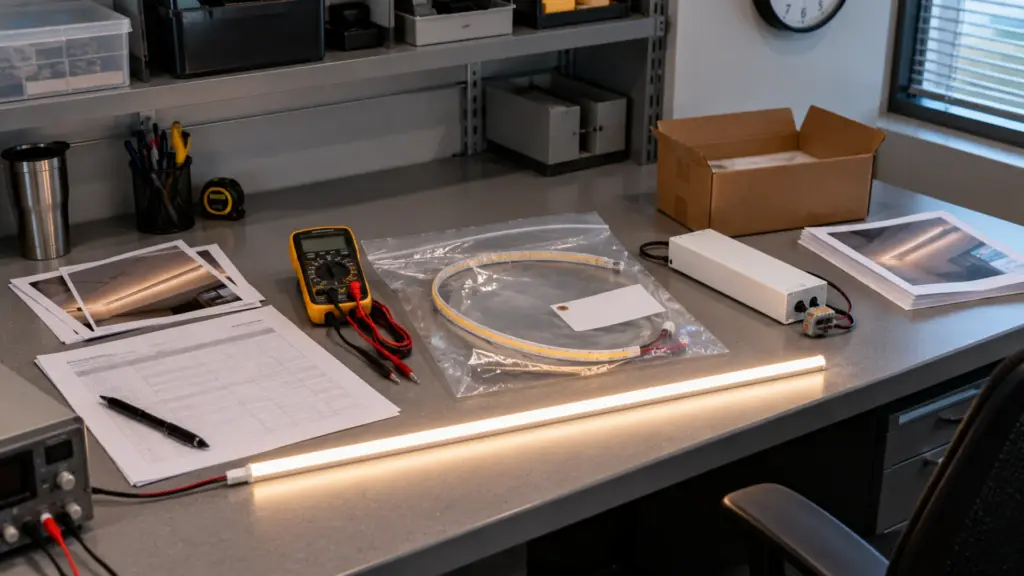
The exclusion a warranty desk reaches for first is “electrical misuse”, which our page defines as “Over-voltage, incorrect driver pairing, exceeding rated load”. A meter answers all three. Measure the driver’s output voltage at its terminals and again at the strip’s feed point; a 24 V strip reading 26 V at the feed is a driver fault or a wrong driver, and a strip reading 21 V at the far end is the voltage drop our voltage drop guide describes, not a defect. Measure the driver’s load against its label: watts per foot times the feet on it, against the rating, with the 80 percent rule from our drivers page as the reference.
Oxmaint’s maintenance checklist states the diagnostic rule plainly: “When multiple lamps fail in the same area, suspect electrical issues rather than lamp defects. Check voltage, connections, and ballast/driver condition before simply replacing lamps.” A Mike Holt forum thread shows what happens without the reading: the supplier’s salesman blamed the installer for chaining too many fixtures together, and the installer had to open a fixture and argue from the nameplate current because nobody had measured the load. Our driver troubleshooting guide is the bench sequence.
Checkpoint: voltage at the driver output, at the feed and at the far end; load on the driver versus its label; ambient temperature where the strip sits; all written on the photo set’s date.
Step 4: Identify the Lot and the Install
Every claim form asks for the same identifiers. Signify wants the product type number, “the number and percentage of failures, and date-code of failure”, invoice and installation dates, application and location, burn hours and switching cycles. The Robus template adds batch number, operating hours, ambient temperature and control type. Our page asks for the order number and a description. The contractor who has these ready has them because of two documents written months earlier: the incoming inspection record our incoming inspection checklist describes, with lot numbers against delivery, and the run register from our maintenance plan, with each run’s model, lot, driver, install date and hours per day.
From those two documents the claim’s identifiers fall out in a minute: order number and invoice date from purchasing, lot and model from the register, install date and daily hours from the register, failures as a count and a percentage of the run or the floor. Checkpoint: the register entry for the failed run, printed, with the lot number matched to the strip’s own marking in the photos.
Defect or Installation?
A warranty desk reads the photos and the numbers for a pattern. So should you, before filing, because the pattern decides what you claim and what you fix yourself.
| What you see | Likely cause | Defect or not | What to send |
|---|---|---|---|
| One segment dark between two cut points, the rest lit | A failed segment or a cold solder joint on that segment | Often a materials or workmanship defect | Close photo of the segment and its cut points; the segment itself when requested |
| The far end of a run dim, the near end fine | Voltage drop on an over-long feed | Not a defect | Feed length and the far-end voltage; fix the feed plan |
| A whole run dark | Driver, connector or feed fault | Usually not the strip | Driver output reading; connector photos; driver label |
| One reel’s color visibly different from its neighbors | Different lot, or a strip run at a different voltage | Defect only if the color consistency is materially below the published spec under rated conditions; a different lot is a sourcing question first | Lot numbers of both runs; voltage at each; our color mismatch guide sorts the causes |
| Dark or yellowed sections near a heat source above the datasheet range, or wet beyond the IP rating | Environment beyond rating | Excluded | Ambient reading and the environment photo; change the build |
| Water inside an IP run at a cut end | Cut end not sealed as instructed | Excluded under improper installation | Photo of the end; our cut end sealing guide shows the seal |
The honest reading saves time. A dim far end is not a claim; a dark segment with a sealed end, a correct driver and a voltage reading in range is a strong one.
Read the Exclusions Against the Evidence
Our page lists what the warranty does not cover; Gewiss’s terms put the same burden on the claimant in general words, “appropriate and complete proof” of proper use, installation and maintenance on request. The table below is our exclusions list read as an evidence list: each exclusion, and the item in your file that clears it.
| Exclusion on our warranty page | What the desk is asking | The evidence that clears it |
|---|---|---|
| Improper installation: “Wiring not per product instructions or applicable electrical code; cut ends not sealed as instructed” | Was it installed per the instructions? | Photos of the wiring, the cut ends and the seals; the installation instructions the crew used |
| Electrical misuse: “Over-voltage, incorrect driver pairing, exceeding rated load” | Was the driver right and not overloaded? | Driver label photo; output voltage; load arithmetic against the rating |
| Unauthorized modification (cutting at marked points and wiring and sealing per instructions “is not an unauthorized modification”) | Was it cut where it should be, and only there, with no field repair or re-soldering? | Close photos of every cut point and every joint on the failed run |
| Physical damage: “Cuts outside marked cut points…, crushing, abrasion, impact” | Did something hit it? | Photos of the channel, cover and mounting; the register’s notes of any work near it |
| Environment beyond rating | Was it wet or hot beyond the datasheet? | Ambient reading; IP rating of the build versus the location; the environment photo |
| Normal characteristics | Is this drift inside spec? | The published spec versus a measured value; the color consistency guide explains the bins |
| Labor and installation costs | What is being claimed? | A claim for the product, with the labor carried by the job, as the page states |
| Accessories | Which warranty period applies? | The quotation, which states the period for drivers and controllers |
“Under rated operating conditions” is the phrase that ties the evidence together: our CSP construction, for instance, is type-tested through 15,000 on/off cycles and 1,000 hours at 185 °F (85 °C) and 85 percent humidity, so a claim that shows the strip inside the datasheet’s rated range and still failing is a claim about the product.
Step 5: File Inside the Window
File fast. Signify’s 30 days from discovery is typical of the industry’s windows; our page sets no day count but asks for the order number and description by email, with the photos or video. Send the file as one message: the description, the eight photos, the readings, the register entry, the invoice date, and the pattern you read. ARC’s and Dialight’s processes both start with identification and neither lets anything ship back without an RMA (Dialight may instead have the parts destroyed on site), which means nothing goes in a box until the desk asks for it.
Checkpoint: the claim email sent, with the date of discovery in the first line and every attachment named.
Step 6: Return, Analysis and the Remedy
Our page says we “may request affected samples for inspection”, and the industry does the same: Dialight returns failed parts under an RMA or has them destroyed on site, and after receipt “a root cause analysis will be completed” with a summary that closes the claim. Ship what is asked for, in a labeled bag per segment with the cut points intact, and keep the rest of the failed run until the claim closes. Our page’s timing is the one to hold us to: “Approved claims receive a remedy as described below, typically within 10 business days of evaluation”, with the remedies listed on the page.
Checkpoint: RMA number on the carton, a photo of the bagged segments before shipping, and a copy of the analysis summary in the file when it comes.
Step 7: Close It Out in the Register
A warranty claim is also a maintenance event. Enter the failure, the cause, the remedy and the replacement’s lot in the run register, so the next failure on the same floor has its history, and so a second claim on the same lot carries the first one’s analysis. Where the pattern was installation rather than defect, write the fix into the next job’s checklist; where it was the product, the supplier quality agreement is the place the lesson goes.
Unitop Lighting’s warranty policy states the coverage, the exclusions and the claim steps in full; the period for your order is on the quotation. For a failure on a run we supplied, email the order number, the description and the photos as the page asks, or contact us with the register entry attached and we will tell you which samples to send.