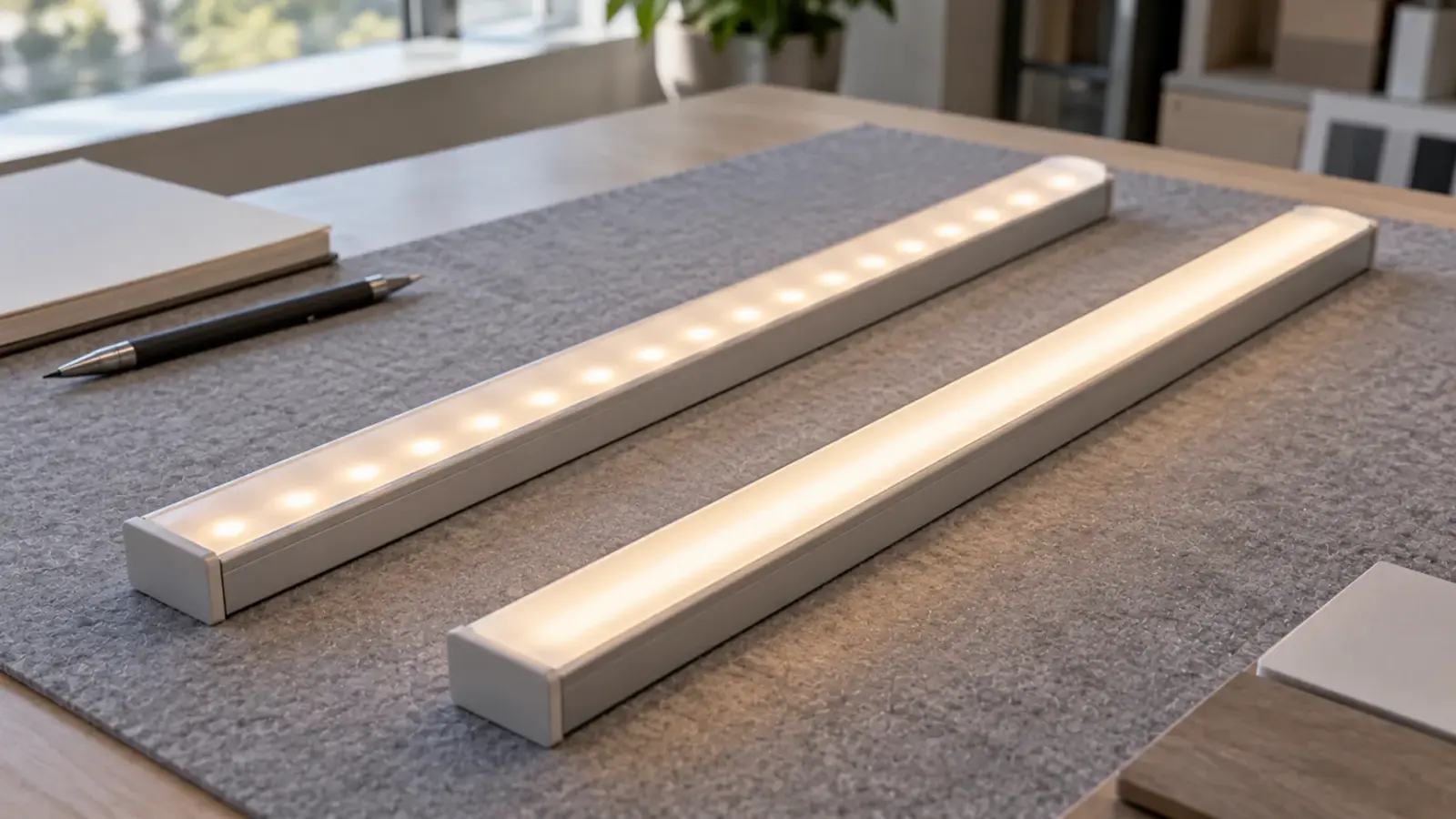
The dots disappear when the diffuser is farther from the LEDs than the LEDs are from each other. Density sets that spacing: pitch in inches is 12 divided by LEDs per foot. A COB strip has no dots at any density, and an SMD strip needs the right depth of diffuser for its pitch.
“More LEDs per foot means no dots” is the common belief, and it is half right. Density helps, and the diffuser decides. A strip with 240 LEDs per meter in a flat cover shows dots, and the same strip in a deep opal channel does not. This article turns LEDs per foot into the one number that matters, the pitch, and ties it to depth, cut increments and power.
Pitch, Not Count
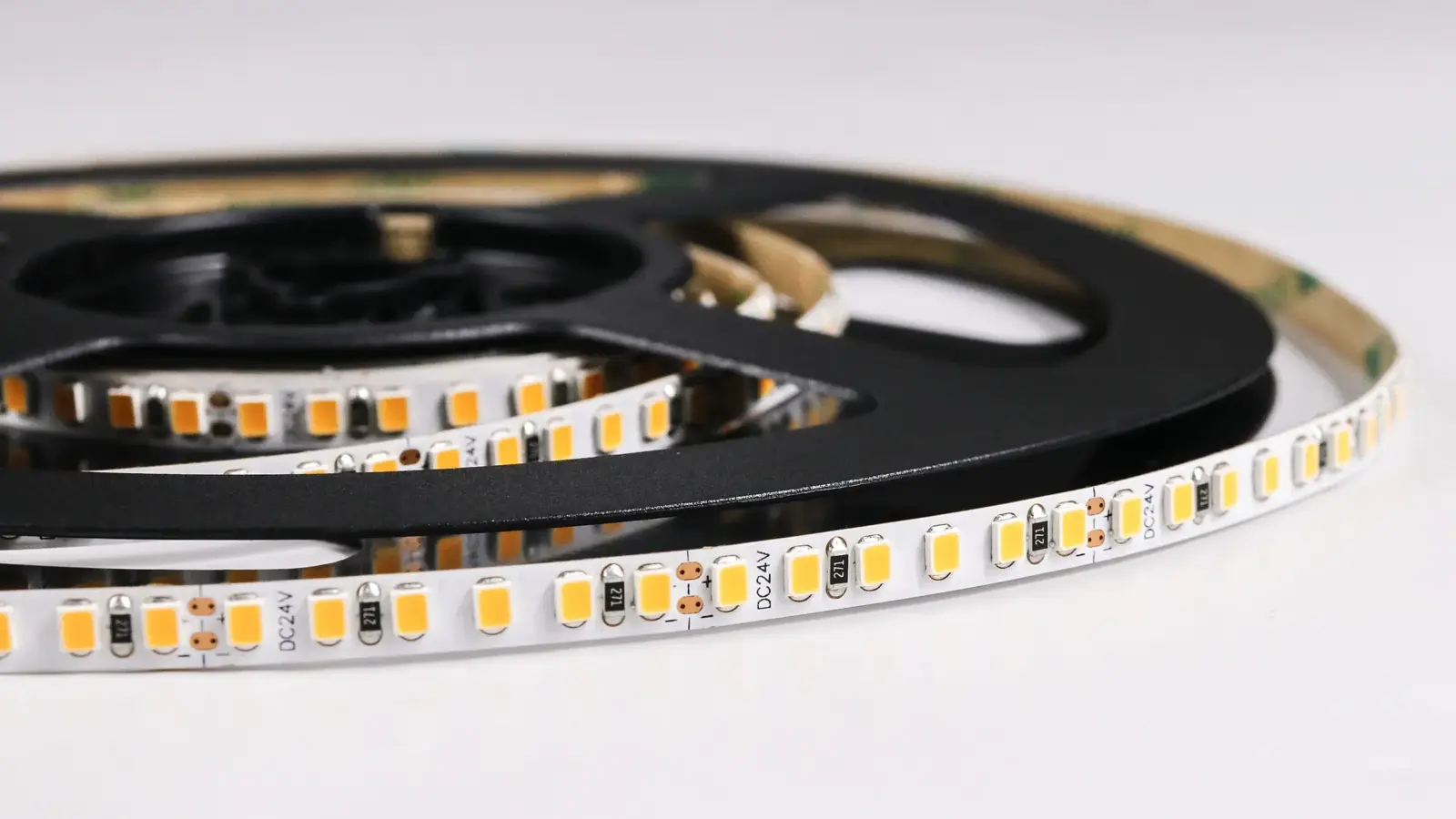
LEDs per meter is how strips are listed, and LEDs per foot is how installers measure. The number that decides the look is the spacing between the LEDs, the pitch. Pitch in inches equals 12 divided by LEDs per foot, or 1,000 divided by LEDs per meter in millimeters.
| Model | LEDs per meter | LEDs per foot (rounded down) | Pitch | Cut increment |
|---|---|---|---|---|
| UT-S5050-30 | 30 | 9 | 1.31 in (33.3 mm) | 3.94 in (100 mm) |
| UT-S2835-60 | 60 | 18 | 0.66 in (16.7 mm) | 1.97 / 3.94 in |
| UT-S2835-120 | 120 | 36 | 0.33 in (8.3 mm) | 0.98 / 1.97 in |
| UT-S2835-240 | 240 | 73 | 0.16 in (4.2 mm) | 0.98 in |
| UT-S2216-300 | 300 | 91 | 0.13 in (3.3 mm) | 0.98 in |
| UT-C480-8 (COB) | 480 | 146 | 0.08 in (2.1 mm) | 0.98 / 1.97 in |
Counts come from our SMD and COB spec tables. The conversion divides by 3.28 and rounds down, because a strip is cut to whole segments and we do not overstate a count.
The Rule: Farther From the Diffuser Than From Each Other
According to a tester at SmartHomeHookup, the rule installers repeat is that the LEDs should be farther from the diffuser than they are from each other. It is physics: light from each LED spreads in a cone, and the cones overlap into a smooth line only once the diffuser is far enough away for them to merge. For a 0.33 in pitch, the diffuser needs to be at least 0.33 in (8.3 mm) from the chips, and a margin is better.
The same tester’s channel tests are a useful check. At 30 LEDs per meter, dots still showed in a deep channel. At 60 per meter, the deep channel was close to a perfectly diffuse look, and at 144 per meter the hot spots were gone. Vendors state it more favorably: one says 168 LEDs per meter under a frosted cover blend into a smooth line; another says standard 60 to 120 per meter strips show hotspots while 288 or 504 look like a continuous ribbon. The sources do not agree, and vendors have a reason to sell density, so the safe reading is that depth and cover matter as much as count. Ellumiglow says it directly: diffusion is the real fix and density a partial one.
Write the rule into the spec as a check: distance from the chip to the inside face of the cover at least equal to the pitch, with a margin you prove on a sample.
COB Is a Different Case
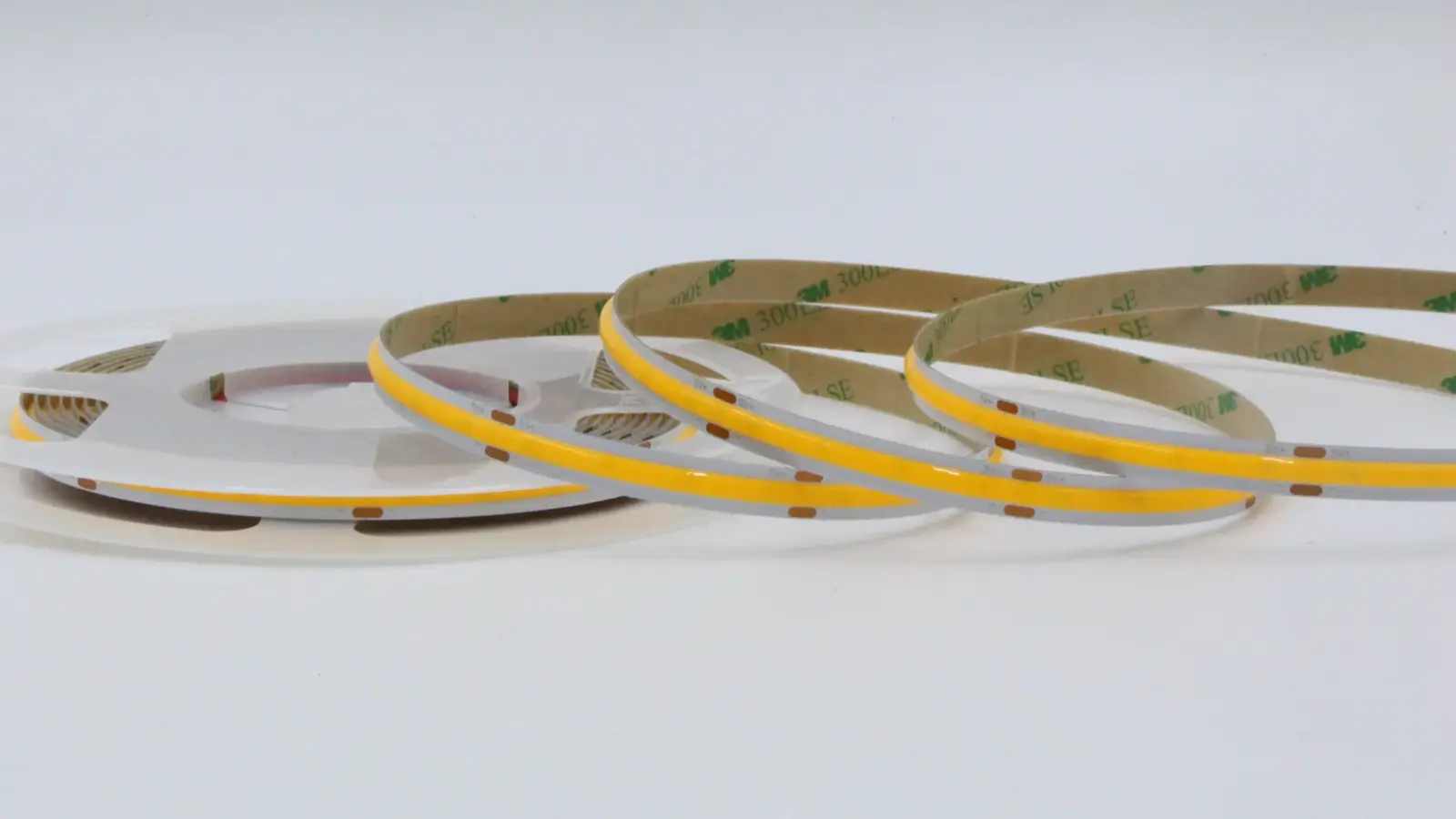
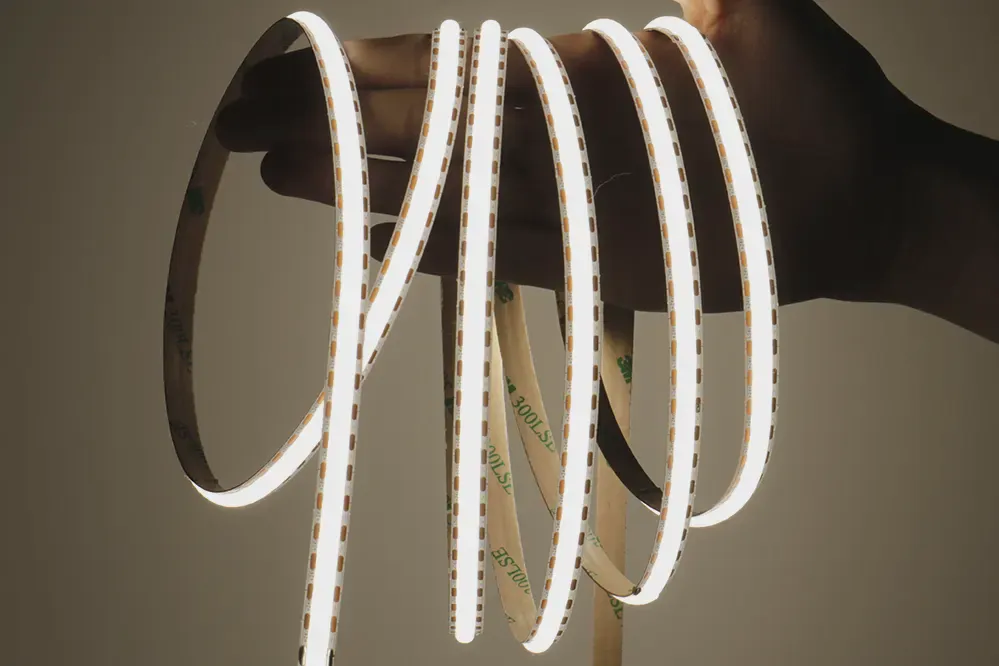
A COB strip does not have the problem in the same way. Chips sit under one continuous phosphor layer, so even close up the line reads as one band. Our COB range runs from 280 to 1,600 LEDs per meter and is sold as dot-free at every density. The count of 480 in UT-C480-8 is the number of chips under the phosphor and does not set a visible pitch. That is why COB suits a bare strip in a shallow lip and SMD needs depth. Our COB and SMD comparison for coves and the chip size guide go further on the trade.
Depth You Have, Pitch You Need
Compare the depth you have with the pitch you need. Our channel page states that the UT-CH2415, with a 14.5 mm optical depth, delivers fully diffused, dot-free output even with standard-density strip. Apply the rule to the table above:
| Strip | Pitch | Needs at least | UT-CH2415 (14.5 mm) |
|---|---|---|---|
| UT-S2835-60 | 16.7 mm | 16.7 mm | Short by the rule |
| UT-S2835-120 | 8.3 mm | 8.3 mm | Passes with margin |
| UT-S2835-240 | 4.2 mm | 4.2 mm | Passes with margin |
| UT-S2216-300 | 3.3 mm | 3.3 mm | Passes with margin |
A sparse strip, such as 60 per meter, would need 16.7 mm or more from the chip to the cover to pass the rule, and our deepest channel does not reach it. Either choose a denser strip or look for more depth. Our channel selection guide and the clear, frosted or opal cover guide show the covers, and the dots through a diffuser article covers the fix on an installed line.
A Worked Check: Shallow Cove or Deep Channel
Two jobs on the same strip show how the rule works. Both use UT-S2835-120, which has a pitch of 8.3 mm.
| Shallow cove | Deep channel | |
|---|---|---|
| Distance from chip to cover | About 6 mm | About 14.5 mm |
| Pitch | 8.3 mm | 8.3 mm |
| Result by the rule | Distance shorter than pitch: dots likely | Distance longer than pitch: smooth line |
| What to do | Choose a denser strip, a deeper profile or COB | Keep the strip, prove it on a sample |
The shallow cove is the common problem. A designer draws a 12 mm slot and a standard strip, and the dots show on the first night. The fix is chosen at drawing stage: either the slot gets deeper, or the strip gets denser, or the strip becomes COB. Changing it afterward means opening the ceiling.
When the Depth Is Not There
Four fixes exist, and they cost different things.
- A denser SMD strip. Halving the pitch halves the depth the rule asks for. The cost is watts and heat, as the 2835 line shows.
- COB. The dots are gone at any depth, which is why COB is the answer for bare lips and shallow channels. The cost per foot is higher.
- A diffused strip. Our CSP range includes dome-diffused models, such as UT-CSP-320-DD, with a smoother line and a wider spread. Check the cut interval, which is 1.97 in on that model.
- A deeper profile. The cleanest fix when the construction allows, and the one to ask for before the framing is built.
An opal cover helps with all four, at the price of some light. It does not replace depth, and an opal cover on a sparse strip in a shallow slot still shows banding in the cover.
Cut Increments
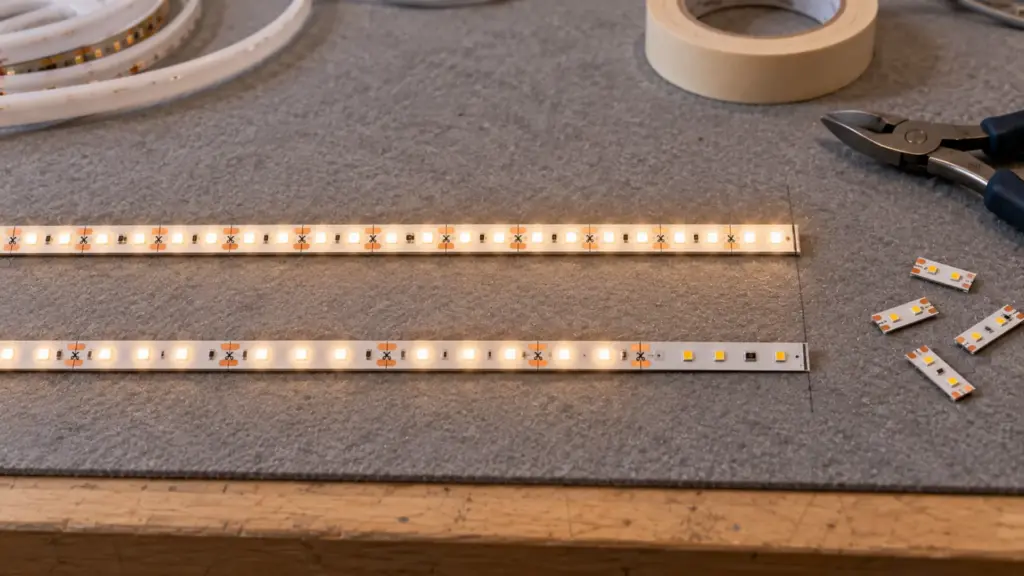
Density also sets the cut. A strip is cut between whole groups of LEDs, so the cut interval is a number of LEDs: at 60 per meter, 50 mm is three LEDs, and at 120 per meter, 25 mm is three LEDs. A coarser cut leaves a longer unlit stub at the end of a run.
| Cut interval | Segments on a 30 in shelf | Lit length | Dark stub |
|---|---|---|---|
| 3.94 in (100 mm) | 7 | 27.58 in | 2.42 in |
| 1.97 in (50 mm) | 15 | 29.55 in | 0.45 in |
| 0.98 in (25 mm) | 30 | 29.4 in | 0.6 in |
| 0.39 in (10 mm), UT-CSP-300-MC12 | 76 | 29.64 in | 0.36 in |
The dark stub is the cost of the interval, and on a short shelf it shows. Choose the interval from the shortest run on the plan, not from the density alone; our CSP range goes to 0.39 in (10 mm) on the mini-cut models. Our cut and connect guide covers where to cut.
Density, Power and Heat
More LEDs per foot usually means more watts per foot. On our 2835 line, UT-S2835-60 draws 1.5 W/ft, UT-S2835-120 draws 4.4 W/ft and UT-S2835-240 draws 6.7 W/ft. A denser strip is brighter and hotter, and the heat has to go somewhere; our thermal management guide explains why a 6.7 W/ft strip needs aluminum behind it. Compare watts per foot, not LEDs per foot, and note that the high-efficacy model UT-S2835-240-HE draws less at the same density, 5.9 W/ft against 6.7 W/ft.
Brightness is a separate question and is covered in our lumens per foot guide.
Reading a Datasheet for Density
Datasheets mix units and sometimes hide the number that matters. Read four lines. First, LEDs per meter, converted to per foot as in the table. Second, the cut interval, expressed as a number of LEDs. Third, the strip width, because a wide PCB with a single row of LEDs has the same pitch as a narrow one, and the extra width only adds room for heat. Fourth, the watts per foot, which tells you how hard the LEDs are driven. A strip listed with a high count and a low wattage per foot is driven gently, and one with a high count and a high wattage per foot is driven hard. Our guide to reading an LED strip spec sheet shows the rest of the page.
Mistakes That Come From Density Numbers
Three mistakes repeat.
- Counting per meter and measuring per foot. A 120-per-meter strip is 36 per foot, and a tape-measure installer who compares it to a 60-per-foot claim is comparing different strips.
- Buying density to hide a bad slot. A denser strip in a 6 mm slot still shows the cover’s flat face. Fix the depth.
- Ignoring the stub. A 3.94 in cut interval on a short shelf leaves a visible dark end, however dense the strip is.
Choosing by Job
A short route from the job to the density, using our models.
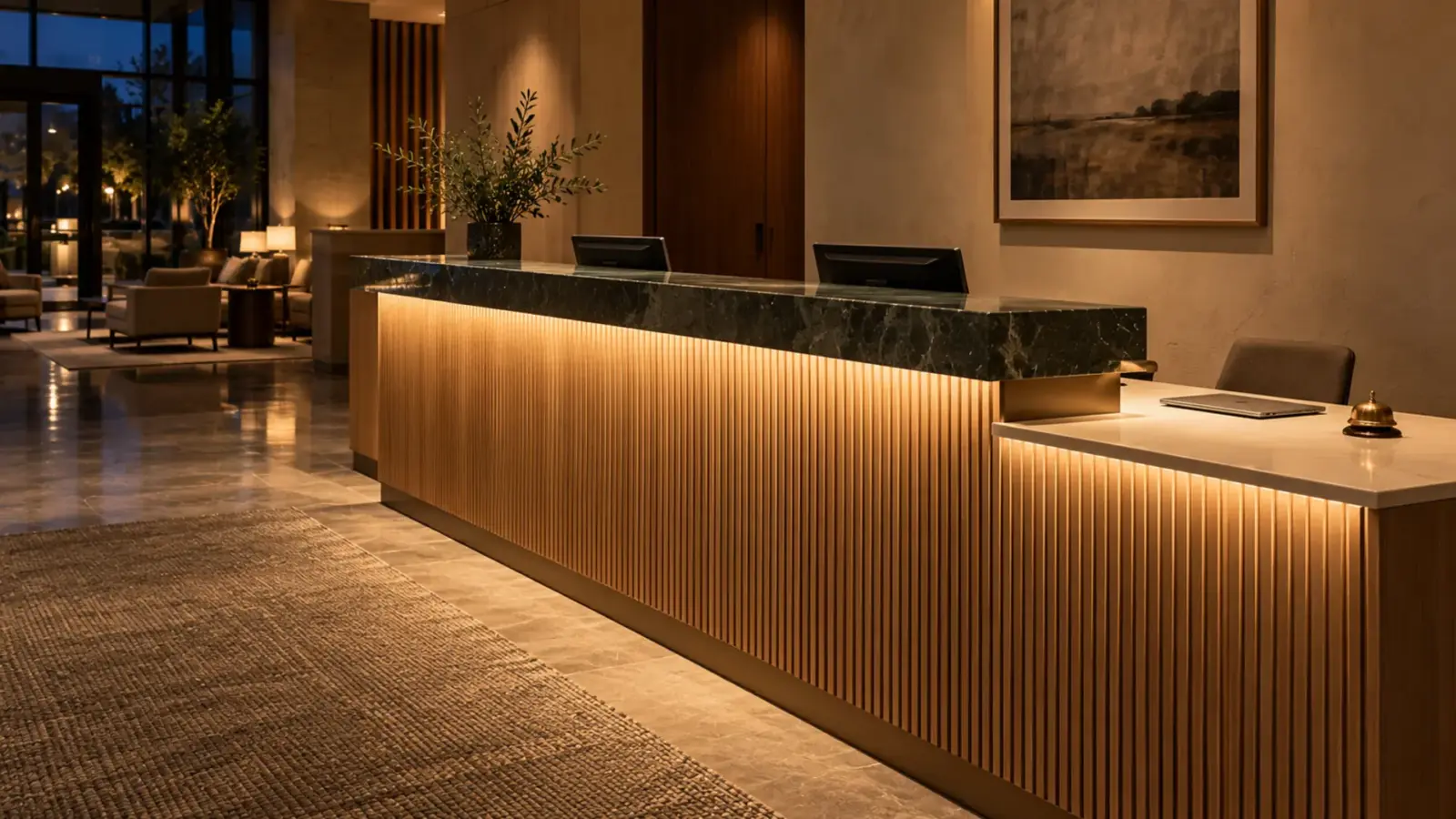
- A hidden cove where the strip is never seen. A sparse or mid-density SMD strip is enough, because the cove lip hides it and the wall or ceiling does the blending; UT-S2835-120 is the usual starting point.
- A visible line in a shallow slot or a bare lip. COB, such as UT-C480-8, because there is no depth for the rule.
- A deep opal channel. Any strip at 120 per meter or denser passes the rule in a channel such as UT-CH2415; choose by watts and cost.
- A short run with a tight end. Pick the cut interval first, then the density that fits; the mini-cut CSP models suit short shelves and cases.
- A long run on a feed. Compare watts per foot and the per-feed limit before the density, as the voltage drop guide explains.
Write the choice and the reason in the submittal so the next specifier does not swap the strip for a cheaper, sparser one. A change of density is a change of look, and it has to be approved as one, with the sample photographed and kept in the file next to the order.
Rules of Thumb
- The pitch is 12 divided by LEDs per foot, in inches.
- Keep the diffuser at least one pitch from the chips, and prove it on a sample.
- Use COB where the strip is bare or the lip is shallow.
- Choose the cut interval from the shortest run.
- Compare watts per foot before comparing density.