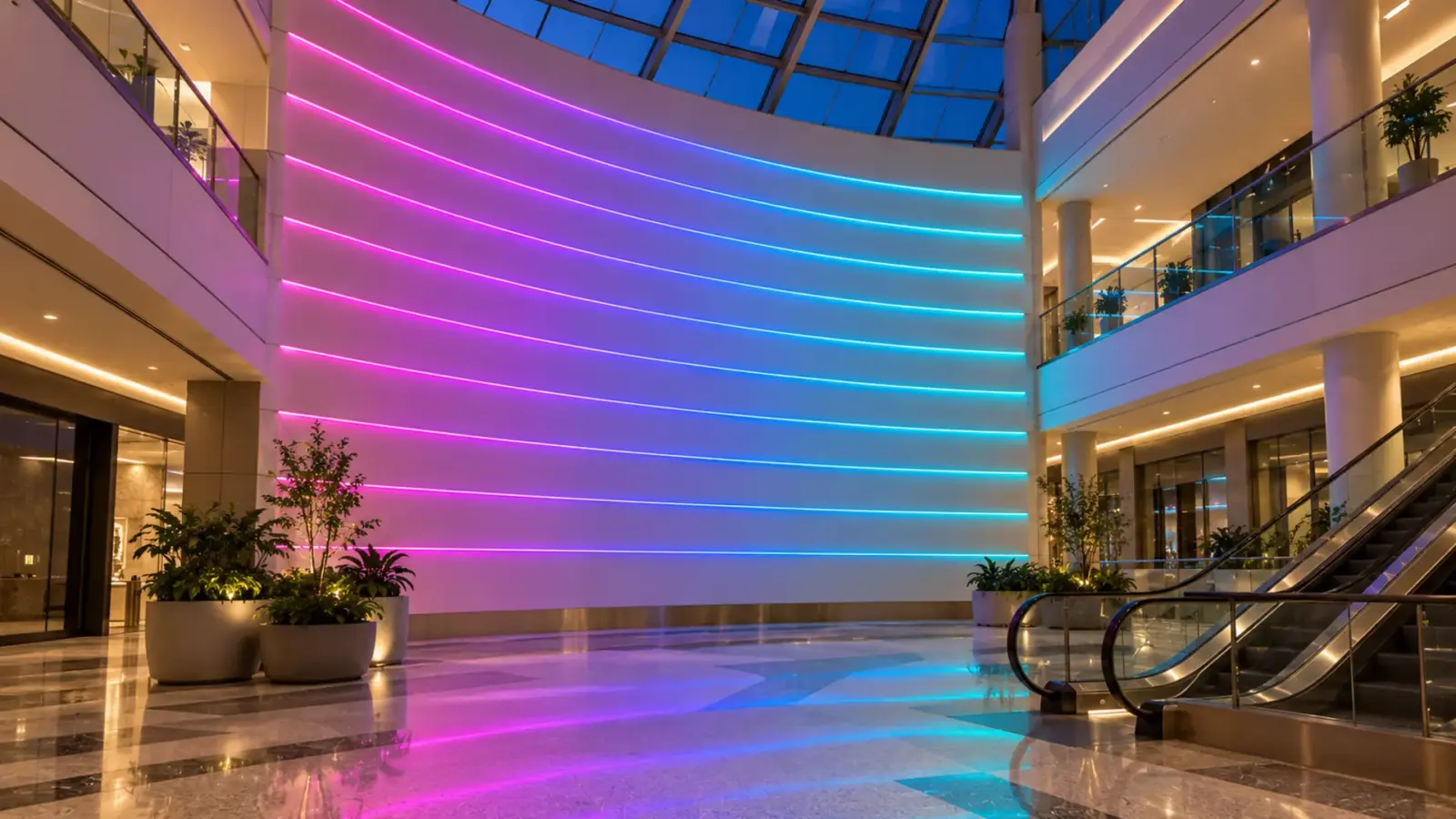
For signs and long public runs, specify WS2818; for a white channel, WS2814 or SK6812 RGBW; for tunable white plus color, WS2805; and WS2811 where one dark pixel can wait for a service call and nobody films it. That is the pixel IC choice on a commercial addressable strip job, and four questions decide which part applies.
The four questions are gates. Can the run survive one dead pixel? Does the design need a white channel? Will it be filmed? How far apart are the pieces? Answer them in order, then check the controller budget.
Our Pixel ICs Side by Side
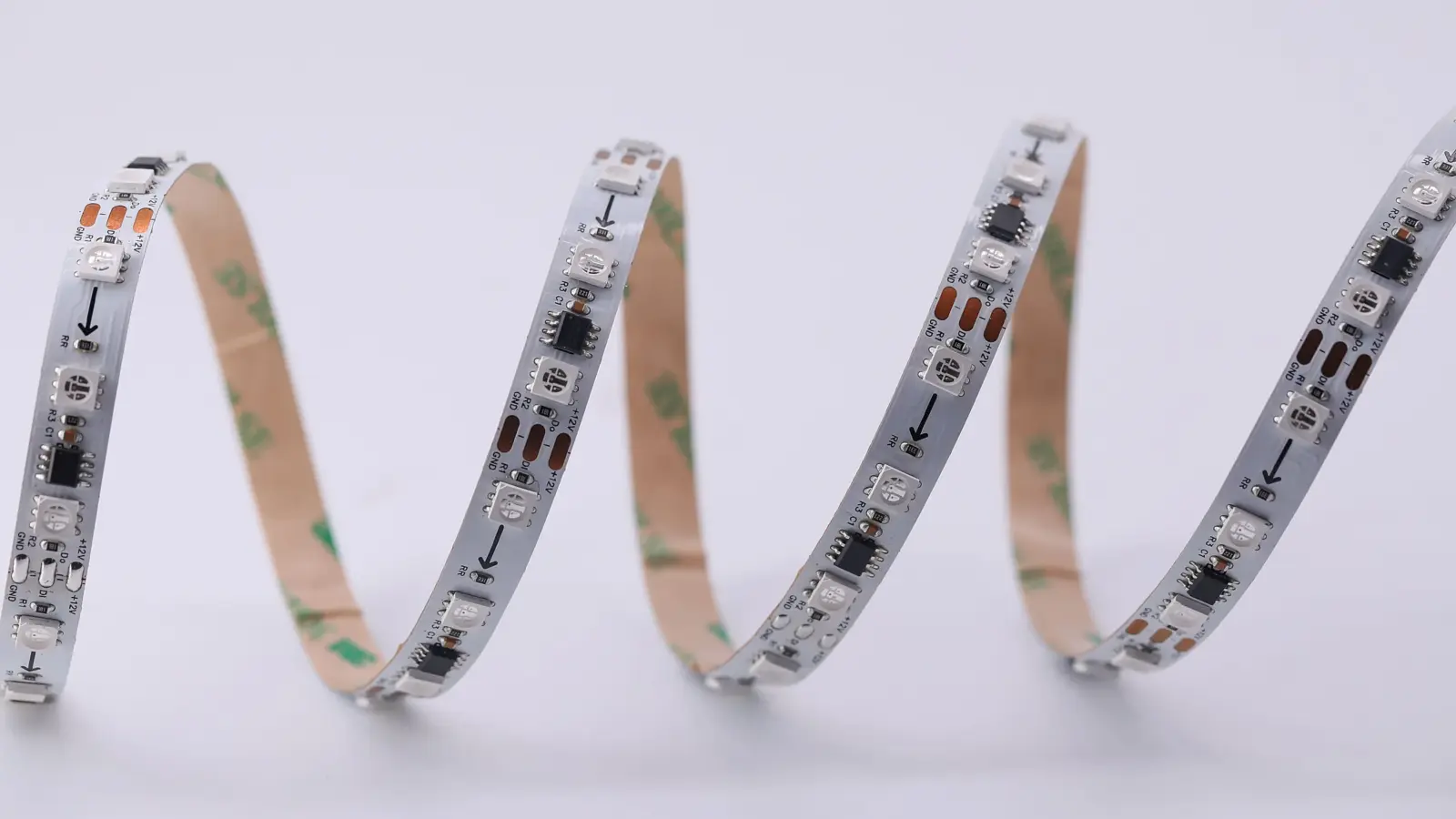
Every addressable strip carries a control IC per pixel. On our COB rows the IC drives a small group of LEDs, and our page puts the cut marks between pixel groups; on the 5V and 12V SK6812 rows each LED package is its own pixel. The datasheets and Enttec’s protocol pages give the differences that matter on a job:
| IC | Our rows | Channels | PWM (refresh) | Data lines | Distance between points, no extra circuit |
|---|---|---|---|---|---|
| WS2811 | e.g. UT-A576-10, UT-A720-12 (COB, 12V/24V) | RGB | 400 Hz (datasheet: not less than 400 Hz) | 1 | More than 10 m (32 ft) |
| WS2818 | UT-A720-12-BP (COB, 12V/24V) | RGB | 2 kHz | 2 (breakpoint resume) | Under 5 m (16 ft) |
| WS2814 | UT-AW784-10 (COB, 24V) | RGBW | Over 2 kHz | 2 (dual input) | Under 2 m (6.5 ft) |
| SK6812 | UT-A30-10, UT-A60-10 (RGB), UT-AW60-12 (RGBW), 5050 | RGB or RGBW | 1.2 kHz | 1 | Over 10 m on 12V; about 5 m in the 24V application (OPSCO spec) |
| WS2805 | UT-ACW840-15 (COB, 24V) | RGBCW (five channels) | 4 kHz | 2 (backup data input) | Under 5 m (16 ft) |
All of them run 8 bits, 256 levels, per channel. Our addressable LED strip page lists each row with its voltage, cut length and run limit; the FW1935 row (UT-A84-12) and the two DMX rows sit outside this comparison.
Gate 1: Can the Run Survive One Dead Pixel?
A single-data IC passes the data stream from pixel to pixel. Each IC takes its own bits and sends the rest on. When one IC fails, everything after it loses data; our addressable page says it plainly: “pixels downstream of a failure lose their data signal.” WS2811 and SK6812 work this way.
WS2818, WS2814 and WS2805 carry a second data input; the WS2805 datasheet names it a “Backup data input”. The WS2818 datasheet calls the result “Signal Break-point Continuous Transmission, any pixel’s failure, it won’t affect the whole display effect.” The failed pixel goes dark, the rest of the run keeps playing, and the repair waits for a scheduled visit. Enttec’s protocol page describes WS2814 the same way: the backup line “keeps the string running if one pixel fails”.
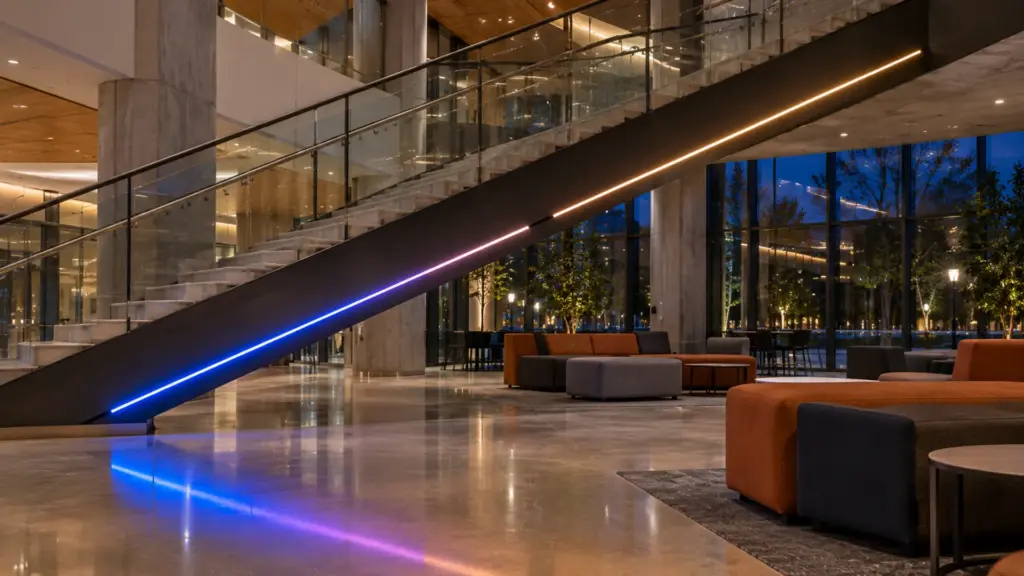
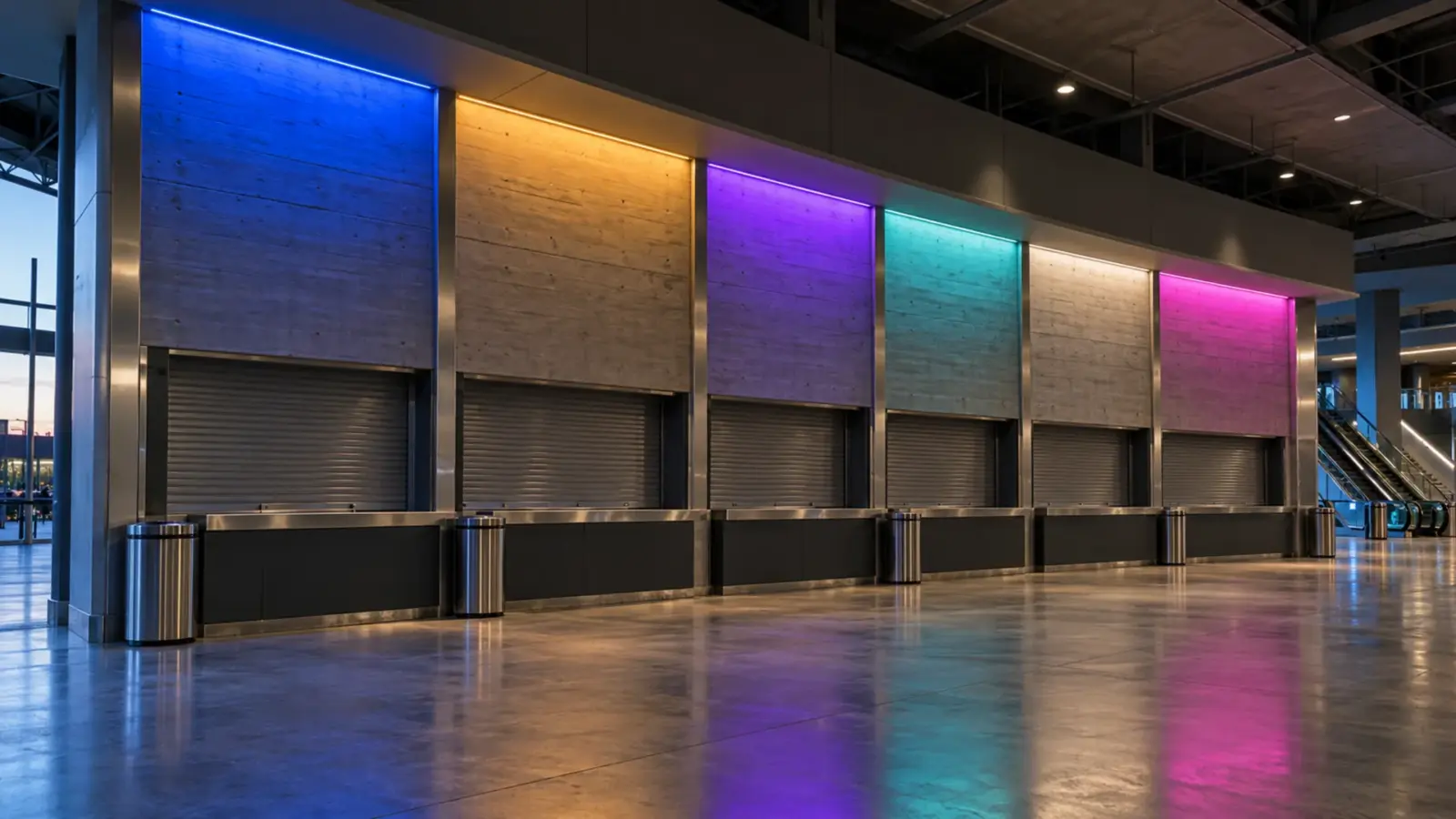
Ask what a dark half-run costs. On a mall storefront sign, a hotel facade band or a public concourse, one failed pixel on single-data strip turns the rest of the run dark in front of every visitor until someone gets a lift there. On a bar back shelf two feet from the bartender, it is a ten-minute fix. That is why our page recommends WS2818 “for signage and long public runs”, and why UT-A720-12-BP exists alongside the single-data UT-A720-12 with the same 720 LEDs per meter and the same cut.
Gate result: if a dark run cannot wait, choose WS2818 for RGB, WS2814 for RGBW or WS2805 for RGBCW. If it can, WS2811 or SK6812 stays on the table.
Gate 2: Does the Design Need a White Channel?
RGB pixels make white by mixing red, green and blue. The result is usable for effects and poor as room light: it tends toward a tint, and it renders finishes badly. An RGBW pixel adds a white LED, so the strip can sit on clean white between shows and add color only when the design calls for it.
| Need | IC | Our row |
|---|---|---|
| Color effects only, no resting white | WS2811 or WS2818 | UT-A720-12 or UT-A720-12-BP |
| Effects plus a clean resting white | WS2814 (COB) or SK6812 RGBW (5050) | UT-AW784-10 or UT-AW60-12 |
| Effects plus tunable white, warm to cool | WS2805 | UT-ACW840-15 (RGBCW) |
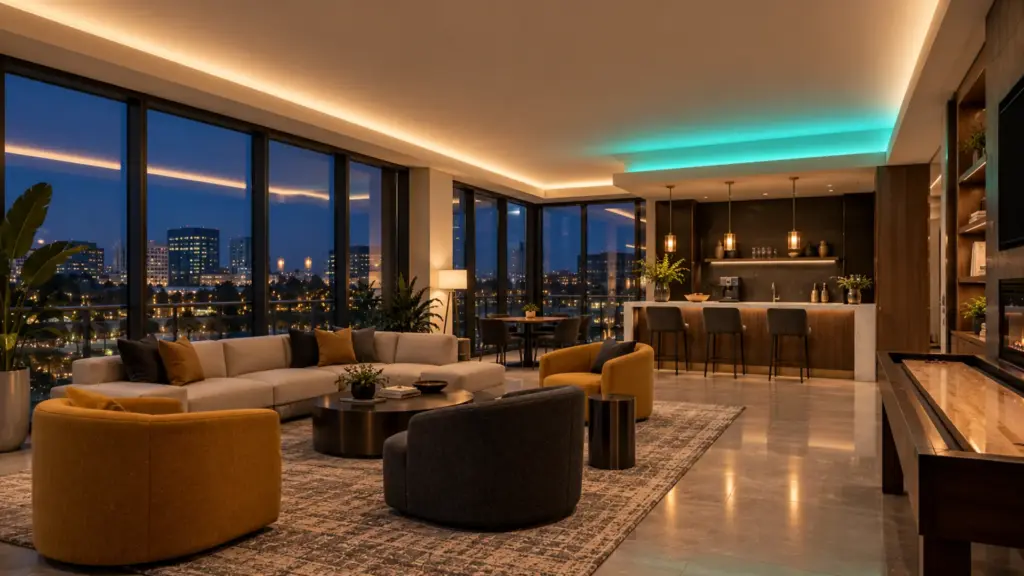
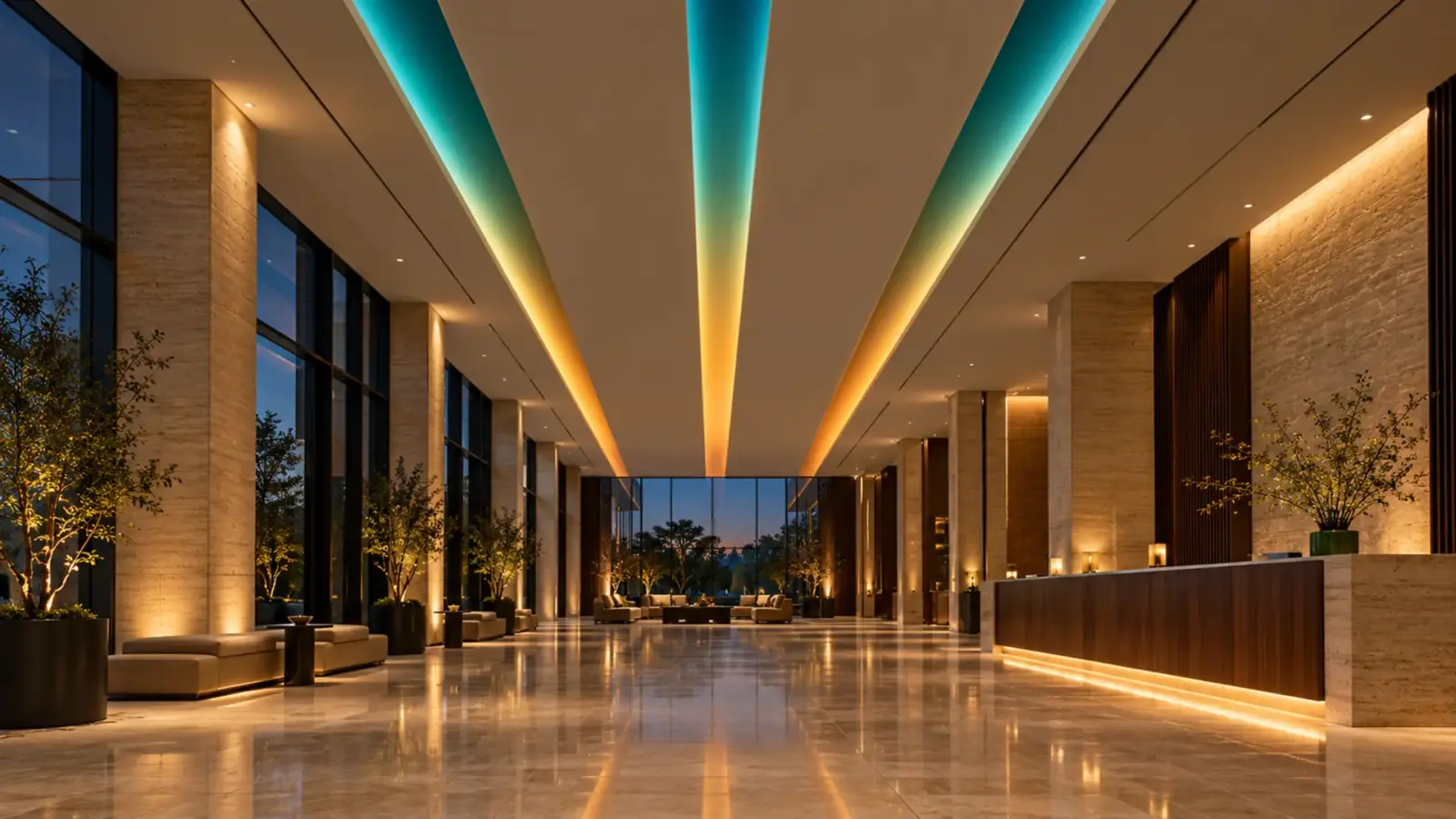
The RGBCW row suits a hotel lobby or restaurant cove on a pixel controller that has to be warm white on a Tuesday night and red for an event on Saturday. A ballroom run from a wall panel and a show console is a different job: our ballroom cove guide puts that cove on DMX for the console handoff. A white channel doubles as the reason to choose COB: on UT-AW784-10 the white line is continuous, with no visible dots, so the strip passes as architectural light when it is not performing.
Gate result: any design that rests on white needs WS2814, SK6812 RGBW or WS2805. WS2814 and WS2805 also pass Gate 1; SK6812 does not.
Gate 3: Will It Be Filmed?
Pixel ICs dim by switching the LEDs on and off. The switching rate decides whether a camera sees it. WS2811 is the slow one: its datasheet gives a scan frequency of not less than 400 Hz, and the “Suitable Camera” row on Enttec’s protocol page reads “Flickering may be visible”. SK6812 runs at 1.2 kHz in its spec, which Enttec rates for cameras up to 40 frames per second. WS2818 and WS2814 run at 2 kHz and over, which Enttec rates up to 67 frames per second, and the WS2805 datasheet gives 4 kHz.
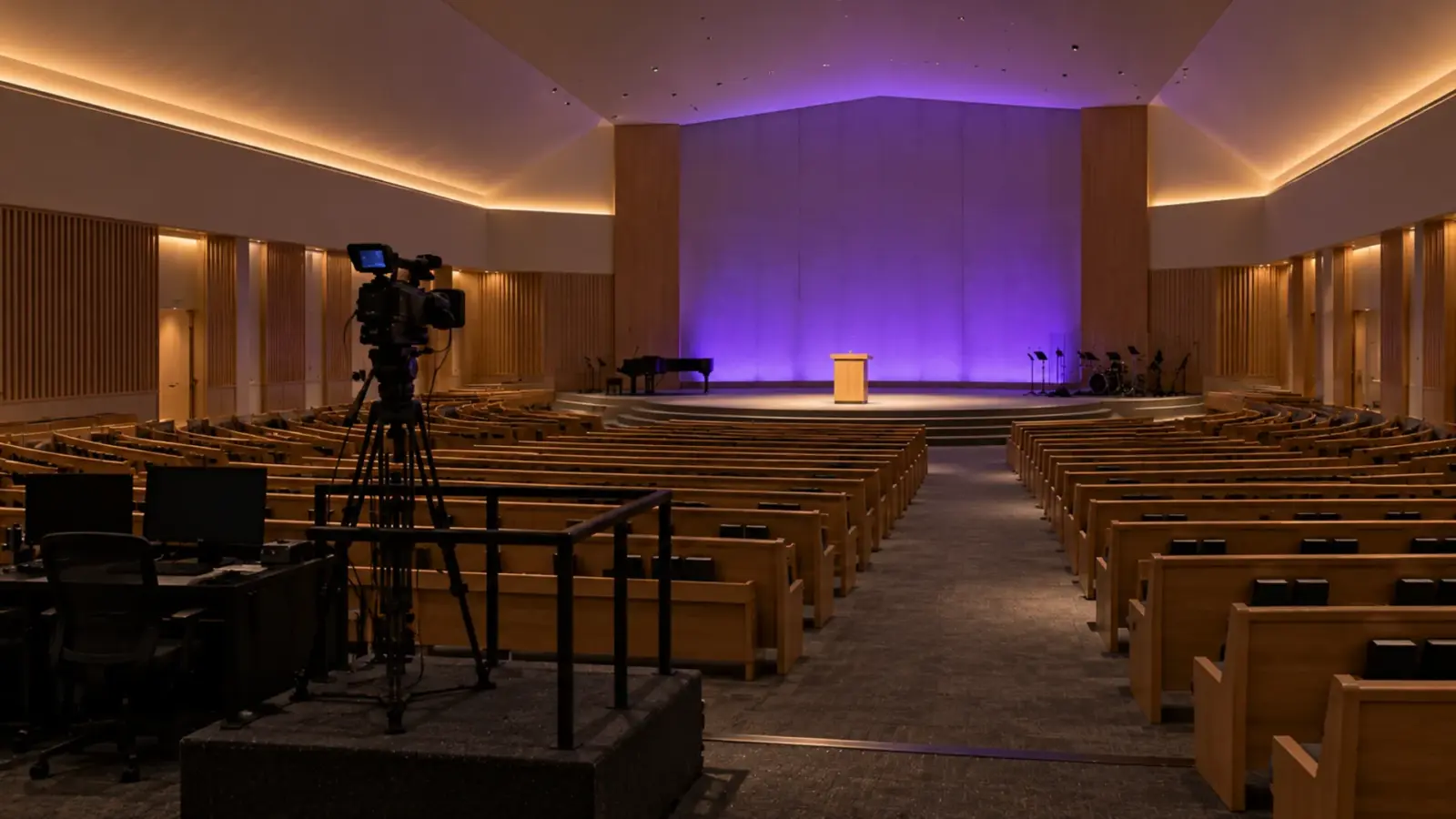
“Filmed” covers more than broadcast. A mall feature wall gets filmed on phones every day; a hotel ballroom gets filmed at every wedding; a church streams every service. Banding on a phone video is the complaint that reaches the owner, and the PWM rate comes from the IC itself, so the controller cannot raise it once a 400 Hz IC is installed. Our flicker guide explains why the camera sees what the eye does not.
One limit is shared by every IC here: 8 bits, 256 steps, per channel. Enttec’s pages note that 8-bit parts can show visible steps on very slow fades at low output. A hotel lobby that fades over half a minute to a night level is where it shows; keep slow fades above the bottom of the range, or let the scene cut rather than crawl at the last few percent.
Gate result: anything on camera gets WS2818, WS2814 or WS2805; SK6812 for handheld video at 30 frames per second; WS2811 only where cameras do not matter.
Gate 4: How Far Apart Are the Pieces?
Strip is rarely one unbroken line. A cove jumps a doorway, a sign has letters, a feature wall has panels, and the data has to cross each gap on a jumper cable. Each IC’s datasheet states how far apart two signal points can be without help:
- WS2811: “more than 10m”, about 32 ft, without any extra circuit.
- WS2818: “less than 5 meters”, about 16 ft.
- WS2814: “less than two meters”, about 6.5 ft.
- WS2805: “less than five meters”, about 16 ft.
That last figure catches crews out. WS2814 gives the white channel and the dual data line, but a column wrap or a doorway jump longer than about 6.5 ft needs a data repeater, or a layout that brings the controller output closer. Put every jump length on the shop drawing next to the IC, and the controller location follows from the shortest limit on the run. Treat the leader from the controller to the first pixel with the same care: our addressable page notes that a long data cable between controller and strip may need a data amplifier, and Enttec warns that long leader runs can corrupt the stream.
Gate result: long jumps favor WS2811 and WS2818; WS2814 wants a tight layout or repeaters.
Pixel Pitch and the Controller Budget
The datasheets for WS2811 (in its high-speed mode), WS2818, WS2814 and WS2805 all state at least 1,024 pixels in a chain at 30 frames per second. How many feet that is depends on pixel pitch. The table below assumes one IC per cut segment on the COB rows, which is how cut marks between pixel groups usually fall; confirm the pixel count per foot on the model’s datasheet before the controller layout is final:
| Row | IC | Pixel pitch | Pixels per foot | Feet per 1,024 pixels |
|---|---|---|---|---|
| UT-A720-12, UT-A720-12-BP | WS2811, WS2818 | 1.97 in (50 mm) | 6.1 | 168 ft |
| UT-A576-10 | WS2811 | 2.46 in (62.5 mm) | 4.9 | 210 ft |
| UT-AW784-10 | WS2814 | 2.81 in (71.42 mm) | 4.3 | 240 ft |
| UT-A60-10, 5V or 12V build | SK6812 | one LED, 60 per m | 18.3 | 56 ft |
Take a typical job: a 120 ft facade band over a row of mall storefronts on UT-A720-12-BP. At 6.1 pixels per foot that is about 732 pixels, inside one chain at 30 fps. The band wraps three columns with jumps of about 10 ft each, inside WS2818’s 16 ft and far outside WS2814’s 6.5 ft, and it needs power at about every 16 ft, eight feeds, while the data runs through on one line. Our pixel and DMX universe calculator runs this budget for any row and any set of runs.
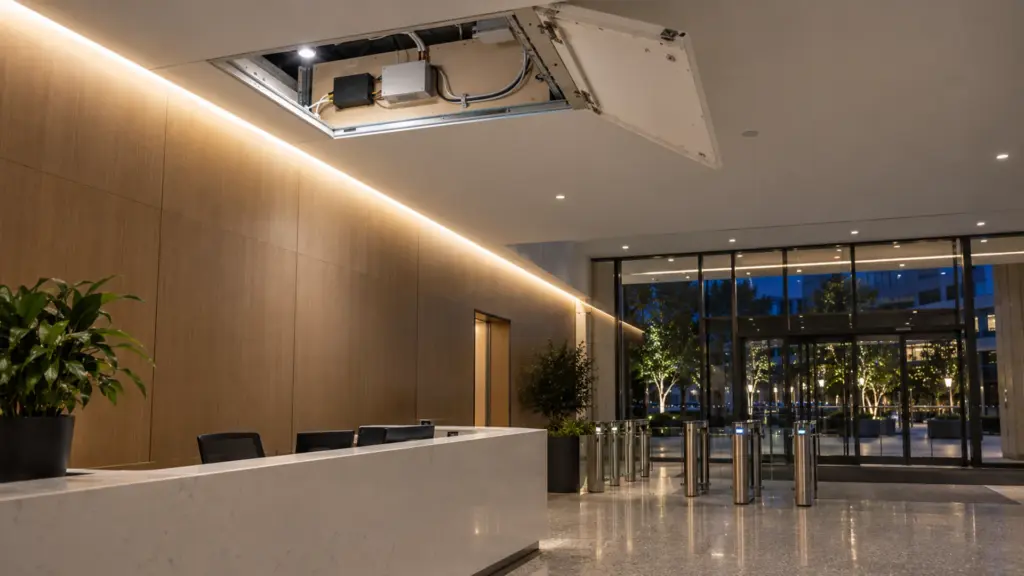
Treat the chain figures as ceilings, not plans. A controller output that drives the full chain at 30 fps leaves no margin for a smoother 40 or 60 fps effect, and video-mapped content usually wants more. Plan outputs at well under the chain figure and keep runs symmetrical so effects line up.
Power is a separate budget. Every one of these rows is rated 16 ft (5 m) per feed or less, so a 168 ft data chain is fed with power about every 16 ft while the data runs through on one line; our SPI vs DMX guide covers injecting power alongside the data and tying the grounds. Our UT-CSPI-2048 controller handles up to 2,048 pixels from an app or RF remote and suits smaller features; our page also names WLED-based systems and Madrix for larger mapped work. Controllers, amplifiers and the power injection plan are matched on our drivers and controllers page and at quote.
What the IC Does Not Change
The IC decides failure behavior, refresh, data reach and channels. It does not decide how the strip looks or where it may go. Color consistency between reels, the run length per feed, the cut length, and whether a row can go outdoors are properties of the strip build, not the chip. Our addressable page lists the run limit and cut for each row, and outdoor versions are specified through our Outdoor line with the wet location marking confirmed per model at quote. Choose the IC with the four gates, then check the row it comes on against the space the same way as any other strip.
By Application
| Job | IC | Why |
|---|---|---|
| Mall storefront sign or exterior facade band | WS2818 | One dead pixel cannot darken the rest; 2 kHz for phone video; 16 ft jumps |
| Mall atrium or lobby feature wall, mapped content, filmed | WS2814 RGBW | Dual data, white channel, 2 kHz; keep jumps under 6.5 ft |
| Hotel lobby or restaurant cove on a pixel controller, warm white most nights, color for events | WS2805 RGBCW | Tunable white plus color in one line, backup data input |
| Bar back or display shelf, effects only, easy access | WS2811 COB | Long jumps allowed, single data line, a dark pixel is a quick fix |
| Visible pixel points as the design, close viewing | SK6812 5050 | One LED per pixel, RGB or RGBW |
| Theater, venue or ballroom run from a lighting console | DMX rows | Console patching; the SPI vs DMX guide above covers the choice |
Mistakes That Show Up at Commissioning
- Wrong IC set in the controller. WS2814 sends 32 bits per pixel, WS2811 24. A controller set to the wrong type scrambles colors along the run. Set the type and the color order from the strip’s datasheet.
- Mixing ICs on one output. A WS2811 section spliced into a WS2814 run is a different protocol on the same wire. One IC type per output.
- Wrong connector at a cut. Breakpoint-resume strip carries an extra data line; our page notes three pins for single-data SPI and more for breakpoint-resume and DMX models. A three-pin joint on WS2818 strip silently throws away the backup. Our connector guide lists pin counts per strip type.
- Wrong supply voltage. Our SK6812 rows come in 5V, 12V and 24V versions, and a 5V row on a 24V supply will be damaged. Match the row’s voltage on the drawing and on the label.
- Leader too long. A long first cable from the controller can corrupt the data before the first pixel; plan an amplifier or move the controller.
FAQ
What is the difference between WS2811 and WS2818?
Both are RGB pixel ICs on 12V or 24V strip. WS2818 adds a second data line, so one failed pixel does not darken the rest of the run, and it refreshes at 2 kHz against 400 Hz for WS2811. WS2811 tolerates longer gaps between pieces, more than 10 m against under 5 m.
Is SK6812 better than WS2811?
SK6812 puts one IC in each 5050 LED, comes in RGBW, and refreshes at 1.2 kHz, so it films better than WS2811. It still has a single data line, so a failed pixel darkens everything after it. For long public runs, WS2818 or WS2814 is the safer spec.
What does breakpoint resume mean on LED strip?
The IC has two data inputs. If one pixel fails, the data skips it and reaches the rest of the run. On our page the breakpoint-resume row is UT-A720-12-BP on WS2818; WS2814 also has a dual input.
Can I mix WS2811 and WS2814 strip on one controller output?
No. They use different data formats, 24 bits per pixel for WS2811 and 32 for WS2814 RGBW. Put each IC type on its own controller output and set the type per output.
Decision Rule
- Public run, sign or facade where a dark section cannot wait: WS2818 (RGB) or WS2814 (RGBW).
- The design rests on white: WS2814, SK6812 RGBW, or WS2805 for tunable white.
- Anything that will be filmed: WS2818 or WS2814 (2 kHz) or WS2805 (4 kHz).
- Long jumps between pieces: WS2811 or WS2818; WS2814 only with jumps under 6.5 ft or repeaters.
- Size controller outputs well under the 1,024-pixel chain figure, and inject power at each row’s run limit, 10 to 16 ft.
Unitop Lighting supplies every IC compared here on our addressable LED strip page, in COB and 5050 builds, with controllers matched at quote. Send the elevation with the run lengths and every jump marked, and we will pick the IC, lay out the controller outputs and the power injection points, and return it with the quote: request a quote.