

LED strip submittal sheet builder
A submittal is the spec table, the listing statement and the project fields on one sheet a reviewer can stamp. Pick the models, fill the fields and print to PDF; the data is the same table that sits on each product page.

Project fields and models
Nothing leaves your browser: the sheet is built on the page and printed from it. Send the PDF with the drawing when you request the quote and we add the LM-79, IES and listing documents.
Pick at least one model to build the sheet.
What goes on the sheet
-
01
The spec rows
Every line the product page's table lists for the model: voltage, watts per foot, cut unit, run limit, IP rating, CRI, CCT and the rest. Nothing is retyped.
-
02
The listing statement
The certification wording from the product's category page, as published, with the documents that back it listed under Documents. Certificate numbers and reports are supplied per model on request.
-
03
Print to PDF
The browser's Print dialog saves the sheet as PDF with the site chrome hidden. One page per three or four models; longer schedules print across pages.
-
04
What it leaves out
Pricing, lead times and the fixture schedule itself, which belong on the quote and the drawings. Reviewers also want the cover sheet and the cross-reference, covered in our submittal guide.
The guides behind the sheet
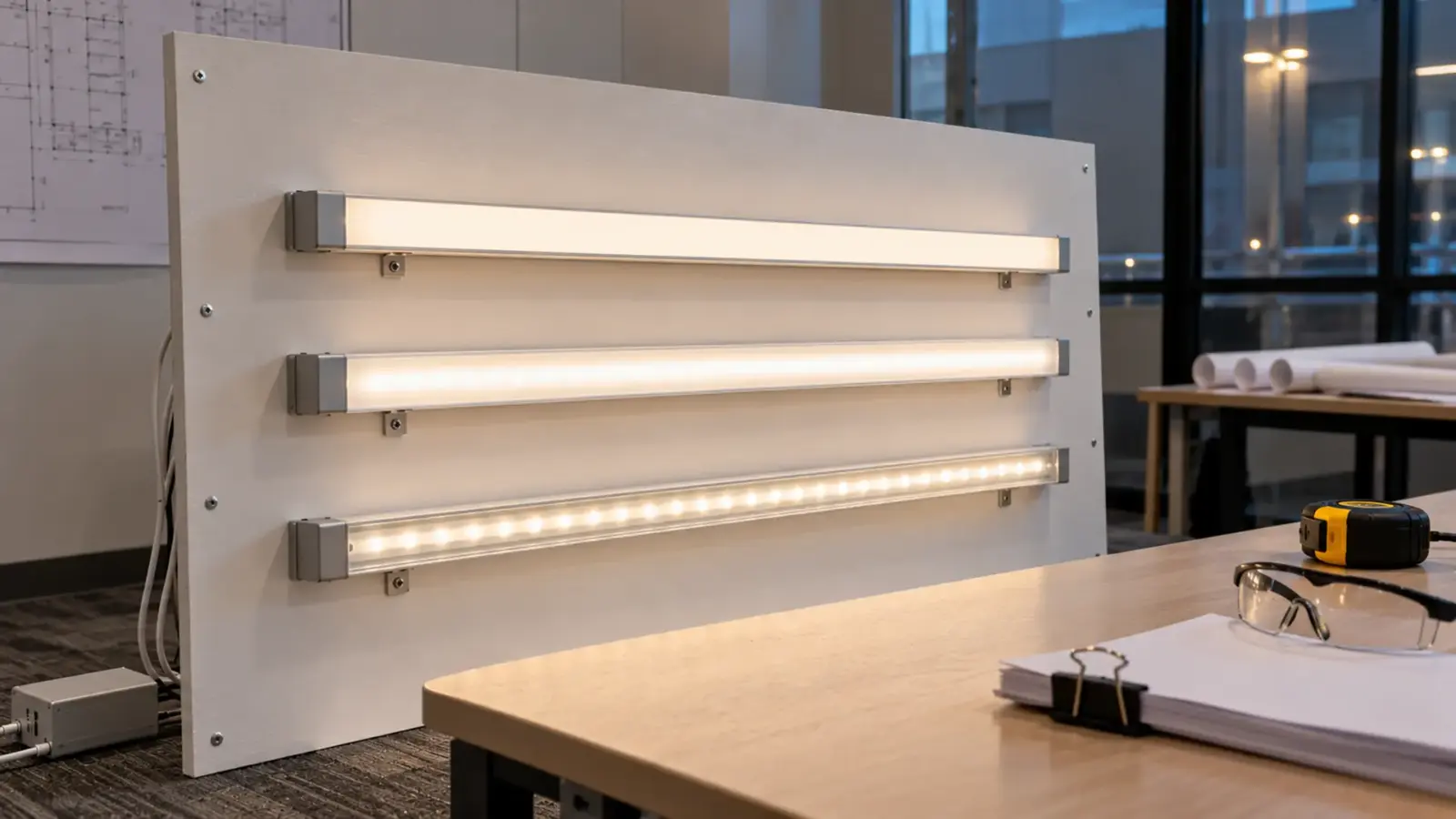
What Goes in an LED Strip Submittal Package, Page by Page

Six Questions a Commercial LED Strip Spec Sheet Must Answer
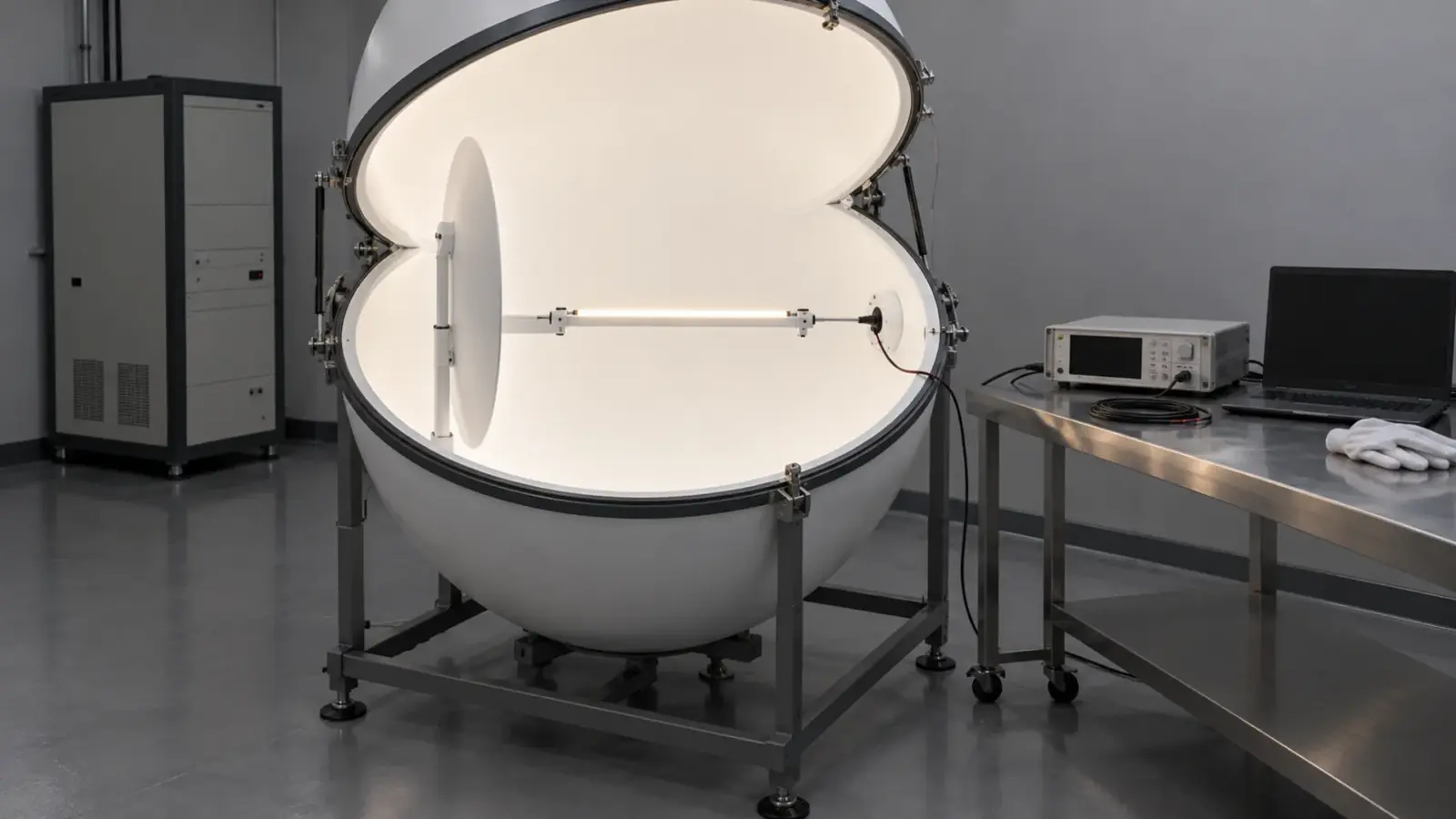
LM-79 Reports: What Each Test Proves on a Datasheet
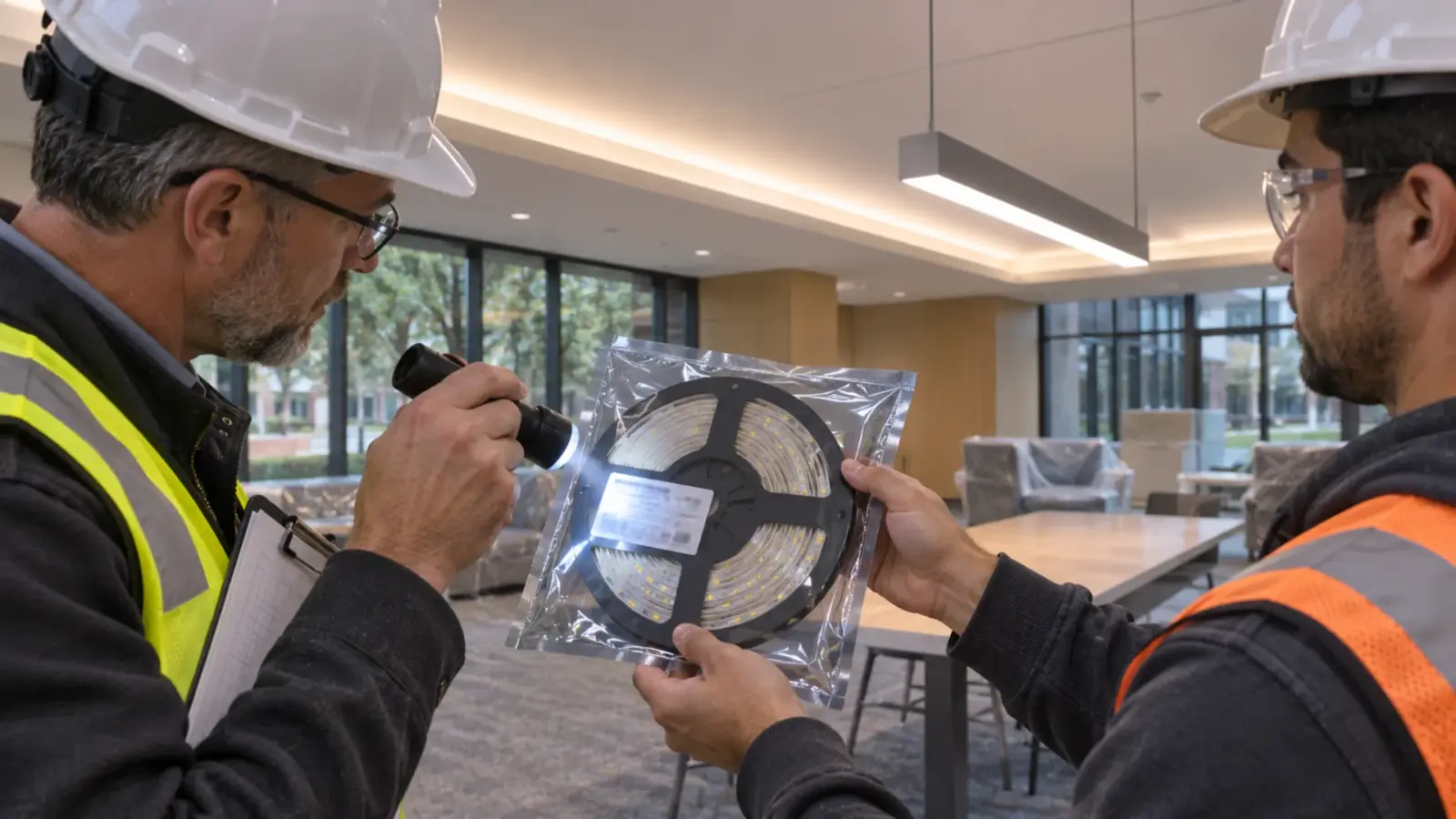
UL 2108 vs UL 8750 vs UL 1598: Which Listing Does an LED Strip Need?

How to Look Up a UL or ETL Listing for LED Strip and Its Driver

Which IES File Do You Need for LED Tape in a Channel?
Using the sheet
Is the printed sheet a formal submittal?
It is the product data section of one. A complete package adds the cover sheet, the fixture schedule cross-reference and the documents listed on the sheet, which we supply per model when you send the sheet with the quote request.
Why are certificate numbers not printed?
Listings are held by the original manufacturing partner and vary by model and configuration, so the number is confirmed per order and supplied with the documentation rather than printed from a table.
Can I edit the values?
No. The sheet prints the published spec-table values so a reviewer sees what the product page shows. Notes for the reviewer go in the notes field.
Where is my data stored?
Nowhere but this browser tab. The models and project details stay until you close it; the two name fields do not.
Send the sheet and we complete the package
The printed sheet and the fixture schedule are enough. An engineer replies with the datasheets, listing documents, LM-79 reports and IES files for the models on it, in writing.
- Trade & project orders
- Drawings welcome
- US-based support