Most buyers read LED strip quality off the price. Price tells you the seller’s margin; it does not tell you how thick the copper is, which LEDs are on the board, or whether the next reel will match. A datasheet, a written order and one sample on the bench tell you that, whatever the grade name says.
That is the short answer for anyone choosing between a spec-grade line, a contractor-grade line and a reel bought online: the grade name is marketing, and the difference that matters is what the seller will put in writing and what you can check yourself. The rest of this page goes item by item.
Three Grades, No Standard Behind the Names
“Specification grade”, “contractor grade”, “professional”, “economy”: none of these is defined by a standard. They are product-line names, and each maker draws the lines differently. GM Lighting, for example, publishes economy, professional and specification tiers of tape light and describes its specification tier with 2- to 3-step MacAdam color consistency. Another maker’s “professional” line may sit anywhere relative to that.
What the names do signal, roughly:
- Specification grade: documented for submittals; tight binning stated; photometry and listing pages available; sold through lighting reps and distributors.
- Contractor grade: a lower-cost line with fewer options and less documentation; often fine for straightforward work; check what is and is not stated.
- Online reels: anything from a well-documented product to an unbranded reel with a one-line description; the listing on the reel may or may not cover the product.
So the grade name is a starting point. The comparison that decides a job is item by item.
Side by Side: What Each Grade Usually Documents
| Item | Spec grade, usually | Contractor grade, usually | Online reel, often |
|---|---|---|---|
| LED package maker and bin | Named, or available on request | Sometimes | Rarely |
| Color consistency (SDCM) | Stated, 2–3 steps | Sometimes stated, wider | Not stated |
| CRI and R9 | Both stated | CRI stated | CRI claimed, R9 missing |
| Lumens per foot at each CCT | Stated per CCT | One figure | Often per reel, not per foot |
| Run length per feed | Stated per model and W/ft | Stated | Often a reel length |
| Copper weight | Available on request | Rarely | Rarely |
| Listing | Named holder, file, scope | Mark on the reel | Mark may not cover the product |
| Warranty | Written, with conditions | Shorter or unclear | Seller’s return window |
These are tendencies, not rules. A well-documented contractor-grade line beats a spec-grade line with a thin datasheet. The table is a list of questions, not a verdict.
Copper and the PCB: Ask for the Weight
The printed circuit board carries both the current and the heat. Copper weight is given in ounces per square foot; according to one PCB maker, 1 oz is about 35 µm thick, and heavier copper is used where current or heat is higher. Thin copper loses more voltage along the run and runs the LEDs hotter.
Copper weight is rarely printed on a strip datasheet, including ours. It is still a fair question: ask for the copper weight and the PCB width in writing, and compare like with like. What you can check yourself is the result: measure the voltage at the far end of a full-length sample and compare it with the near end; a strip with thin copper loses more.
Look also at the board width and the cut points. A wider board at the same power spreads heat further. A clean, evenly printed copper pad at each cut point is easier to join and less likely to lift when soldered.
LEDs and Binning: The Seam You See Later
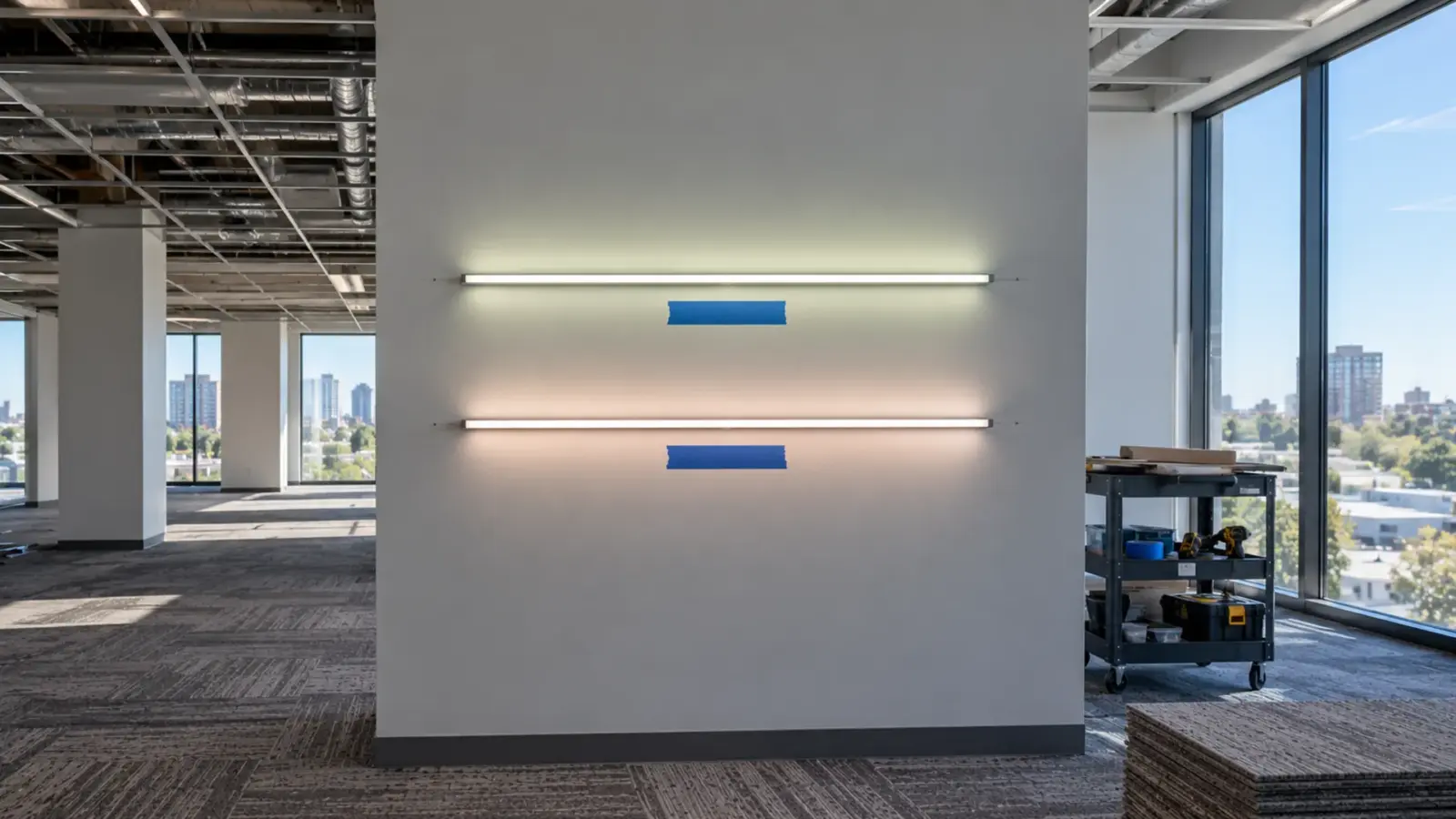
Two reels of the same part number that do not match are the most common quality complaint on commercial jobs, and it starts with the LEDs. Lighting Exchange makes the point plainly: inexpensive tape tends to use broader bin ranges, which shows as color shifts from one section to the next.
What to verify:
- The Color-consistency steps (MacAdam ellipses). Fewer steps means two strips from different reels look like the same white; 3-step is hard to tell apart by eye. figure for the white, stated on the datasheet or the order. Our CSP white families are binned to SDCM ≤3 on flat-coated builds; our COB page states ±2 SDCM binning across every reel.
- The LED package maker and part number where the specification calls for it.
- That every reel for one area comes from one production lot.
Our guide to why a second reel doesn’t match the first covers SDCM in detail.
Light Numbers: Lumens, Efficacy, CRI and R9
A good datasheet gives lumens per foot and watts per foot at each CCT, so you can work out lumens per watt for the whole strip. A short one gives a single lumen figure and leaves you to guess the CCT and length behind it.
- Efficacy: our UT-S2835-128-HE is stated at 190 lm/W as a whole-strip figure. Ask whether any efficacy you are quoted is for the strip or for the bare LED package; the second is always higher. Our lumens per watt guide explains the gap.
- CRI: our standard tier is Ra≥90, with Ra≥95 and Ra≥98 tiers. Ra alone can hide a weak red.
- R9: the saturated red sample. Our CSP whites state R9 >40; the full-spectrum UT-SFS series states R1–R15 ≥90. A datasheet with Ra and no R9 leaves the most visible color question open.
- Rated life: a bare “50,000 hours” says little. Future House, a UK lighting retailer, makes the same point: most strips claim a similar figure, and the difference is in how much light is left over time. Look for a lumen maintenance figure (L70, L80 or L90) with the temperature and drive current it was measured at.
Run Length per Feed: The Number That Gets Inflated
Run length per feed is where marketing and physics meet. A reel length is not a run length; a run length only means something next to the watts per foot it applies to and the voltage.
On our tables most 12V and 24V strip is rated 16 ft (5 m) per feed, a few 24V COB series 32 ft (10 m), and the 48V and constant-current series 49–65 ft (15–20 m). Each figure belongs to one model at its stated W/ft. When a competing strip claims a much longer run at the same voltage and a similar W/ft, ask how the far-end brightness was measured, or test a full-length sample. Our voltage drop guide explains why the far end dims.
Adhesive, Coating and Heat
Some of the cheapest failures have nothing to do with the LEDs.

- Adhesive: the backing tape decides whether the strip stays on the substrate after a summer of heat cycles. Ask which tape is on the back; ledspace, a UK supplier, points to VHB-type tape on the better products. Test it on the real substrate.
- Coating: on IP-rated strip, the silicone or epoxy has to stay flexible and clear. In a comparison run by Loxone, a seller of its own strip, the cheaper samples had cracked coating and smelled before they were switched on.
- Heat: according to Hitlights, strips often fail at joints and traces after repeated heating and cooling, and adhesive backing can trap heat against the board. An aluminum channel helps; our channel guide covers when one is needed.
The Paperwork: Listing, Datasheet, Warranty
A logo on a reel is not a listing. The question is whose listing it is, which standard, which model and which installation. For LED strip, certification belongs to the product and its original manufacturer, and coverage varies by model; on our range, UL Listed options are available and the listing is confirmed for the exact model at quote. Our UL vs ETL guide explains how to read the scope.
- 1Mark on the reelStarts the questionNot evidence by itself
- 2Listing holderOriginal manufacturerWho holds the file
- 3File and standarde.g. UL 2108Look it up by number
- 4Model and locationDry, damp or wetMust name your model
The warranty should be written, with its period and conditions. Ours is a limited warranty of up to 5 years on LED strip, with the period for each order stated on the quotation and depending on the product series; the warranty policy sets out the conditions. A seller’s return window is not a product warranty.
The datasheet itself is evidence. Missing values, one lumen figure for every CCT, no cut step or no run length per feed usually mean nobody measured them for this product.
Test a Sample in an Hour
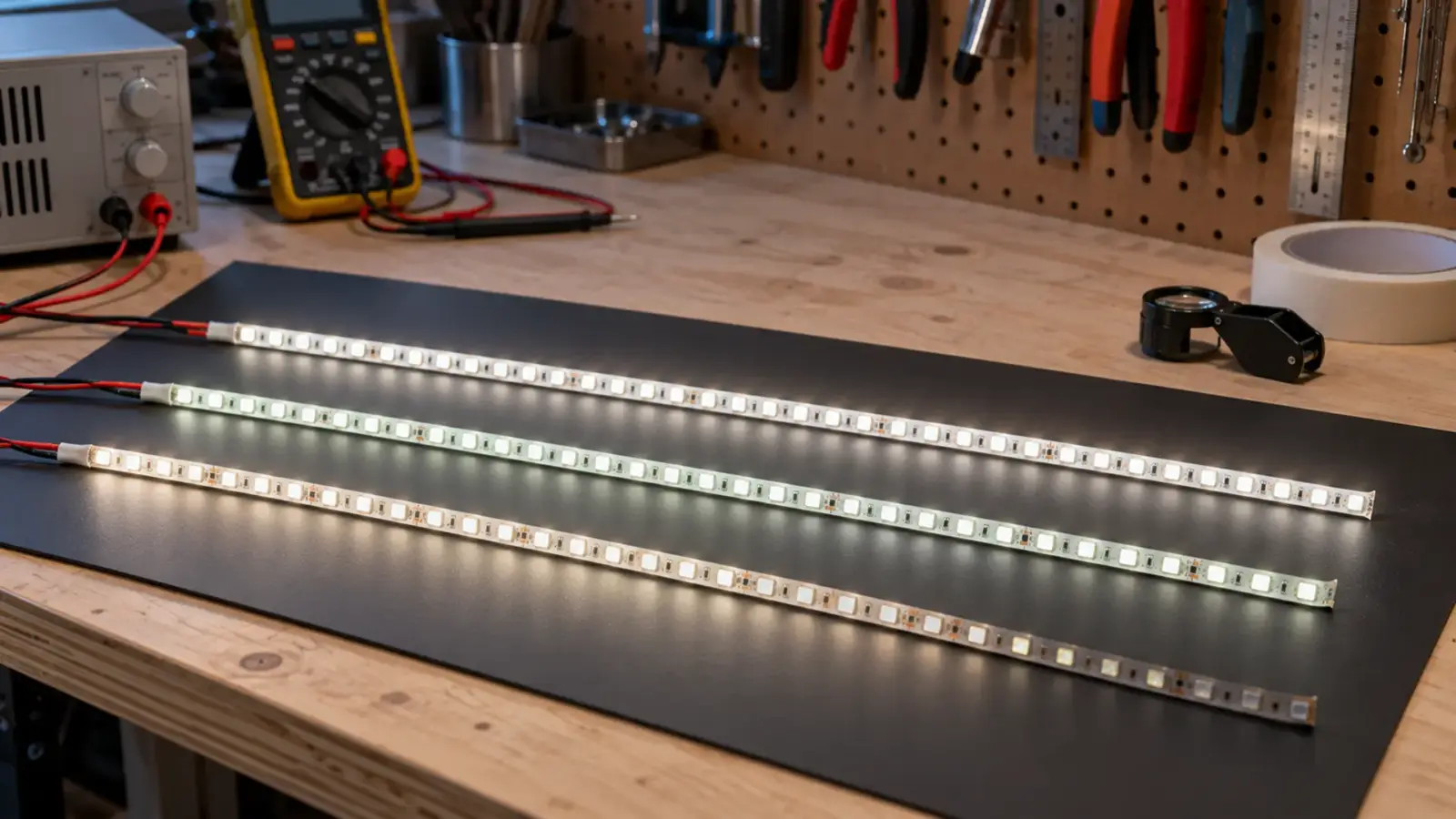
A 16 ft sample on a bench answers most questions before an order is placed. You need the job’s driver, a meter, a phone and an hour.
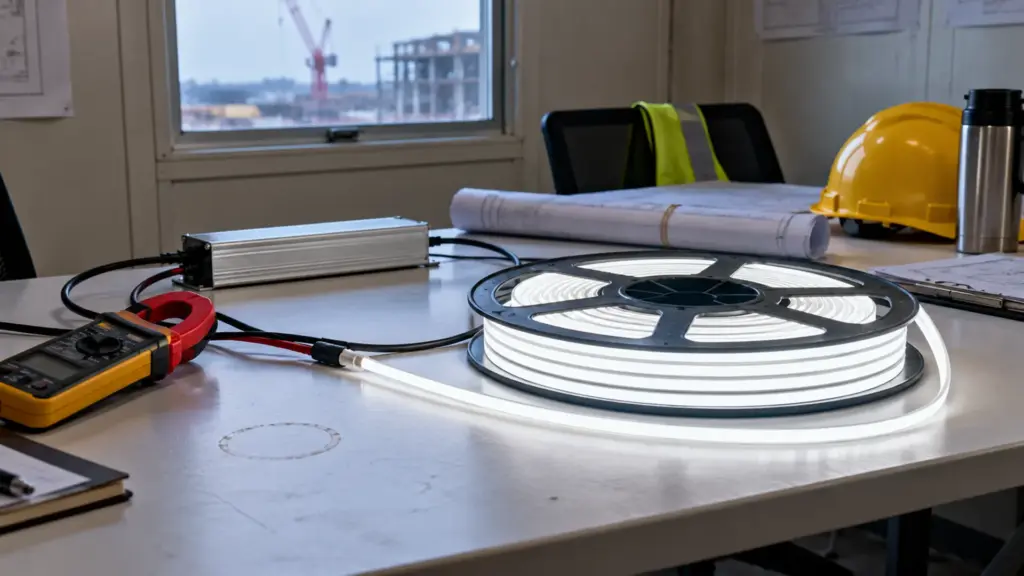
- Power draw: measure current at the rated voltage; multiply by the voltage and divide by the length. Compare with the stated W/ft.
- Far end: measure the voltage at the far end of the full rated run and look at the brightness against the near end.
- Heat: run it for thirty minutes in the job’s channel and compare the board temperature with another sample under the same conditions.
- Flicker: dim it to the lowest level the job will use and look at it through a phone camera; Future House suggests this check for visible banding.
- Color: lay two reels side by side, both warm, and look for a seam.
- Adhesive: stick a piece to the actual substrate, wait a day, and try to lift it.
- Build: look at the solder, the resistors and the cut pads under a loupe.
- 1Power drawMeterAmps × volts ÷ length
- 2Far endFull rated runVolts and brightness
- 3Heat30 min in channelCompare samples
- 4FlickerPhone cameraAt the lowest dim
- 5ColorTwo reels, warmLook for a seam
- 6AdhesiveReal substrateLift after a day
- 7BuildLoupeSolder, resistors, pads
None of this replaces photometric testing in a lab. It does show which datasheet numbers hold up.
The Driver Is Part of the Grade
A spec-grade strip on an unknown power supply is not a spec-grade system. Cheap strip often ships with a cheap supply, and the supply is where many installations fail first: it runs hot in a closed cabinet, it buzzes or flickers when dimmed, or it carries a mark that does not cover the way it is installed.
Check the driver the same way as the strip:
- A Class 2 marking on the label if the design relies on Class 2 wiring, and a loading margin on top of the strip’s load
- A dimming method that matches the control, tested together at the lowest dim level the job uses
- An IP rating and temperature range that suit where it will sit
- Somewhere it can be reached and replaced without opening a finished ceiling
Our power supply sizing guide covers the loading margin and the Class 2 split.
What Cheap Costs Later
The saving on a cheap reel is visible on the invoice. The costs come later and land on the installer:
- Reopening finished work: a dead section in a closed cove means access panels, scaffolding or cutting drywall, often after the space is occupied.
- A reorder that does not match: the replacement reel is a different white, so the repair becomes a whole-run replacement.
- A failed inspection: a mark that does not cover the product or the location stops the job until the strip or the driver is changed.
- A callback the warranty does not cover: a return window ends long before the strip shows its problems.
None of these is certain on a cheap reel, and none is impossible on an expensive one. The point of verifying is to move the risk from the ceiling to the bench, where it costs an hour.
When Online Strip Is Fine
Not every use needs a spec-grade reel. A cheap reel is a reasonable choice for a mockup that tests an idea before the specification is written, for a temporary installation that comes out after an event, or for a test of a detail that will be built properly later. Our supplier guide covers when a factory, importer or distributor fits better.
It is the wrong choice where the inspector will look for a listing, where sections sit side by side and must match, where the run is long, or where the strip goes behind a finished ceiling and has to last.
FAQ
What does copper weight mean on LED strip?
Copper weight is the thickness of the copper on the strip’s circuit board, given in ounces per square foot; 1 oz is about 35 µm. Heavier copper carries current with less voltage loss and spreads heat better. It is rarely printed on the datasheet, so ask for it in writing.
Is contractor-grade LED strip good enough for a commercial job?
It can be, if the line documents what the job needs: Color Rendering Index, 0–100: how truthfully the light shows colors next to a reference source. Ra≥90 is the usual bar for interiors. and R9, SDCM, lumens and watts per foot, run length per feed, the listing scope and a written warranty. Judge the line by its datasheet and a sample, not by the grade name.
Does a UL mark on the reel mean the strip is listed?
Not by itself. Check whose listing it is, the standard, the model it covers and the installation it allows. The mark should lead to a listing file that names the product you are buying.
How long should commercial LED strip last?
It depends on heat, drive current and installation as much as on the LEDs. Compare rated lumen maintenance data where it is given, the written warranty period, and how the strip is cooled and joined on the job.
What to Ask For in Writing
Whatever the grade, put these on the quote or the order:
- Model, CCT, CRI and R9, SDCM
- Lumens and watts per foot at the ordered CCT
- Cut step and rated run length per feed at that W/ft
- PCB width and copper weight
- Adhesive type, and IP construction where relevant
- Listing holder, standard, model and location
- Warranty period and conditions
- One production lot per area, with lot codes on the reels
We quote our SMD LED strip and COB LED strip ranges with the datasheet, binning and test records for each model, and we ship samples for approval before an order. Send the specification and run lengths and request a quote.