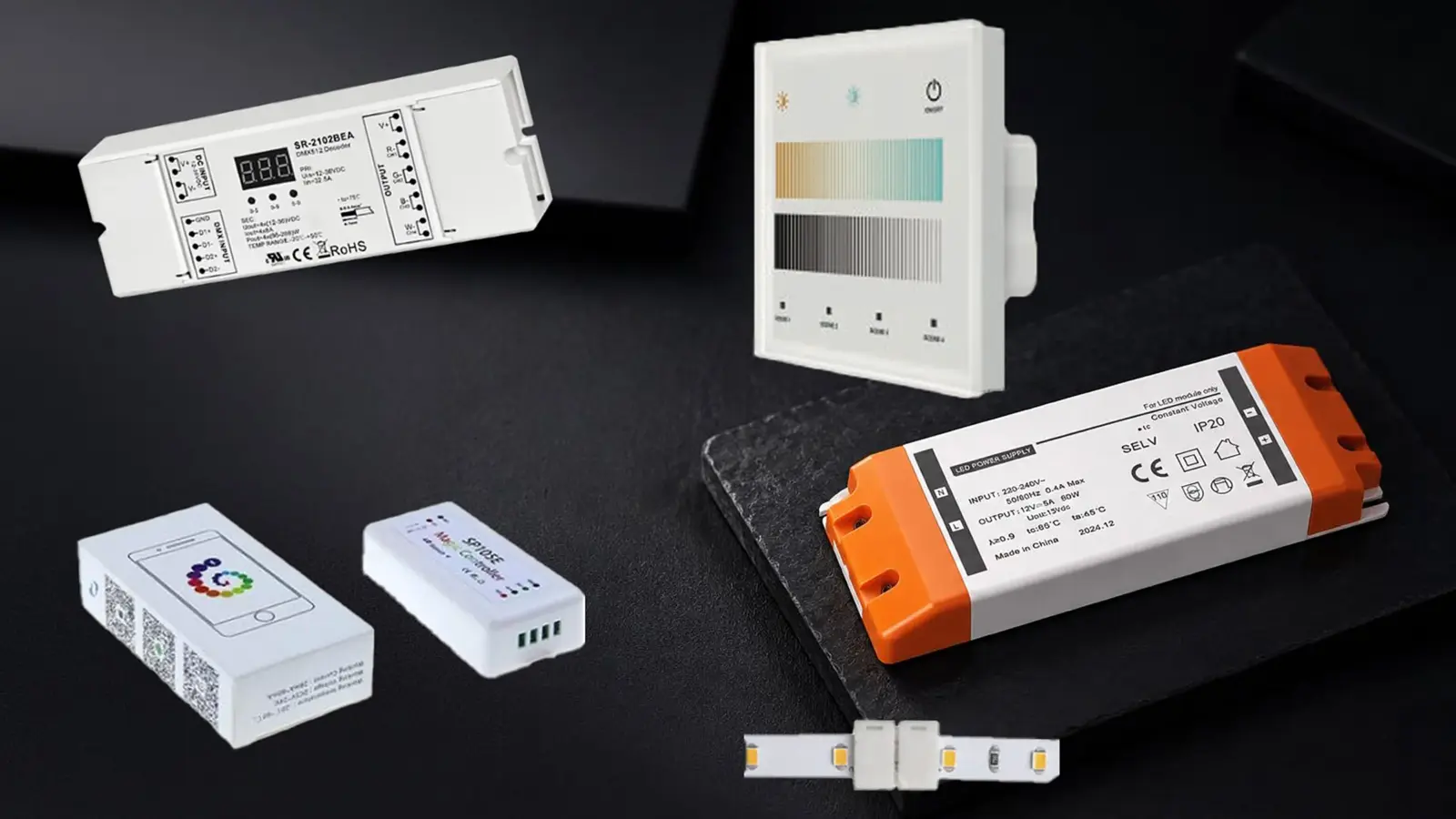


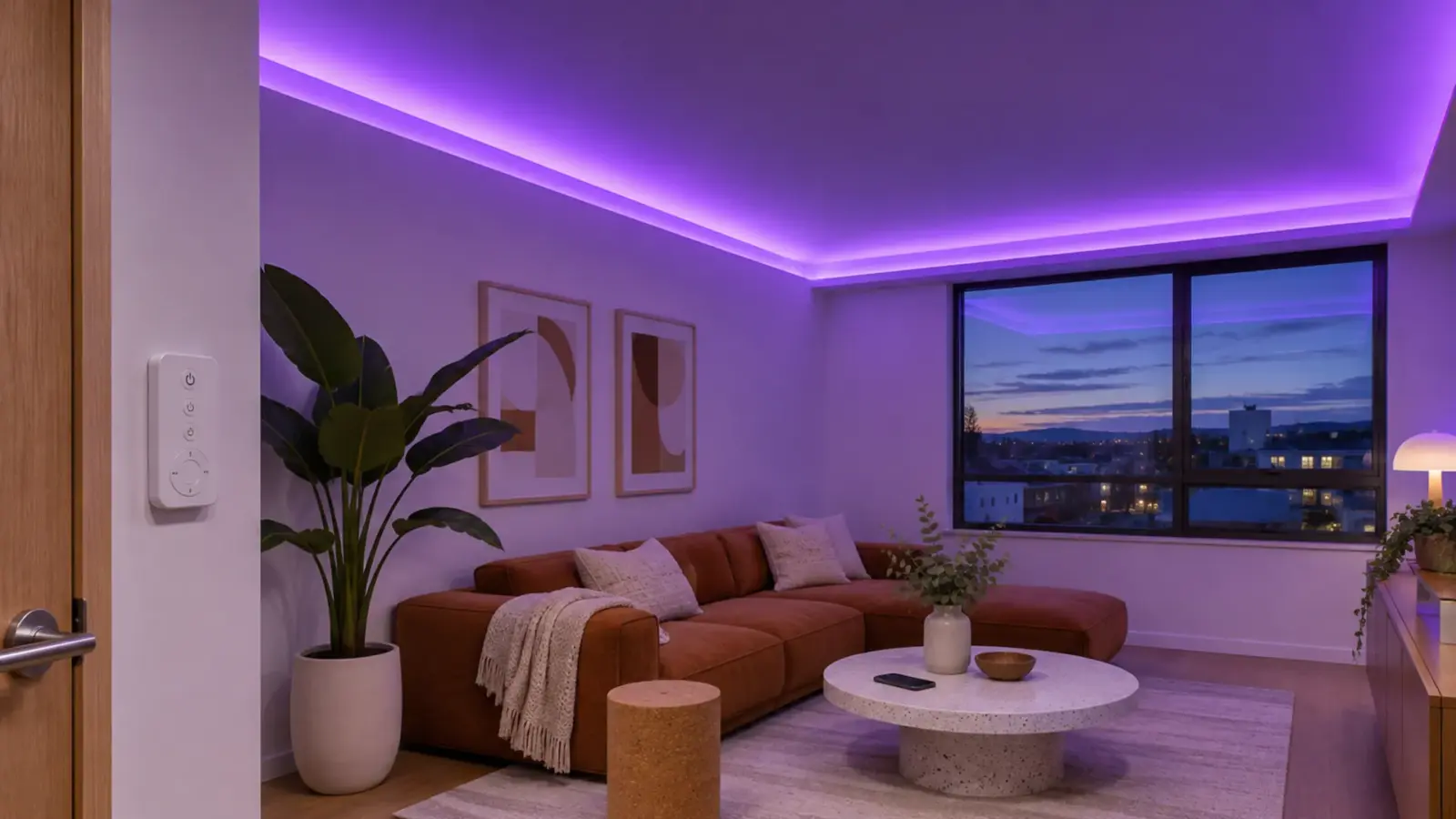
When a client asks to run LED strip from a phone, the order starts with the app they already use, not with the strip. Smart Life with Alexa or Google points to a Wi-Fi LED strip controller, a Hue bridge or Apple Home points to Zigbee, and the run’s current decides how many controllers go on the order.
Five decisions settle the parts list:
- The app sets the controller family and whether a gateway is on the order.
- The strip’s channels set the model: single color, tunable white, RGB, RGBW or RGB+CCT.
- The current sets the count. Our Wi-Fi and Zigbee controllers carry 15 A in total, about 65 ft of a 4.4 W/ft strip at 24V with headroom.
- Long runs take amplifiers, so the run stays one device in the app.
- People without the app need a handheld or wall remote paired to the same Wi-Fi controller.
Start With the App the Client Already Uses
Ask first which app is already on the client’s phone. A client with Alexa speakers and a Smart Life account does not want a Hue bridge, and one who lives in the Apple Home app will not open a Tuya app every evening.
| The client uses | Controller family | Gateway on the order | Notes from our table |
|---|---|---|---|
| Smart Life (Tuya), Alexa or Google Assistant | UT-CWF Wi-Fi + Bluetooth | None; the controller joins the site’s Wi-Fi | Every UT-CWF model also takes our 2.4G RF remotes |
| A Philips Hue bridge already on site | UT-CZB Zigbee 3.0 | The client’s Hue bridge | Single color, tunable white, RGB and RGBW models only |
| The Apple Home app on an iPhone | UT-CZB Zigbee 3.0 | UT-CGW-ZBH, wired to the router | The gateway listed for Apple Home; confirm at quote which controller types appear in the Home app |
| Tuya, with Zigbee in several rooms | UT-CZB Zigbee 3.0 | UT-CGW-ZBM, Zigbee + Bluetooth Mesh | Joins the router over Wi-Fi |
| A Zigbee system with a wired hub | UT-CZB Zigbee 3.0 | UT-CGW-ZB, network cable to router | Or the gateway already on site; confirm its model at quote |
| An RF remote system, app added later | UT-CRF-24G receivers | UT-CGW-RF, 2.4G RF to a Wi-Fi app | Confirm the pairing at quote |
| No app at all | UT-CWF controller or UT-CRF-24G | None | A handheld or wall remote does the job |
Two rows trip people up. The Hue bridge row stops at RGBW: our UT-CZB-RGBCCT and UT-CZB-5IN1 list a Zigbee gateway only, so an RGB+CCT run on a Hue job is a mismatch before it ships. And an iPhone is not the same thing as Apple Home. Smart Life runs on an iPhone too, so a client who only says “iPhone” usually means “my phone”. Put Apple Home on the order only when that is the app they open.
Match the Channels: The Strip Picks the Model
Every family comes in one model per strip type, and the suffix matches the strip’s color channels:
| Strip | Example from our tables | Wi-Fi model | Zigbee model |
|---|---|---|---|
| Single color | any single-color strip | UT-CWF-SC | UT-CZB-SC |
| Tunable white | tunable white LED strip UT-T120-10 | UT-CWF-CCT | UT-CZB-CCT |
| RGB | UT-R60-10 | UT-CWF-RGB | UT-CZB-RGB |
| RGBW | UT-RW60-12 | UT-CWF-RGBW | UT-CZB-RGBW |
| RGB+CCT | UT-RCCT60-12 | UT-CWF-RGBCCT | UT-CZB-RGBCCT |
| Not fixed yet | any of the above | UT-CWF-5IN1, set on install | UT-CZB-5IN1, set on install |
The 5-in-1 models suit a multifamily building with several unit types, where one spare model covers every strip on site, and a job where RGBW versus RGB+CCT is still open when the controllers are ordered.
Three strips need a second look before you order. Our RGB and RGBW LED strip range includes 5V COB RGB (UT-R576-8-LV), and only the Zigbee rows accept 5V; the Wi-Fi rows start at 12V. The 2-wire COB tunable strips, UT-T480-7 and UT-T576-8, tune color temperature in a different way from the 3-wire ones, so confirm the controller at quote instead of assuming the CCT model runs them. And addressable pixel strip does not run on any of these: it takes a pixel controller such as our UT-CSPI-2048, which is listed with an app and an RF remote. Our wiring diagrams guide shows the conductor count for each strip type.
Count the Wi-Fi LED Strip Controllers: Current, Not Feet
Our UT-CWF and UT-CZB controllers list 15 A in total, with 6 A per channel on the RGB, RGBW and RGB+CCT models and 7.5 A per channel on the single-color and tunable-white models. We keep the load at or below 80 percent of that, the same margin our drivers page uses. At 24V that is 12 A, or 288 W per controller.
Divide 288 W by the strip’s rated watts per foot and round down:
| Strip (24V) | Rated power | Controller | Feet per controller at 12 A |
|---|---|---|---|
| UT-T120-10 tunable white | 4.4 W/ft (2.2 per channel) | UT-CWF-CCT or UT-CZB-CCT | 65 ft (19.8 m) |
| UT-R60-10 RGB | 4.4 W/ft | UT-CWF-RGB or UT-CZB-RGB | 65 ft (19.8 m) |
| UT-RW60-12 RGBW | 5.9 W/ft | UT-CWF-RGBW or UT-CZB-RGBW | 48 ft (14.6 m) |
| UT-RCCT60-12 RGB+CCT | 5.9 W/ft | UT-CWF-RGBCCT or UT-CZB-RGBCCT | 48 ft (14.6 m) |
| UT-RCCT96-12 RGB+CCT | 9.4 W/ft | UT-CWF-RGBCCT or UT-CZB-RGBCCT | 30 ft (9.1 m) |
Check the channel too. On the tunable row, 65 ft of 2.2 W/ft is 143 W on each channel, 6.0 A, which sits right at 80 percent of the 7.5 A channel rating. The RGB, RGBW and RGB+CCT rows above stay under the per-channel figure when the load is spread across the colors, but a strip datasheet that gives a per-channel load governs.
A 42 ft RGB+CCT living-room cove. A typical multifamily unit: 42 ft (12.8 m) of UT-RCCT60-12 around a living-room ceiling. That is 42 × 5.9 = 248 W, or 10.3 A at 24V. One UT-CWF-RGBCCT carries it inside the 12 A line. The strip lists 16 ft (5 m) per feed, so the cove still takes three feeds, and the driver is sized separately: 248 W at 80 percent needs at least 310 W of rating, so a 350 W supply such as UT-D350-1224-20S. Our parts list for a 42 ft RGB+CCT cove works this same cove line by line, from the strip cut list to the wall remote.
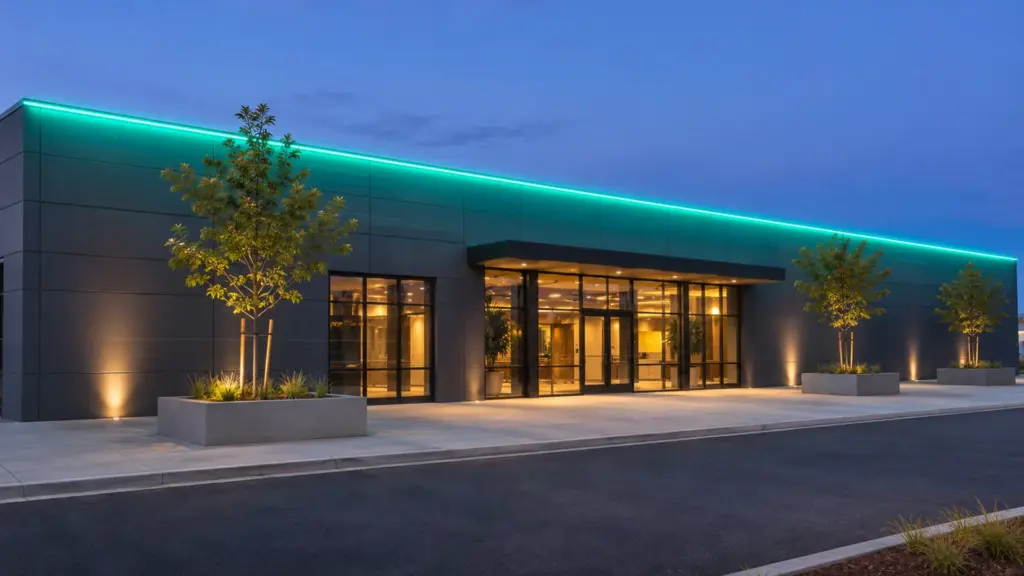
A 150 ft RGB outline. 150 ft (45.7 m) of UT-R60-10 at 4.4 W/ft is 660 W, or 27.5 A at 24V, almost twice one controller’s 15 A. Split it into three 50 ft sections of 220 W and 9.2 A each.
The controller count and the feed count are separate questions: the strip still needs a feed every 16 ft, whatever drives it. Our guide to feeding several runs from one driver covers the feed layout.
One Device or Three: Amplifiers on a Long Run
The 150 ft outline can be built two ways.
Three controllers. Three UT-CWF-RGB, one per section, show up as three devices in the app, and whether they change color together depends on how the app is set up. Fine for three rooms; weak for one outline that should read as one line.
One controller and two amplifiers. One UT-CWF-RGB drives the first section, and two UT-CAMP-4 signal amplifiers repeat its output to the other two. Our table lists the UT-CAMP-4 at 384 W across four channels, so a 220 W section uses 57 percent of it. The client sees one device, and every section follows the same signal.
Each section still has its own driver. For an exterior outline that means an IP-rated strip version and a sealed IP67 supply. At 220 W, the 300 W UT-D300-1224-67S stays at 73 percent.
The amplifier route has one limit: the UT-CAMP-4 repeats four channels. That covers RGB and RGBW. RGB+CCT uses five, so an RGB+CCT run longer than one controller carries (48 ft of UT-RCCT60-12, 30 ft of UT-RCCT96-12) takes a second controller, or ask at quote for a repeater matched to five channels.
A Remote for Everyone Without the App
Housekeeping, the event crew and guests do not have the app, and on a larger job the owner, not the installer, should hold the login; our guide to wireless controllers at handover covers who owns the network. Either way, put a remote in the room.
Our 2.4G RF remotes pair with the UT-CWF Wi-Fi controllers, and most are listed at 98 ft (30 m) of range:
- UT-CRM4-SC, UT-CRM4-CCT, UT-CRM4-RGB: handheld, four zones. The RGB remote covers RGB, RGBW and RGB+CCT.
- UT-CRM8-RGB: handheld, eight zones.
- UT-CWP4-CCT, UT-CWP4-RGB: wall remotes, four zones, magnetic, on two AAA cells. Nothing to wire and no back box.
- UT-CRM8-RGB-LR: handheld, eight zones, listed at 492 ft (150 m).
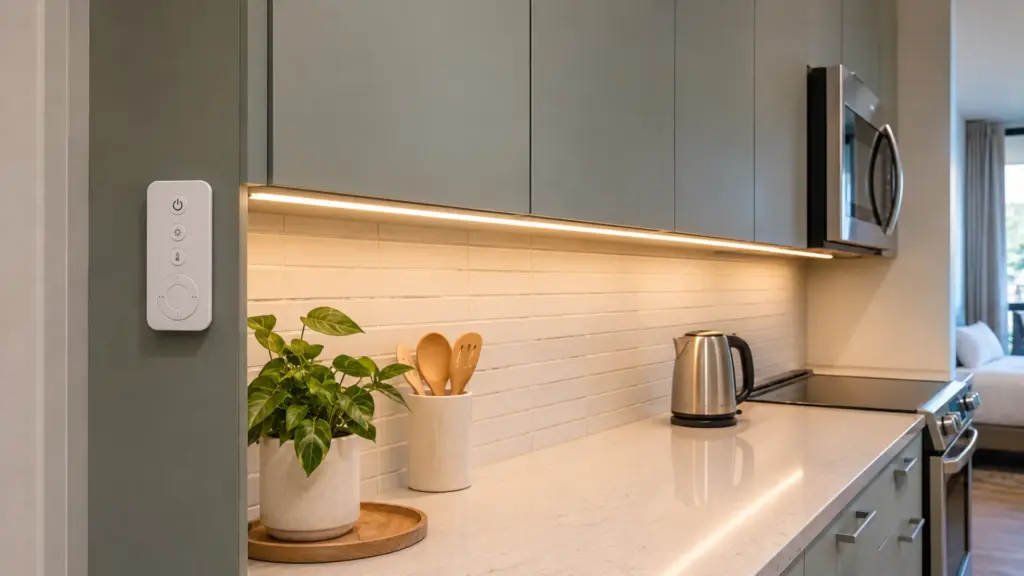
An RF remote talks to the controller directly, not through a phone. On an event site the crew runs the outline from a remote and the client keeps the app as an extra; if the venue’s Wi-Fi will not be set up before the show, confirm at quote that the controller runs on the remote alone. On a Zigbee job, ask for the remote option, since our remote rows are listed for the Wi-Fi controllers.
One range detail is a question for the quote: the long-range remote is listed at 492 ft, the Wi-Fi controller rows at 98 ft of RF range. Ask which receiver reaches 492 ft before planning a 300 ft walk from the stage.
The Lutron Pico Question
A Pico is Lutron’s battery remote. Lutron lists it as compatible with Caséta, RadioRA 3, HomeWorks, Athena, Vive and myRoom XC, and it talks on Lutron’s own radio band, 431 to 437 MHz according to Lutron’s product page. Our remotes use 2.4G RF, and our controllers use Wi-Fi and Bluetooth, Zigbee or 2.4G RF; none of them is on Lutron’s band. A Pico will not pair with a UT-CWF, UT-CZB or UT-CRF controller, and we do not sell Lutron.
That leaves two honest routes for a client who asked for a Pico on four RGBW rooms:
- Keep the Pico, and put the strip behind a Lutron dimmer or module. The Pico controls the Lutron device, which controls our driver: a phase-cut dimmer needs a driver built for it, such as UT-D60-24-TRC (60 W, forward or reverse phase), and a 0-10V Lutron control needs a 0-10V driver or decoder. A dimmer sets the level of one load, so this route gives brightness, not RGBW color. Our guide to pairing LED tape with a Lutron dimmer covers the flicker-free match, and our Lutron, Crestron and Control4 guide covers color through a Lutron system.
- Keep the Pico’s job, not the Pico. What most clients mean is a battery button by the door with no wiring. One UT-CWP4-RGB wall remote runs four zones, one per room, with a UT-CWF-RGBW in each room inside the remote’s 98 ft range. The rooms get color from the wall and from the app.
Route 2 is the shorter order for color; route 1 suits a house already on Lutron where the strip only dims.
When a Phone App Is the Wrong Control
Phone control suits apartment units, a few rooms or an event outline, not spaces where the building owns the lights. Corridors, lobbies and spaces with energy-code controls belong on a wired system the facility team can service. Our list covers the common ones: the UT-CTP-010 0-10V wall panel with a 0-10V driver or the UT-C010-350 decoder, UT-CDALI-DT8 for DALI tunable white, and UT-CDMX-480 where a lighting console runs the scenes. Our dimming methods comparison sets those side by side.
Radio approvals belong on the submittal too: our table notes that wireless approvals vary by model and are confirmed with the quote.
Before You Order the Controllers
- The app the client opens every day, named on the order: Smart Life, Hue, Apple Home or none.
- The strip type matched to the controller suffix, with 5V, 2-wire tunable and pixel strip checked separately.
- Watts per controller at or below 288 W at 24V, and each channel checked against the strip’s datasheet.
- Long single runs on one controller plus UT-CAMP-4 amplifiers, unless they are RGB+CCT.
- Feeds at each strip’s listed length per feed (16 ft on most rows here, 6.5 ft on the 5V COB, 10 ft on UT-T480-7) and drivers sized on their own.
- One remote or wall remote per room for the people without the app (listed for the Wi-Fi controllers; ask for Zigbee jobs), and the owner holding the login.
We quote these jobs from drawings. Send the plan, the run lengths and the app the client uses, and we will match the strip, controller, gateway and driver from our drivers, controllers and connectors range: request a quote.