An LED strip takeoff becomes a usable bill of materials in four steps: a run schedule listing every continuous run, a load sheet turning runs into feeds and drivers, a BOM counting strip, channel, connectors and drivers, and an RFQ sheet telling suppliers exactly what to price. Build it once and reuse it.
You have a reflected ceiling plan, a lighting schedule with three tape types, and four days to get comparable quotes back. Footage totals will not do it: two suppliers will price two different jobs from the same total. A template that starts from runs and ends at a clean RFQ gets you there, and it catches most of the errors that turn into change orders. This article walks through each tab, the columns it needs, and a worked example across three spaces.
Four Tabs, One Direction
- 1Run scheduleOne row per runRun ID, length, mounting
- 2Load and feedsPer runW/ft, feeds, drivers at 80%
- 3Bill of materialsCountedReels, cut list, sticks, connectors
- 4RFQ sheetSentSpec, bin, documents, date
The template has four tabs, and information only flows forward:
- Run schedule: what is on the drawings, run by run.
- Load and feeds: what each run needs electrically.
- Bill of materials: what to buy, counted.
- RFQ sheet: what to ask suppliers to price.
Keep one row per run in the first two tabs, so a change on the drawings changes one row and everything downstream follows. Our guide on how to quote an LED strip job explains why takeoff by run beats takeoff by total footage; this article is the sheet that does it.
Tab 1: The Run Schedule
One row per continuous run, in the order a crew would install them.
| Column | What goes in it |
|---|---|
| Run ID | A short code that also goes on the drawings and the cartons, such as L1-03 |
| Space and location | Lobby, north cove |
| Fixture type | The tag on the lighting schedule |
| Strip model or performance spec | Model, or CCT, CRI, W/ft and width if open |
| Run length, measured | In feet and inches, from the drawing or the site |
| Mounting | Cove, slot, under-cabinet, groove |
| Channel and cover | Model and cover type |
| Feed end | Where the cable comes in |
| Control zone | Which dimmer or zone it belongs to |
| Notes | Corners, joints, access, wet location |
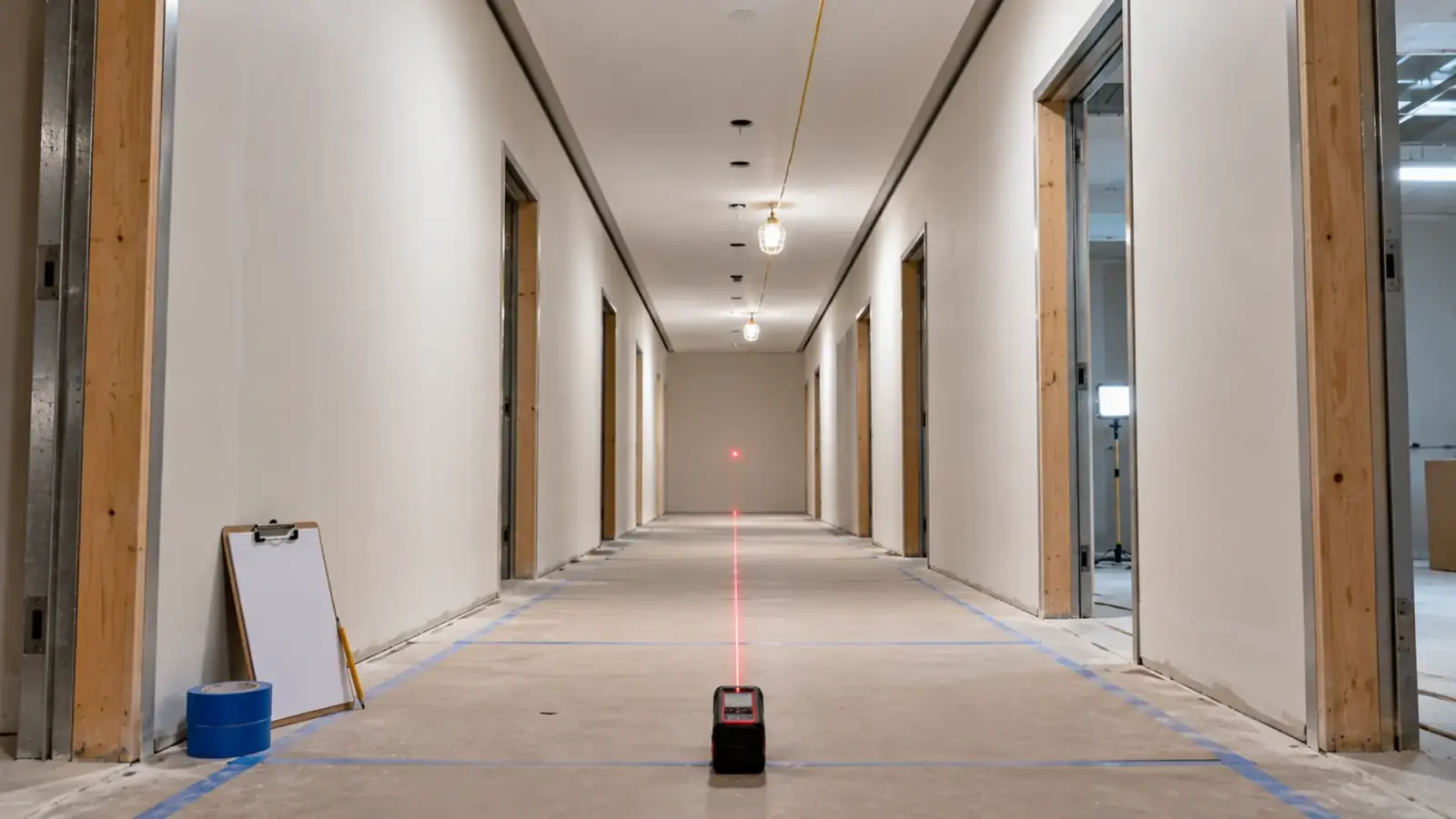
Measure runs, not rooms. A cove that wraps four walls is four runs if it has four corners where the strip must be cut, or one run if a corner channel carries it round. Walk the site where you can; the drawings never show the beam that interrupts the cove.
Checkpoint: every lit line on the plan has a row, and the total length matches a rough check of the plan.
Tab 2: Load, Feeds and Drivers
This tab turns each run into electrical facts. For each row:
- Watts per foot from the datasheet.
- Run watts = run length × W/ft.
- Maximum run per feed from the datasheet. If the run is longer, split it into feeds and note where.
- Driver capacity at 80 percent. For a 60 W Class 2 driver that is 48 W.
- Drivers for the run = run watts ÷ 48, rounded up, or combine short runs on one driver if they share a zone and the wiring allows.
- Feed cable length from the driver location to the feed end, which sets the wire gauge for voltage drop.
According to HitLights’ example of the same arithmetic, 22 ft of strip at 3.5 W/ft is 77 W, and dividing by 0.8 gives a supply of about 96 W. Our guide on how to size an LED strip power supply covers the rule, and LED strip voltage drop covers the feed cable. According to Waveform Lighting, voltage drop is a separate check from supply capacity: a driver can be big enough and the far end still dim.
Checkpoint: no run exceeds its feed length on one feed, and no driver is above 80 percent.
Tab 3: The Bill of Materials
The BOM counts what to buy. It pulls from the first two tabs and adds the parts nobody draws.
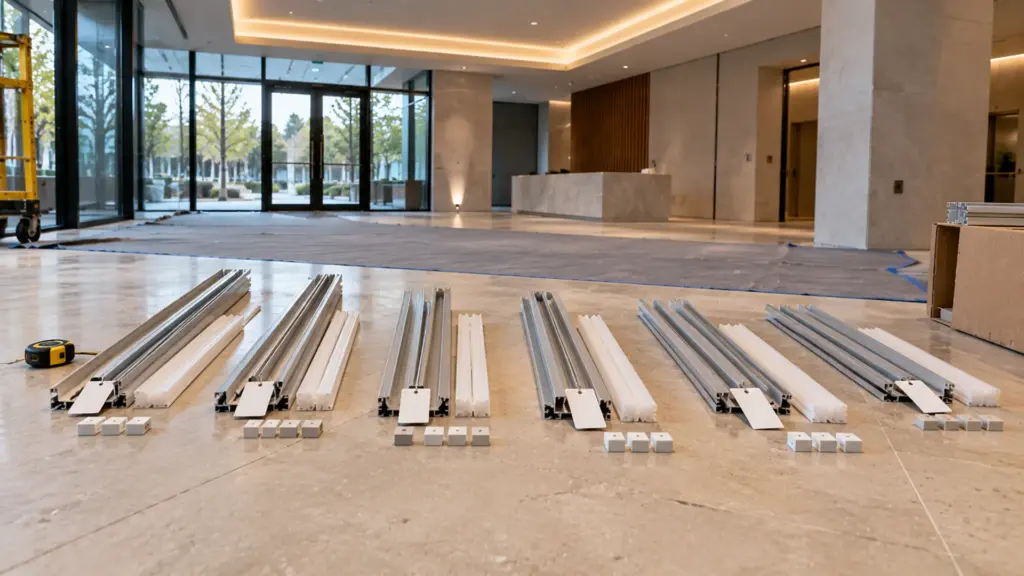
- Strip. Sum the run lengths by model, add an allowance for cut waste at each end, and convert to reels using the reel length on the datasheet. Our minimum is one full reel per SKU. Round each run down to the strip’s cut interval before adding, because the strip can only end on a cut mark.
- Cut list. For runs that will be cut at the factory, list each piece length with its run ID.
- Channel. Channels come in sticks of 2 m and 3 m (6.6 and 9.8 ft). Count sticks per run, not per total, and add corners, end caps and mounting clips. The procurement guide we found describes orders that failed because the cut points did not line up with the channel lengths; check both.
- Covers. Same lengths as the channel, same type per fixture tag.
- Connectors. One feed connector per feed, one per joint, one per corner that is not a corner channel, plus end caps. Match the board width and keep within the connector’s current rating.
- Drivers. The count from Tab 2, by model.
- Controls. Dimmers, decoders, controllers and wall stations by zone.
- Spares. A reel of each strip from the same batch for repairs, and one driver of each model.
Checkpoint: every run in Tab 1 has strip, channel, connectors and a driver somewhere in Tab 3.
Tab 4: The RFQ Sheet
The RFQ sheet is what suppliers see. Its job is to make two quotes comparable, which means leaving nothing for the supplier to assume.
| Column | Why |
|---|---|
| Line and fixture tag | Matches the drawings |
| Model, or the performance spec | CCT, CRI, W/ft, width, voltage, IP rating |
| Bin or color tolerance | SDCM limit and one bin per job |
| Quantity in feet and the cut list | So the supplier quotes reels and cutting |
| Driver model and count | Or the spec: Class 2, dimming method, input voltage |
| Controls by zone | Signal type and channel count |
| Channel, cover and accessories | Sticks, corners, caps, clips |
| Documents required | Datasheet, listing documents, photometric files |
| Samples and mockup | What, how many, by when |
| Requested lead time and delivery | Required on site date |
| Substitutions allowed | Or-equal rules |
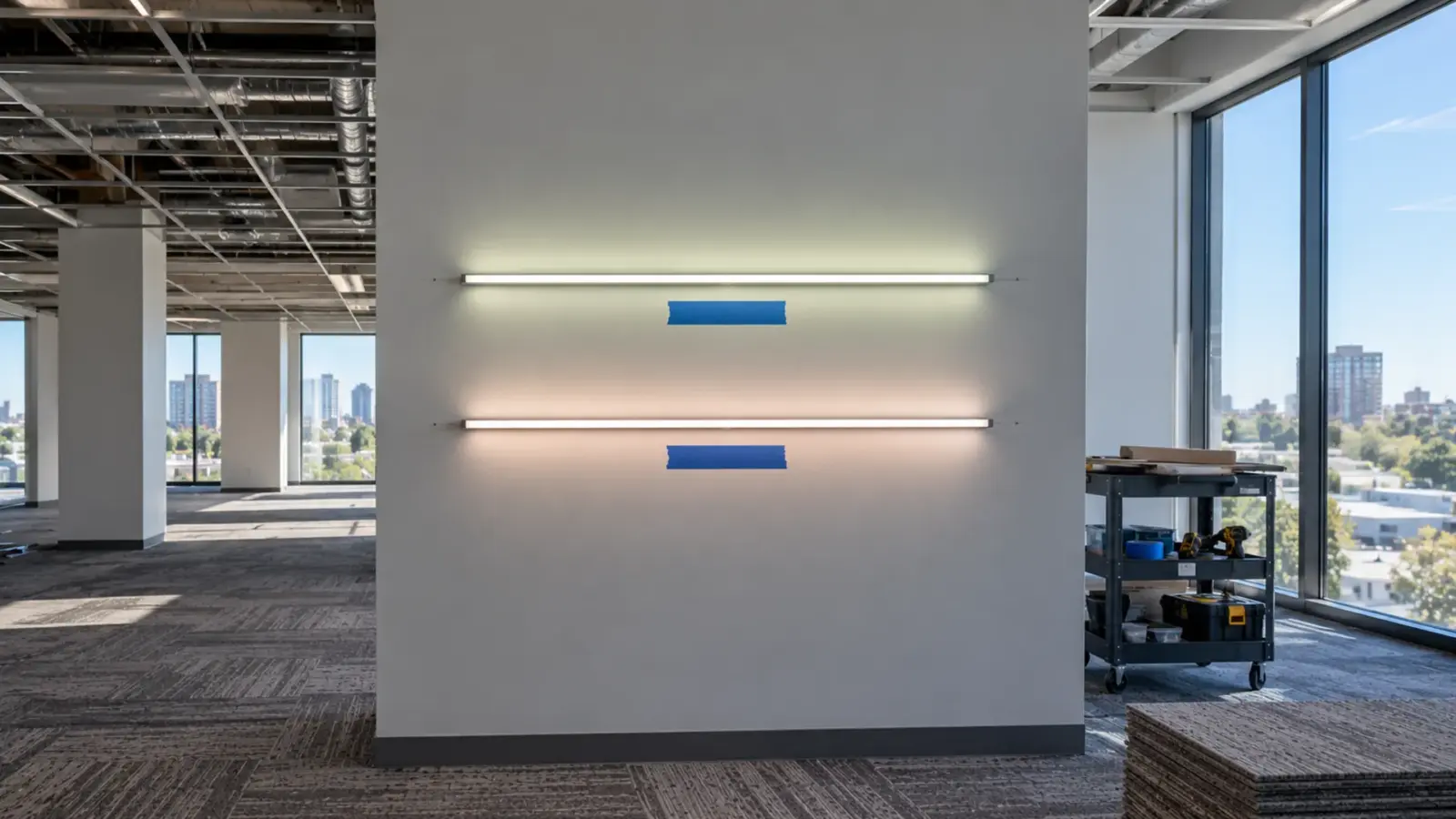
Two lines make the biggest difference. The bin line: without it, two suppliers quote two different whites, and a job split between orders arrives in two colors. Our guide to SDCM and color consistency explains what to write. The substitutions line: without it, one supplier quotes the specified strip and another quotes a cheaper equal, and the totals compare nothing; our value engineering guide lists what may and may not change.
Ask for the documents up front. A quote that comes with a datasheet you can read, as our spec sheet guide describes, and the listing papers for the submittal package saves a week later.
Worked Example: Lobby, Corridor and Fitness Room
A multifamily amenity floor has three lit spaces.

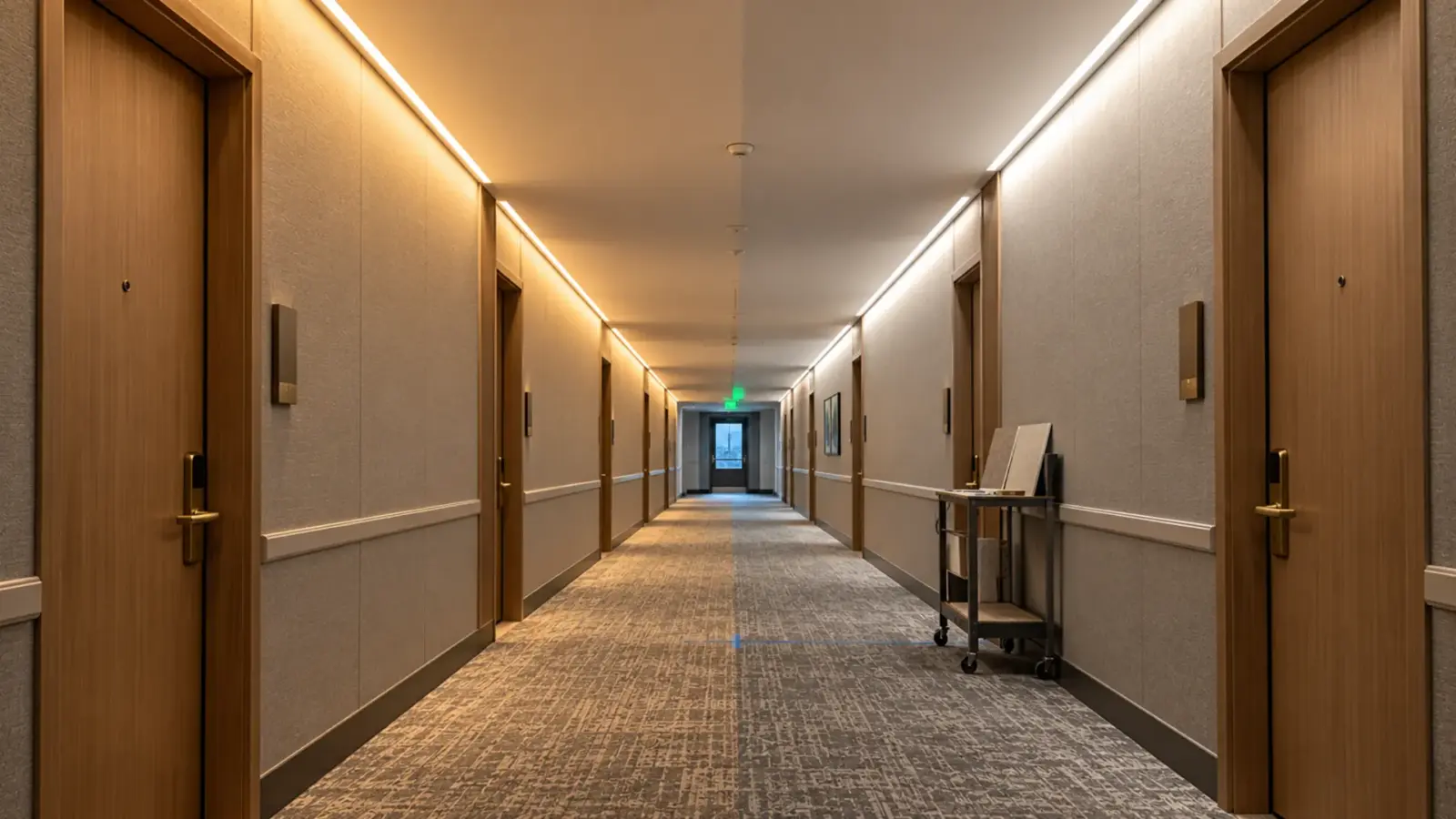
Lobby cove. 84 ft of dot-free COB, UT-C480-8 at 3.2 W/ft, in the 45° corner channel UT-CH1616, split into six runs of 14 ft at the corners and a column. Each run: 14 × 3.2 = 44.8 W, under the 48 W limit, within 16 ft per feed. Six 60 W Class 2 drivers. Channel: six runs of 14 ft, each needing one 3 m stick and one 2 m stick (16.4 ft) cut down, so six of each, plus corner pieces and end caps.
Corridor. Recessed slots along both walls, 60 ft each, 120 ft in total, of high-efficacy UT-S2835-128-HE at 2.9 W/ft in the recessed UT-CH1715. Runs of 15 ft keep each within the feed length: eight runs at 43.5 W, eight drivers. Channel: eight runs of 15 ft, each one 3 m plus one 2 m stick cut down.
Fitness room. Four 24 ft lines in the deep surface channel UT-CH2415, one along the wall-ceiling edge of each wall, with UT-S2835-120 at 4.4 W/ft for higher output. A 24 ft line is past the 16 ft feed length and 105.6 W, so each line becomes three runs of 8 ft at 35.2 W. Twelve runs, twelve drivers, all on one 0-10V zone if the room dims.
Totals for the RFQ: 84 ft of UT-C480-8, 120 ft of UT-S2835-128-HE, 96 ft of UT-S2835-120, each converted to reels; 26 drivers; channel sticks by run; feed connectors for 26 feeds; spares. Every line ties back to a run ID.
The example also shows why footage totals mislead: 300 ft of strip here needs 26 drivers and 26 feeds, a number no footage total predicts. Our guide to where the money goes on an LED strip job shows how those feeds drive labor.
When the Drawings Change
The drawings will change after the RFQ goes out. A cove gets longer, a slot moves, a space is value-engineered from COB to SMD. A run-based template handles that in minutes; a footage total has to be rebuilt.
- Change the run, not the totals. Edit the length or the model in Tab 1. Tab 2 recalculates watts, feeds and drivers for that row; Tab 3 recounts strip, sticks and connectors; Tab 4 shows the new quantities.
- Keep a revision column. Note the drawing revision on every row that changed, so a supplier can see exactly which lines moved and requote only those.
- Re-check the feed split. A run that grew from 14 ft to 18 ft no longer fits one feed of a 16 ft strip, and it may no longer fit one 48 W driver. The template catches it because the check sits on the row.
- Send changes as a delta. Ask suppliers to requote the changed lines against the same run IDs, not to quote the whole job again. Comparable quotes stay comparable.
- Freeze before release. When the order is released, lock the template version that matches it. Later field changes go into a new revision, so the cartons that arrive still match a sheet someone can find.
The same habit pays off at closeout: the final template is the as-built record of every run, driver and channel on the job, which is the first thing anyone needs when a run fails years later.
Errors the Template Catches
- A run longer than its feed length, caught in Tab 2 before it becomes a dim far end.
- A driver loaded past 80 percent, caught in Tab 2.
- Strip ordered by total footage, caught when the cut list and reels in Tab 3 do not add up.
- Channel counted in total length, caught when sticks per run are counted.
- No connectors or end caps, caught by the feed and joint count.
- Two whites, caught by the bin line in Tab 4.
- Incomparable quotes, caught by the substitutions line in Tab 4.
Before You Send the RFQ
- Every lit line on the plan has a run ID that matches the drawings.
- Each run’s watts, feeds and drivers are worked out and within limits.
- Strip is rounded to the cut interval and converted to reels; channel is counted in sticks per run.
- Connectors, caps, clips, controls and spares are on the BOM.
- The RFQ names the bin tolerance, the documents, the samples, the required date and the substitution rules.
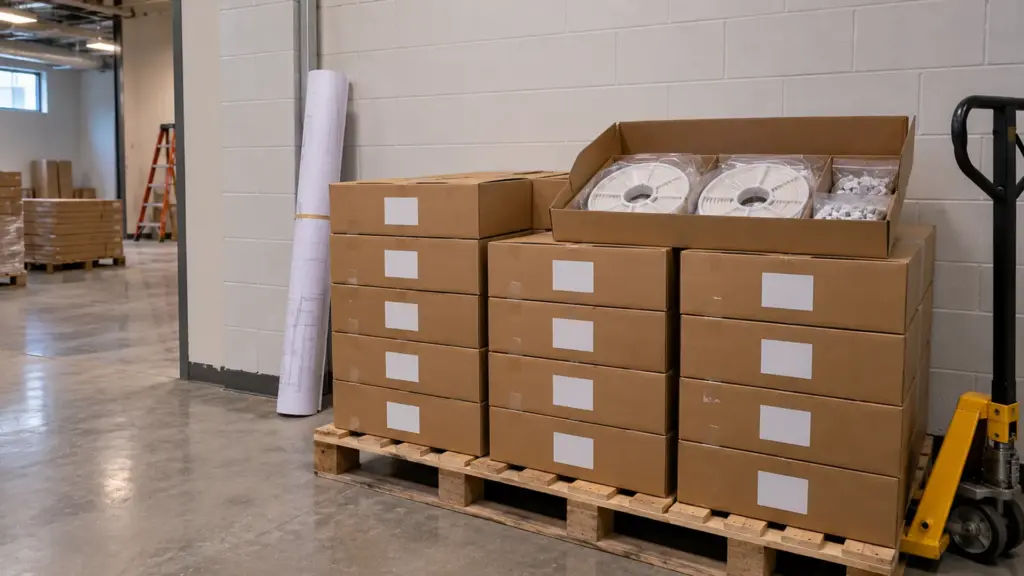
- The run IDs will go on the cartons and labels, so the site crew can match each piece to its place.
We quote from run schedules like this one every week, for contractors and distributors buying for commercial and multifamily jobs. Send your run schedule or your drawings, and we will return a quote line by line against your run IDs, with the drivers, channels, connectors and documents included: request a quote. For larger jobs, our project supply service covers cut-to-length, labeling by run and phased delivery.