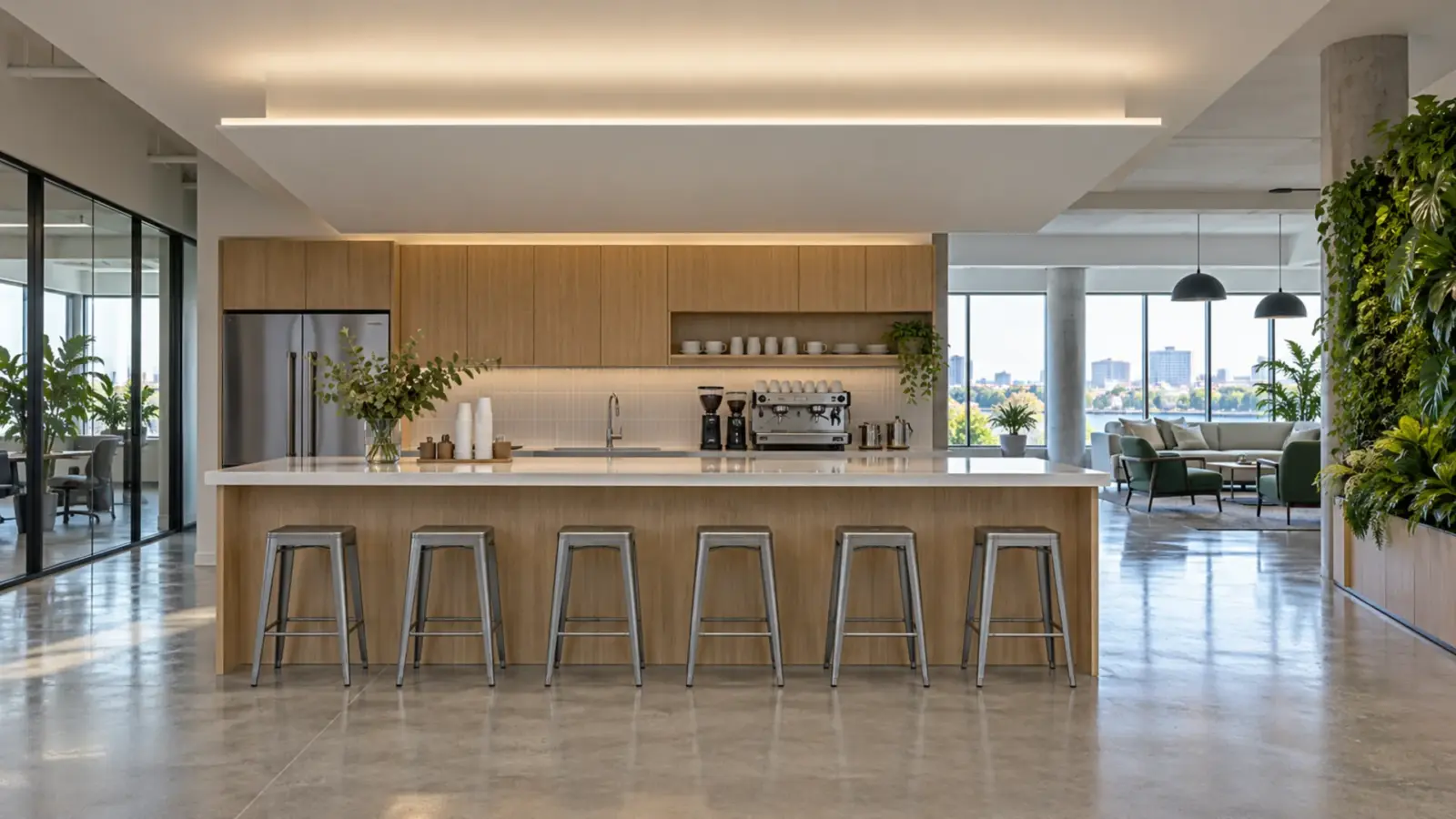
A ceiling cloud is lit by strip in a channel at its edge, aimed up at the slab above, set back from the lip under an opal cover. Use dot-free COB strip, set the gap by mock-up, and plan feeds and access for the whole perimeter before the framing closes. A coffered ceiling repeats the idea in every panel; lighting a coffered ceiling with LED strip covers the corners, the gap and the feeds.
You have a 20 by 12 ft cloud, a 12 in gap to the slab and a drawing that says “LED strip, perimeter”. That note hides four decisions: setback, gap, corners and feeds. This article takes them in the order the framing goes up.
Cloud, Floating Ceiling or Bulkhead: Three Details
The three constructions look alike from the floor and need different edges.
| Detail | What it is | Where the strip sits | Light goes |
|---|---|---|---|
| Cloud | A dropped panel over part of a room, such as a meeting table or a nurse station | In a channel on the top of the panel’s edge, set back from the lip | Up, onto the slab above |
| Floating ceiling | A ceiling that stops short of the walls, with a gap all round | In a channel on the top of the ceiling edge, or on the wall behind the gap | Up and onto the wall |
| Bulkhead | A drop or a soffit between two ceiling heights | On the upper face of the drop, or in a recess on its side | Up, or along the wall |
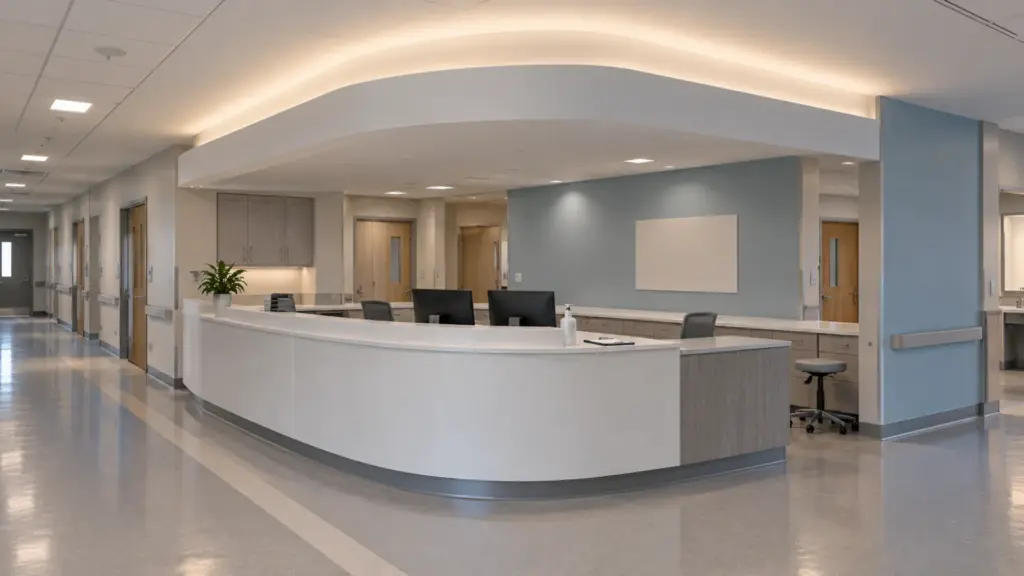
According to Architect Magazine, a ceiling cloud is a dropped section of ceiling with a perimeter uplight, and the product must be well designed so the joint between the mounting surface and the product gives a crisp detail. The same idea holds in all three: the strip is hidden, the edge looks sharp, and the light shows on the surface above.
Setback, Lip and Gap
Three dimensions decide whether the edge glows or scallops: the lip that hides the strip, the setback of the strip from the lip, and the gap to the surface above. The sources are vendor guides and they disagree on numbers, so use them as ranges.
| Dimension | One cove guide | Another guide | Inter-lux |
|---|---|---|---|
| Lip | 2 to 4 in (50 to 100 mm) | ||
| Setback of the strip | 1.6 to 3 in (40 to 75 mm) | At least 6 in from the wall | |
| Gap to the slab | 6 to 10 in (150 to 250 mm) | Cove depth 4 to 6 in | 4 to 6 in is enough; 8 to 12 in gives the most even light |
The gap is the one that matters most, as in any backlight: more distance lets the light blend before it lands. A 12 in gap in our example sits inside the range Inter-lux gives for the most even result. A 6 in gap is workable with a diffuser and a patient mock-up, and a 3 in gap will scallop. The QUOVA Float product page describes a knife-edge cove at a 6:1 setback ratio, which shows how far a manufacturer will push a tight geometry with its own optic; do not apply that figure to other strip.
Scalloping and the Slab Above
Scalloping is a row of bright arcs on the surface above, one for each LED, and it is the first flaw people see. It comes from strip that is too close to the surface or too sparse. Cure it with distance, then with a denser dot-free strip, then with an opal cover, in that order. Our guide to dots showing through a diffuser and the clear, frosted or opal cover guide cover the diffuser side.
The slab above becomes part of the light. Paint it matte white and keep it flat; a dark or textured surface returns less light and shows every pipe and bracket. Where a pipe, a duct or a sprinkler line runs close to the edge, move the strip or the cloud, not the pipe. The COB vs SMD comparison for coves explains why COB is the safer choice where the edge can be seen from below.
Strip and Channel for the Edge
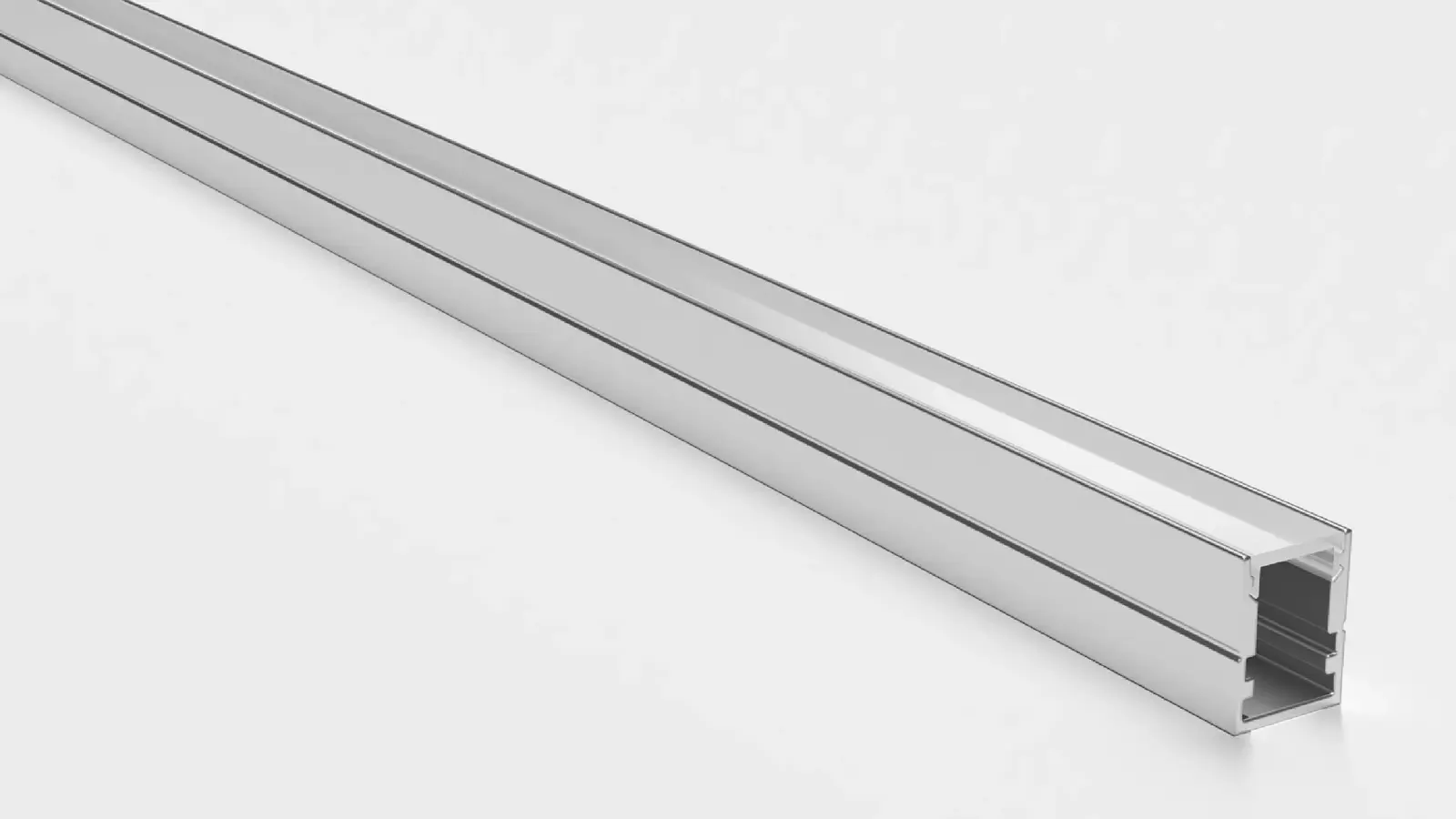
Four of our models cover the edge of a cloud:
- UT-C480-8 (8 mm PCB, 3.2 W/ft, 16 ft per feed) is the standard strip for a cloud edge, in a channel with an opal cover.
- UT-C400-3 (3 mm PCB, 2.1 W/ft) fits a narrow lip where an 8 mm strip does not clear.
- UT-CH1616 corner channel seats in a 90° corner and aims the strip out at 45°, which suits a gap at a wall corner.
- UT-CH2020 trimless plaster-in channel (20.2 × 19.5 mm) lets the edge be finished as plaster, so only the line shows.
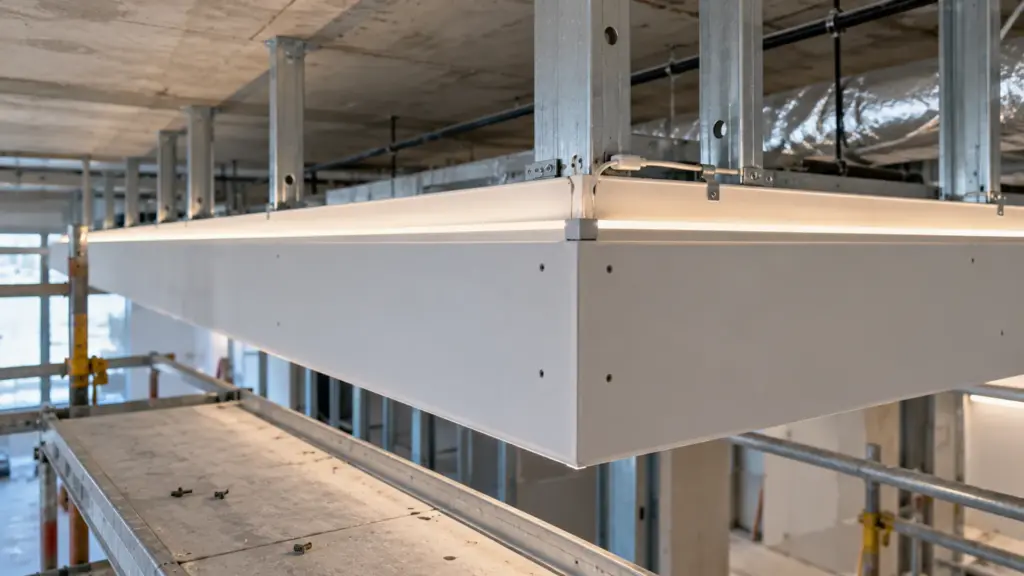
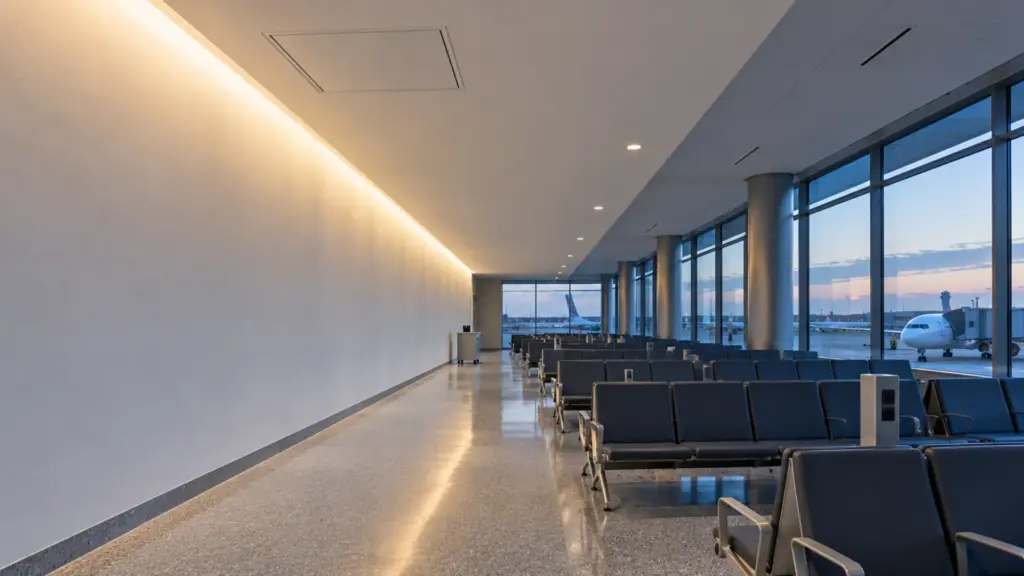
Where a floating ceiling gap has to wash a tall wall, strip in a channel is the wrong tool and a linear LED wall washer with an asymmetric optic is the right one; our wall washer setback guide covers the geometry. COB strip and the channel range list the full tables. The channel keeps the strip straight, carries the heat and gives a place to fix an end cap, all of which matter in a closed edge.
Runs, Corners and Feeds
A cloud is a closed loop, and every loop has four corners and a feed plan. For a 20 by 12 ft cloud the perimeter is 64 ft.
| Item | UT-C480-8 (24V) | UT-C480-8-48V |
|---|---|---|
| Max run per feed on our spec sheet | 16 ft | 65 ft |
| Feeds for 64 ft | 4 | 1 |
| Load at spec sheet W/ft | 3.2 × 64 = 205 W | 2.4 × 64 = 154 W |
Four feeds on the 24V strip land naturally at the corners, which is where the lead can exit. The 48V strip does the loop on a single feed, with the supply and the Class 2 limits to check; see the voltage drop guide and what the inspector checks on a Class 2 driver. Do not bend the strip around a tight inside corner; use a corner connector or cut and join at the corner, and keep end caps off the visible side.
Put the drivers outside the cloud. A closed cloud above a meeting table is a warm cavity, as in when a hot ceiling means a bigger driver, and a driver sealed in it is a ceiling cut waiting to happen.
Mistakes at the Edge
Clouds fail at the edge in the same ways, and each can be caught on paper.
- A gap that shrinks on site. The slab drops, a duct moves in, and a 12 in gap becomes 6 in. Dimension the gap at the shallowest point on the plan and keep it clear.
- A strip stuck on the lip itself. The line shows from below. Set it back and use a cover.
- No metal behind the strip. The cavity is closed and warm; strip on bare board runs hot. Use a channel.
- A feed hidden in the corner of the framing. The lead leaves where nobody can reach it. Put each feed where a hatch or a panel gives access.
- A mock-up that skips the corner. The straight run is easy. The corner is where the line dims, doubles or gaps.
Offices, Clinics and Meeting Rooms
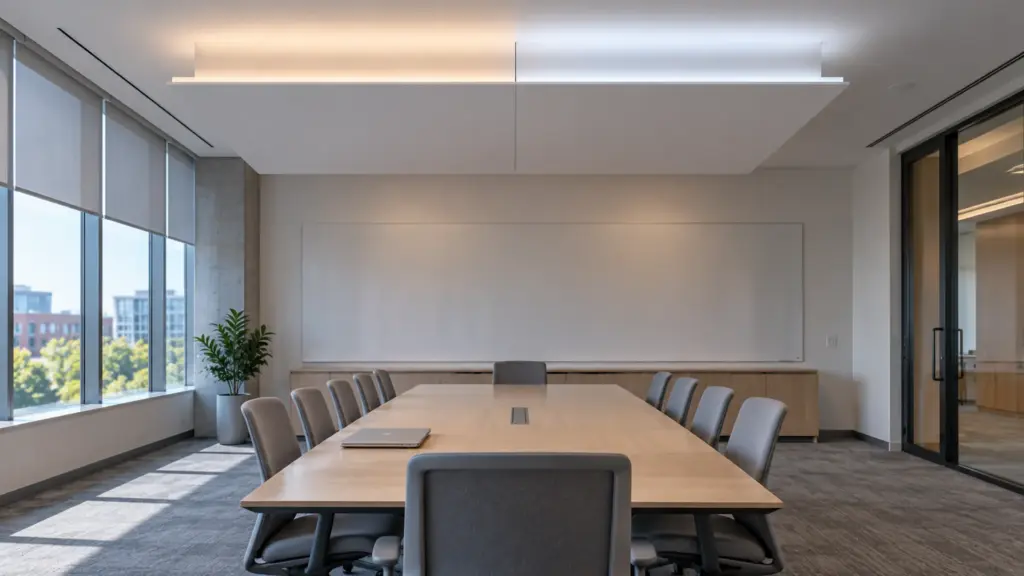
Offices use clouds over collaboration tables and reception; clinics use them over nurse stations and waiting areas; meeting rooms use them over the table. The strip is the same. What changes is the finish and the control. In an office, 4000K is the usual value and dimming is by zone. In a clinic, the edge should be easy to wipe, with a smooth cover and no open gap that can collect dust. We do not give infection-control conclusions, and those belong to the project drawings and the facility’s rules. In a meeting room, tunable white on a bus control suits scenes, and our color temperature guide sets the starting values.
Mock-Up One Corner
Build one corner of the real edge before the order: the lip, the channel, the strip, the cover and a piece of the slab above, painted. Light it and look from the floor at standing and seated eye height, then from across the room at a low angle. Check the scallops on the slab, the line at the corner and the joint between two channel lengths. Photograph it at full output and at the dimmed level, and write the approved lip, setback, gap and model into the submittal. A mock-up of one corner is a day of work, and it is cheaper than a cloud re-framed.
Dimming and Color
An edge-lit cloud reads as ambient light, so it is dimmed more than it is switched. Use a 0-10V or DALI driver on the same zone as the downlights where the building control expects it, and test the lowest level with the driver and dimmer pair, as in our dimming guide. Keep one color temperature per cloud and per sight line, and order all strip for one room in one run so two clouds side by side match.
Access
Plan one way into the cloud. A removable panel, a hatch beside the cloud or a lift-off section of the top lets a driver and a strip be reached. Write the location on the drawing, label each branch, and leave a service loop at the channel. A cloud that cannot be opened is a cloud that will be cut. If the ceiling contractor proposes a sealed cloud, ask who will service the drivers and the strip, and how, and get the answer in writing before the order is released. The cheapest hatch is the one drawn on the plan; the most expensive is the one cut by a service technician on a Saturday afternoon.
FAQ
How far should LED strip sit from the lip of a ceiling cloud?
The vendor guides we reviewed put the setback at about 1.6 to 3 in (40 to 75 mm), with a 2 to 4 in lip and a 6 to 10 in gap to the slab above, and they differ. Prove the setback on a mock-up of the real edge.
What strip is best for a floating ceiling?
Dot-free COB strip in a channel with an opal cover, because the line or its reflection is visible from below. Use a narrower strip where the lip is shallow and a corner channel at 90° corners.
How many feeds does a ceiling cloud need?
It depends on the perimeter and the strip. A 64 ft perimeter on UT-C480-8 at 16 ft per feed needs four feeds, and one on the 48V strip at 65 ft per feed, with the load and the Class 2 limits checked.
Spec Notes for This Job
Before the framing closes, settle the lip, the setback and the gap, the channel and cover for each edge, the feeds at the corners and the access hatch. Send the reflected ceiling plan and the details and we match COB strip, channels and drivers to the layout and check the loads before anything is quoted: request a quote.