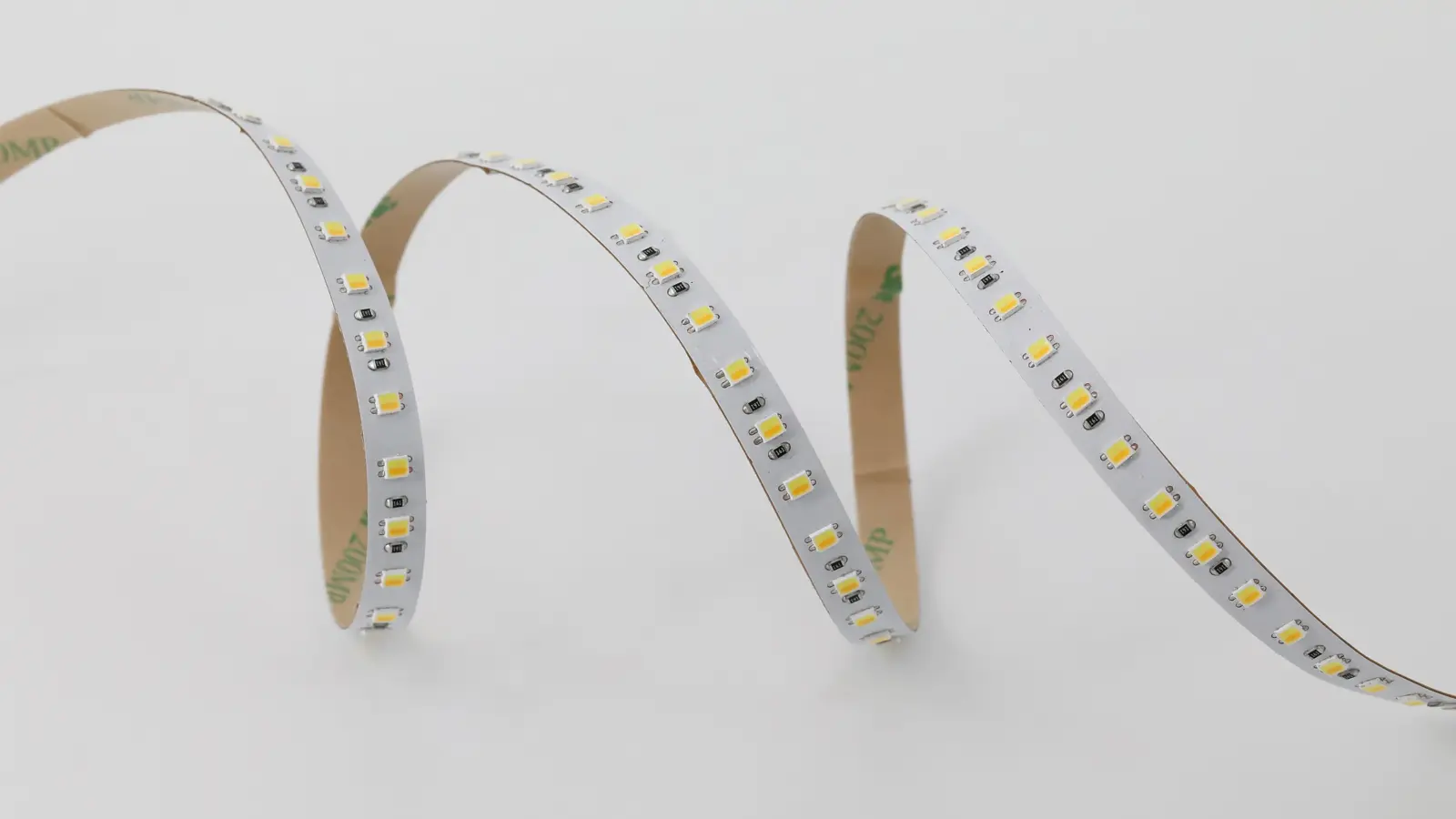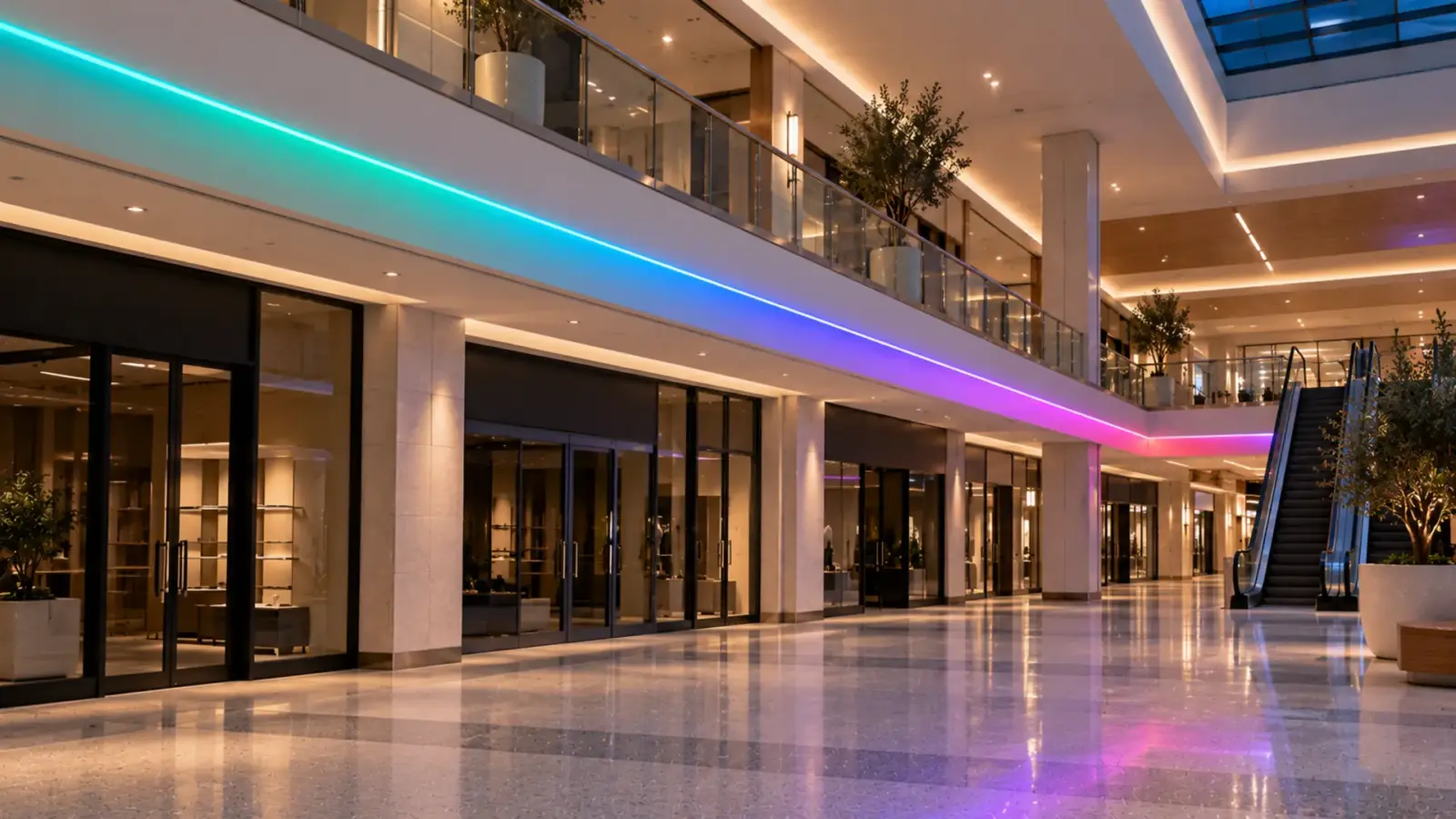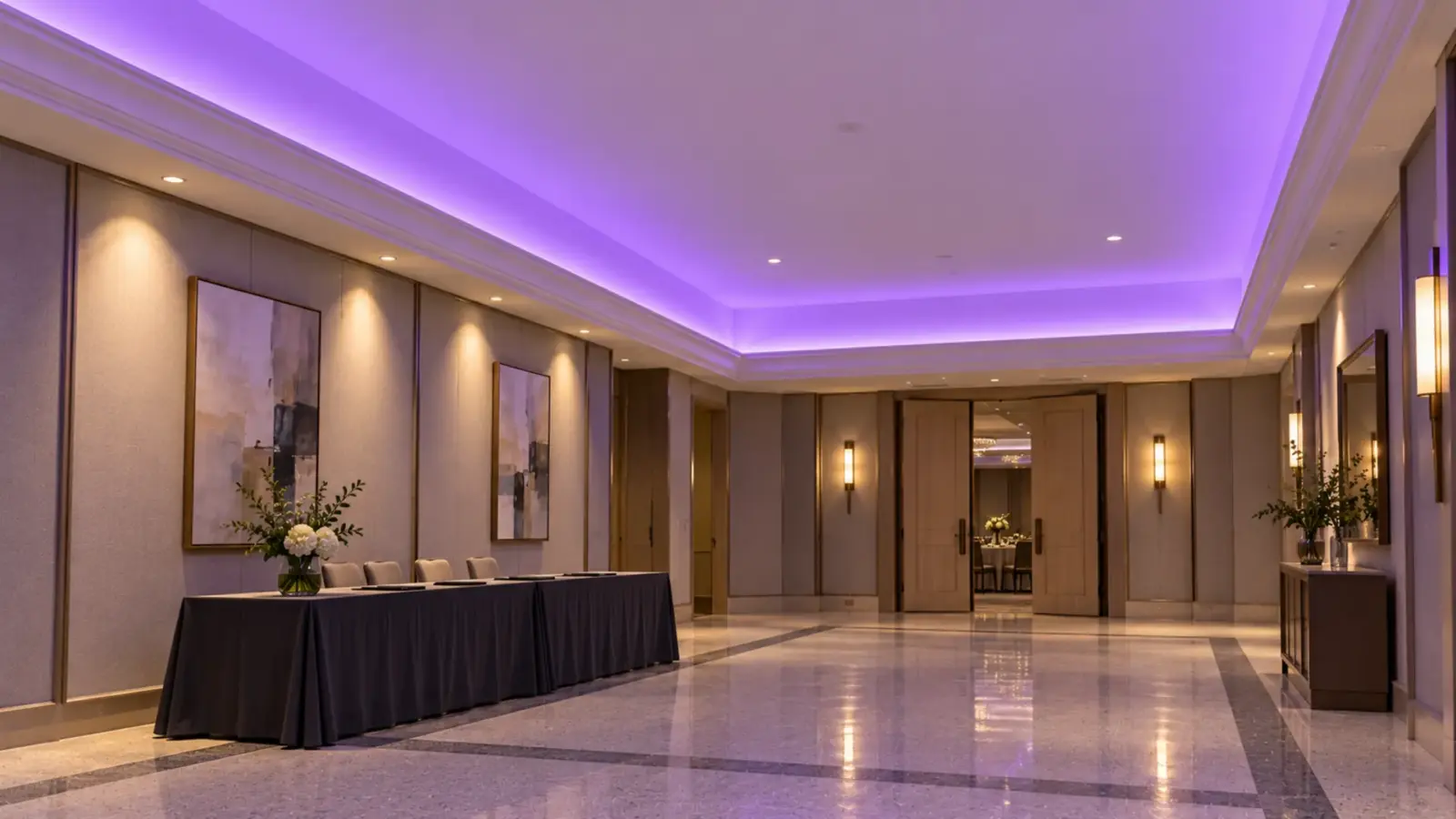


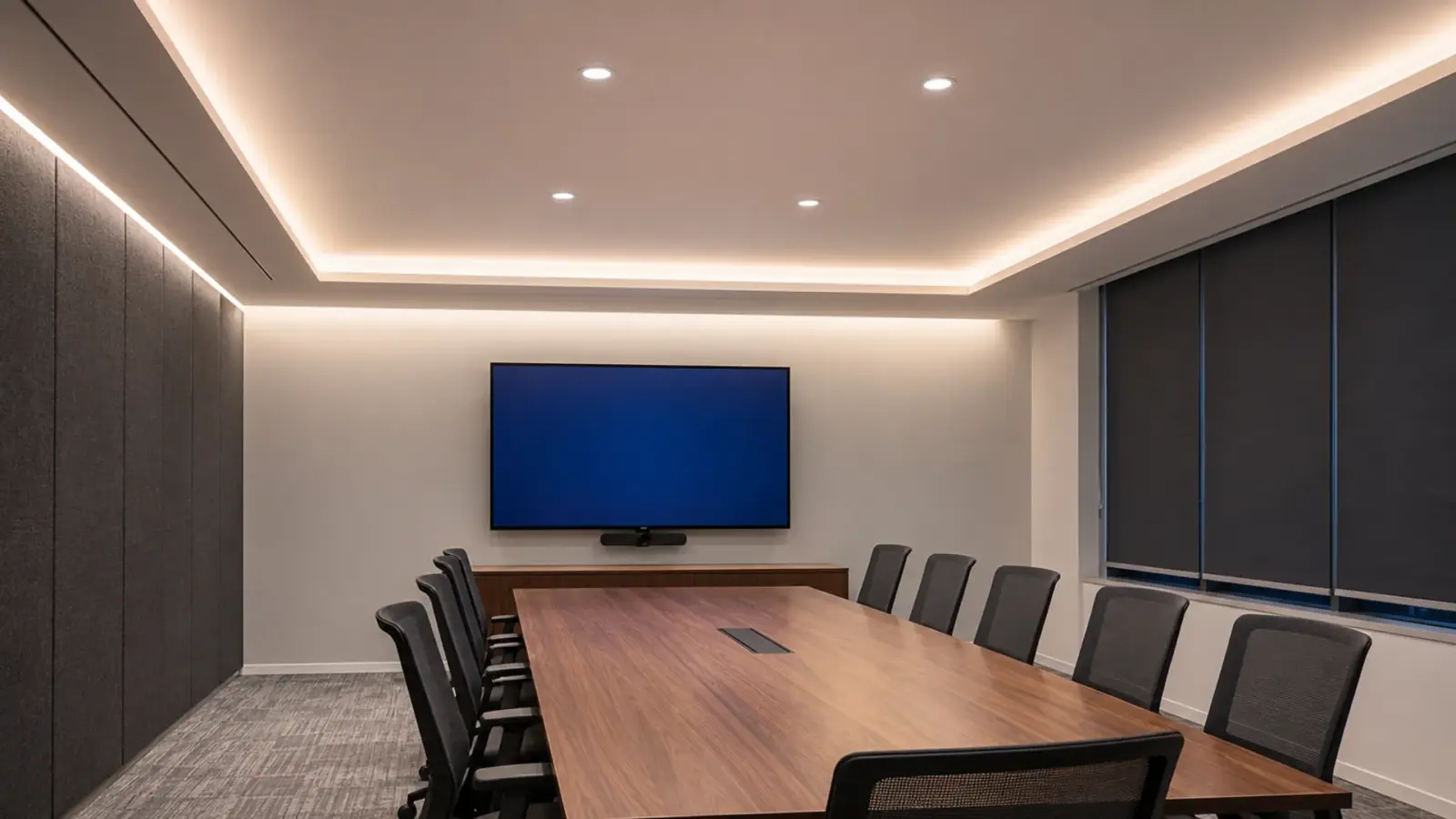
In a conference room, LED strip does the indirect and vertical work: a perimeter cove off the ceiling, a wash on the wall behind the participants and a soft line at the table edge, each hidden behind a lip or an opal cover. Order 4000K or Strip with warm and cool white channels mixed by the controller, so the CCT can change from, say, 2700K to 6500K. Needs a two-channel controller or a DALI DT8 driver. at Ra≥90 and dim it through the room’s control system.
What strip should not do is replace the task light over the table; downlights or linear fixtures still carry that. The rest of this page covers where each strip line goes, the numbers published for video rooms, glare, color, controls, drivers, and a typical room sized from our spec tables.
What Strip Does in a Meeting Room
Most meeting rooms get the same three strip jobs, plus one for the display wall:
| Location | Job | Typical strip and channel | Watch for |
|---|---|---|---|
| Perimeter cove or ceiling reveal | Indirect light off the ceiling; softens shadows on faces | High-CRI COB such as UT-C312-8, or tunable UT-T224-10, in the cove or a recessed channel such as UT-CH1715 with an opal cover | The lip must hide the strip from every seat |
| Wall behind the participants | The camera’s background; even vertical light | A wall washer such as UT-WB27-1060, or strip in a ceiling slot set back from the wall | Scallops and hot spots that make the camera hunt |
| Table edge or credenza | A low accent line; brings the furniture forward | SMD or COB in a surface channel such as UT-CH2415 under the edge | Visible dots in a polished floor or tabletop |
| Display wall | Usually none, or a separate zone | If lit, its own dimmed zone | Light on the screen washes out the picture |
Downlights straight over the seats light the top of the head and leave the eyes in shadow, which is what the far end sees. The Strip hidden on a ledge or in a recess that lights the ceiling indirectly. The cove's depth and lip height decide the throw and whether the strip is seen. and the wall wash are what fill those shadows, so they deserve the same care as the task light.
Faces on Camera: Vertical Light Does the Work
Video rooms are judged by vertical light, the light that lands on a face and a wall, not the footcandles on the table. Brightline’s video lighting guide gives three targets: 20 to 30 fc of vertical illuminance on faces, 10 to 15 fc on average on the walls, and less than 20 fc on video displays. Zoom’s room lighting guidance, reposted on Lesley University’s support hub, gives the same three numbers.
The full criteria are in ANSI/IES/AVIXA RP-38-17, the recommended practice IES and AVIXA published for single-axis videoconferencing rooms of 3 to 25 primary seats. It covers display viewing, the presenter, the task area and the camera, plus finishes, shades and furniture. If the room is a dedicated video room, the designer should work from it.
Strip helps with two of those three targets. A cove bounces light off the ceiling and comes down on faces from a wide area instead of a point, so the vertical light rises without hard shadows; dedicated video rooms add front light on top. A wall wash lifts the back wall into the 10 to 15 fc band so faces do not sit against a dark background. The display target works the other way: keep strip light off the screen.
The Wall Behind the Table
The wall behind the participants fills most of the frame on a video call. An even wash there makes the far end look composed; bright scallops near the ceiling and a dark band at seat height make the camera’s automatic exposure work against the faces.
For an even wash, set the source back from the wall and aim it down the surface. A lensed A linear fixture with a lens that throws light across a wall. Washing lights it evenly from a distance; grazing sits close and reveals texture. such as UT-WB27-1060 (10° × 60° beam, 4000K available) does this from a ceiling slot or a cove. Plain strip in a slot works on a short wall if it is set back far enough that its scallops blend before they reach seat height; prove that in a mockup.
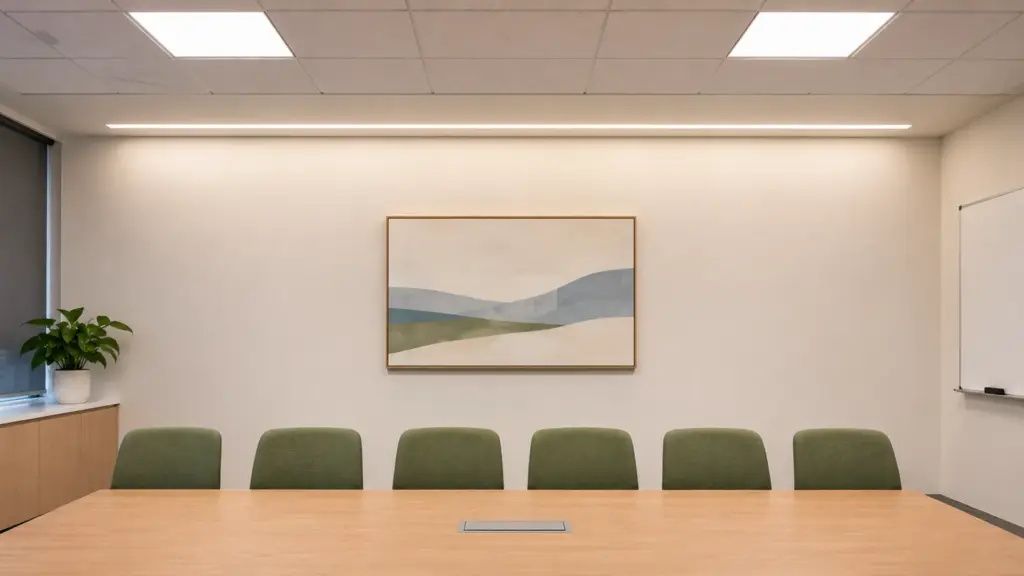
Finishes matter as much as the light. The Zoom guidance warns against reflective blinds, walls and tables, and Brightline suggests etching glass that would otherwise glare. A matte paint on the camera wall lets the wash read as light, not as a reflection of the strip.
Anti-Glare Lighting With Strip: Lip, Cover, Aim
“Anti-glare” on a fixture usually means optics: louvers, baffles or lenses that limit what the eye sees at an angle. Plain strip has none of that built in, so glare control in a meeting room comes from three choices made on the drawing.
- The lip. A cove lip must hide the strip from the highest eye in the room, which is usually a standing presenter, not a seated guest. Check the sightline in section before the cove is framed.
- The cover. Any strip that can be seen, at a table edge, in a reveal or on a credenza, goes behind an opal cover. Our guide to clear, frosted and opal diffusers explains what each cover costs in light; the LED channels and diffusers page lists covers by channel, and they are ordered with the channel.
- The aim. Point the light at a surface, not at people. The same rule makes handrail strip comfortable on stairs, as our handrail lighting article shows: light the treads, not the eyes.
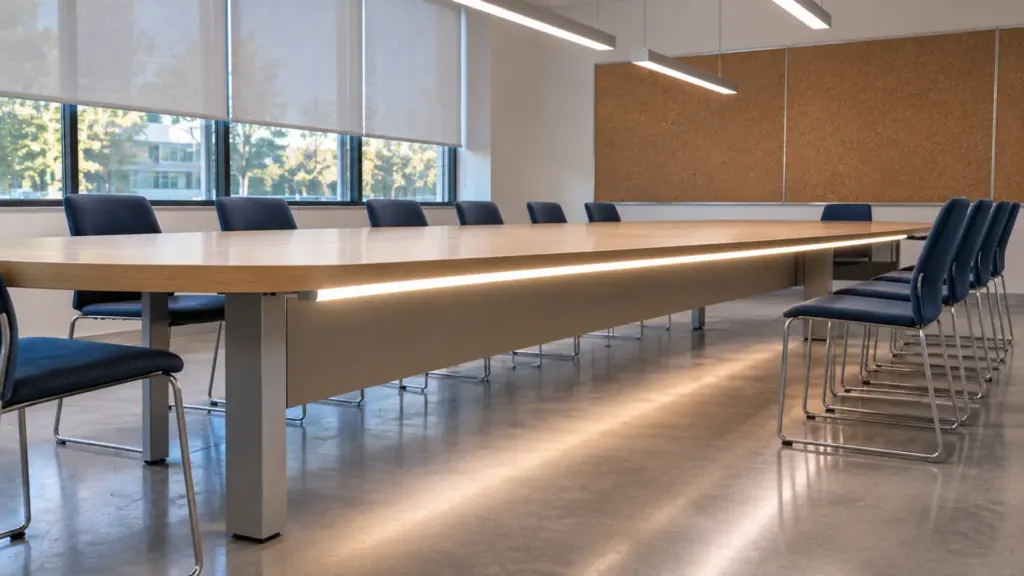
Screens add one more path: reflection. A line of strip in a reveal directly in front of a glossy display shows up as a bright stripe in the screen. Keep reveals off the wall the screen faces, or put that run on its own zone that the video scene turns down.
Color: 4000K, Tunable White and Ra≥90
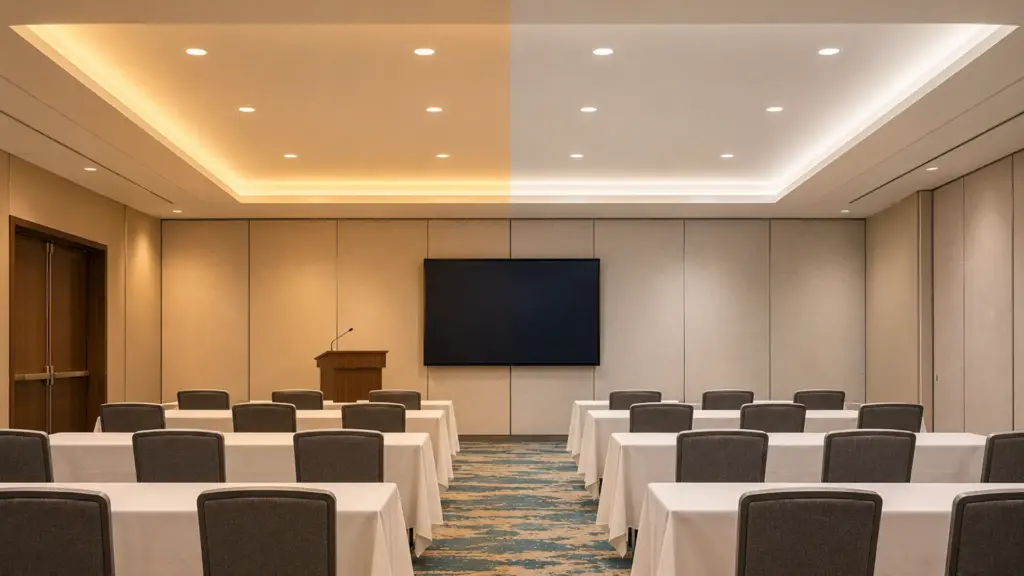
4000K is a common point for offices, as our color temperature by room guide notes, and Ledvance lists 3000K as frequent in hotel meeting rooms, lobbies and corridors. Whatever the number, use one CCT for every source in the room during a call. Cameras balance to the mix, and a warm cove next to cool downlights gives faces two colors at once.
Skin tones are where CRI shows. Order Ra≥90 strip at minimum for anything that lights faces, and Ra≥95 where faces are recorded or broadcast; our high-CRI LED strip guide covers the tiers. UT-C312-8 COB is Ra≥90.
Rooms that host evening events as well as daytime calls are the case for tunable white. UT-T224-10 runs 2700–6500K at Ra≥90 on 24V, so the same cove can sit at 4000K for a call and 3000K for a reception. It needs a two-channel controller or a DALI DT8 decoder; our DALI DT8 tunable white article explains the control side, and the tunable white LED strip page lists the rows.
Dimming and AV: Scenes the Room Controller Calls
A meeting room has three scenes at least: meeting, presentation and video call. In the presentation scene the display-wall zone drops and the cove stays up; in the video scene the wall wash and the cove carry the faces and anything near the screen goes down. That only works if each strip line is its own zone on its own driver channel, the same rule our guest room controls article applies to hotel rooms.
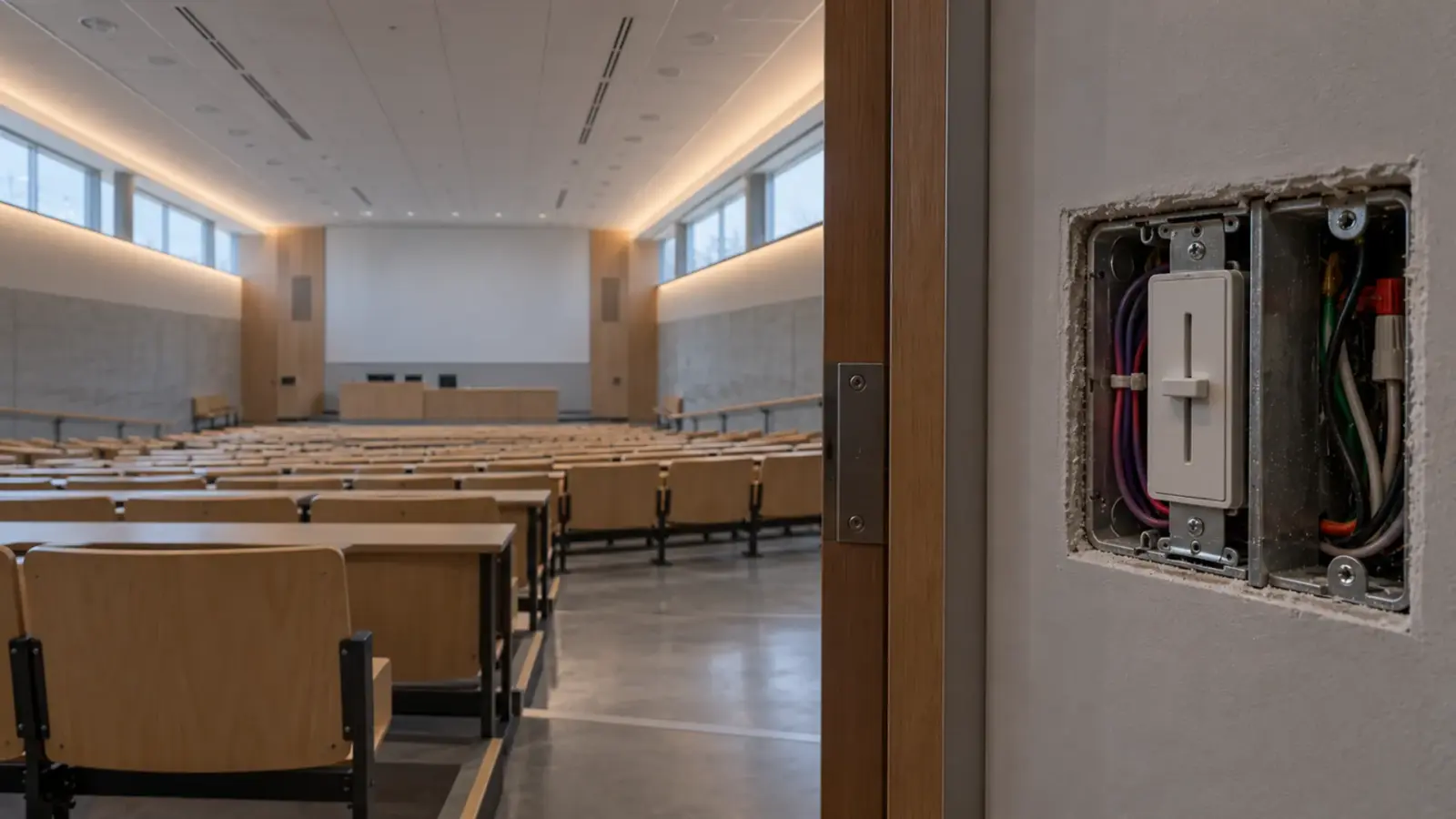
The room’s control system usually sends the scenes. 0-10V drivers such as UT-D60-24-C2-010 take a control signal from most room and lighting controllers; tunable rooms often use DALI. Agree the zone list and the protocol with the AV integrator before the drivers are ordered; our ballroom cove article covers the handoff for larger event rooms.
Check the dimmed scene on camera. Our 0-10V drivers dim by PWM at about 1 kHz, and our flicker guide explains why a camera can show bands at a dimmed level that looks steady in the room. Test the video scene with the room camera, or a phone in video mode, before handover.
Where the Drivers Go
Drivers belong where they can be reached and where they have air: above an access panel near the cove feed, or in a ventilated closet. Keep them out of the AV credenza and the equipment rack; that space belongs to another trade, runs warm, and is the last place anyone will look for a lighting fault. Our Class 2 drivers top out at 60 W per output; keep each at or below 80% of its rating.
A Typical Room, Sized
Take a 20 × 14 ft room for ten seats with a cove on all four walls and the display on a 14 ft end wall. That is 68 ft of cove.
- Load. 68 ft of UT-C312-8 at 3.4 W/ft is about 231 W.
- Drivers. At 80% of a 60 W Class 2 driver, each carries 48 W, about 14 ft of this strip, so the cove takes five drivers.
- Feeds. Each Class 2 driver stays on its own circuit, so five drivers mean five feeds of about 14 ft, well inside the 32 ft (10 m) with no voltage drop that UT-C312-8’s spec row lists.
- Zones. The 14 ft display wall, about 48 W, gets one of the five drivers to itself so the video scene can lower it. A 20 ft display wall would be 68 W, two drivers, six in all.
Tunable white changes the arithmetic: two channels, a two-channel controller or DT8 decoders, and UT-T224-10’s rated 16 ft (5 m) per feed. Send the room plan and we size it.
FAQ
What is the best lighting for a conference room?
Layered light: downlights or linear fixtures for the table, and LED strip for the indirect and vertical light, a cove off the ceiling and a wash on the wall behind the participants. Keep every source at one color temperature, usually 4000K, use Ra≥90 for anything that lights faces, and put each layer on its own dimming zone.
How much light do faces need on a video call?
Brightline’s video lighting guide and Zoom’s room lighting guidance both give 20 to 30 foot-candles of vertical illuminance on faces, 10 to 15 on the walls and less than 20 on the displays. The full criteria for small and medium video rooms are in ANSI/IES/AVIXA RP-38-17.
What color temperature is best for a meeting room?
4000K is a common point for office meeting rooms, and hotel meeting rooms often use 3000K to match the floor. More important than the exact number is using one color temperature for every source in the room during a call. Rooms that switch between calls and evening events are where tunable white pays off.
How do you reduce glare from LED strip in a conference room?
Hide the strip behind a cove lip that is checked against the highest eye in the room, put any visible strip behind an opal cover, and aim the light at a surface rather than at people. Keep strip out of reveals that reflect in a glossy display, or give that run its own zone that the video scene dims.
Where should the LED drivers go in a meeting room?
Above an access panel near the strip feed, or in a ventilated closet, where they can be reached and have air. Keep them out of the AV credenza and the equipment rack. Put each strip zone on its own driver so the room controller can call scenes, and load each driver at or below 80% of its rating.
Spec Notes for This Job
Before the order, settle four things: the scenes and which strip lines each one moves, the CCT for every source in the room, the cove sightline from a standing presenter, and where each driver is reached from. Send the reflected ceiling plan, the AV zone list and the finishes for the camera wall, and we match COB or tunable strip, channels, covers and drivers and controllers to the room and check every run and load before it is quoted. Request a quote.